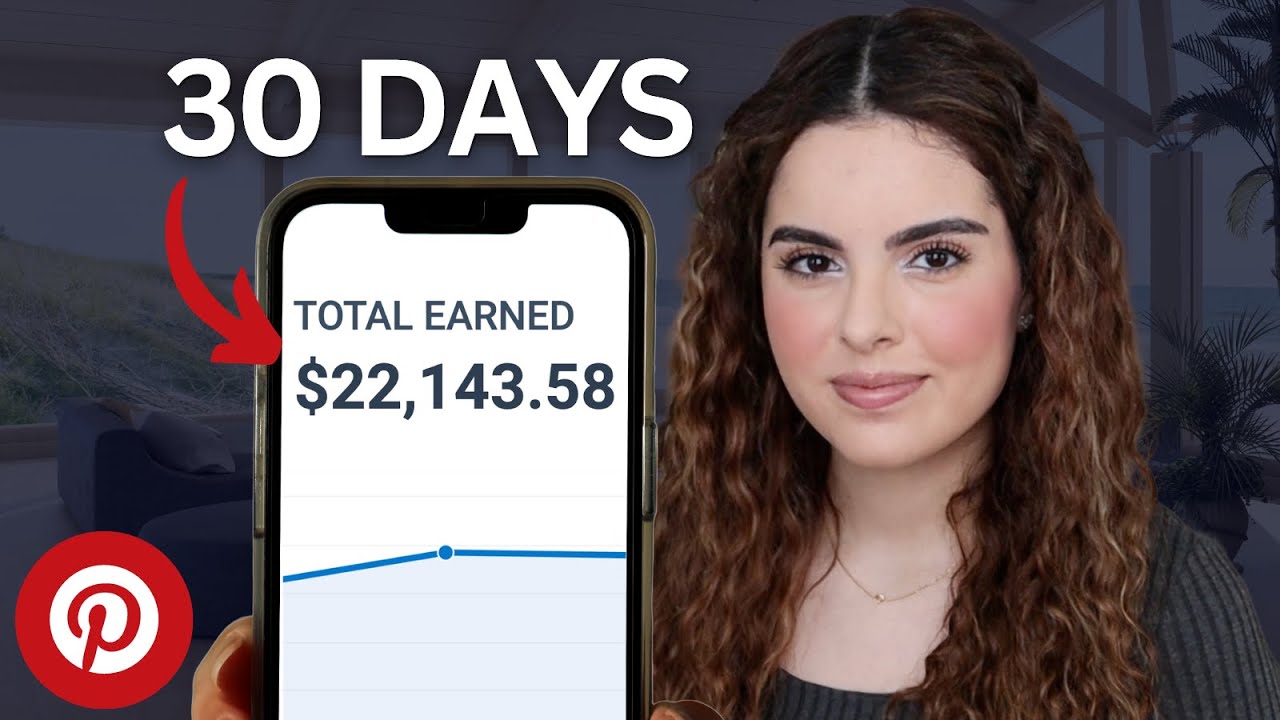
this one mistake is what's stopping you from making 5 10 or even $20,000 or more online and you didn't even know it what if I told you there's a way to make $927 per day just by posting simple Pinterest posts like this and I know you've probably heard this before but I promise you don't need to have any experience Tech skills or a big following to do this but there is one small thing that's stopping you from making money online like this that you probably didn't even know about but I'm going to fix that right
now because in this video I'm going to give you a simple Pinterest affiliate marketing strategy that you can use to make money online that actually works but in a completely new way that other videos never tell you I'm going to show you one how to turn Pinterest affiliate marketing into your most profitable passive income stream yet two how to avoid the biggest mistake beginners make that sto them from making any money at all and three a secret Pro tip that will double your earnings almost overnight so if you're ready to get started hit that like
button so I know you're ready and don't forget to subscribe so that you don't miss out on any of my future online income ideas now let's get started with step number one okay so the first thing you need to do is come over to Pinterest and log into your account next you need to make sure your account is a business account not a personal account or this strategy will not work because with a personal account you don't have access to Pinterest analytics and if you want to succeed with affiliate marketing on Pinterest it really comes
down down to one specific thing but the crazy thing is is the thing that almost every other Pinterest affiliate marketing tutorial here on YouTube leaves out what is it Pinterest keywords and Trends and if you use them wrong you won't make any money at all so make sure you're paying attention to this part and don't be afraid to take notes if you have to better yet save this video for later so that you can come back to it when you need help okay so everyone here on YouTube likes to tell you that being consistent in
posting multiple times per day is how you make money on Pinterest or they'll tell you to go and get a list of Pinterest keywords from chat GPT but posting multiple times per day with the wrong keyword strategy is pointless and won't make you any money at all so let me show you how to fix that so that your pins will actually start making you money online so you already logged in and made sure your account is a business account next click on the create a campaign button right here but don't worry I'm not going to
tell you to run any paid ads in this strategy what we're actually going to do is use this to do free keyword research here in inside the create campaign tab you can actually see which keywords are getting the most searches on Pinterest all you have to do is type your Niche and it will literally tell you which keywords people are searching for the most for example if I type the word keto in the search box it will give me a list of all the keywords sorted from highest search volume to lowest but here's another mistake
that beginners make when picking their keywords they usually go for the top most search for keywords because they have the most searches but the problem is the keywords at the top are usually way too broad and have way too much competition especially if you're a brand new account that means you're going to be competing with way too many people and your pins will never get seen what you actually want to do is pick keywords within the 50,000 to 500,000 search volume size like you can see right here these keywords are in the middle of the
pack and are typically longer tail keywords and are more specific this means there's less competition but are still in high command so that your pins have a greater chance at getting seen and ultimately clicked on another thing that you can do to get an idea of what's working on Pinterest right now is to check the trend section inside your business account this will help you see what's trending on the platform right now and help you choose keywords based on what people are actively searching for these are usually more seasonal but can help you see what's
trending on Pinterest right now within your Niche so what you want to do now is make a list of 10 keywords or trends that fit your Niche following the strategy that I just showed you keep the search volumes between 50,000 to 500,000 you can copy them or type them in a note like this and then save them for the next step because next I'm going to show you the second thing you need to actually make money online with your pins and just like before it's something that almost every beginner gets wrong when doing affiliate marketing
on Pinterest and actually results in their accounts getting banned almost instantly so keep watching and let's move on to step number two okay so the next thing you're going to do is come over to this website that you see on my screen right here there's a clickable link link down below to make it easy for you to follow along and here's why you need to use this website if your goal is to make $5,000 to $20,000 per month with affiliate marketing here's three reasons why Pinterest is the easiest place to start one you can do
it without ever showing your face two you don't have to record any videos since Pinterest is primarily a visual search engine you can use images to do this which I'll show you how to do in just a couple of minutes by the way using one of my favorite AI apps in the next step and last but most importantly you can add clickable links right into your pins this allows you to send customers right to your affiliate products without having to rely on a link in your bio like other social media platforms but there's a huge
mistake that most beginners make when they first start Pinterest affiliate marketing and that's to add their affiliate links right into their pins that's a big no no because Pinterest does not allow you to add direct affiliate links to your pins if you do this they will ban your account almost immediately so the only way around that is to create a custom website that will act as the middleman between Pinterest and your affiliate links but don't worry thinking creating a custom website is really hard or really timec consuming you don't even need to know how to
code or have any technical skills at all with this app you can build an entire affiliate website with just one prompt and a few clicks and don't worry this is not an expensive website builder hosting her literally costs less than a cup of coffee and you can also use my discount code to get an extra 10% off when creating your account just make sure you select the a business plan or you won't have access to all of the AI tools that you need to do this so once you create your account open the AI website
builder by clicking right here then you'll see this box where you'll have to select the type of website you want the AI to build for this tutorial pick blog next enter your brand name which should be something related to your Niche but here's a secret Pro tip the Pinterest audience is primarily women aged 18 to 45 which makes it ideal for niches like Fitness Beauty Health home decor or even online business for this example I'm sticking with keton nutrition which fits into the health Niche the last thing you need to do is enter a prompt
telling hosting your AI what you want it to build for you you can see the example prompt that I'm using right here but if you need more help coming up with the right prompt or learning how to prompt altogether make sure you grab a copy of my AI prompt engineering guide down below where I teach you how to write the most effective AI prompts once you enter your prompt click this button here and hosting your AI will create your website for you and after few seconds you'll see your new website appear including all of the
sections you need to monetize this website with your affiliate links including a Blog now don't worry if you don't have any affiliate products picked out yet because I'm going to show you where to find the most profitable affiliate products in The Next Step I'm also going to show you exactly where you're going to put your affiliate links on your new website so that you can make the most amount of money online so make sure you keep watching but for now if you want to change anything about your website you can do that by using the
simple drag and drop website editor by clicking this button right here I also need to say that hostinger is completely mobile friendly so you can do this whole process on your phone you don't need a laptop to do any of this of course you can edit this website in whichever way that you like but as you can see hosting or AI allows you to create your own custom affiliate website in just a few minutes and once you have your website created and you're happy with how it looks it's time to pick the right affiliate products
that can actually make you money I'll show you how to pick the most profitable affiliate products in Step number three step is going to be pretty short because I think by now most people know where to find affiliate products to promote but if you're brand new to affiliate marketing here are my top three places to find the most profitable affiliate products broken down into three categories the first is digital products and for this I suggest digistore 24 ClickBank and impact for example you can see this product here on ClickBank that fits into my example keto
Niche and here you can see it will pay you $182 for every sale which means you only need to get2 28 people to buy this product to make $5,000 per month and you can also see this product here on digistore 24 within the same Niche that will pay you $62 per sale and there's almost every Niche that you can think of on both of these sites but if you want to promote physical products like home decor items I suggest Amazon and Teemu both of these have great affiliate programs that you can join but if you're
a complete beginner I suggest Teemu over Amazon because their commission payouts are higher than Amazon and the last type of affiliate product that I suggest and the one that has personally made meet multiple six figures is to promote products and tools that you already use believe it or not most of the brands who use everyday have affiliate programs that you can join you can usually find them by scrolling down to the bottom of their website but the one thing you need to remember when picking any affiliate product is to always choose the one with the
highest commission dollar value or percentage possible you want to aim for either a 20% commission or higher or at least $30 or more to maximize the amount of money you'll make once you've picked the affiliate products you want to promote and you've signed up as an affiliate for them the next thing you need to do is copy and paste your affiliate links into a note or document so that we can add them to our affiliate website in the next step I suggest you pick three to five products to start with once you've done that and
you have your affiliate link saved it's time to start making money with them I'll cover exactly where you need to put your links to maximize your income in Step number four okay so now that you have your affiliate links it's time to add them to your website so you can start getting paid but again there's a right and a wrong way to do this remember you cannot add your affiliate link directly to your PIN because that will result in your account getting banned so what you're going to do is come back to your hosting or
website then you're going to click on the AI blog generator button over here in the left menu because not only can hosting or AI create a website for you it can also write entire affiliate articles for you in just seconds just pick the tone number of words and then give it a prompt you can see my prompt on the screen right here and remember if you're not sure how to a prompt make sure you grab a copy of my AI prompt engineering guide down below then hosting or AI will write a perfect affiliate article for
you it will even hyperlink all of your affiliate links for you so that you don't have to do that and again I'm going through this quickly but you can watch my full hosting or AI blog tutorial by watching this video right here which also includes the affiliate blog AI prompt that I'm using for this video but don't stop with just one article if you want to give your Pinterest affiliate marketing brand the best chance at success you need more than one article for your website so go ahead and continue to create 5 to 10 articles
to start with on different topics related to your Niche or related to the specific affiliate product that you chose they can be review articles or list articles or even articles that include information about your affiliate products then once you've done that it's time to create the pins that will actually Drive traffic to your affiliate articles so that you can start making money I'll show you exactly how to do that in just a few clicks using another one of my favorite AI apps in Step number five okay so let's do a quick recap so far you
have your keyword selected your affiliate products Chosen and your affiliate website created including your affiliate articles with affiliate links added the last thing you need to do is create the actual pins that will send people to your affiliate links so that you can start making money creating pins might seem like a really tedious task but I promise you just like the previous step it's actually really simple if you use AI to speed up the process so the next thing you need to do is go to the AI app called Leonardo there's a clickable link down
below to get there quickly so that you can follow along Leonardo is an AI image generator that creates the best images out of any other AI image generator that I've personally tested remember Pinterest is a visual search engine so you want your pins to stand out from the crowd and using AI to create your images is the fastest way to do this and just like before to get Leonardo to create your images all you need to do is give it a prompt here on my screen again you can see the prompt I'm using for the
keto Niche but make sure you change change out the details if you're using a different Niche now I do need to say that prompting for AI generated images is a bit different than prompting for text based responses if you'd like to know more about how to prompt for AI generated images let me know down in the comments and if enough people comment I'll create a full tutorial on it but once you enter your prompt click on this button here to generate your images but before you do that make sure you have the dimensions set to
two to three so that it creates the right size for Pinterest pin then in just a few seconds Leonardo will create multiple scroll stopping images for your pins that you can download by clicking right here once you download your images you want to bring them over to a site like canva to add some attention grabbing text as an overlay the easiest way to do that is by using one of their pre-made templates like this next upload your Leonardo image to the template and then your first pin is done next you need to download it by
clicking here so that you can upload it to Pinterest but before you do that you want to repeat the process a few more times so that you have more than one p pin to post to your account I suggest you create 10 to 12 pins before you post anything because the number of times you post does actually have an effect on how much money you can make on Pinterest but don't worry because in the next step I'll explain my perfect Pinterest posting strategy Plus for making it all the way to the end of the video
I'll give you my bonus tip that can double your income so let's move on to the last step okay so now that you have everything you need to get your Pinterest affiliate income up and running now what you need to do is come back to your Pinterest account and upload your pens by clicking right here then you're going to upload the images you just created on the last step once you upload your PIN image next you need to create your PIN title and description and this is where your keyword list that you created earlier comes
in you want to make sure that you're using as many keywords as possible in these sections making sure that your description and title sounds natural don't just Spam keywords here and hope for the best that will never work here you can see an example on my screen for my keto pin example you can see the title and description have lots of keywords in them which will help them get found by my target audience but it still sounds natural you also want to make sure you include keyword related tagged topics right here then the most important
thing you need to do is add your affiliate article link right here to do that you need to come back to your hosting or website choose the article that you want to promote on your pin and then copy the URL from the top of the page right here okay now that you've pasted your affiliate article link right here you want to continue and batch create all of your pins all at once batch creating your pins will allow you to schedule them for the future so that you can create a consistent posting schedule ultimately you want
to try to post three posts per day spreading them out over the course of the day and batch creating and scheduling your content will keep you consistent and keep your account growing as quickly as possible now once you schedule your post you've now created an automated system to make money online through Pinterest affiliate marketing of course this is just the start if you want to make the most amount of money online with this method you need to keep researching new keywords Trends and affiliate products that will fit your Niche then continue posting about what you
find while being consistent with your posting schedule











![How to EASILY sell digital products on WordPress [Tutorial]](https://img.youtube.com/vi/LCgW1YBgYzw/maxresdefault.jpg)