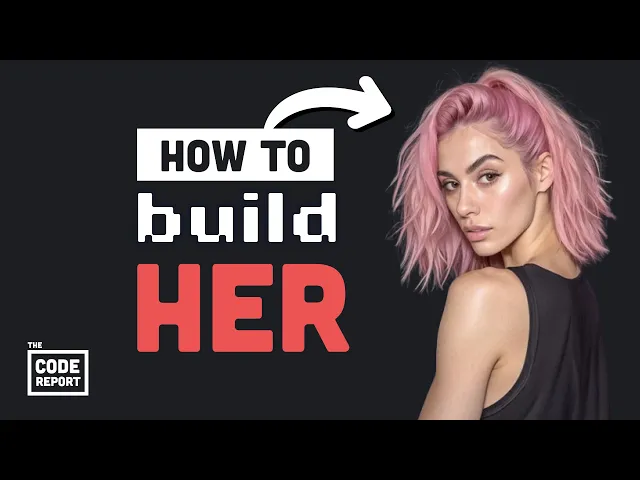
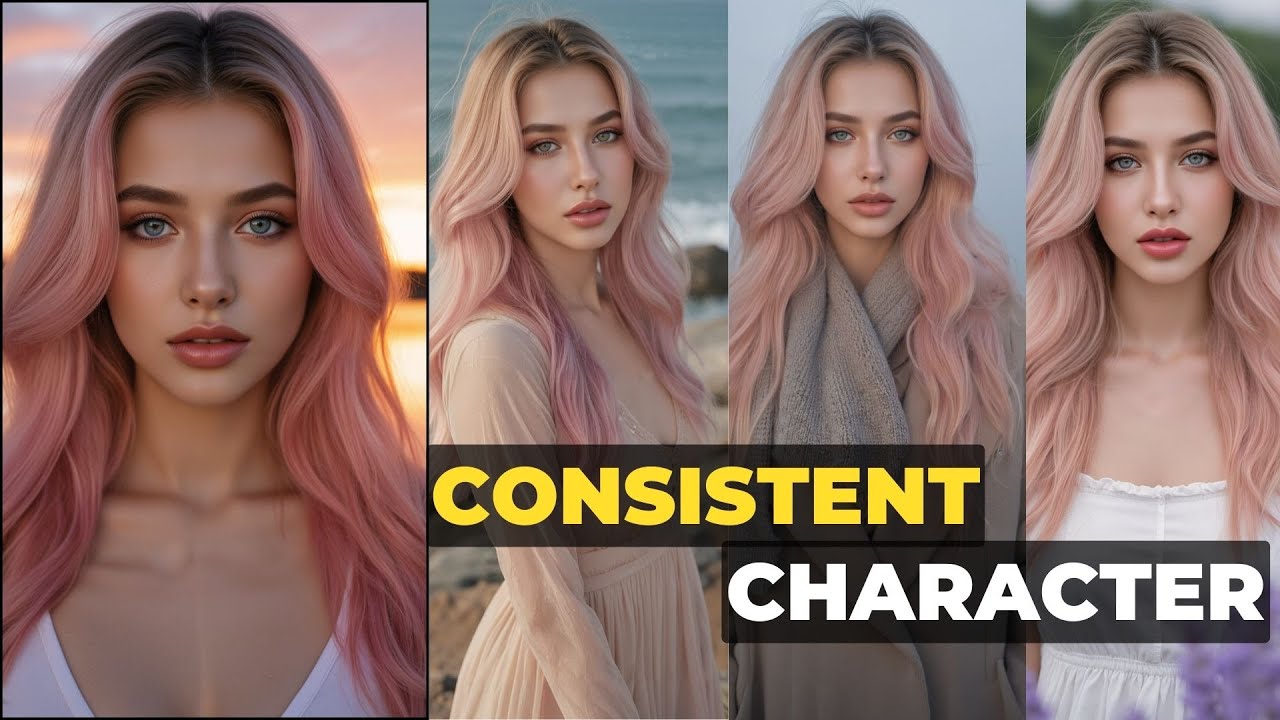
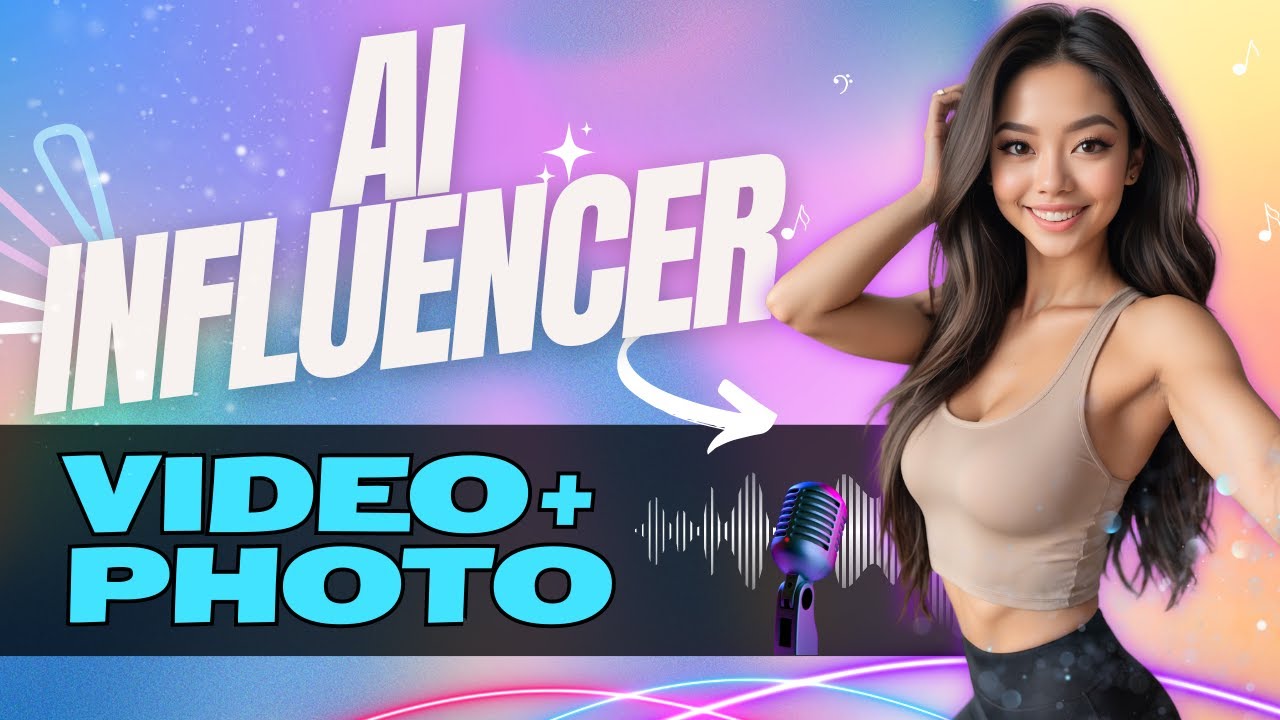
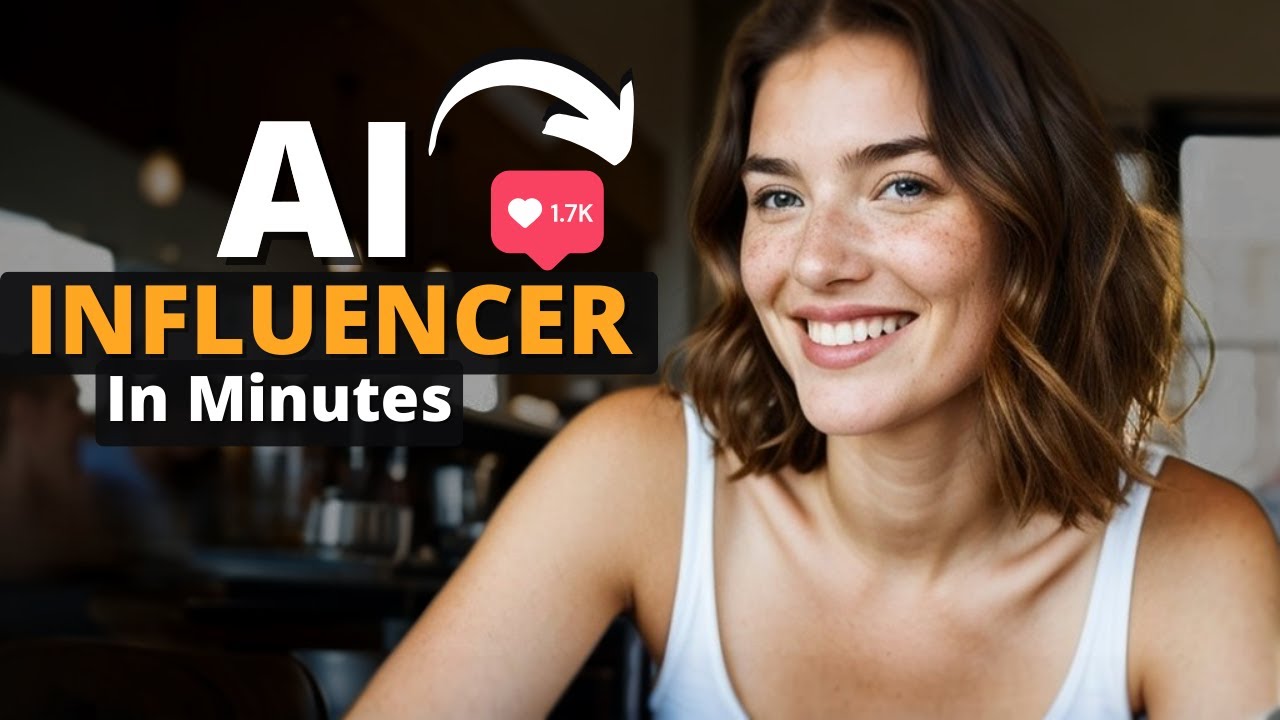
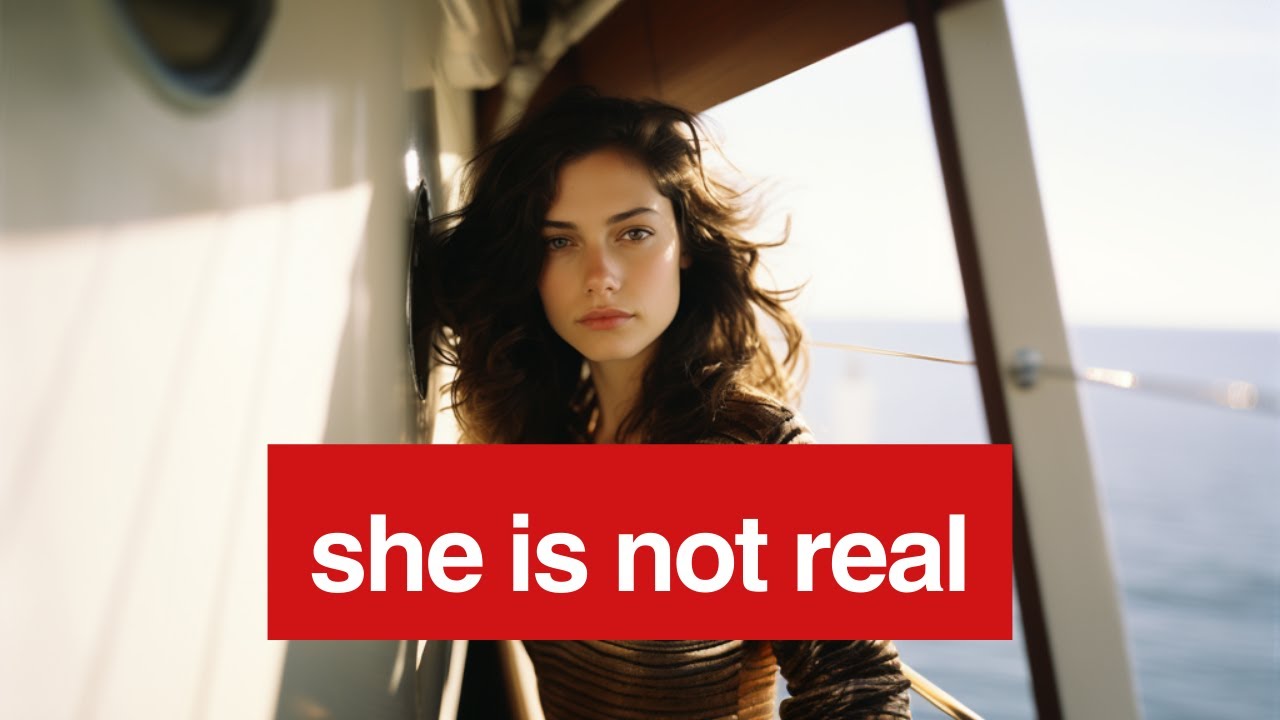
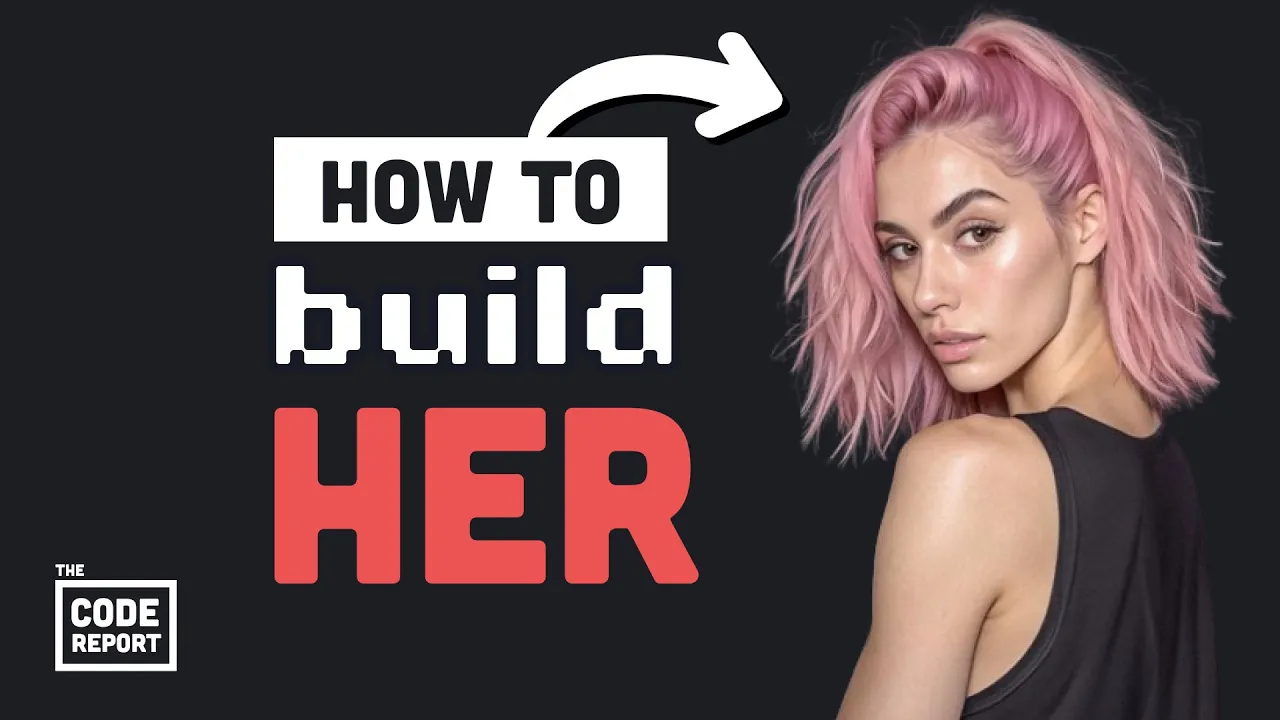
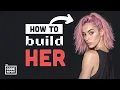
allow me to introduce you to itana she's an Instagram model from Barcelona who's been going viral but she's also just like totally chilling down to earth she's into fitness and video games and yeah if you're wondering she does have additional photos on her subscription tier which brings in about 10 grand per month before you sign up though there's one thing I need to disclose and it really shouldn't matter unless you're some kind of bigot technophobic Nazi but she's not a biological female she is a woman but entirely artificial it is November 29th 2023 and you're
watching the code report by the end of this video you'll know how to build your own arm of AI influencers entirely for free using open source generative image models like stable diffusion XL and checkpoints like Juggernaut that can produce highly realistic images the first generative adversarial networks appeared about 10 years ago and at first could only produce tiny images that you could barely make out but now anyone can produce high resolution realistic images good enough to trick sad lonely men into buying the NSFW content it's extremely sad and depressing that the agency behind this thing
is making a six-figure income especially during the sacred month of no not November content like this is rotting the brains of billions of men around the world although they are doing a 50% off sale right now so it does look like a pretty good value actually luckily 95% of this channel is comprised of high value alpha males which means we don't need to consume content like that instead we reverse engineer it so we can exploit it for a financial gain there are many tools out there that can help you become an aipim like you might
be familiar with mid journey and Dolly from open AI but these are paid close Source Products that also contain a bunch of unwanted safety layers luckily there's a great open source ecosystem around generative AI the most well-known base model is stable diffusion XL which was released in Late July 2023 gigantic models like this take an absurd amount of computing power but luckily it's possible to fine-tune them by creating what's called a checkpoint using some additional specialized training data now you don't have to worry about this part because people have already created a bunch of different
checkpoints which you can find on websites like civit AI some of which are highly optimized for photo realism now the next part of the puzzle is finding a UI where we can actually work with these models without having to write any code the most well-known option is the stable diffus Fusion web UI it's an incredibly powerful tool but might be a little overwhelming for a beginner there's just a lot of different buttons to push another cool option is comfy UI which has a drag and drop editor that works kind of like blender or Unreal Engine
but the one I'm using in this video is focus or fucus and I'll explain why I like it in just a minute you'll notice all these AI uis look very similar and that's because they're based on another open source project called gradio and an interesting side note is that gradio builds the front end with spelt pretty cool but let's get started check out the install instructions but basically all you do is clone the repo create a virtual environment for Python and install the packages once that's done you run this python script which will then automatically
download the default models in the background these files are multiple gigabytes large so it may take a while the base model is Juggernaut XL which is based on stable diffusion and works pretty well for realistic images you now have the power at your fingertips to PRT out any image you can imagine the thing I like about focus is that in many ways it feels similar to mid-journey but it's free and the UI is way more intuitive I'm running it with a modest Nvidia 370 and it usually takes takes about 45 seconds to generate two quality
images what's really cool though is that if you click on the advanced tab you'll get options for performance aspect ratio and the number of images but there's also a tab for style and we can mix and match these different styles to get far different results like this retro video game style or maybe an anime style but in order to generate our AI influencer I'm going to go with the default settings along with Focus photograph create a prompt that's highly specific and add some imperfections like rough skin no makeup Etc to make it more realistic and
now our influencer is Bor now let's go ahead and save this as our base image then create a new prompt and check the box for input image Drop the Base image here to blend multiple images and text together now click on the Advan box below the image so you find tune the way the image is Blended in this case we'll go with face swap and then write a text prompt of doing yoga at the beach giving us that perfect shot for the gram but most importantly we have pretty good continuity between the faces and the
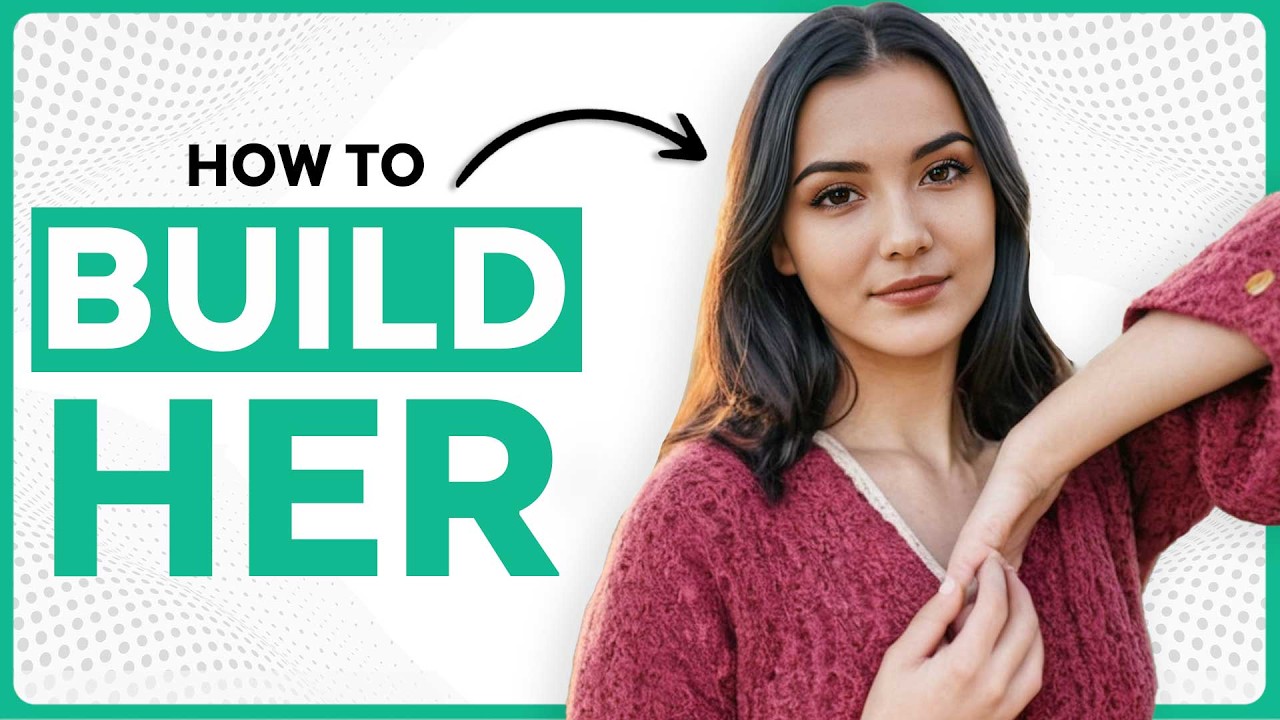
hands almost look totally realistic but when you have imperfections you can go back to the image prompt but this time go to in paint or out paint and then paint across the parts that are messed up tell it what you want to fix then it will regenerate those parts of the image congratulations you just built your own artificial influencer you did it but photos are only the beginning yesterday pabs released an insane video demoing their text to video platform it's closed Source but luckily stability AI just introduced stable diffusion video last week and I can
only imagine what kind of depraved content you guys will use that for this has been the code report thanks for watching and I will see you in the next one