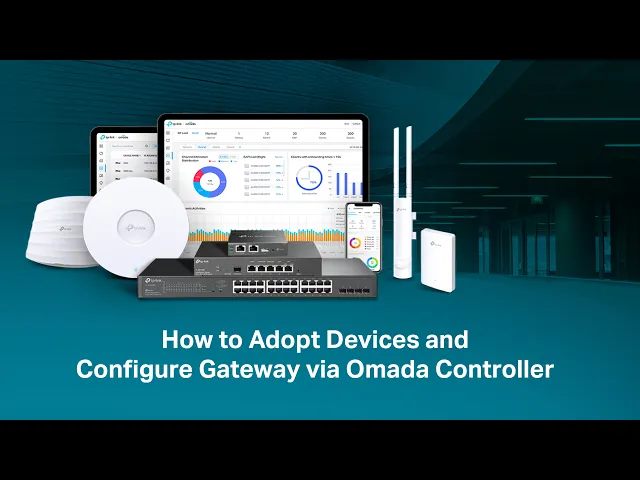
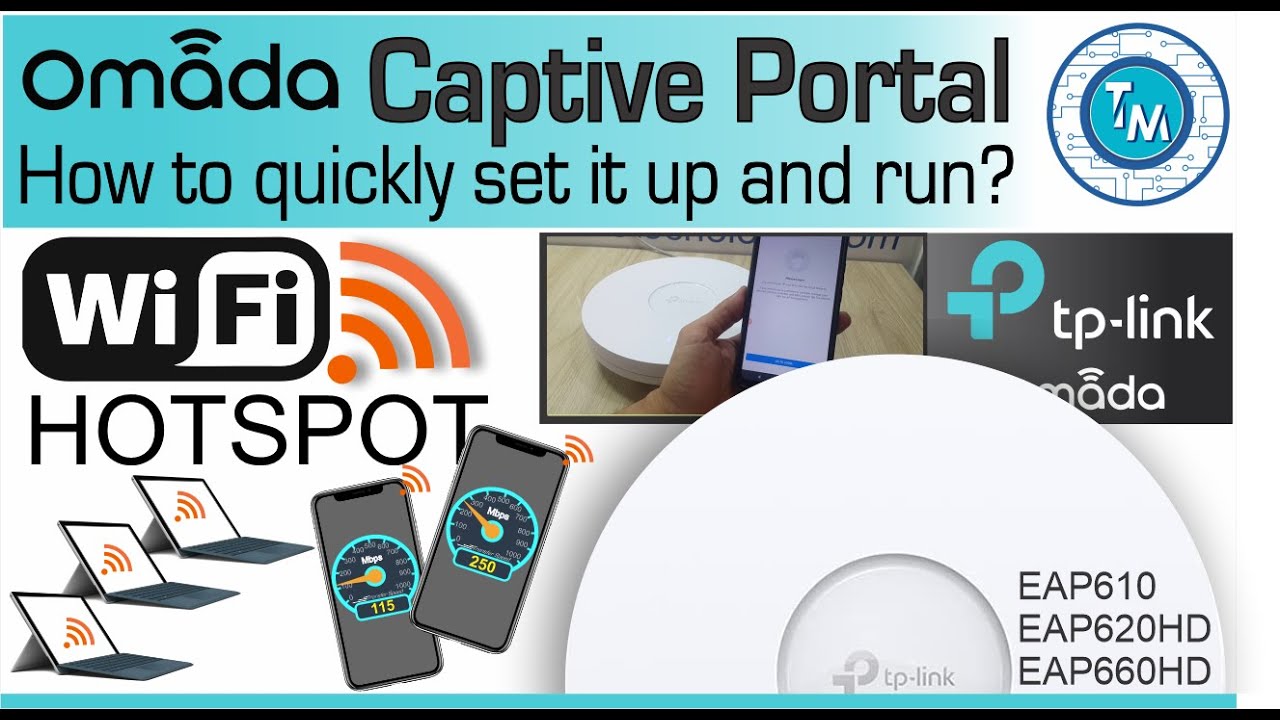
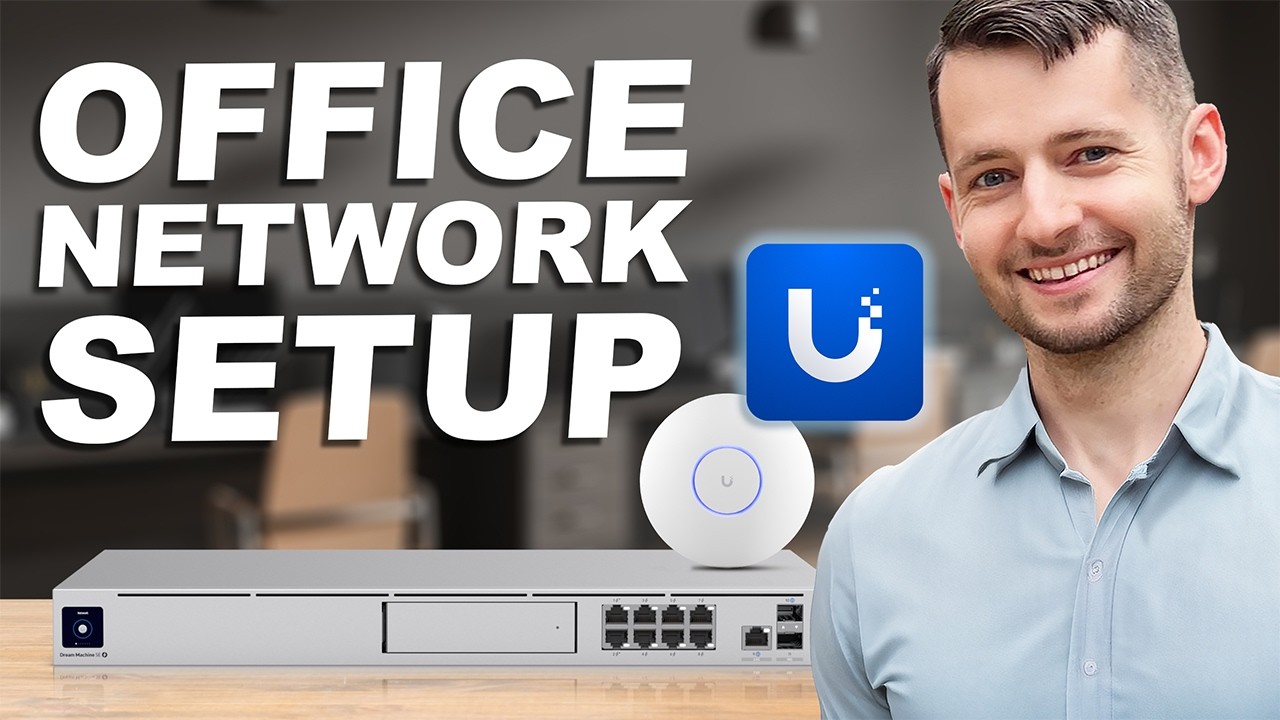
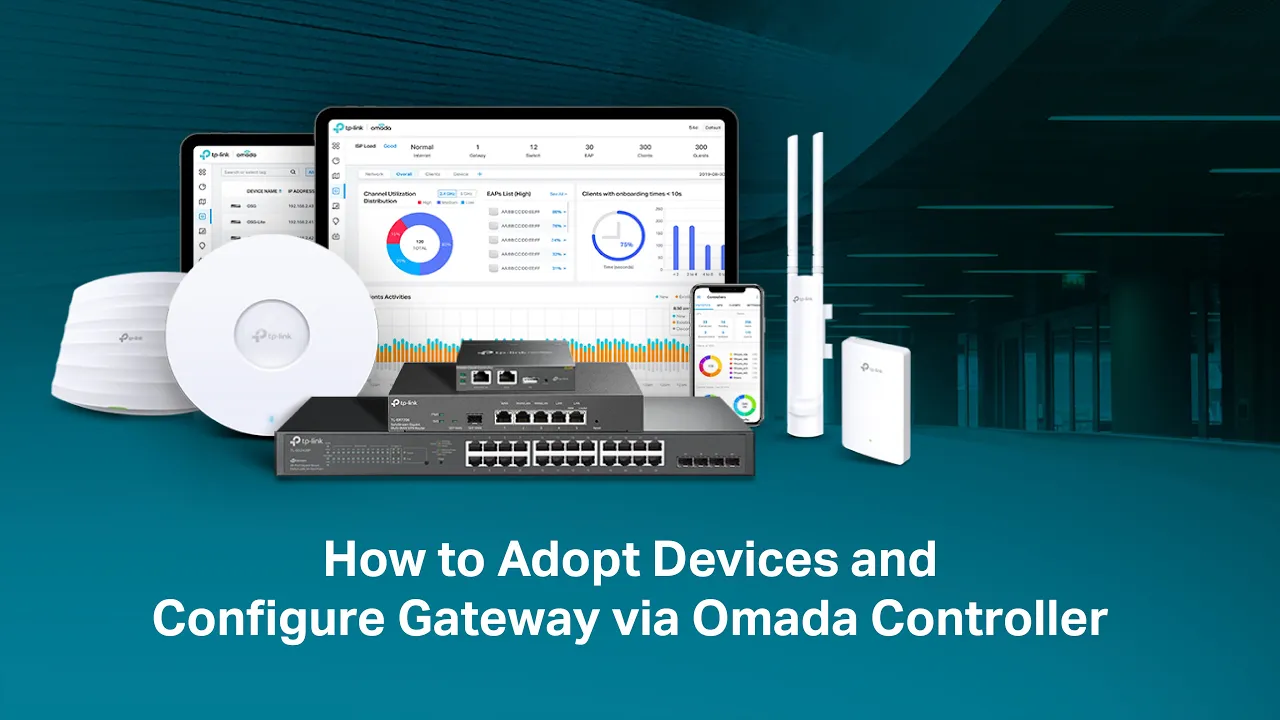
[Music] omata controllers including the software controller and Hardware controllers provide an easy way to centrally manage network devices with an omata controller all omata gateways switches and eaps can be managed and monitored both locally and remotely this video will guide you through adopting aada devices and configuring a Gateway network via the omata software controller before adoption please check the following that the devices are powered on and working normally the controller is connected to the network properly and the devices are in Standalone mode or their factory settings and have not been adopted by the controller after
logging into the omada software controller go to devices unknown devices to find the devices to be adopted devices in the pending status will be displayed on this page or choose a desired adoption site in organization go to devices device list to find the devices to be adopted check the adopt button on the right to adopt the device the controller will try to adopt the device using the default account the status of the device will change in the following order pending adopting provisioning connected indicating that the device has been successfully adopted by the controller a popup
will display if the adoption fails click retry and enter the configured username and password to reopt [Music] when completed you can view and manage the adopted devices in the device [Music] list in site view go to settings wire networks internet to enter the configuration page click the edit button of the WAN Port used to connect the internet specify the description of the wport and enter the ipv4 parameters for example configure the connection type as static IP and enter the IP address assigned from your ISP you can keep using the default Mac address in the MAC
address section or choose to customize a MAC address according to the needs of your ISP then click apply to send the configurations to the devices connected to the Gateway the status of the Gateway will change from configuring to Connected indicating that your devices can access the internet via the Gateway now