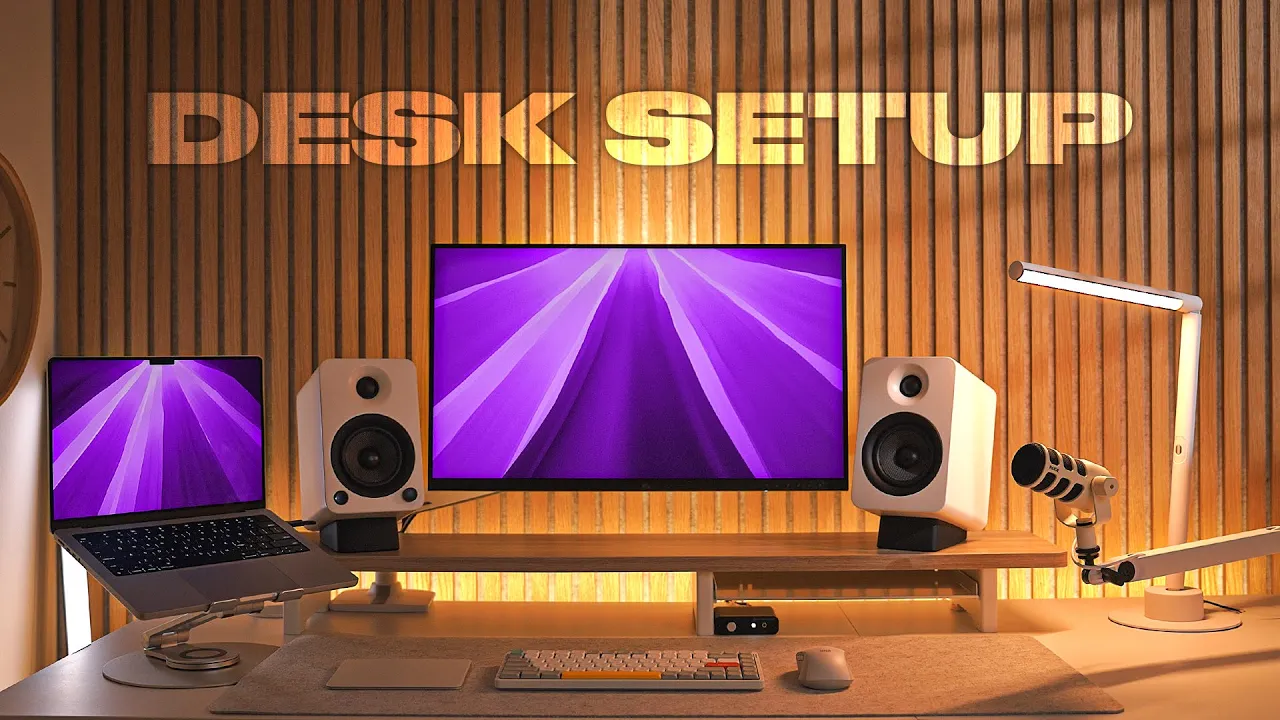
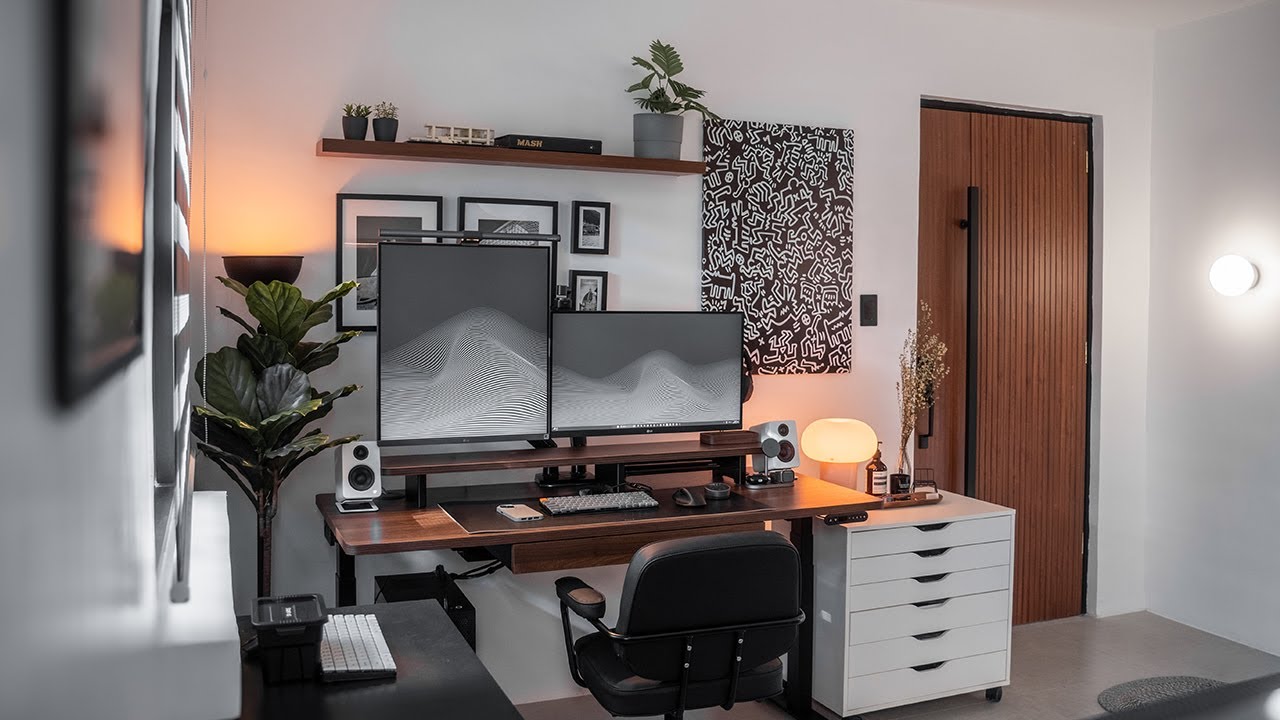
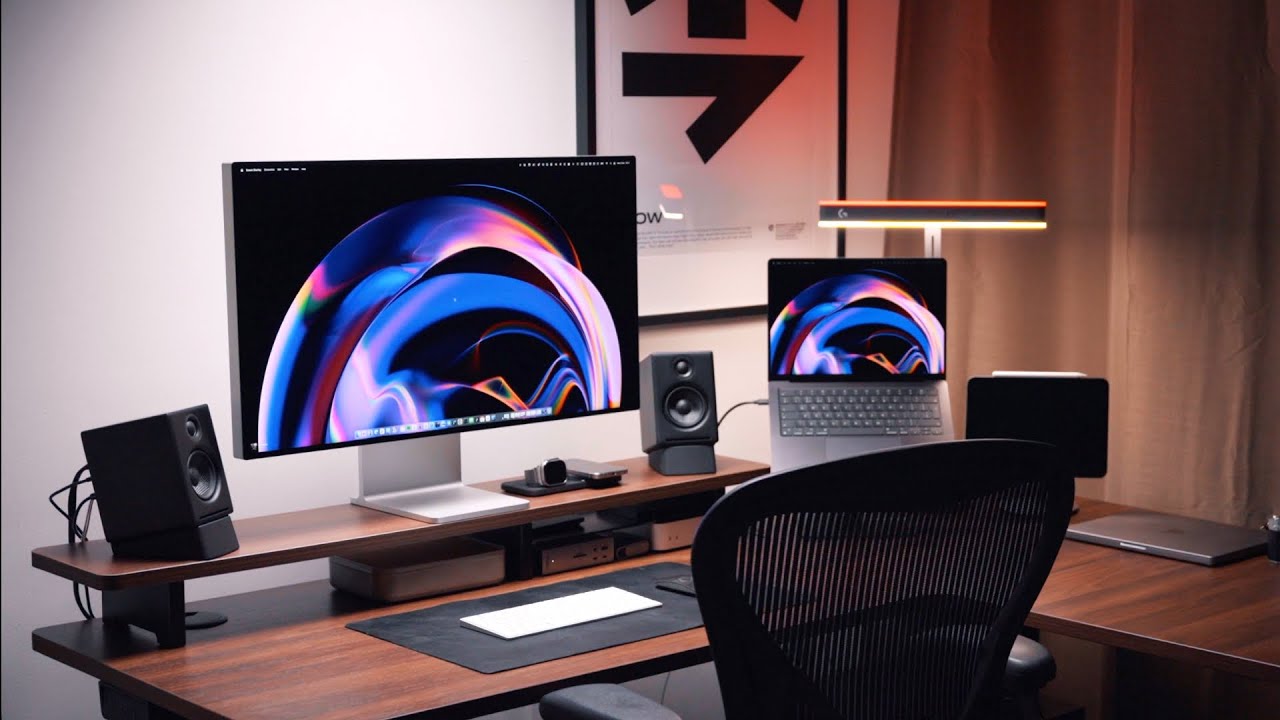
why not make your desk set up your own personal work of art so I did a 5k resolution monitor for my Mac tick integrated audio setup in microphone to flex on co-workers during Zoom calls hell yeah single cable connectivity you want smart lighting you got it oi I'm not done yet put the music back on yeah there we go okay where was I oh yeah uh standing desk in an L shape so I have plenty of room to nerd out no monitor light here either we switching it up with a classic lamp cool keyboard boring
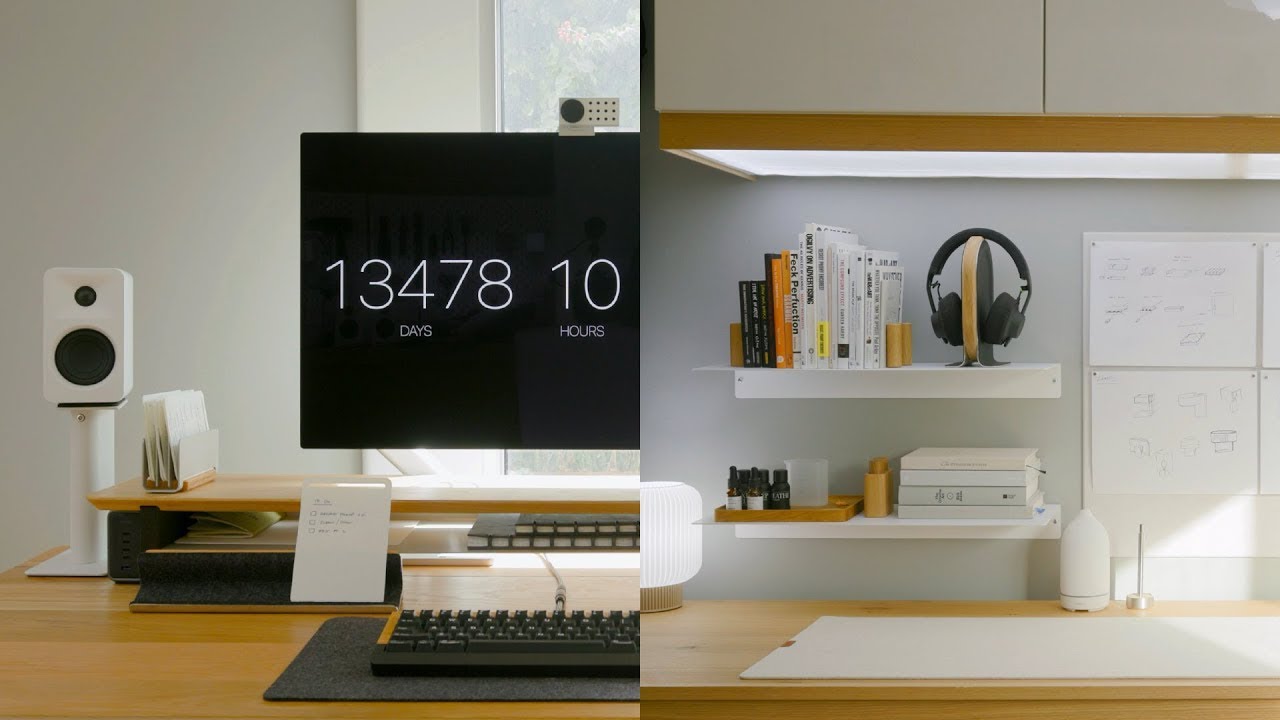
Mouse $16 desk mat from Amazon and the PD resistance my desk cat Okay talking head boy now you can take over get H to that guy he he's got a real attitude anyway let's actually talk about this desk setup because I am really really excited to show you guys now I followed a couple of rules when I was creating it so first of all every single thing is functional and essential to my day-to-day work I don't want random crap on my desk like a $300 design of phone charger fake plants or a stack of books
I once read 10 years ago second buy quality gear without breaking the bank every dollar has to justify itself and lastly try to have some visual appeal right like your desk should be something that you look forward to working at every day for me I went for a light and natural wood setup theme to suit the room and it also makes the room just feel Lar larger and more spacious but also kind of cozy at the same time so wherever possible I went for white accessories to match and before I even started this desk setup
project I had to do some renovations to the room this house was a previous rental property before we bought it so the carpet was just cheap and nasty and disgusting and the walls needed a good coat of paint I also just hate carpet in general so I ripped it all up smoothed out the concrete subfloor and laid some natural Oak hybrid flooring down instead after reinstalling the trim sanding and priming and a few coats of neutral white paint the room looked brand new I also installed some wood slap panels against the wall the desk would
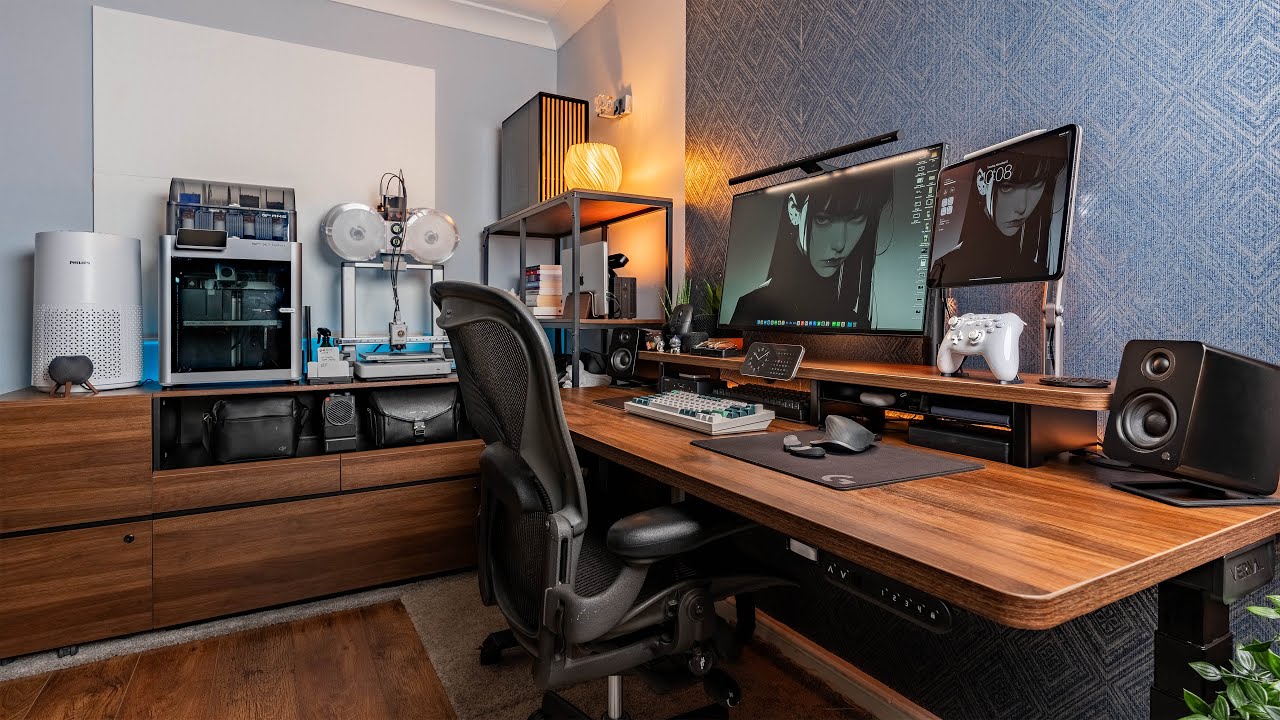
sit in front of I know this is kind of overdone on YouTube but you know just looks amazing in person and the felt on the back really does help to cut down the echoes in the room I went with a gray felt backing instead of the usual black to try and keep the room light and Airy and not too dark okay so let's talk about the centerpiece of the setup and that is obviously the desk itself I partnered with Vernal for this setup and went with their L-shaped standing desk in white I've been wanting an
L-shaped desk for a while because I feel it just gives me so much more room and a place to do my hobbies or just tinkering with stuff without taking up space in front of my computer you can check out Vern's website for different desk configurations and color options I'll just leave a link in the description the assembly process was really easy everything was flat packed in separate boxes and the frame is just preassembled so all you have to do is just pop some screws in and you're pretty much done I also really appreciated the built
in Cable Management tray which makes cable organization much easier this is also obviously a standing desk and I've set two different heights to switch between sitting and standing mode at the click of a button I'm also 6'4 so some desks just don't go high enough for me so I made sure to check beforehand and found this one is good for those up to 6' 7 in height it also has a lifting capacity of 350 lb or 159 kilos so you could theoretically strap multiple monitors and heavy PC onto this thing and it wouldn't break a
sweat also some of these standing desks I've had in the past had issues with wobbling in standing mode but this one was pretty solid veral also offers a variety of different setup in One accessories to go with your desk like desk shelf integrate a drawer a keyboard tray and a variety of cabinets Vernal is currently having an up to 50% off Black Friday promotion from November 21st to December 5th you can also use code created to get an extra 6% off okay moving on to my monitor I'm using asus's brand new 5K resolution Pro art
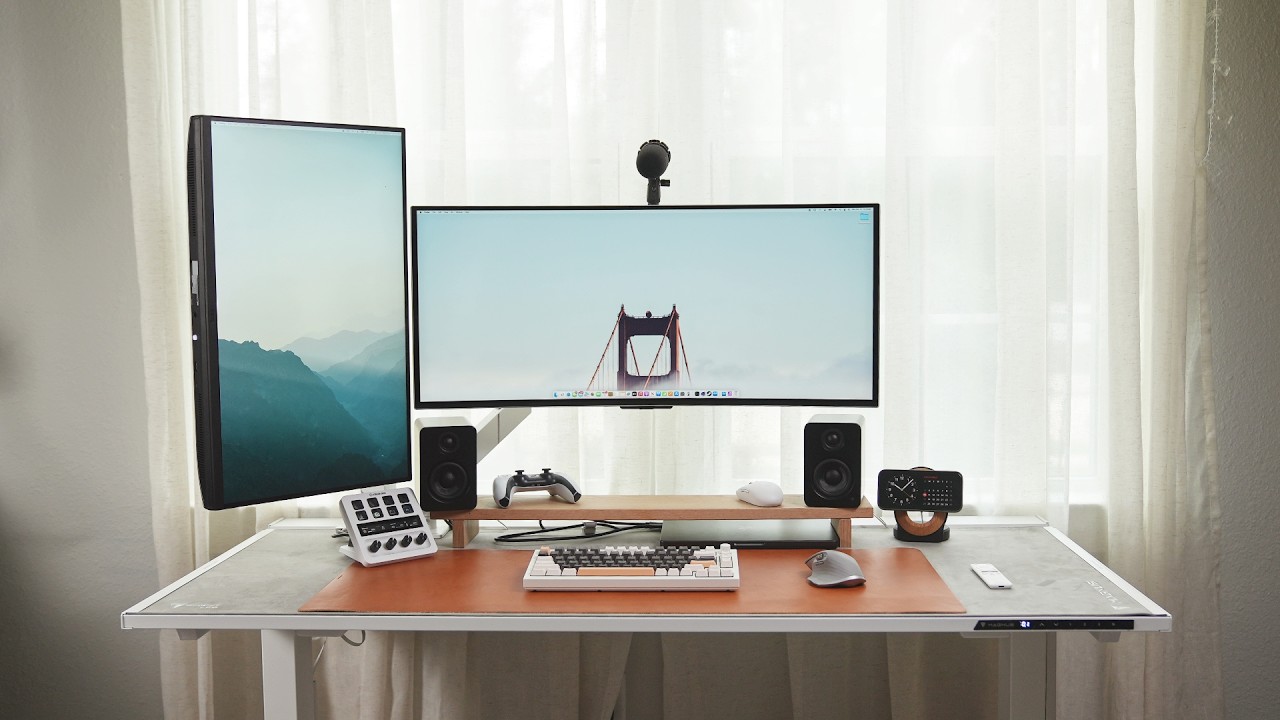
monitor the pa27 jcv I got this literally just before shooting this video and I was really excited because this one has a 5k resolution which is perfect for those of us who mainly use Mac this is also currently kind of the only other 5K resolution alternative to the super expensive Apple Studio display and that 5K resolution at 27 in results in super crisp text and all the UI elements scale perfectly with no blurriness unlike some of the 4K monitors I've used this one also has a USB hub built in that I've attached most of my
accessories to makes it really easy to attach my MacBook with a single cable to charge output an image to the screen and also connect to my speakers and USB devices plugged into the back and I'm really liking that more and more monitors these days are coming with the USB hubs built into them because you don't need to go out and spend like a couple of hundred bucks on a hub for example and it also saves room on your desk holding up the monitor is the ergotron LX premium monitor arm I was using a budget Amazon
one before and while it got the job done I just wanted something better quality this one has a really solid and thick desk clamp and a full range of motion so I can adjust the Monitor and make it higher when I raise my desk or uh pull it closer if I need to there's also zero wobble and it comes in a white color which was important to me and has cable management at the back for my laptop I'm Still rocking my 14in M2 Max MacBook Pro uh in terms of performance I mean it's really good
as you probably already know but the most demanding thing I do now is heavy noise removal in Da Vinci resolve projects and that really tanks the M2 Max chip so I am very tempted buy the new M4 Max but I'm going to have to go and sell another kidney just to afford it so we'll see I also want my MacBook open and accessible instead of putting it into clamshell mode this means I get a second screen and also get easy access to touch ID if I need which also means I need a laptop stand but
I also refuse to spend any more than about 30 to 40 bucks on one because they all pretty much do the same thing this one is high adjustable and rotatable and regularly goes on sale on Amazon my desk chair is from autonomous I honestly don't even know the model name because I've had it for years it's completely made of mesh which is good because I tend to get swamp ass quite a lot during summer here in Australia and that allows a bit more airf flow if you know what I mean but overall it's been pretty
solid the adjustability isn't as nice as some other chairs but I'll link the updated version of this one if I can find it okay let's move on to the desk accessories now these are the Kanto yu4 speakers and I'm really happy with them and so glad that I finally have a pair of proper speakers now to get audio from my MacBook my Mac is a attached to my monitor via USBC then my audio engine D1 Dack is plugged into my monitor for signal and then the y4s are plugged into the Dack it's a little confusing
but the resulting audio is really good and I can fully adjust the volume using just the volume keys on my keyboard and it works perfectly I also really appreciate how they automatically turn off when there's no audio detected too cuz some other speakers don't do that and often will make a very faint buzzing or hissing noise which is really obvious because I'm sitting 10 in away from them for my mouse I wanted to try something other than the MX Master 3s which don't get me wrong is a great Mouse but I feel like it's kind
of Overkill in some situations this is kind of like the budget version of the MX Master 3s the Logitech signature m650 29 bucks which is 13 the price of the MX Master 3s not bad you can also choose left-handed or right-handed there are also two sizes for different sized hands small/ medium and large I went with the large version you just don't get any of this customizability with the MX master and I'd rather use the money that I would have spent on the MX master and put that towards a trackpad instead which for me is
more functional the m650 is Bluetooth comes with a USB receiver which I prefer to use instead and most importantly it has a removable and replaceable battery thank you Logitech Also the battery supposedly lasts 2 years but it's only been a few weeks so we'll see for the keyboard I've tried several over the last few years but currently I'm really liking the newy a75 V2 uh it's mechanical and the typing experience has been pretty positive it sounds nice [Applause] too I like that it comes with Mac OS key caps in the box and I can see
the battery percentage directly on my Mac because some Bluetooth keyboards don't show that I won't go into too much detail because I made a full review on this keyboard that you can check check out here I also need a good quality microphone for voiceovers and also virtual meetings by the way for webcam I just use the webcam on my Mac I don't need anything super fancy after doing some research I settled on the road pod mic USB I specifically wanted to avoid a mic that needs XLR and some kind of desktop interface this one just
plugs straight into the back of my monitor or directly into my computer via a USB cable and the voice quality is really good you've been listening to it this entire video and it has the benefit of being an Australian company and I really love supporting local Brands wherever possible it's on an Elgato wave myom LP so I can just swing it out of the way when not using it for my deskmat I'm literally just using a cheap felt one from Amazon I don't see the need to spend a small fortune on a piece of leather
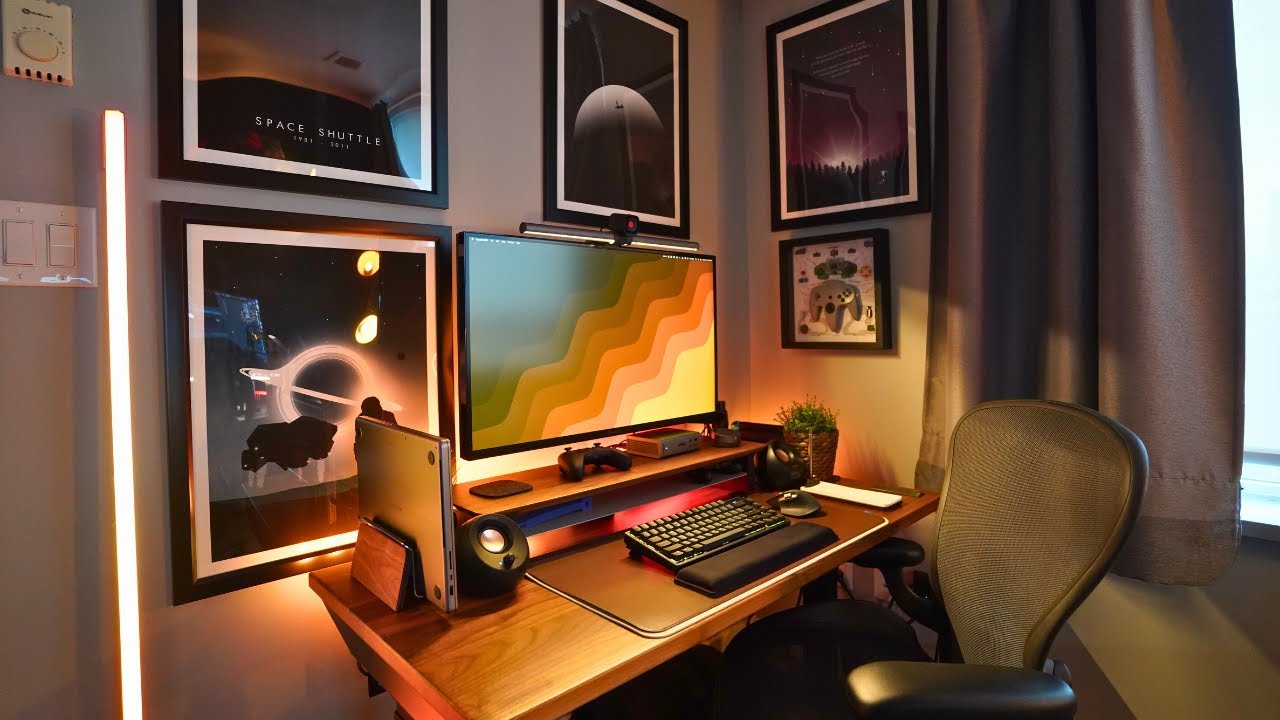
or felt just to cover your desk I got this one from Amazon for under 20 bucks the most important thing is that the mat has some kind of good anti-slip mechanism underneath it like the little rubber dots that this one has or or something else just so it doesn't slide around like this crappy one I bought a few months ago I also use Philips Hue for all the lighting in the room there's a light strip behind the desk a play light bar perched on the monitor arm for some background bias lighting just to reduce ice
strain at night and a standard bulb in an IKEA lamp in the corner of the room you'll also notice I've ditched the monitor light bar that you see in pretty much every desk setup video out there in favor of a desk lamp now I can change the brightness and color temp but it does something my monitor light bar cannot move around the desk so when I take advantage of that L shape I talked about before I can instantly light that area properly this one is from a random light store here in Australia but I found
one on Amazon that looks really similar so I'll link that below lastly I've also got an air filter to reduce the dust and cat fur in the room cuz it seems the cat has now taken up residence in here after I renovated this one's the c-way air Mega 250 from Amazon this really makes a difference and I'm notified every few weeks to clean the pre filter and it's always filthy so I'd rather the filter sucking that up than my lungs or having to clean it all off my desk accessories every week the size of this
filter is a little overkill for this small room but the benefit of oversizing is that I can run it at the quietest setting 24/7 and I can barely hear it running so yeah this is my desk setup going into 2025 I am really excited to uh spend some time using it you grind some work pump some tunes and who knows maybe in 6 months I'll make an update video so you guys can see how the whole experience has been but apart from that thank you guys for watching and I'll catch you in the next one






![Mac Mini M4 - 1 MONTH Review! [M2 vs M4 vs M4 Pro]](https://img.youtube.com/vi/aNn4BlhF7zo/maxresdefault.jpg)