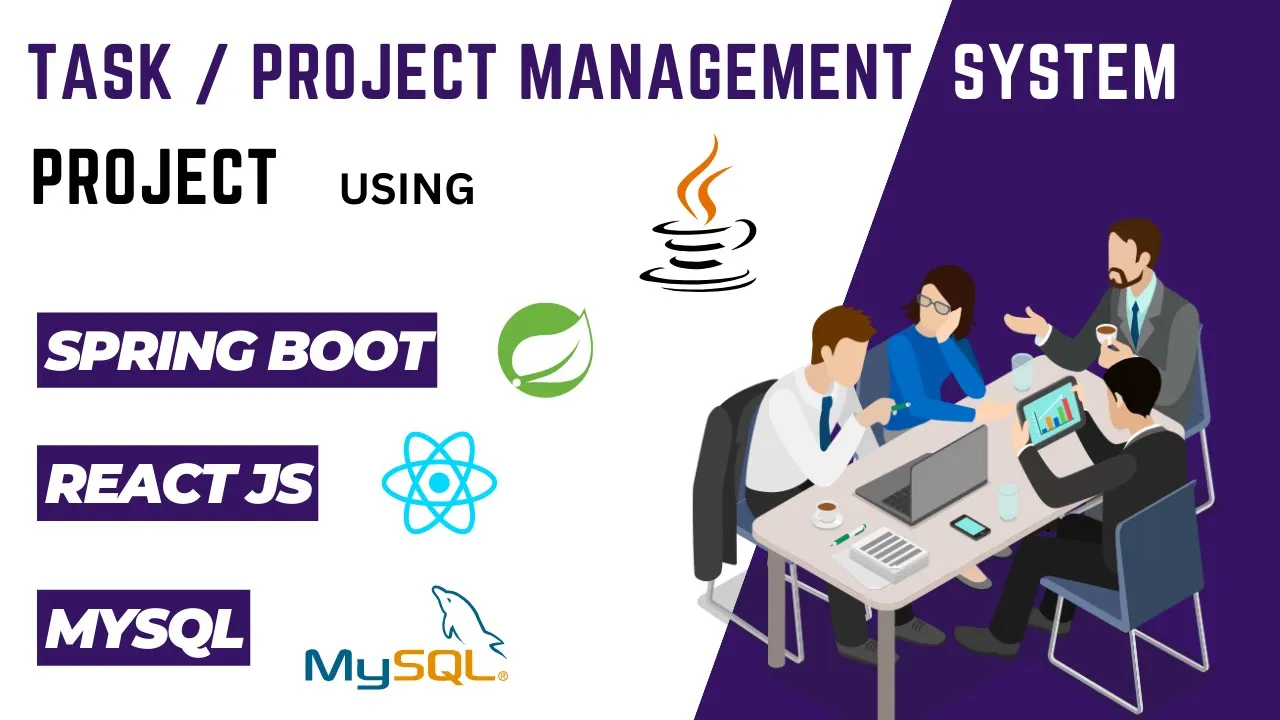
hello guys welcome back to my channel in this video I'm going to show you about my project that is task management system or project management system which I have developed using the Technologies spring boot for the back end react. js for the front end MySQL for the database Maven for the project and the dependency management and bootstrap for The Styling purpose so the softwares which I have used for developing the projects are so the first one is STS or spring tool suit for the backend development backend spring boot application development second one is vs code so for the front-end development I have used vs code for the development and for the MySQL I have used MySQL workbench for the query and the data manipulation user modules present in the project so the project basically contains three module the first one is administrator module the second one is project manager module and the third one is employee module functional modules present in the project so the very first and the important module is user authentication module the second module is project manager module the third one is employee module and the last and the very important module is Project module so now let's see the basic overview of the project so as we know project contains three modules that is admin the project manager and the employer so admin will firstly register and login into the system after the admin login now admin can add the project managers into the system and now since uh project managers are registered into the system they can log in at any time and after the login they can register the employee so now basically admin project manager and employee got registered into the system and now let's suppose admin gets any project from the client so he can basically add that project in the system by giving the requirement description and the project deadline okay and after adding the project into the system admin can basically assign this project to any one of the manager who is capable of doing that project so now since this project is assigned to the manager that manager can basically log into the system and now he will be able to see the project which is assigned to him by the Admin now after reading the project description the require government in the deadline date project manager can assign this project to the employee who is capable of doing that so he will assign this project to employee and now once that employee will login into the system so he will be able to see the project which is assigned to him by the project manager so now at any time employee can update the project status based on the project status like whether he is working on it or the project is completed So based on the status he can update the project status now and once employee updates the project status now this status will be visible to the project manager and as well as the admin so this was the basic overview of the project and now let's see the complete project in detail but before that I would like to request you guys to please like share and subscribe to my YouTube channel it takes lots of time for the development of such type of project and especially in this project I have added lots of functionality which will be very useful for the student students can use this for learning purpose and they can also refer this to create their own project so please do subscribe my channel it will motivate me to create more such project for you guys and now without wasting any time let's see the complete project in detail so for that let's go to the other side so this is our backend spring boot application which I have developed using HTS or spring tool suit as I've already mentioned and we can see that here the maven structure as I've already mentioned like I have used Maven for the project in the dependency management so we can see the palm. xml file here and let's also see the packages which I have created so we can see here the config controller Dao entity filter utility all these packages I have created and here we have our application.
properties file where I have configured for our MySQL connection now let's also see our front end goal so here we have our front end react. js project okay we can see the project structure here I have created multiple components here okay as we can see here so now without wasting any time let's run our project so firstly I will run the back end then I'll run the front end up so for running the back end spring boot application simply right click on the project then click on the run as spring boot app okay so our task management system application got started on port 8080 okay so once our backend application is running fine what we can do is we can simply open the browser and we can simply hit the URL Swagger UI dot HTML okay and here we should be able to see all the apis which I have created in the back end okay so I can open here so as you can see here I've created multiple apis here okay so now without wasting any time let's run our front-end code also so for that we simply have to run the command npm start hit enter and now it will also run okay so now our react application is also running fine and we can also see our project UI on the browser since our application is running fine we can see the complete project in detail so this is our home page we can say our project's landing page and in the navigation bar we can see we have got one option called user login okay so by using this admin employee or manager can login into the system okay but let's go with the flow as I have shown in the overview so firstly we'll register admin okay so for admin register we have one separate URL that is user admin login or user admin register so from here we can register our admin so I will register the admin from here and whatever data I'll use here will be the dummy okay foreign successfully and from here we can log in as admin now so I will use the same email ID here enter the correct email ID login successful okay so after the admin login we can see we have got multiple options in the navigation bar that is register manager add project all projects view managers view all employees change password and log out okay so firstly let's register manager thank you register user manager registered successful after that I will click on The View managers and from here we can see admin can view all the managers which is present in the system okay and at any time admin can delete any manager from here by clicking on the remove button okay so I will remove the uh third manager okay demo manager 20 so I will click on the remove button here user deleted successful and we can see that manager got disappeared from here okay similarly admin can view all the employees which is present in the system and which are added by the manager okay and from here admin can also delete the employees by clicking on the remove button okay so that we will see in the later part of the video okay but as of now let's add one project in the system okay so I will give the name as demo project website in the project description I will write develop demo project professional website project requirement is use react.