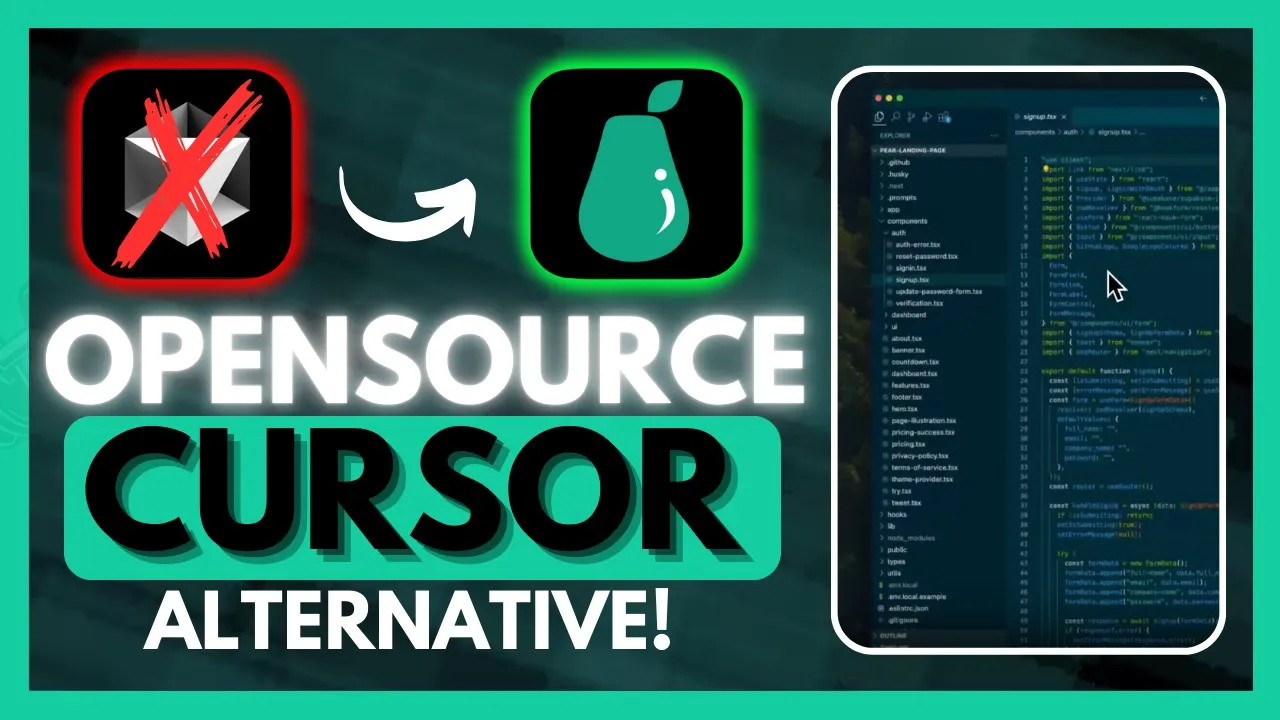
looks like we have a new open-source AI powered code editor which is a free alternative to cursor and vs code now this is not zai or melty it's a new code editor called pair AI which is an editor designed for Less coding with the help of AI par AI is a fork copy of vs code and continue Dev and it aims to reduce time from ideation to conception for your product development by achieving the most seamless integration with the help of AI with PA AI it's going to enable you to directly chat with your codebase
similar to how you would with cursor's command K feature or even the composer you can ask questions or request the AI to generate code for you with the context of your code base it works quite well with choosing specific folders online docs terminal content yeah have files as well as many other sources you just need to add the source and you're going to be able to chat with it another cool feature is the ability to have pair AI directly code in your files and allow you to see diffs with the command plus I feature or
the control+ I command if you're on Windows now this way it is going to be able to handle errors and add comments to your code for suggestions now I want you guys to take a listen to the creator of par AI who is going to attempt to create a documentation page for it and in this case he's going to use Pari to fully develop that page and it's something that is quite interesting so imagine you're onboarding into a new codebase but perhaps you're not too familiar with the programming language or the framework's being used but
you still have to make a new feature and that's extremely common so for this example we're going to use the Peri landing page and we don't have a documentation page and we actually need one so let's try that all right so I'm just going to paste this in directly it says I'm new to this codebase it's in nextjs I want to create a new documentation page how can I do that and I'm going to use codebase context here so it knows the rest of the code of the same repository and it knows the syntax the
standards and the practices used elsewhere so it can stay consistent so here it says create a new file in the app directory so I'm going to go ahead and do that I create this folder and put the file inside and it also says to copy this code inside so I'm just going to click this button to apply and the code is generated automatically inside the file it also says to create a corresponding component file so I'm going to do that in the components folder as well so it knows this uh directory exists all right so
now we want to actually Implement what's in the documentation page so I'm just going to tag the page we just created to have context of it and ask it to implement the documentation component from this page here and I want the page to have a tab on the left side for navigation and on the right side is will be the text all right so here the code is being generated and we're just going to take a look at what it looks like and there's going to be an error so I can just copy paste this
error back inside so it fixes it and we go back and refresh the page and now here it is but there's a little problem here on top you can see the navigation bar is kind of blocking the page so we're just going to ask it to fix this as well by adding some space at the top of the page and there you go so there's still a little bit of a gap so at this point I just use like human intuition and just change to 12 like to an eight to a six so everything's aligned
now and the dark mode is working as well so basically what just happened is I didn't really have to know much at all about nextjs react CSS or this code base to already start contributing in just a few minutes I was able to set this entire thing up so you can see how this really speeds up a developer's productivity now that was definitely amazing another thing I want to point out is that unlike Z there is ability for you to actually access this on Windows which is really great and it's actually completely for free there's
no premium option where you need to upgrade after you use a certain amount of credits this is something that you can utilize with your own API or with a local model such as AMA now there is another plan which is the $15 per month which I don't really recommend utilizing cuz you can just simply use the free account or the free plan so that you can get almost access to everything that you would get with cursor without even even paying now before we get started I definitely recommend that you take a look at the patreon
page so that you can access the new subscriptions that will be releasing this week I really wanted to point this out they don't actually store your code so that's one good point all codebase indexing occurs and remains strictly locally on your machine uh their servers never store any of your code additionally they maintain a zero data retention policy with their LM cloud provider anthropic to ensure that they nether store nor train on your code so let's get started let's install this completely for free for Windows it's going to start off by installing an installer once
it finishes doing that I'll be right back once you start installing it it's going to take a couple seconds to configure the same sort of settings that you had with M vs code and it's going to then have it basically configured into pair Ai and here you can actually change the dark themes to whatever or the themes to whatever you want whether that's dark or dark uh High cont contrast as well as light high contrast now you can see right away it's exactly the same as vs code uh you're going to be able to access
almost everything that you would within vs code such as extensions installing Cloud Dev as well as running debugging as well as all the other features that you would get within vs code what you can do next is sign in or sign up with par aai you can do this with your Google account your GitHub or with your email once you sign in or signed up you can then head over to the preview welcome file and this is where they're going to Showcase all the commands this is all the commands that you can basically use with
the pair AI such as a new chat to do this you just simply press crl L and it'll open up this leftand panel over here this is quite similar to composer or sorry uh cursor's uh leftand or right hand panel you have the ability to open close pair chat you can make the chat bigger by just simply gliding it you can also have line prompting which is really cool and this is the command I feature you can just simply press command I and you will have that simple chats opened up on the bottom you have
the ability to open history previous chat as well as switching model that leads me to the next section which is going to be configuring and adding your model so how can you add your models you can simply just click on this which states Pari model and then in this case you can change it to gb4 Omni you can add CL 3.5 son API key and to do so just simply click on ADD model and you can do it via PA AI server or you can do other which will require your API key in this case
this is a free option so you would want to use this and in there you're going to be able to provide your open AI API key so that you can utilize the new 01 preview model you can do it for anthropic to access 3.5 Sonet and you can even have the integration of olama so that you can utilize local models and in this case you can use all of these open source models or even anything that you installed locally with the uh pair AI so I have went along and I configured my API key I
am utilizing the GPT or sorry the anthropic Sonic 3.5 model and I'd requested to create a Minecraft clone so it went along and it started generating the code and in the same manner as cursor you can apply to your current file you can create or insert as well as having the ability to copy it so you can see that it is creating the files that are necessary for this app and in this case you can have it so that you can uh basically add it to a file autonomously so I went along and I created
a Minecraft clone folder and I'm going to be pasting in all these new files so in this case you can just simply click on create it'll create the file for you and then just plac in the code with the play button and it's going to start on adding all the code mode and you can do the same thing for the player and we can do the exact same thing by pressing the play button and now what we can do is we can run the game with the PIP install P game command I already have this
installed but now we can just simply run this python main. Pi so go into terminal new terminal paste in this and then click enter all right so after a couple of configurations I was able to make this game I know it's not a really cool game or anything but we got got something outputed now this was something that I just did with a couple of prompts or just single prompt actually and just had it to manually create all the folders but this was something I was able to create within a couple seconds so here comes
a question that you're all waiting for why should you use pair AI over vs code as well as cursor and at this point even Z now all of these different code editors are definitely amazing in their own ways and I just want to state that it doesn't matter what use at the end of the day it's how you use it so that's just the main thing I want to really point out but in terms of pair AI main reason why you would want to use this over many of these other tools is because of its
seamless integration of AI it's basically a replication of cursor it has almost all the same features such as the command K feature as well as the composer and it's going to help you code faster with these features and the reason why you would basically want to use this is because it's completely free and it's a free alternative in comparison to that now I'll be honest it is a forked version of contined Dev as well as a vs code now the only problem is vs code needs extensions to have ai Integrations built within I'm not saying
it's horrible but it is going to require you to learn and configure those extensions to utilize it whereas with par AI it's going to directly have those Integrations built within its UI so it truly depends on your preference and how you utilize the code editors because in this case it's open source completely for free and it has a lot of functionalities and it supports Windows unlike Z and in this case it's something that's quite F flexible and quite a great alternative to cursor so at the end of the day all these different code editors are
great in their own ways but in this case Peri is definitely something that I would put even above Z as at this point and in my opinion it's something that I have a lot of hopes for they're continuously working on releasing new updates like just today or a couple days ago sorry they introduced a leak code feature in par AI which is going to supercharge different students in practicing for leak code now this way there's a lot of small features in which people can access to utilize Pari as a codor and this is something that
has been continuously developed by the Creator which is called frying pants and I'll leave his Link in the description below definitely recommend that you give him a follow cuz he was able to develop this single-handedly and with obviously with a couple of contributions but it's a great tool and now what we're going to be doing is taking a look at how we can get started with it but that's about it for today's video on pair AI I'm going to leave all the links that I use in today's video in the description below this is a
great open- source AI code powered code editor in comparison to cursor zi as well as vs code so I'll definitely recommend that you try this out make sure you follow me on the patreon this is a great way for you to stay up to date with the latest AI subscriptions that are given out completely for free make sure you follow me on Twitter great way for you to stay up to date with the latest AI news and lastly make sure you guys subscribe turn on notification Bell like this video and that's about it for today's
video guys thank you guys so much for watching have an amazing day spare positivity and I'll see you guys fairly shortly peace s





![Cursor vs Bolt vs Replit vs v0 [Best AI Coding Tool]](https://img.youtube.com/vi/_9OE1KA1Wfs/maxresdefault.jpg)
![Windsurf AI - Better Than Cursor AI? | Build A Game & Web App [Tutorial]](https://img.youtube.com/vi/sAxEm7gfAHo/maxresdefault.jpg)