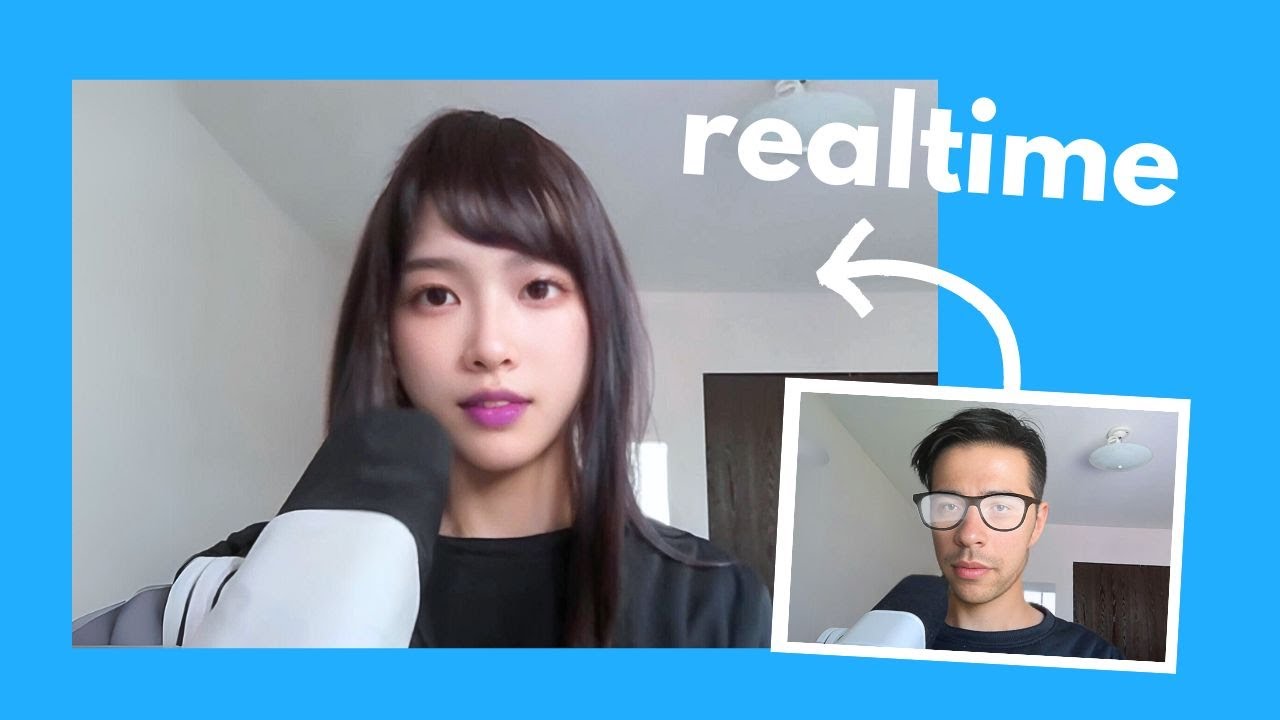
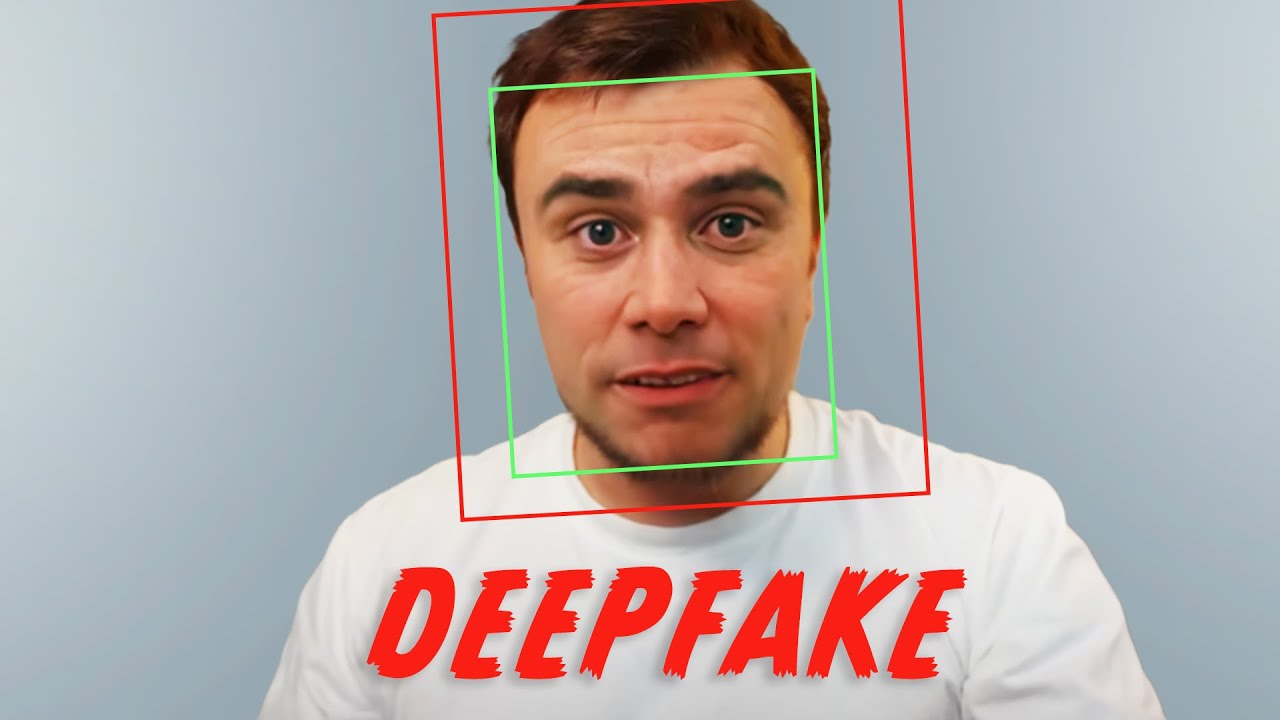
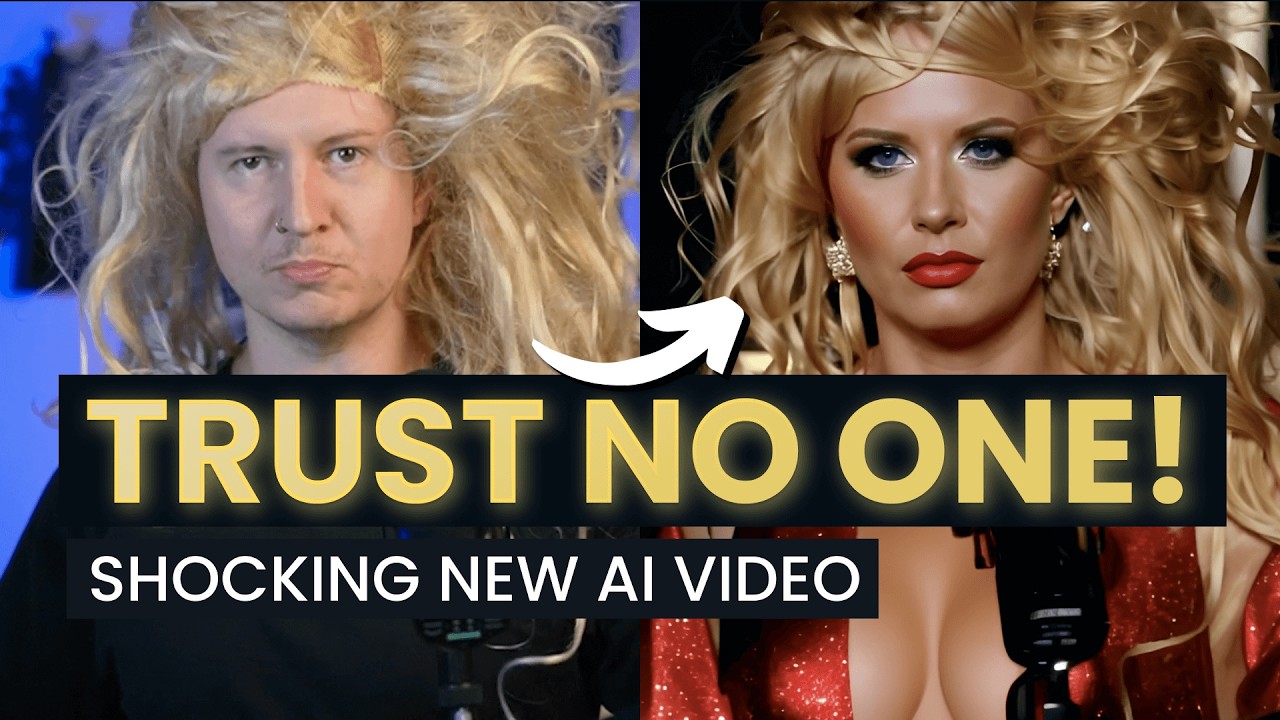
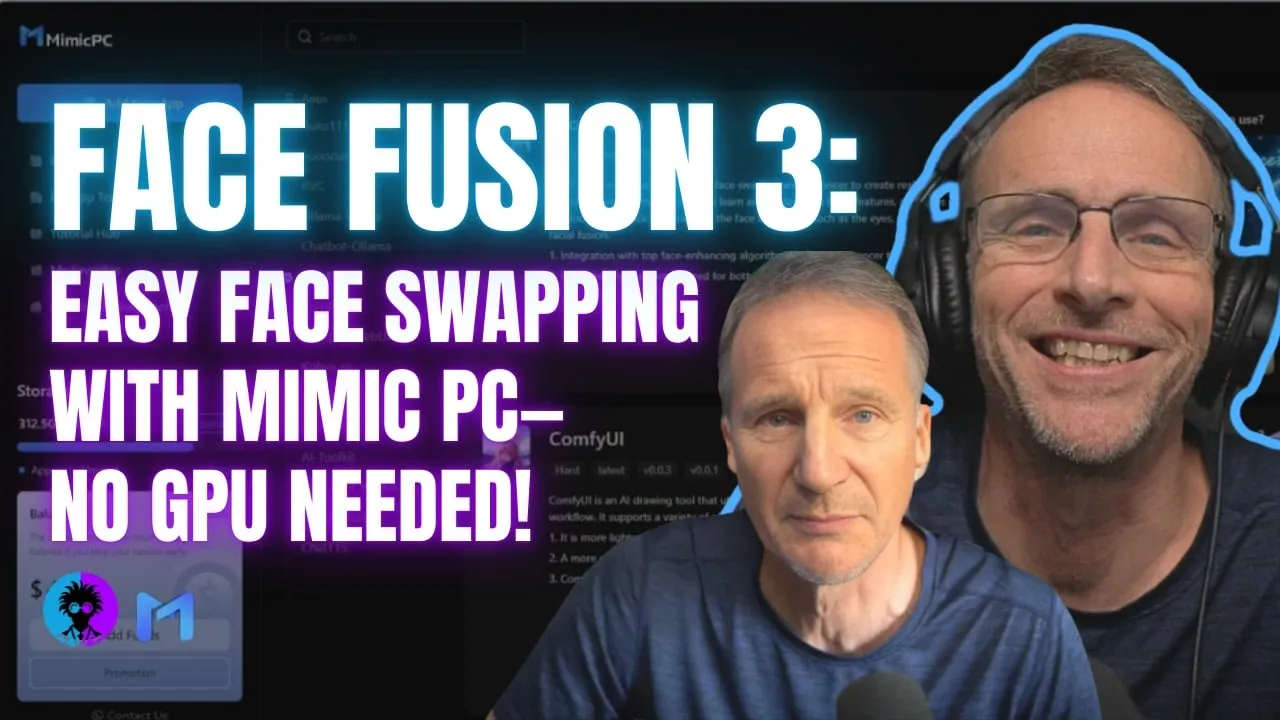
on today's video I'm going to finally reveal how I did this how you can do it even if you don't have a powerful GPU and if you do not watch this video in its entirety I will look for you I will find you and you know welcome back to the channel where we discuss the creative uses of AI and I'm almost giddy about sharing this with you I've wanted to share it with you for quite some time because this update of face Fusion the software we're going to share with you today actually happened like a week ago but do you know what I was waiting I was waiting it was driving me crazy but I was waiting till it got over on mimic PC so that those of you who do not have gpus and cannot download this and you absolutely have the ability to download this without having to pay anything if you got the GPU to run it but if you do not mimic PC is a great way to get started with this and many other cool AI software Solutions without having to Fork out for an expensive GPU mimic PC is a regular sponsor of this program and we are greatly appreciative of what they're doing because it does make these AI tools accessible to people who otherwise would just be looking at it going boy I wish I could do that one day so let's dig into face Fusion assuming you have a mimic PC account when you log in you'll just simply click add new app and what you're looking for is face Fusion now face Fusion is much more now than a simple face swap software you can do lip syncing you can do colorization and repair of old video it's truly phenomenal and the 3. 0 release should get you pretty excited if face swapping is your thing when you go to add this app as I record this today they still are showing that it's version 2. 6.
0 that they they actually have 3. 0 and when you click get started here and choose your machine and as always I'll recommend either a large or a large Pro just so you can have more speed in your Computing time click on Create and start and in just a couple of minutes you'll be running face Fusion 3.