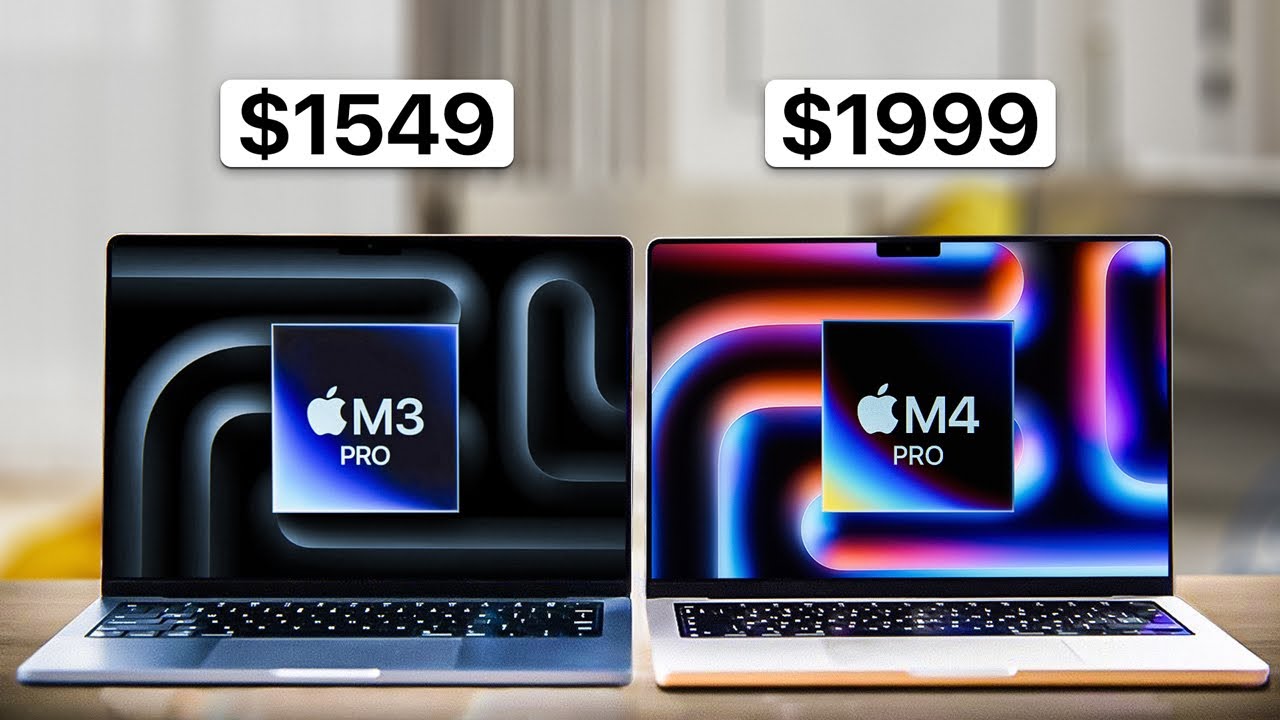
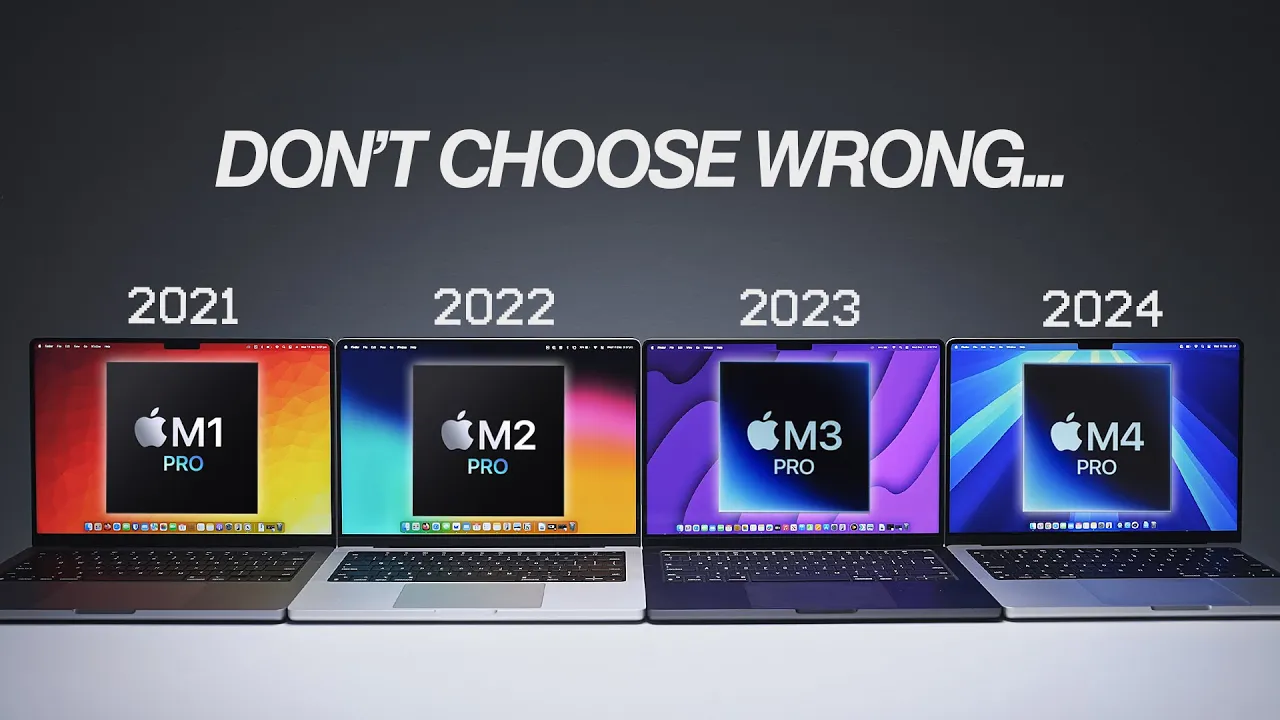
let's start with the easiest part of this video the physical differences they all have almost identical dimensions and weight and even the internal cooling solution and fan setup are very similar the M4 Pro however has an updated webcam with slightly better image quality and the new center stage technology that follows you around Port selection is identical apart from the M4 Pro getting the new Thunderbolt 5 standard which results in improved speeds and bandwidth Thunderbolt 5 is mostly going to be beneficial for those who want to use multiple external monitors with 5K or above resolution speaking
of screens all of these MacBooks use the same mini LED liquid retina xdr displays however the M4 Pro screen also gets significantly brighter than all other versions up to 1,000 nits which is incredible for outdoor use you can also pair this with the optional $150 nanotexture display giving the screen a matte coating that significantly reduces Reflections and glare uh seriously consider this upgrade if you're frequently using your Mac look on the go and you know especially in locations that can get really bright I found the matte display doesn't reduce contrast or sharpness noticeably versus the
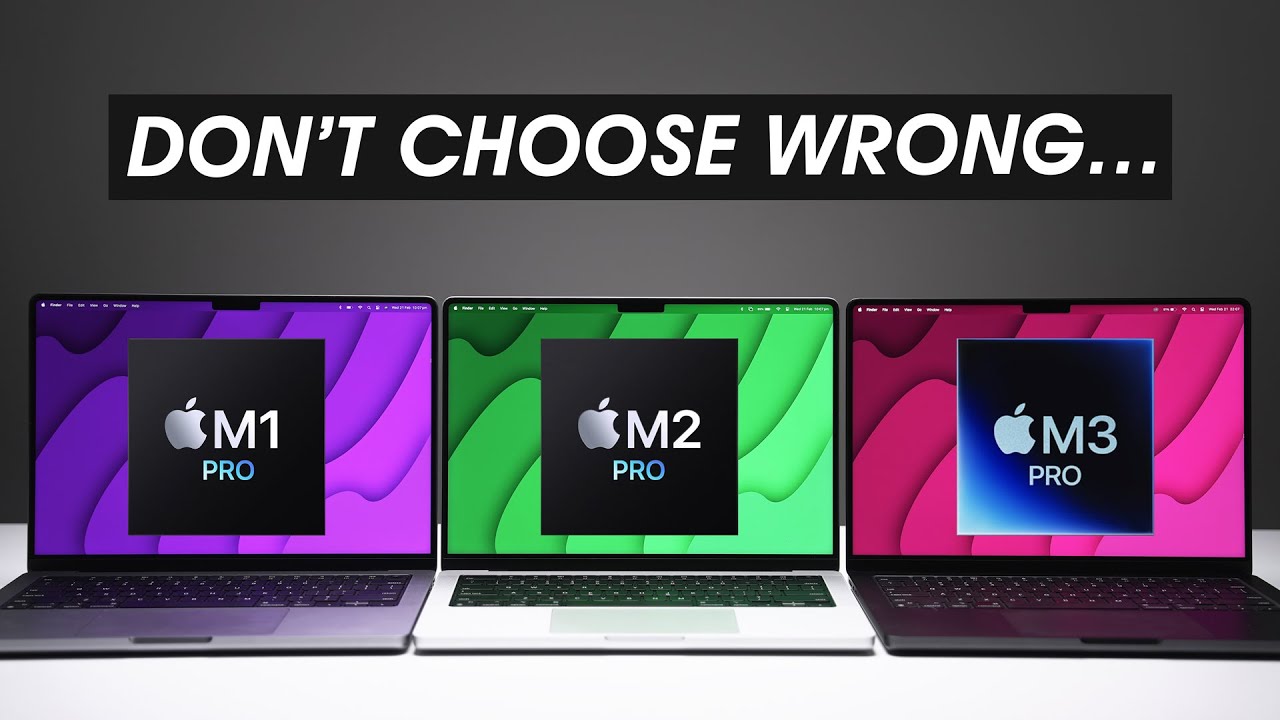
standard glossy panel now moving on to the chips inside each MacBook and how they compare in this video I'm comparing the base model Pro chips with no upgrades here's a comparison chart showing you the configuration of the base models in this video and the number in Brackets is the maximum possible configuration you can select just note that currently only the M4 Pro can be bought brand new from Apple so it's the only one that you can fully customize the M4 pro has some noticeable improvements particularly more CPU performance cores and 6 GB of additional unified
memory over the previous M3 Pro I also ran a speed test on all the base model internal 512 GB ssds and found that with the exception of the M2 Pro they were relatively similar and you almost certainly won't notice a difference the M4 Pro also has the same media engines for video rendering and Playback as the M3 Pro it also gets all the same GPU specific upgrades like Hardware accelerated rate tracing mesh shading and dynamic caching where the M2 and M1 Pro do not now one important difference here though is the memory bandwidth Apple silicon
chips use unified memory that is all the ram can be accessed by the CPU GPU and any programs currently running on the Mac where memory bandwidth is important is how fast this Ram can be accessed the M4 pro has significantly faster speeds than previous generations in fact it's 82% faster than the M3 Pro now you won't notice this during everyday basic tasks but when you're doing something intensive think of it kind of like a highway cars or pieces of data in this example on the M4 Pros Highway have a speed limit almost twice as fast
than that of the M3 Pro and we'll see how this impacts performance later on now speaking of impacts imagine if this happened to your expensive new Macbook luckily through the magic of editing my MacBook is safe thanks to tomtoc's 360° protective laptop sleeve and big thanks to tomtoc for supporting my channel and sponsoring this section of the video now this 360° sleeve utilizes military grade protection and high density soft padding to protect your MacBook from knocks and bumps for the butter-fingered individuals Among Us uh there's also this really cool Corner armor technology that actually wraps
around the edges of your MacBook to protect it from drops on the inside there's a soft inner lining and the outside is made from durable and spill resistant fabric securely enclosing your MacBook with premium YKK zippers the front also has a little storage pocket perfect for accessories or even a charger and there's a lanyard for an air tag or keys and you can pair your sleeve with a color matched Electronics organizer travel case made from the same premium material and with tons of internal storage and organization so check out the link in the description to
upgrade your macbook's protection and accessories organization today moving on quick note here on just general everyday usability like multitasking web browsing or emails uh I'm not going to waste your time all of these chips do this perfectly you will not notice a difference okay now it's time to look at some more intensive tasks I mean this is a pro computer after all for CPU performance on paper the M4 Pro is significantly better than even the M3 Pro the individual cores are faster and multi-core performance is a whopping 53% better although I found that real life
performance really depends on the specific workflow sometimes I'd see roughly 50% better but usually the difference was a little less pronounced like around maybe 20 to 30% or so for your programmer compiling code for example it means about a 3 and a half minutes difference between a 2-year-old secondhand M2 Pro and a brand new M4 Pro regardless uh the message is very clear here if your workflow is CPU intensive the M4 Pro is significantly better by a very wide margin taking a look at anything AI related all these chips have an npu or neural Processing
Unit which Apple calls their neural engine it's the part of the chip that looks after artificial intelligence and machine learning and is also utilized by Apple intelligence which runs on your Mac the M1 Pro gets smoked the M2 and M3 Pro are comparable to each other but the M4 Pro is the clear winner looking at creative workflows using the Adobe apps there are improvements between each generation but nothing too major unless you compare you know the M1 Pro with the latest M4 Pro for video editing though let's expand on that a little bit more because
you're going to be spending 95% of your time playing back footage or scrubbing timelines and I couldn't tell a major difference between any of them even with fairly demanding multi-cam timelines with color correction and there's a simple explanation for this it's because the media engines in these chips have similar Hardware video encoders and decoders so as long as you're using one of these supported codecs which you know is the case 95% of the time uh rendering an overall video editing performance difference will be minimal however once you move into more demanding areas like applying stabilization
for example or rendering in a video Codec that the media engine does not support there will be differences and anything effects or 3D related like Fusion in DaVinci resolve for example will noticeably benefit from the more powerful GPU on the M4 Pro moving on to some popular 3D workflows the M4 Pro with its beier GPU and faster memory bandwidth once again is significantly more powerful than the M3 Pro but both it and the M3 Pro destroy the others because not only do they have the new hardware accelerated ray tracing technology which the others do not
but this is also now supported in many apps like blender which gained ray tracing capability in version 4 now remember there are still some apps that don't support apple silicon ray tracing and if that's the case you're looking at results like this instead still pretty good but ray tracing is clearly an improvement now if you do any gaming there's no huge difference between the M1 M2 and M3 Pro the M4 Pro destroys all of them though even in situations where the game does not support ray tracing the M4 Pro is simply significantly more powerful and
can just push more frames out for battery life overall I found the M3 Pro did technically perform the best but you're honestly not going to notice so I'm going to spare you all the benchmarks and charts and stuff like that all four MacBooks just have insane battery life I mean I get like 16 hours when doing light stuff like internet browsing and it's not a fair comparison anyway right like any battery test I do now is with older and used MacBooks like the 3-year-old M1 Pro and all of them with the exception of the brand
new M4 Pro will have varying levels of consumed batteries with less available capacity so don't even consider battery life in your purchase decision all of them are really good so which one should you buy or maybe upgrade to if you're on an M1 or M2 Pro first of all I think they're all great and you honestly can't go wrong but unlike my last Pro chip comparison video where I was a little bit unimpressed with the M3 Pro especially compared to the M2 Pro it is different this time I mean before you even look at real
life performance differences the M4 pro has an additional 8 gbes of unified memory included for free over the M1 Pro and M2 Pro and of course 6 GB for the M3 Pro that right there is a huge upgrade just on its own and then you add on the option of a matte screen which I personally am going to choose from now on for my personal MacBook more CPU performance cores that are also significantly faster an improved GPU and just like the CPU with significant performance increases and all of this is able to access the unified
memory significantly faster than previous versions it's just an instant like 30 to 50% boost depending on the workflow compared to the older versions and you will notice it also the M4 Pro will have warranty uh the option to customize it to your exact configuration and will receive software support for longer than the older model mod now all of this being said uh if this is going to be your first pro MacBook the older M2 Pro or M3 Pro MacBooks can be bought secondhand or refurbished for a significant discount over the M4 Pro so if you
can grab a lightly used M3 Pro for example for you know 30 to 40% less than a brand new M4 Pro uh that's going to rule out most of the M4 Pro performance gains on a purely performance per dollar scale but overall uh yeah I'm impressed Apple uh the M4 Pro is a beast and if you are interested in my current MacBook Pro desk setup and some of the accessories I use I'll link that video here for you to watch

![Can ANY Laptop Beat a MacBook Air? [Intel vs AMD vs Snapdragon vs Apple]](https://img.youtube.com/vi/G9lRc217o1E/maxresdefault.jpg)