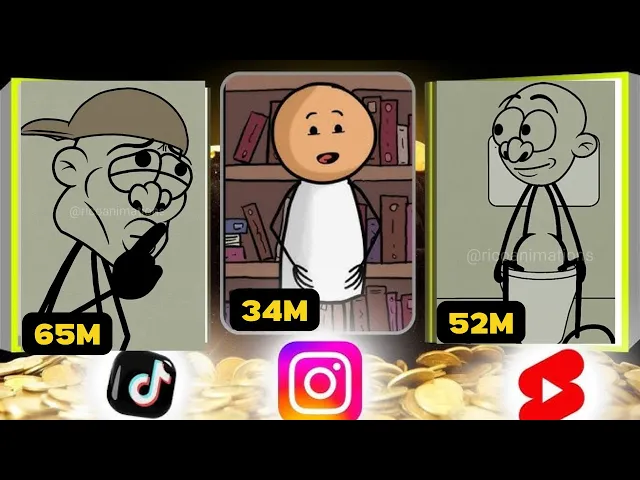
have you noticed these simple sticky video animations all over your YouTube Instagram and Tik Tok feed if you have you're not alone these videos are getting millions of views and those views are turning into serious money for the creators whether it's through YouTube AdSense Tik toks creativity program or even sponsorship deals these simple videos are gold mines what makes them so popular well sticky figure animations are some of the best at grabbing attention and keeping people entertained I'm pretty sure you've seen at least one of these before there aren't many creators making them so the
competition is low and that's a good thing for you if you want to try your hand at it the reason they get so many views is simple once people start watching they can't stop these videos are short catchy and so engaging that people often watch them over and over again that replay action is what pushes these videos to even bigger audiences and you know what that means more views and more money there are three main types of stick figure animations but here's the best part one of them is completely free and really easy to make
I'll show you how to create it today check out this example you told me you were interesting but you're literally always in bed I'm into resting you won't need to spend any money and once you learn how you can make as many videos as you like but here's the thing you have to follow the steps closely even though it's simple missing one step or mixing things up could leave you with a video that just doesn't work so pay attention and let's get started the first thing you'll need to do is head over to a site
called Adobe Express animator don't worry I'll drop the link in the description to make it easy once you're there we'll dive into the steps to make your very first sticky figure animation make sure you're using the right version of Adobe Express animator the one with the free logo the other version isn't free so we're sticking with the no cost option today once you've opened it click on the plus icon then head over to the quick actions tab scroll down until you see animate from audio and give that a click this will take you to the
workspace where most of the fun happens now this part is simple but really powerful you'll see a bunch of characters that you can work with and make them to talk there are lots of categories to pick from too whether you want emojis people or even some quirky stuff it's all there but today we're focusing on our sticky figure friend select him from the list next we need a background for our animation click the background tab you can choose either a solid color or go for something more detailed like a place if you're feeling creative there
are some cool locations to choose from hot dog stand Beach classrooms deserts bedroom living room and even outer space for this example let's stick with a living room after picking that click on size and choose the format that fits your project let's go with the YouTube layout for now now keep in mind if you're planning to use portrait mode you should pick a background that will fit better all right now comes the voice overp part we'll need some voice over to bring our sticky figure to life for this we're using a free text to speeech
Tool there's a link in the description below that will take you to the site signing up is quick and you get 2,000 characters per audio clip the great part you can use it as much as you want no cost involved and it's completely free to use for now ready to dive into creating an awesome voice for your sticky animation video let's get started first up we need a script for our voice over you can either let chat GPT cook up a hilarious joke for you or find a joke you like and ask chat GPT to
Jazz it up I've already got a great joke that I improved using chat GPT here it is so I will copy it from my Google doc head over to our free voice over tool paste your funny script into the text box now scroll down to see a bunch of voice options play around with them to find one that fits your video video for this one let's choose the guy voice adjust the speed and Pitch to your liking then hit convert now in just a few seconds your voiceover will be ready listen to it to make
sure it sounds perfect then click download next we're going to turn our static image into a video using Adobe Express first enable enhance audio then click on browse and upload the voiceover file you just downloaded give it a moment to process within a minute your video will be ready for download once it's done downlo download it let's play it my wife said she wanted to donate some of her clothes to people in need in starving I looked at her and said honey anyone who fits into your clothes is probably not starving that's when the argument
started what did I do wrong perfect and voila you've just created a sticky animation video ready for Tik Tok Instagram or YouTube keep posting regularly and watch the likes views and followers start piling up the more videos you make the better your chance of going viral and earning from your content if you enjoy this guide drop a comment and let me know how your videos turn out you might be the next big star in this exciting space don't forget to like this video And subscribe for more tips tricks and ways to make money online thanks
for watching