hey guys and welcome back in the last part we have created our database table through our models. py file we have also created our form through forms. py file in this part we're going to create our views and our URLs all right let's go ahead and start by our views the first thing that I want to do in my views.
py file is that I want to import the product form and the product class from both the form file form. Pi file and um the models. py file so I'm going to say here from the current directory forms I want to import the product form and also from the current directory models I want I want to import the product class all right now I need different views this application is applying what we call the crud router so that's going to be a crud router application crud CR U crud stands for create trade update and delete so you're going to create a product you're going to read a product or view a product you can update your product and you can delete your product this is the story of any other application that you can use you can for example in any of your social media websites you can um create posts for example you can read other people's posts you can update your post and you can delete your post so essentially we will need um a create view read view right we will need update View and we will need also a delete view right these are the components of our application and also I will need a home view that's going to be only um for the homepage okay so let's go ahead and start by the homepage that's the simplest one so uh I'm going to create a function I'm going to call it homeor View and that's taking the request of course and we're going to render the request and the templates name now I want to create here in my applications folder I will create a folder um I'm going to call it templates and inside that templates folder I will create inv app okay inside inv app I'm going to create five different HTML Pages the first one is home.
html um the second one is going to be for the general layout and I'm going to explain that later also I will need um product form so that's very [Music] important uh also I will need um a product confirm delete so whenever you're going to delete your product you will have a page you will be redirected to that product confirm delete it's going to tell you are you sure you want to delete this item or not so I'm going to call this one productor confirm uncore delete that's a long name I know uh but it makes sense for me um by the way you're free to change all of the names as you want um just create the names that make sense for you also the last one that's going to be the product list just to view all of the items so these are essentially the four HTML pages that we will create together all right so let me just close them all and let's get back to our views the P so for the home view I will need to go to the INF app inside that folder we have our home. html file all right and that's essentially my home view function this is going to render the home. html template now let's go ahead and tackle the next one the next view is of course the create view function this function simply is going to add the product so I'm going to um just call it product underscore create View and here I want to instant sheet an empty product form right so we have our product form that we have imported from uh the forms file so I'm going to use that here and that's going to be a form variable uh that's the form object instantiated from that product form class next I want to check out if the request method is posted right so we have uh done that before together if request.
method is equal to post I want to bind the form data from the request so the form here is equal to the product form taking in the argument the request. the post method now once we have this form ready we want to check out if the form data is valid or not so I'm going to check out if form. isore valid in this case I want to save the new product to the database so form do save and then we're going to redirect the user to the product list view uh for that I will need to import um the redirect method so let's get back and here I will return redirect the product list and finally here I'm going to render with the request uh in the the inv app slth productor form.
HTML right and uh let's not forget the context of course so the context that's our dictionary so that's going to be the form which is equal to the form and this return statement simply says that if the request method is not equal to post we will redirect the user to go to the pro product form template with the form all right and this is simply our create view function the next function that we want to create is the read view function now the read view is very simple we're going to query all of the products from the database and render the product list HTML template with the products so to do that I'm going to um create this product underscore listor view function that's taking of course the request as usual and I want uh a variable called products this products is going to take the product class and we're going to say doobs do all right we are selecting all of the products in the database table and we're going to render inside the folder inv app for slash productor um lists HTML right and of course the context here is the product so uh the products is set to the products in the database table now this is as far as the read view now for the update view that's going to be a little bit longer so basically what we want is first of all we want to get the product by the product ID because we want to up date a certain product right so we need to Target it by its unique identifier by its ID number now to do that let me create um a function and I'm going to call it product uncore update uncore View and that's taking the request but also it's taking our unique identifier it's taking the product's ID number so the product ID as second parameter and um now I want to take the product class and I want to go go to um the objects and I want to go to um the objects here and we're going to select now I want to take the product class dot all of the objects. get now get is a special method that's going to Target the product ID number so uh the product underscore ID is set to whatever the product ID that we are looking for and of course I'm going to assign that to a variable called Product now the second variable is going to be the form that's going to be the form object instantiated from the product form with the product instance so whatever the product instance here is going to be that's going to be passed as a parameter in the product form class and we're going to assign that to a variable called form so that's the product form class and and uh we will pass here the the parameter we're going to set the instance to be the product itself now as always I want to check out if the request method is equal to post in this case I want to uh buy the form data from the request to the existing product instance so um that's going to be a little bit different from what we have done here when we have binded this form data from the request so we're going to do that a bit different here because we're going to uh just to take the existing product instance if that's true I want to bind the form data from the request to the existing product instance so um I'm going to take the product form and the product form is taking two different arguments the first one is the post request so that's B do post and the second argument is um the instance which is set to the product itself so that's going to be exactly like here we're going to pass that as a second parameter in that product form method and I'm going to save that again in the form so I'm actually overwriting the form if the request. method is equal to post and of course the next thing we need to do is to check if the form data is valid so if form do isore valid in this case I want to save the updated product to the database so uh form.
saave exactly the same thing that we have done here guys right but um that's a bit different even for the form we have binded here the form data from the request and here we have binded the form data from the request to the existing product instance so I've added here a second parameter which is the product instance to update our product in our database table so if the form is valid we're going to save that updated product and I want to redirect the user to the product list so uh I'm going to return redirect the user to uh the product uncore list and again if the request. method is not equal to post I'm going to um render the product form template with the form so um that's basically going to be the same exact line here all right guys so we have created together four different views the update view the read view create View and of course the home view the last view that's remaining is the delete view basically what we want that's that's going to be very close to update because we want again to Target a certain product by its unique identifier or product ID we want to get the product by the product ID we will check if the request method is post then we're going to delete the product from the database table then we're going to redirect the user to the product list View and finally we're going to render the product confirm um delete page this one that we haven't created yet that's going to tell the user are you sure you want to delete this product or not right so let's go ahead and uh write that so um I'm going to create a function I'm going to call it product _ delore view that's taking again request and the product ID a second parameters second can input so I want to get the product by the product ID so I'm going to access the product class doobs doget so that's going to be the product ID and that's equal to whatever the product ID that the user is selecting next I want to check out if the request method is post um so if the request I think uh this is cemented in your head now guys we have repeated this many many times so if the request method is equal to post I want to delete the product so simply product. delete and yet again we will redirect the user to the products list and then finally I want to render this product confirmed delad template with the product so uh we're going to render we're going to return render um the request as first parameter of course and in app forward slash let's check out product uncore confirm uncore delete that's the one product uncore confirm uncore delete HTML of course and the context here is set to the product itself the product in question the product that we want to delete and that's it basically guys we have created all of our views our home view our create view um our read our update and our delete view now very quickly let's go ahead and create our urls.
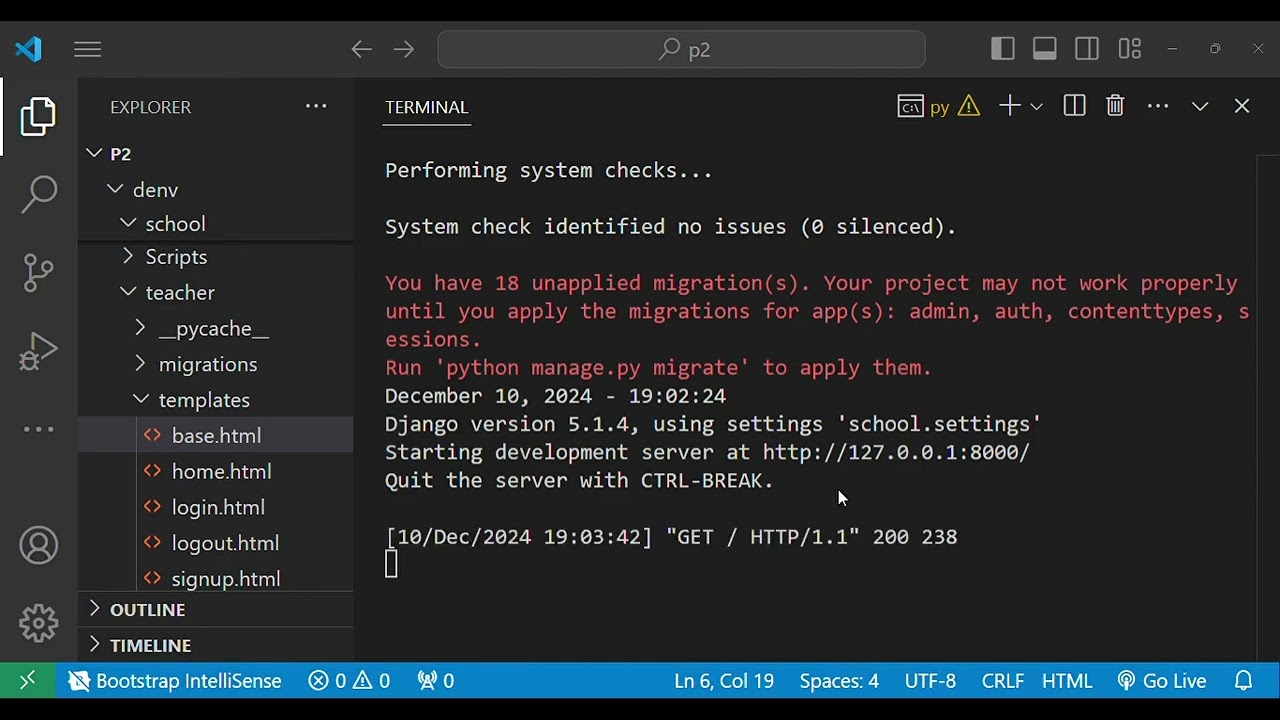
py file so we will have here our dispatcher or our router from Django do URLs I want to import the path that's going to import the path function of course from the D Jango URLs model and of course the path is very important to Route the user to whatever the route that the user should be directed to so from um the current directory I want to import the views then I will have the URL patterns list in that list I will have my path so the first path is going to be on an empty route I want to go to the Views and access the home view that's going to be our homepage and I'm going to give it a name of home uh let's not forget the comma Now I will need four more path one to create the product one to list the product one to update and one to delete so 1 2 3 4 so the first one is going to uh the create route and for the views I will need um the product underscore create view right and I'm going to give it a different name that's going to be productor create um the next route I need to list all of the products so list forward slash and that's going to go to the product list View and I'm going to change the name of course I'm going to give it the name of product list for updating and deleting the products is going to be a little bit tricky so take a look at that we want a route called update forward slash then I will need the product ID inside those brackets here I need this product ID but I need to identify that this product ID is going to be an integer right and at the end of the route I need to enter a forward slash all right so this is the correct path that's going to appear whenever you want to update a product in your products list then I will access um different view of course so the view here is the product update view product update view that's the first one and I'm changing the name to productor update for the delete that's going to be essentially the same things so on delete for or slash then in those brackets I need my productor ID and and I'm identifying that this is an integer right so the product ID should be an integer here and do not forget the forward slash at the end of the route and uh finally I will need to change the views that's going to be the product delete View and I will change the name to also product delete all right guys so these are our path that um that will help us to be redirected from one page to the other on an empty route we'll go to the homepage create that's going to create our um our product to list we're going to list all of the products inside our database table to update a certain product we're going to Target it by its ID number and the same exact thing for the delete if we want to delete a certain product we will need to Target it by its product ID and in case we want to delete that we're going to be redirected to a page for the confirmation it's going simply to ask you if you're sure that you want to delete that product all right we are almost there the last step that we need to take in our backand setup we need to go to our project to our URLs file and um set up our path here so our usual will path of course on an empty route so um single quotes I want to include the url's file which is in our application so include URLs do uh or inv app. URLs right and for that I will need to import include function as well now one final step that I want to take um just as a confirmation step is to make migrations and apply migrations again so um I'm going to do again python manage. py make migrations okay no changes detected that's fine and I will do migrate all right fine no migrations to apply this is simply going to tell me if there is anything that I made by error it's going to detect it and this is basically it guys for the backand um we have set up our server we have set up our database uh let me actually run the server python manage.
py run server all right and of course we don't have anything because uh the home.


![Deploy a Django web app to Vercel [FREE]](https://img.youtube.com/vi/ZjVzHcXCeMU/maxresdefault.jpg)