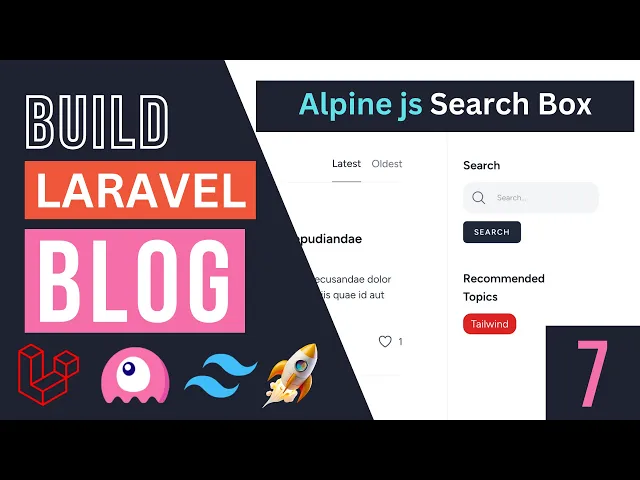
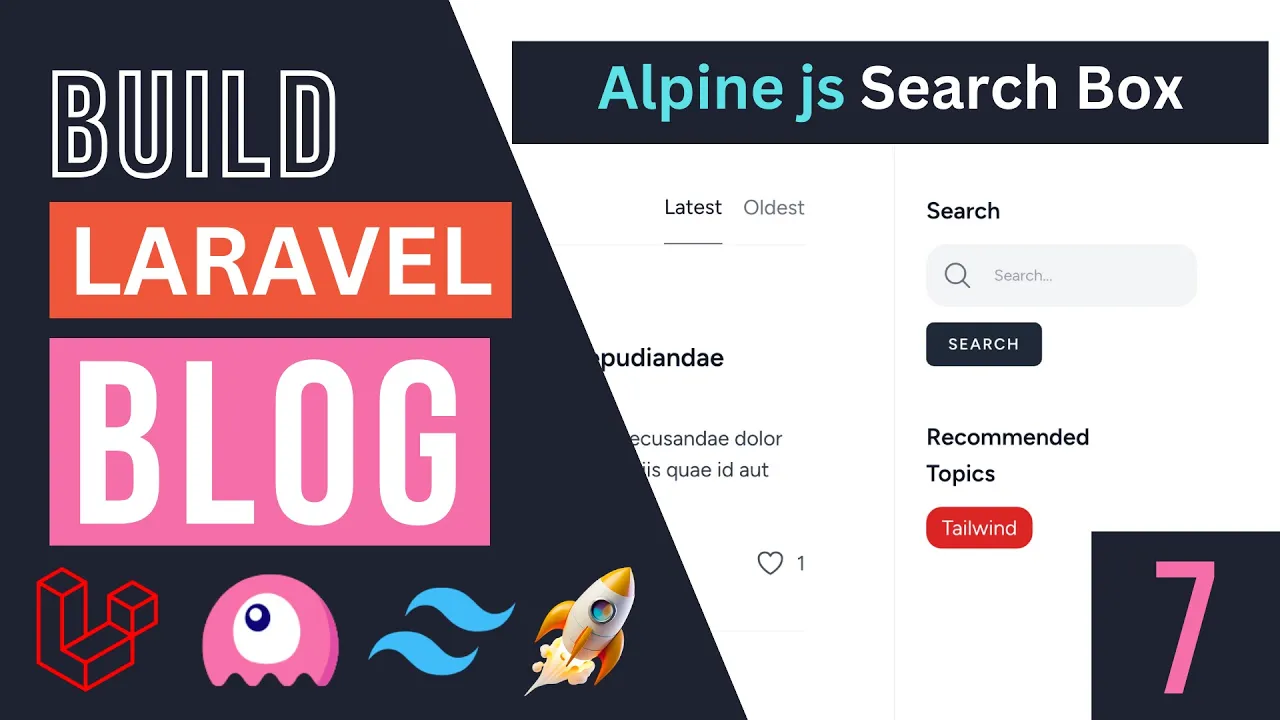
hello everyone welcome back on today's episode I'm going to show you guys how to rebuild our search box from the previous episode using alpine. js and eliminate that extra Network request we were making so on the previous episode I showed you guys the different ways to build the search box using a live wire only and the reason we had that extra Network request was because we wanted the search box to be its own independent Live Wire component right so if you had the search box be part of or be a child component of a post list we could have kind of made life a bit easier so let me show you guys what I'm talking about if you kind of it's been a while since the last episode basically if you go ahead and do a search with our current implementation we are going to make two Network requests so one is to update the state of our search box and then the search box this patch is an event and let's have a post list component which is the component on the left to hey realize hey man we have updated the search query update the results right so it's sending two requests so one thing we can do is we can actually use alpine. js and make it so the search box doesn't send that extra request right so if you don't like alpine.
js or you don't want to use alpine. js you can skip this video and again the previous solution still works for a simple application like a Blog it's totally fine it's not something overly critical but still I think it's going to be helpful and educational video for you guys so let's go ahead and see how we can do that all right so we have our code from the previous episode which is basically our search box over here simple HTML and then the PHP code we just have a simple property and our update function so let's go ahead and actually start off by first creating an alpine. js component now liveware is built on time on top of Alpine so we don't really need to include Alpine it's just already there if you have Live Wire so in order to create an alpine.
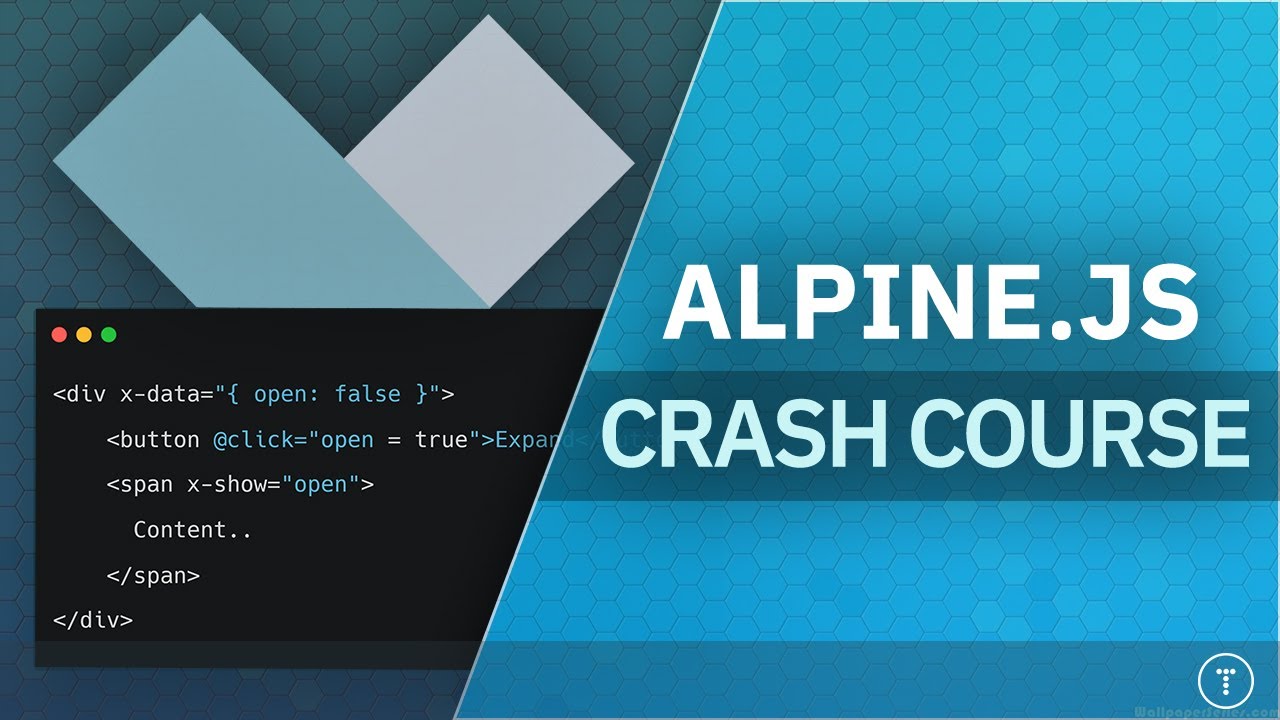
js component you need to select the kind of root element of your component or what you want to be your live Alpine component and then add an attribute of X data just like so and just adding this x data will create an alpine. js component and then with this x data you can go ahead and Define a state or like a data right as the name suggests and this is very similar to how you define data in the library right so the data we're working on is the search variable right or it is search property so we can go ahead and do the exact same thing inside alpine. js by basically passing in a JavaScript object to average X data and then Define our property so here I'm going to say a search and then my default I'm going to set it in it to an empty string okay so we have just basically defined a property or this is equivalent to defining a property inside our library component and the next what we can do is we can go ahead and similar to Live Wire where we had this Voyager model and we binded the input whatever we typed in the input to our research property and other way around we can do the same thing with alpine.
js as well except instead of wire model we have to do X model okay so the syntax is slightly different and this x kind of Dash is uh basically the prefix for alpine. js attributes right or directive so that's it now we have pointed the value of our input box to this search variable or data and then whenever we type something inside the search box it will go ahead and update this search property or data okay now that we have this guys we can actually go ahead and perform the same logic we have inside this wire click update with alphon. js now because the logic is very simple and it doesn't rely on any backend data this is a the best use case actually we have so if you look at our update method or our update action all we are doing is we are dispatching a search event right which is like a browser event so we can use alpine.
js to send EVMS as well right so let's go ahead and do that in order to handle clicks using alpine. js instead of wire click you can do X hyphen or Dash on click and this is how you define on-click events or on click listeners on Alpine you can also do at click this is also an option I don't like to using it that often because some other JavaScript Frameworks use this and also for some reason vs code just doesn't like it with my plugin setup so I'm just going to go ahead and use Exxon click and again it's going to be more consistent with xmodel and X data and then here in order to dispatch an event we can do dollar sign dispatch this is how you dispatch events with alpine. js and then the argument list for this dispatch is exactly identical to the live wire dispatch okay so we can go ahead and say uh search so this is the event name and then the second argument is going to be the data we are going to send it can go ahead and pass it the JavaScript object which is kind of like the associative array or all the arguments you're passing in over here right so here I'm going to say a search is equal to search now this first search is actually our kind of argument name that we expect on when we are handling this event and then the second search is actually our Alpine component data now to avoid confusion I'm going to go ahead and convert this query so like like a search query so the names don't get confusing so let's go ahead and do that and then yeah right so now this value is completely different from this one I just wanted to do that to avoid any confusions and that's basically it guys we have converted our library component to an alpine.
js component in just a few minutes okay just two minutes if you do it quickly maybe even one minute so let's go in and see if it's actually working or not I'm going to reload the page let's type something in I'm going to say set which is like the second argument over a blog post over here hit search and indeed our search functionality is actually working using alpine. js let's do notice which is like this one and it's also working and let's also check out our Network calls and again previously as I showed you guys they were sending two Network calls so now I'm gonna clear this network let's click on search again and as you can see we're only sending one network request so we have eliminated the extra Network Quest that we were sending with live wire and we are now using alpine. js right so very nice now since you're no longer using any of the Live Wire kind of uh Futures we are I'm actually going to delete our search box PHP file we don't really need it again we are not using this file and instead of having our search box be inside our library component for now I'm going to go ahead and move it inside our post okay so inside this post folder I'm going to create a partials folder okay and it's petriles they should be partials partials folder and I'm using the same name mix scheme as we did inside our layouts sometimes I use includes and then I'll just use includes everywhere everywhere else sometimes I use shared it's up to you but whatever you choose just try to be consistent throughout your project but inside these partials I'm going to go ahead and basically move our search box over there later on if we start using the search box on some other pages that works with something other than posts maybe we can move it outside here but for now we're only using it to search for posts okay and then inside our index.
php which is basically posting this PHP we can go ahead and replace this Library component with our just do a regular blade include okay so it's going to be post dot partials partials dot search box let's save this let's reload hopefully should look exactly identical it does let's try to check the functionality and the functionality also seems to be working okay I'm not sure actually why we didn't get this last article I'm not sure what it was let's try again r e i yeah so the search indeed is working let's try this Autumn as well yeah so we don't have that research functionality working and we can of course sort them as well now one more thing I would like to do guys is now if we for example are searching for something and we reload the page we are showing the search result on the left but we are losing it on our search box now I personally prefer if we actually show or have the default value be what we have already searched for so this is relatively easy to do so what we can do is we can go on our search box and then instead of this query we can go ahead and get whatever this search URL parameter is and then use it as our default so here I can say request we can use the request helper in PHP and then get the search parameter if it exists and then the second one is going to be the default by default if it doesn't exist just return an empty string right so nothing basically so this should now hopefully if I reload the page set it to whatever we are searching for and indeed it is working let's try searching for something else and then I'm going to go ahead and reload the page and as you can see our search boxes are actually showing the default value so I like this a little bit more and that is it guys for today's episode so this is basically how we we can go ahead and use alpine. js to do simple search now if you don't like using alpine. js you can still use the previous what we did on the previous episode nothing wrong with that I think for most applications it should still be okay but if you care you can go ahead and use alpine.
js for this now if you want to expand upon this later on and add maybe some recommendations something similar to like Google right so on Google if you're typing in it actually gives you a list of recommended search topics right if you want to add something like this later on obviously our alpine. js component is not going to be that useful right so we're kind of forced to go back to a library component now I don't have any plans of doing that so I'm gonna go ahead and use this alpine. js component but if you want to go ahead and later on add some drop down some recommendations and some more advanced features that require back-end calls then stick to the library component solution totally fine and yeah that's it guys for today's episode I hope you learned something new I think it's going to be useful to know at least how to do it even if you don't use it uh kind of get some extra practice with alpine.