do this rain cloud stuck up over my head feel like it won't go away till I'm dead I got these great Skies clouding up my eyes I hate this feeling that I'm feeling inside I'm stuck in my mind and I'm praying God send me a sign I don't know if I'll ever be fine I don't know if I'll ever be fine but I'll fight till the end of the line so first things first we have to come up with a song or actually we have to come up with some lyrics so I came up with
a chorus on my own and I just asked chat GPT if they could finish this song for me so then I entered in the chorus that I came up with and chat GPT went ahead and finished the song for me and gave me a verse I just copied the chorus and the verse and I came over here to sunno which is a free AI music generator you get about six songs for free every day I believe that's correct and I came over here to sunno to create my song now there's a tab up here where
it says custom if you switch that custom tab on you can enter in your own lyrics if you turn it off you can just give it a general idea and it'll create the song based off of the idea that you give it so I pasted in my lyrics and then I told sunno what type of music I want I chose hip hop Harmony melodic and introspective after that I gave it a title never be fine and I clicked on Create and every time that you hit create you get two songs back and sunno is such
a good AI music generator I actually had a really hard time choosing which song I was going to use for this video gray skies clouding on my eyes I hate this feeling that I'm feeling inside I'm stuck in my mind I got these gray skies clouding on my eyes I hate this feeling that I'm feeling inside I'm stuck in my mind every song that it came back with had a different style a different Melody but every single one of them was extremely [Music] good I ended up choosing this one and then I moved on to
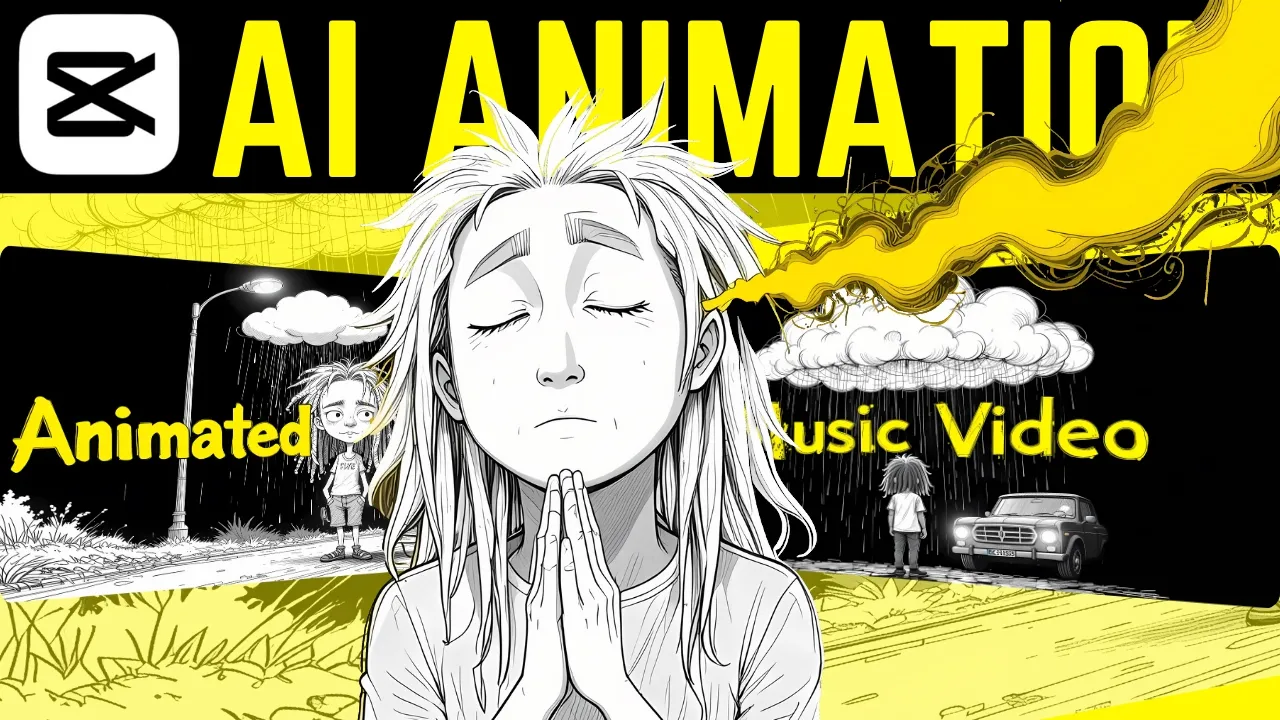
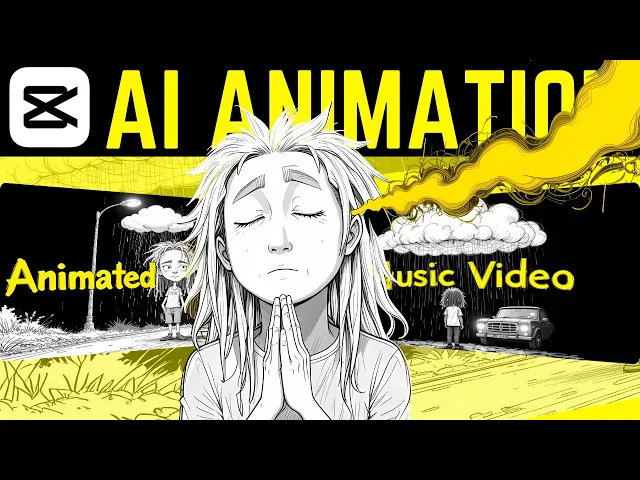
the next step of this process come over here to pick Lumen cuz I wanted to create a character for my music video I decided to go with like a 2d pencil sketch type of character I wanted him to look like he was cut out from a notebook paper and I just thought it would look kind of cool and if you seen my videos before you know that pck Lumin is a free AI image generator so you guys can go over there and create characters if you want for your music video and you'll have no problem
downloading it completely for free just click on this button right here once you create your image and you're going to go ahead and download it the next step of this process was to come over to photo room and I had to remove the background from my character so I clicked on start from photo I clicked on Dread Boy open that up and it removed the background and then I downloaded that image now it was time to come over to pixel cut where I can use their magic eraser tool so I uploaded the image that I
had of that Dread Boy and then I removed his mouth just click on zoom and scroll in a little bit and then you can drop down the size of your brush and you're just going to remove the mouth from your character and click on erase and then I went ahead and downloaded that as well after that was downloaded I came over here to a free vocal remover and isolation tool this is an AI tool that's going to separate the voice from the music from your songs so I clicked on browse my files and I uploaded
that song that I just got from sunno never be fine upload it to this tool and it's going to separate the vocals from the music searching for light but it's hard to find lost in the darkness trapped my mind so as you can see it separated the vocals from the music and then I just went ahead and saved that as an MP3 and right here you could choose whether you want to save the music whether you want to save the vocals or if you want to save both the music and vocals as separate tracks I
just need the vocals for this purpose now the reason that I did that is because I use Adobe animate Express and to create the lip synced mouth automatically because that is an extremely tedious process in animation so thanks to Adobe for their free tool we can animate their mouth automatically so I'm just going to go ahead and click on browse right here and I'll click on never be find vocals and I'll open that up so now Adobe is going to automatically animate this mouth and I'll be able to use it on my character so that
it's lip synced and I won't have to do anything now we have a lips synced mouth for our [Music] character that saves us so much time trying to animate a lip synced mouth and now that we have that we can also create some b-roll footage is basically what I like to call it and I used this tool called genmo now I thought that this tool was completely for free but I realized after getting cut off on my last video you can only create 30 videos per month so I was able to create enough of these
videos that I could make that music video look really good and I just went with the same style that my character is a 2d pencil sketch so I just kept that same theme and then I just created different animation videos with this AI tool it's a AI video generator and I was able to create these little 2D animations that were drawn with pencil so that's how I was able to add these into the music video now in a second we're going to see the entire music video I'm going to play the whole thing at the
end of this video just to show you guys this was a good scene right here with a character walking through the darkness it went along perfectly with my music video This tool is able to create these little animations without us having to actually animate anything just by putting in a prompt and if you stick with the same type of style that your character is I think it'll really complement your music video well now it's time to put everything together in cap cut and I'll just show you real quickly how I did that the first thing
that you're going to do is bring in your song and put that into the track then you want to bring in your character and put him on the timeline and as you can see I also cut out his eyes in photo I forgot to tell you guys that step the reason why I cut out his eyes is so that I could create those little animations a little HP hypnotized animation right here like this one and all I did was just rotate these I kept rotating them to create the hypnotized effect so let's go back to
our character and now once you have your character on the screen you can go ahead and bring in that animated mouth you put it over top of your character and then you're going to come over here and click on remove background chroma key and just click on the green and then you're going to scale down that mouth so it's lined up with your character and it looks like it fits you might have to angle it slightly depending on how your character is situated and then you're going to just line it up with the music and
once you have the mouth lined up with your character you can come over here and start bringing in your background footage so what you want to do is put that b-roll footage above your character and now what we're going to do is come over to this blend section right here and we're going to take the opacity down so that way you can see both your character and the b-roll footage at the same time so it looks like sort of a blending going on there and now once you do that you can also add in some
effects I just went crazy with the effects and at the end of it this is what I got [Music] Iain SK cling up my eyes I hate this feeling that I'm feeling inside I'm stuck in my mind and I pray God me a sign I don't know if I'll ever be fine I don't know if I'll ever be F I'm searching for light but it's hard to find lost in the darkness and trapped in my mind every step feels heavy like I'm sinking in the ground the silence is defin and no escape from the sound
but I'm still holding on to a threat of Hope trying to climb but I'm slipping down the Rope these scars on my soul they're telling my tail but I keep on fighting even when I [Music] fell my but I'm praying God Me A Sign show me a way give me a line I don't know if I'll ever be fine but I'll fight till the end of the line [Music] [Applause] [Music] do this rain cloud stuck up over my head feel like it won't go away till I'm dead I got these gray skies clouding up my
eyes I hate this feeling that I'm feeling inside I'm stuck in my mind and I'm praying God send me a sign I don't know if I'll ever be fine I don't know if I'll ever be fine but I'll fight till the end of the line [Music] [Applause] lost in the darkness I'm trapped in my mind every step feels heavy like I'm sinking in the ground the silence is definite No Escape From The Sound but I'm still holding on to a threat of Hope trying to climb but I'm slipping down the Rope these scars on my
soul that tell on my tail but I keep on fighting even when I fail I'm stuck in my mind but I'm praying God send me a sign show me a away give me a line I don't know if I'll ever be fine I'll fight till the end of the [Music] line so guys one of the reasons why I think this song turned out so good is that I came up with the course on my own if you're able to come up with the course on your own or at least at least part of the song
on your own I think the AI like chat GPT or sunos music generator I think it'll be able to create a little bit better of a song because we're always going to be more creative than AI as far as I'm concerned so if you can come up with a song or at least a course and then just have chat gbt finish the song out for you I think it'll be a lot better in the long run I hope you guys enjoyed that tutorial and if you like it leave a comment down below subscribe to the
channel if you have any questions or if you need any help make sure you leave a comment or you guys can email me my emails in the description I will see you guys in the next video
![How To Make A Music Video With Your Phone [MASTERCLASS]](https://img.youtube.com/vi/SF-HsCF6m3I/maxresdefault.jpg)