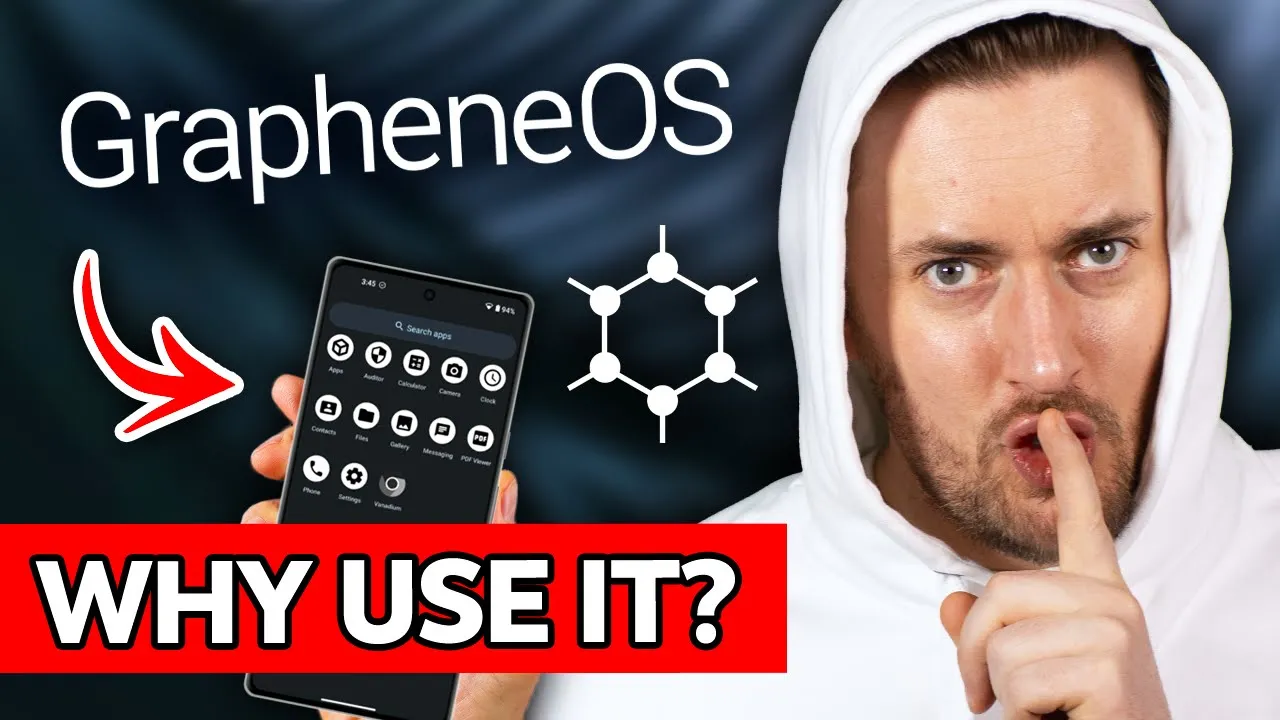
De-Googling your phone is now a trend. You know what, I fully support it. Only it's not that easy unless you know where to look.
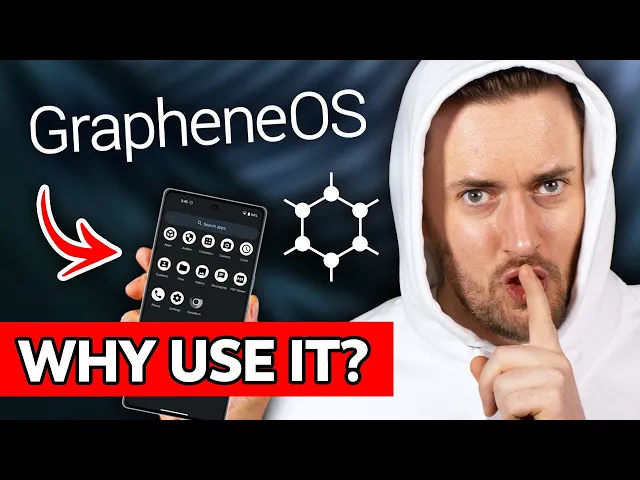
For today, I did a thorough GrapheneOS review, an operating system designed to cut off Google's data-leaching tentacles. Andy, why should I care what Google knows? I've got nothing to hide.
Okay, sure. Then give your phone and password to a random stranger. See how that makes you feel.
Even then, that stranger probably won't memorize everything you have in there, every email you've ever written or file you've ever uploaded. He'd likely won't go out of his way to track your location 340 times per day. Yeah, Google does that and default Android welcomes it with open arms.
It gives you Google apps preinstalled like a nice little bouquet of worms. If you do decide to ditch this toxic relationship and learn how to de-Google your phone, GrapheneOS is the place to start. What is GrapheneOS exactly?
It's not just a modified version of Android with a few extra features. It's not a custom ROM. It's a full-blown, fully-featured operating system.
This OS is primarily focused on privacy and security, and for this reason, Graphene is recommended by big-shot names like Edward Snowden. You don't need to be a cool hoodie-wearing hacker or a privacy expert to use it. Graphene OS is a perfect fit for anyone that just wants to up their privacy level.
Why isn't it mainstream yet? Here's the thing. GrapheneOS-supported devices are limited to Google Pixel phones.
Okay, yes, I know, the irony is killing me. Yet, as I found out, there are multiple very solid reasons for this. The main advantage Pixels have is hardware.
While Google is, pretty s*** at privacy, their security standards are unmatched. At least so far, Google phones have a combination of specialized hardware security features, plus consistent updates, plus support that lasts a long time. On top of all that, it's a clean Android experience, meaning that Pixels are not stuffed with bloatware.
There is a whole list of reasons that Graphene creators made to justify this choice. To put it simply, Pixel provides a strong and clean base that GrapheneOS can then build upon. Will it ever be supported on other phones?
I wouldn't hold your breath. If they tried to support a bunch of other phones, they'd have to deal with different hardware set-ups, software tweaks, and that would ultimately lead to compromises. This would go against the entire project as the goal is the safest and most private OS you can get, not a semi-passable replacement.
Yeah, Graphene is ultra-focused both on privacy and security. Of course, to start off, they yeeted all the default Google applications. You won't find any Google products preinstalled in the system, nor will there ever be any included.
On top of that, Graphene sandboxes every app on your phone. Every single application sits in its own separate bubble. Well, more like a room with reinforced walls, so like a prison.
Anyway, the result is simple but effective. No app within the system can directly access any of the data or resources from other applications. Plus, this also limits the potential damage of compromised and malicious apps.
That alone speaks volumes about how secure is GrapheneOS. Yet to de-Google your phone doesn't mean throwing all Google apps out the window. If you need them, you can get them.
They're just going to sit in their own little sandboxes with their own set of necessary permissions instead of sticking their nose into every corner of the playground. That heavily applies to Google Play. It's one of the main tools for Google's data tracking, yet it's also a very convenient place to get other Android apps.
Yes, you can install a sandboxed Google Play version. It's a bit gimmicky since it's divided into three apps, but it wouldn't work otherwise. If you want true privacy, you still have to make some occasional trade-offs.
You win some, you lose some. In this case, there is a lot more winning, mostly in the form of having privacy by default. Graphene adjusts settings to prioritize privacy, like disabling keyboards from gathering input history or hiding sensitive notifications.
In addition to sandboxing apps, you get enhanced permission controls. With these, you can precisely control what each of your apps can access from network resources to sensors. Then you get storage and contact scopes.
These will trick applications into thinking your storage and contacts are actually empty, or you can bamboozle them into believing that the few files they can access are all that the phone has. These are the files you're looking for. These are not the files I'm looking for.
Another feature that I really like is the Wi-Fi and Bluetooth auto-off. You can set time out periods after which these will be turned off automatically. This way you're saving battery life, but also preventing your phone from broadcasting identifying signals to other devices on the network.
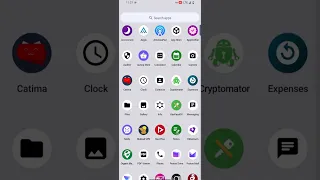
There's loads more features to explore, and all of them are neatly explained in the GrapheneOS wiki. But here's a kick-up. Google Pixel GrapheneOS comes with only 13 pre-installed apps.
When was the last time you saw that? You get all the necessary basics here, including a GrapheneOS camera. It's good but has fewer features than Google Camera.
There's no background blurring, and maybe it's just me, but shots in low light tend to be worse in quality. That said, if you really miss these, you can always get the Google Camera app. Since I mentioned Google again, you'll notice that a lot of additional apps you want to install, even banking stuff or food delivery apps.
Well, they need Google services to work properly. Even push notifications, use Play services. That's why you might see complaints like, GrapheneOS not working with banking apps or not sending notifications.
It does all of that. You just need to get the needed apps. Sure, it might hurt a bit to put Google back on your freshly de-Googled phone, but we already covered that every app is going to be sandboxed.
So Google services will just sit there in their corner doing what's required to make things work properly and nothing more. Now, one of the apps in the original roster might look really familiar? This is Vanadium, a de-Googled Chromium browser.
It has hardened security against attacks and minimizes data collection, which is Chrome's favorite pastime. Just make no mistake, if you want to protect what you do online, you still need an additional tool, specifically a VPN. GrapheneOS safeguards you from Google's data collection, while a VPN will encrypt your entire internet traffic and prevent websites from tracking your location as well as your browsing habits.
Not to mention being able to access region-restricted content or hide your online activities from your ISP. If your goal is maximum privacy, GrapheneOS and VPN combo is a great starting point. By the way, if you want VPN recommendations, I've left links to my top choices in the description down below, just in case.
Anyhow, let's continue this GrapheneOS review. While features and apps can take a bit of time and research to set up, I really like that you get a blank slate to build upon based on your preferences. At the start, it's all black and white, very minimalistic and neat.
The nice thing is you can customize it all to your liking. You can even make it look like an iPhone if you wish. I saw a guy on Reddit do that.
Or if you don't like the default look and can't be bothered to customize it, just download a Lawnchair. Lawnchair? Yeah, that's the actual name.
It's a good choice if you're missing that Pixel feel. Finally, I left one of the biggest advantages for last. If you ever installed a custom ROM or anything similar, you know it's often a seriously time-consuming process, but there's multiple serious risks involved, from voiding your phone's warranty and creating security risks to completely bricking your phone.
So is GrapheneOS safe from all this? Yes, and that's because GrapheneOS install uses the default bootloader. It has features like Verified Boot, which ensures that the system hasn't been tampered with, and that prevents malicious software from being loaded during the boot process.
The easiest way to get Graphene OS on your phone is through the web installer. On your end, it's just following the detailed instructions and clicking a few buttons while the installer does all the heavy lifting. Yes, it's a more technical setup than just turning on your phone and seeing the default Android, but believe me, this is not something you need extensive technical knowledge for.
On top of all that, I have to give bonus points to Graphene for providing instructions on how to revert back to the original operating system. If you change your mind, you can always go back to the keen embrace of Google. Overall, if you're still wondering, is Graphene OS worth it?
Well, if you care about your privacy, it is. Yeah, you have to get a Pixel for it. Yeah, there are some trade-offs involved, but they're not a huge downside to you.
This operating system will keep your phone secure, your activities private, and your phone de-Googled. Mostly, if this video was helpful, please drop a like and subscribe. If you want to know more about GrapheneOS, visit the website or check out their discussion forum.
Cheers. See you in the next one.