Welcome to the Web Client. The web client provides users secure web-based access to data, documents, and real time interactions with business processes anytime anywhere. This means that if customers, remote employees, business partners, or constituents have a connection to the internet with the proper rights, they will be able to access items within OnBase.
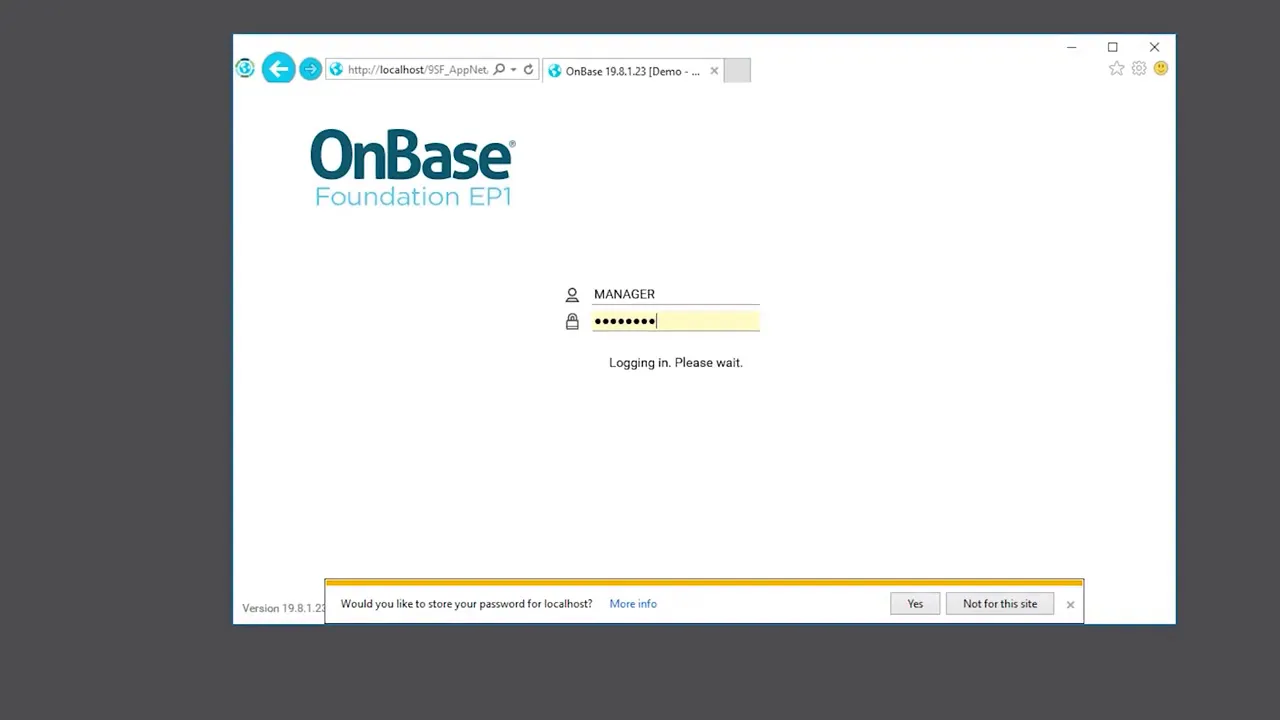
To begin our training today let's login. You can do this by double clicking on the web client icon from the desktop. You're OnBase administrator can let you know how to get these credentials.
From the logon website, type your OnBase username and your password. Up in the top left corner you'll notice main menu button that presents a single scrollable menu. So if you click on here you can scroll down to see all of your functionality.
When viewing or working with documents in the web client, you have the ability to customize your viewing experience. Let me show you what this means. By left-clicking and dragging, you can enlarge your windows.
You have the ability to move those back and shrink them if you'd like. As you can see the web client is more customizable and user-friendly than it's ever been before. This was just a brief tour the following videos in this course will cover more of the specifics regarding the features and functionality of the web client.

















![Whiskey Blues Music -BEST OLD SCHOOL BLUES MUSIC ALL TIME - Beautiful Relaxing Blues Songs [ Album ]](https://i.ytimg.com/vi_webp/dRA19AKYOfs/mqdefault.webp)