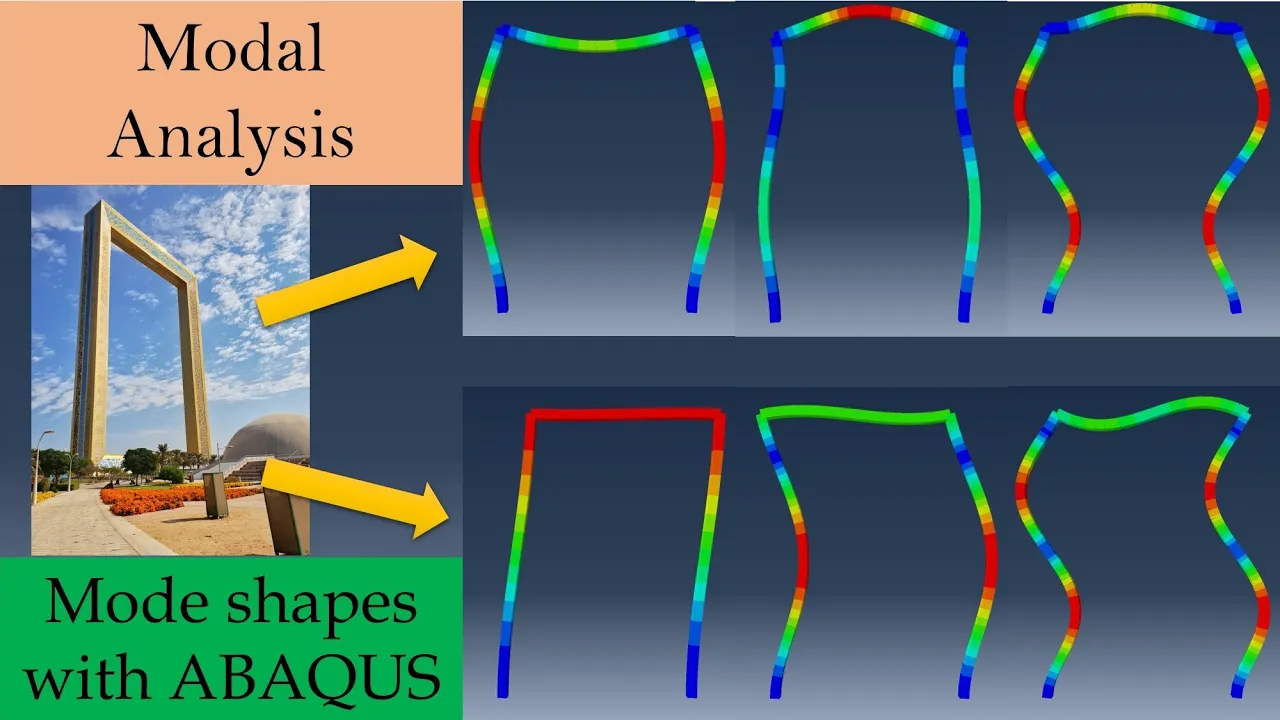
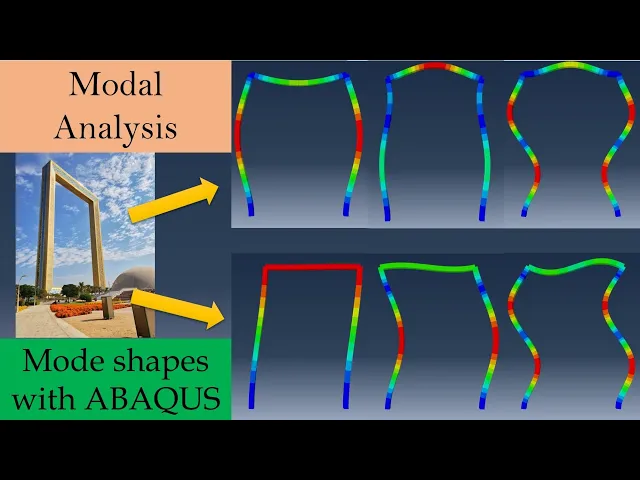
[Music] hi everyone welcome to another video from natural engineering and in this video we are going to do model analysis with help of Abacus CA model analysis is study of inherent Dynamic characteristics of a system in form of natural frequency and more shapes as you must be aware whenever we apply some cyclic load on structure if the frequency of that applied cyclic load matches its natural frequency then the amplitude of vibration of that structure will keep on increasing and It ultimately it will fail therefore it is very important to understand the natural frequencies and more shapes of structure well in advance so that you can avoid such catastrophes model analysis helps us to find out the natural frequencies and more shapes so Structural Engineers need these natural frequencies because for example if earthquake happens earthquake has certain range of frequency therefore the structure should be built in such a way that it should not have any natural frequency in that range let's take example of this Dubai frame we will find out what are the mode shapes and natural frequencies of this Frame first let's simplify the model so this Frame can be represented as this we are going to use beam elements if you want to know more about beam analysis using Abacus CI please check out this my other video and we will assume the cross section of this Frame is rectangular like this so this is just assumption to make things easier I have given all the dimensions and all these dimensions are in meters we will assume the material of frame to be steel and all the properties of steel are given over here as this is a dynamic analysis we will need density as well and for this example we will stick with SI units let's start with Abacus CI for setup your working directory and then let's model part 2D wire and dimensions are this is 150 100 and again 150. then go to properties create material densities 7700 which is in kg per meter cube Young's modulus is 200 Giga Pascal you have to put it in Pascal so into 9 and poisons ratio is 0. 3 then create a section now here you have to choose beam section and when you choose beam section you have to create a profile now this profile will be the cross section of beam so over here go in rectangular continue and you just have to input the A and B so which is height and width of your cross section for us it is for you and 10.
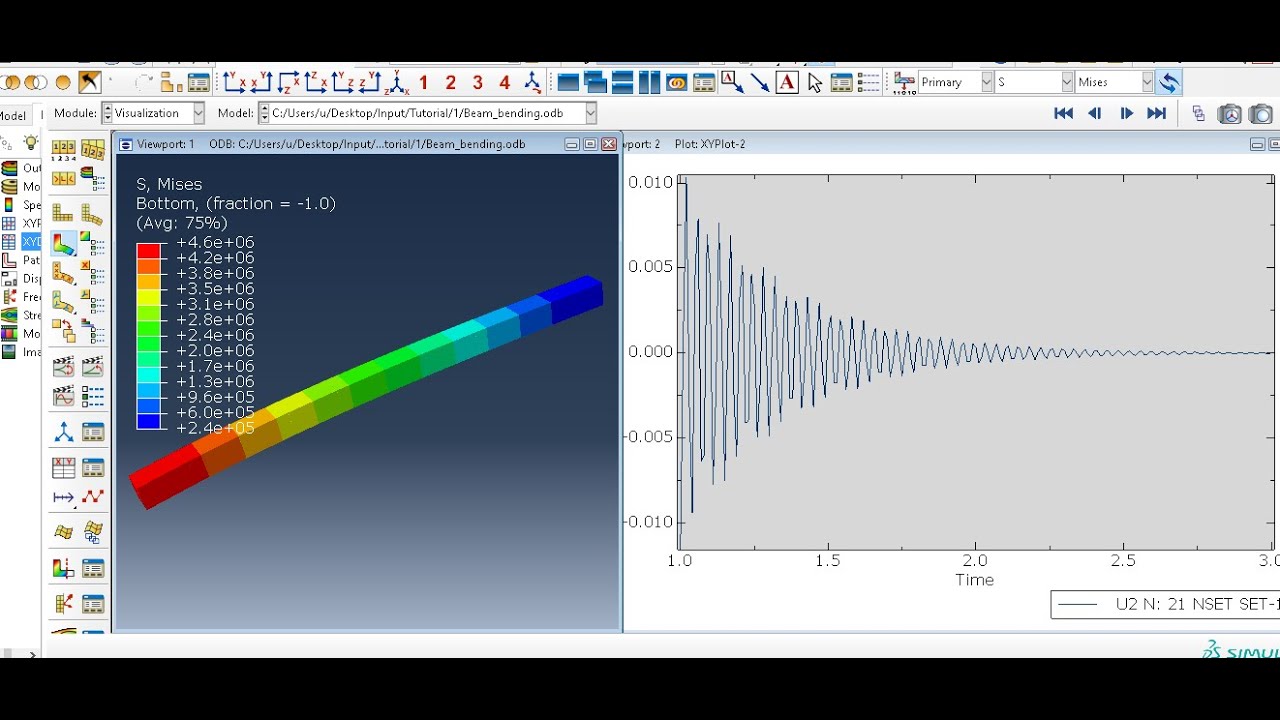
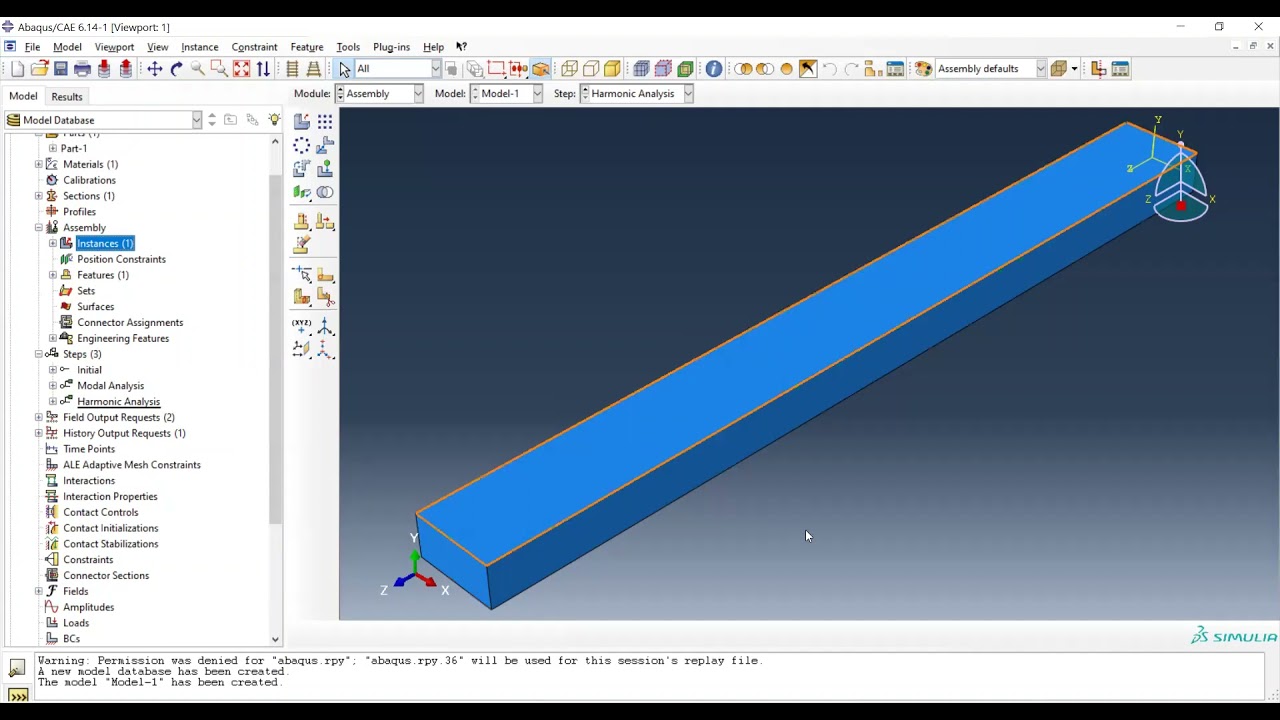
so a will be 10 B will be 5. material is selected as steel say okay then assign the section for this whole structure now for beam we have to assign orientation as well I will just keep it default orientation whatever it is you can go to view and part display options and you can select this render beam profile so that you will see if it is applied correctly or not yes next go to assembly create a instance go to step create a step now over here you have to go into linear perturbation step and in linear perturbation select frequency as a step say continue here now you have two options either you can select a frequency range that means you will give a specific frequency range and Abacus will give you back all the natural frequencies in that particular range or you can select value and then Abacus will give you those many natural frequencies so for example here if I say 6 the first six natural frequencies will be provided by Abacus let's select that as six then we have to apply boundary conditions so I am going to fix these two points as our frame is firmly secured on the ground and you can just use this fix all degrees of freedom to zero next go to mesh first we have to switch to part then seed the part Maybe for you just go to mesh and make sure element type is beam yes it is then mesh the part then go to job create a job Dubai frame and submit it done that was quick let's go to results here also you can go into view go to ODB display options and again render beam profiles over here and then you can see different mode shapes and natural frequencies for that you can go into results and go to step slash frame so you can see we requested six natural frequencies so these are first six natural frequencies every structure will have multiple natural frequencies but these are first six now what we are seeing here is mode one if you go to mode 2 and say apply this is the second mode then third mode similarly we have up to mode 6.






![Modal Analysis using Hypermesh [Optistruct Solver]](https://img.youtube.com/vi/KV1ow8zqI2E/maxresdefault.jpg)