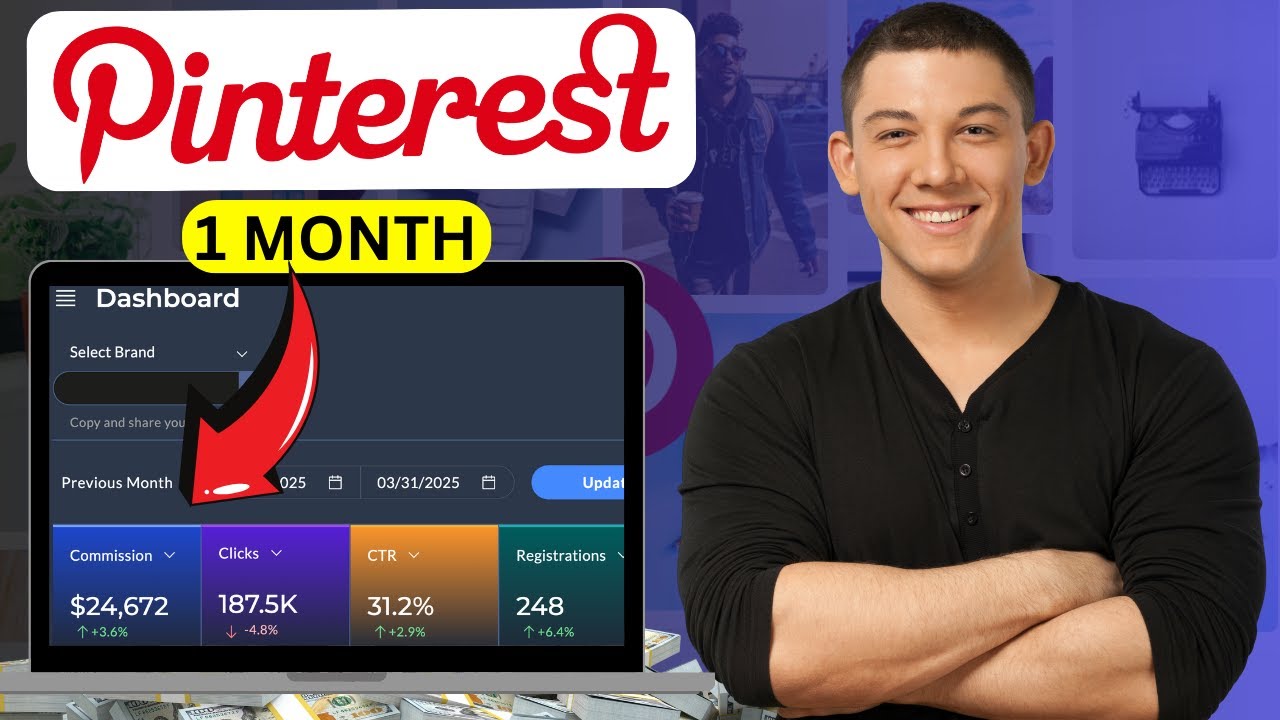
in this video I will show you how to promote fiber affiliate links on Facebook and I will share with you new Fiverr affiliate device that you can promote on Facebook to start making money on favor using free traffic from Facebook alright let's get started so as you can see here I made 245 I will update this page as you can see it's still the same numbers as you can see and as you can see over here it's paid I received this money on my PayPal account so I want to share with you my method in
this video so we can use it to promote your favorite affiliate links on Facebook okay so for people who are new to favor affiliate and want to start making money on Fiverr Affiliates you should create an account on Fiverr like this one first okay so you need an account like this one so if you don't have an account on Fiverr go to Google just go to Google and search for forever okay search for Fiverr like that and this is the link of the website of Fiverr so you just need to click on this link understand
a process is super easy you can sign up using your email address and that's also after you finish the sign up process this will be your home page and you should have an account like this one so you just need to come to this page and scroll down like that okay and go to community and click over here on affiliate and you will be directly in this fiber affiliate website as you can see so you can check this website and get more information and get more information about how much you will earn for each service
you will promote with Fiverr Affiliates okay so to join Fiverr Affiliates you just need to click over here on join now and as you can see the sign up process is super easy so you just need to put your first name here and your last name your email address username password account tape make it private and that's all so after you finish this sign up process this will be your home page and you should have an account like this one on Fiverr affiliate okay so what you need to do next is you need to go
back to your Fiverr account go back to Fiverr and search for this service that we will promote on Facebook search for YouTube intro okay search for YouTube intro like that and you will find a lot of sellers here who are selling this service on Fiverr so I want you to pay attention in this step always make sure to choose a good seller okay you need to choose the good sellers so people can trust those Sellers and they can buy this service from your affiliate link so you can earn commission okay so for example let's choose
one of those sellers over here as you can see so for example I will choose this one this one is top rate seller and he has almost 5 star and a lot of reviews so you just need to click on his service like that and you will be directly in his favor profile like that okay you will be directly in this page so what you need to do next is you need to copy this link from here okay just copy this link from here and go to your favorite affiliate account and click on marketing tools
and click over here on defaults and deep links and you will be directly in this page so just click over here on this icon over here and put your link here okay click over here again and this is your Fiverr affiliate link okay so what you need to do now is you just need to copy this link from here and as you can see this link is too much long so we need to make it short link okay you can use this website I use ubiquely this website make long links short and you can use
it for free the signup process is very easy you can you can sign up using your email address and that's ads so after you finish the sign up process on this website this will be your home page and you should have an account like this one okay so you just need to come to this page and click in this icon over here and click on link and put your affiliate link here like that and click over here on Create and your affiliate link will be a short link okay as you can see this is my
favorite affiliate link and now it's short link and ready so you just need to copy this link from here and next step is you need to go to your Facebook page okay go to your Facebook page and click over here on the search and search for YouTube okay search for YouTube click on the search scroll down and click on groups because we need Facebook groups and as you can see you will find a lot of YouTube Facebook groups that you need to join okay so make sure to join a lot of Facebook groups about YouTube
so you can promote your affiliate links on those groups to earn commission okay so for example let's choose this group over here to show you how you can promote your affiliate links and as you can see this group has a lot of people over here so what you need to promote your affiliate link you will find a lot of people here who has a YouTube channel and they will need YouTube intro so you you can help those small YouTubers to get YouTube intro for their YouTube channels okay so what you need to do to promote
your affiliate link over here you just need to click over here on create post and put your affiliate link here okay put your affiliate link here and click over here and say the following if you if you are looking for YouTube intro check this seller on Fiverr okay so you can say the following if you are looking for YouTube intro check the seller on Fiverr and put your affiliate link over here as you can see this is my affiliate link so what you need to do next is you just need to click over here on
post and your affiliate link will be shared in this group and people who are interested to get YouTube intro for their YouTube channels they will click on your affiliate link and they will buy this service from your affiliate link and you will earn commission that's how you can start making money with Fiverr affiliate using free traffic from Facebook groups so that's all for today's video guys thank you so much for watching I hope this video is helpful for you don't forget to subscribe to this Channel and leave a comment and like this video and see
you in my next videos [Music]


![The ONLY Facebook & Instagram Ad Strategy You'll Need In 2025 [For Beginners]](https://img.youtube.com/vi/z8jE5DR6h-Q/maxresdefault.jpg)