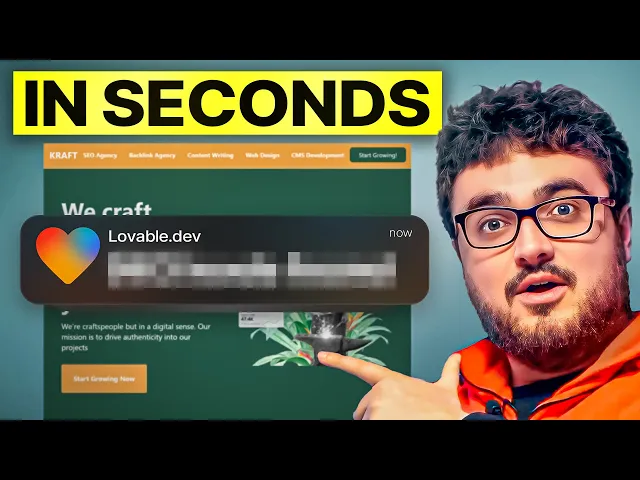
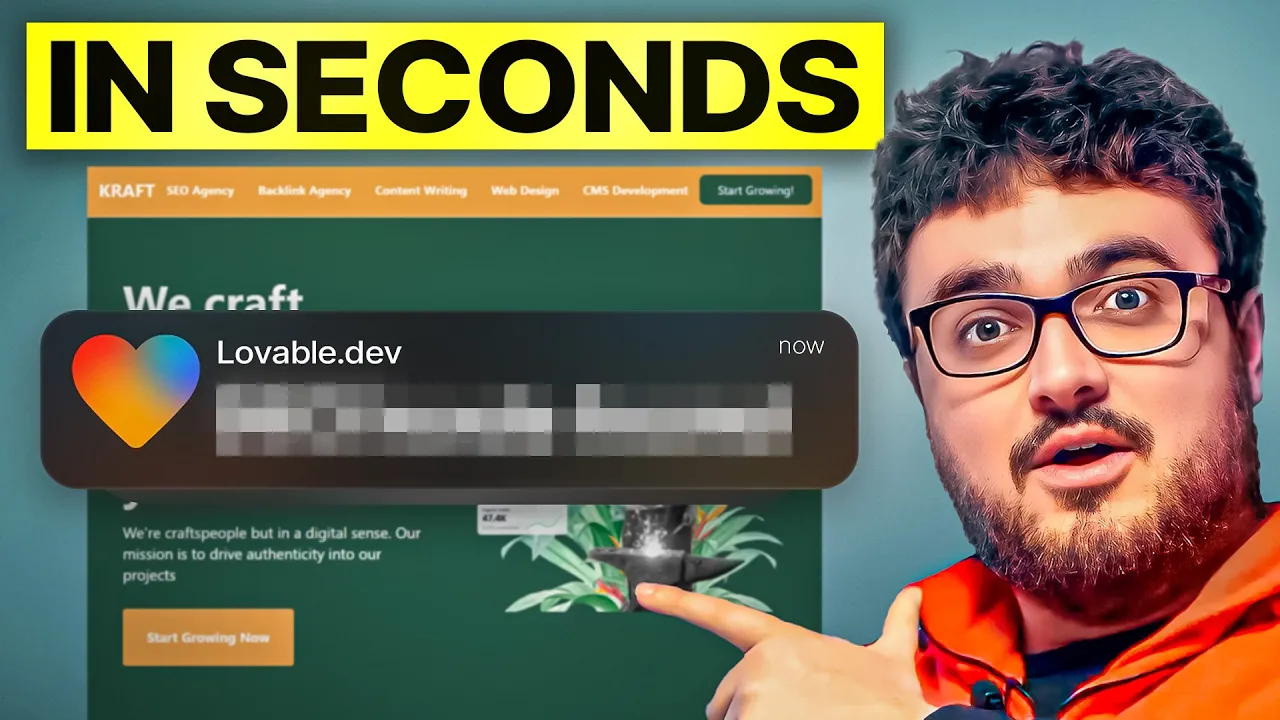
welcome to this video where I'm going to take the time to show you guys how to edit your lovable website this will be one of the last videos in the playlist feel free to check out the playlist in the description to understand how I have made these websites and let's talk about editing them so this website here craft agency us.com this is currently my uh favorite case study that I have I'm really really happy with the result here it's an advert for a business it's not a direct tree or anything like that and it's nextjs
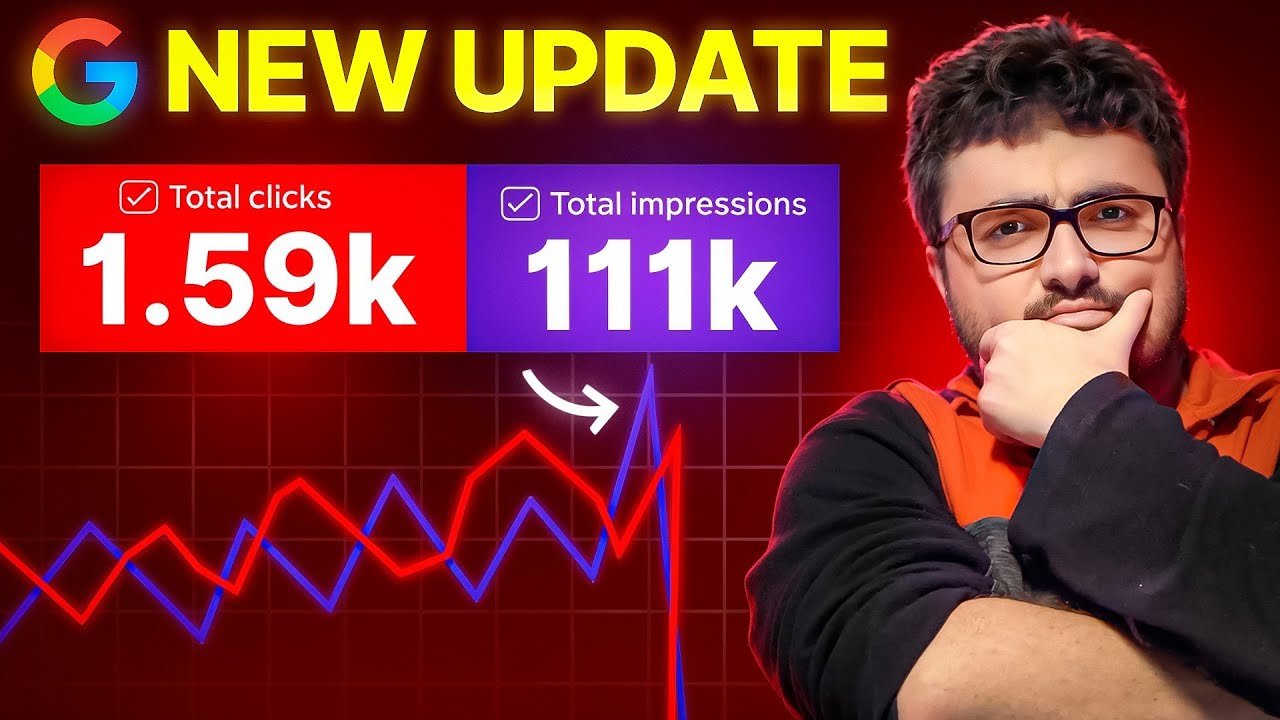
AI generated and it was made in a few hours and it's got 60,000 impressions in you know the first 20 days of it being open which is completely crazy if you know anything about SEO you know that's very very good um but one question I get a lot is like how do I edit one of these websites so if you go on lovable dodev right and then you click on the project so your projects will all be here let's just click on this project here and I'm going to show you guys that it's not really
a crazy thing to uh to fix this okay so at the top here it will say edit code right because you are connected to GitHub so if I just go back here and I go on a different project right I'll show you guys how this works because this it is very very interesting so you can see here this one here which was an example that I used for the website uh for for the channel I made this and then I went home and I made it properly uh basically so if I press edit code you'll
see that it says transfer this repository to your GitHub to collaborate and edit your code we don't keep a copy handle your repository carefully to avoid losing your work so I'm going to press transfer repository here and then create in and then I'm clicking income strange Surfer which is my GitHub you can see it's loading there we go a new GitHub repository is under your account so if I open this here you'll see that this is now a GitHub repository right now anytime I change anything here it will reflect in the Live code so let's
just press publish here uh let's just say public and then deploy so I want a live link effectively and then this is the really really cool thing about lovable compared to bolt right with bolt let's say you wanted to just change this header you would struggle because it would just change a load of different things on the website right so I want to change this header here I want to move strategies down a bit um so what I'm going to do is I'm going to say I'm going to select here and I'm going to say
please make it so the spacing is correct uh between each of the words make it uh squashed a little bit further in and not take up so much of the right hand side of the page right so I've selected to this H1 specifically right let's say this is my live website instead of a a um lovable link okay effectively it is a live website because it's been published right so I'm just going to press enter here so what this is going to do is it's going to specifically change what I've told it's change only whereas
bolt would sometimes make this change but then also delete something in the background change something else whatever it might be so you can see that you know it wasn't quite exactly what I wanted but it did change um at least and then if I refresh here what we should see if I go on GitHub and refresh this you can see this is now changed now right so I'm just going to go off this example I just wanted to show how it was set up and instead we're going to go on the actual live website here
so this website is connected to this uh sorry this lovable project is directly connected to this um website right right so I'm just going to go on Google I'm going to type in man with blacksmith Hammer okay so just as an example I know this is a gy image okay do not use gy images you will you will get found um actually just I don't want anyone copying what I'm doing so usage rights Creative Commons these are now all usable okay sure whatever let's just use this one I just want to get this done so
we'll copy this image link here that's now an actual image link the way that you know is if you on the yeah you can see it it downloaded it so Swap this image link for this image link so if I go on Craft agency OS you'll see this is Rowan's dad um we've as you can see that's what the current image is so let's see what happens here okay so you can see here it's editing this for us shouldn't take too long and then there we go we've got the new image here and then without
me doing anything else okay I'm literally just refreshing within kind of I think it should be about 30 seconds this will be changed on the live website okay so think about it from that perspective you can do that on any part of the website right so that's how I added for example these case studies which I took from Harbor I added them here because they're actually agency um case studies um so I put them here I took these from Craft's original website and put them here bit by bit I create I recreated Craft's website as
you can see there we go let do anything else okay so it's that simple to edit one of these websites it's it's not as difficult as all that let me just change that image back because I do like this image here uh how did I get this actually I don't know where this image was even there it's F so copy image location and then I'll just select again and I'll say change this image to this image and then send it and it'll do exactly the same same thing so it's literally that easy there's nothing really
complicated here I think this is a really really nice um editing thing and it doesn't delete old code which is huge because something like bolt is a real pain in the ass to use because it's just constantly deleting new code so you can change spacing it's like having the power of Elementor and divy but for a custom generated website without you having any coding experience which is just extremely powerful if if you think about it I'm going to leave the video there guys this is a really really amazing way to run a website in my
opinion is better than WordPress um but you know I get a lot of hate for saying that I just would rather use this than WordPress and it seems to rank a lot better on Google as well it's also easier to edit as we know now from uh this video like how quick and easy was that um and that's actually how I made the website I just step by step one by one selected here and I said put this image here put that here um and then let's go on one of the landing pages obviously I
went on the only one that hasn't been crawled by Google so let's just go on a different one so I said here add you know something about each thing that we do so keyword strategy link building content writing on page optimization then here I said add an image for from pixabay here I said add these images in like a table then I said add our pricing this is our pricing same thing here I just said add this and then right at the bottom I said add Chad gbt calls which answer frequently asked questions and then
at the very bottom add the form so you can build one of these websites by using my prompt which you find in description of this video or on any of the videos on the playlist and then just one one by one and it took 132 edits so it does take a little bit of time but each edit is like a minute so it's about 2 to three hours if you think about it and you can really build a beautiful looking website when I have no web design experience whatsoever really I just copied uh craft agency's
current website um and yeah just made it like a much more powerful SEO website thank you for watching guys if you're watching all the way to this in the end of this video You're an absolute Legend and as usual I'll see you very very soon with some more content peace out watch this video if you're interested in directory websites and you want an alternative that can advertise your business instead of other people's