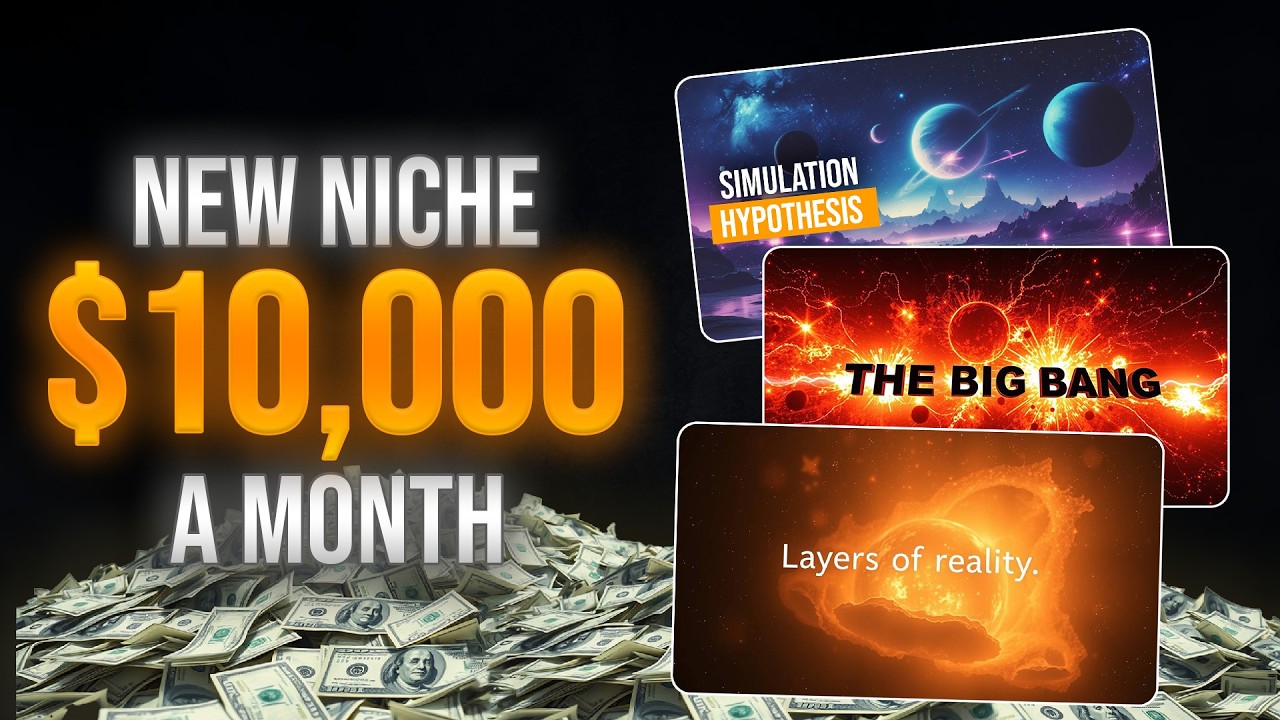
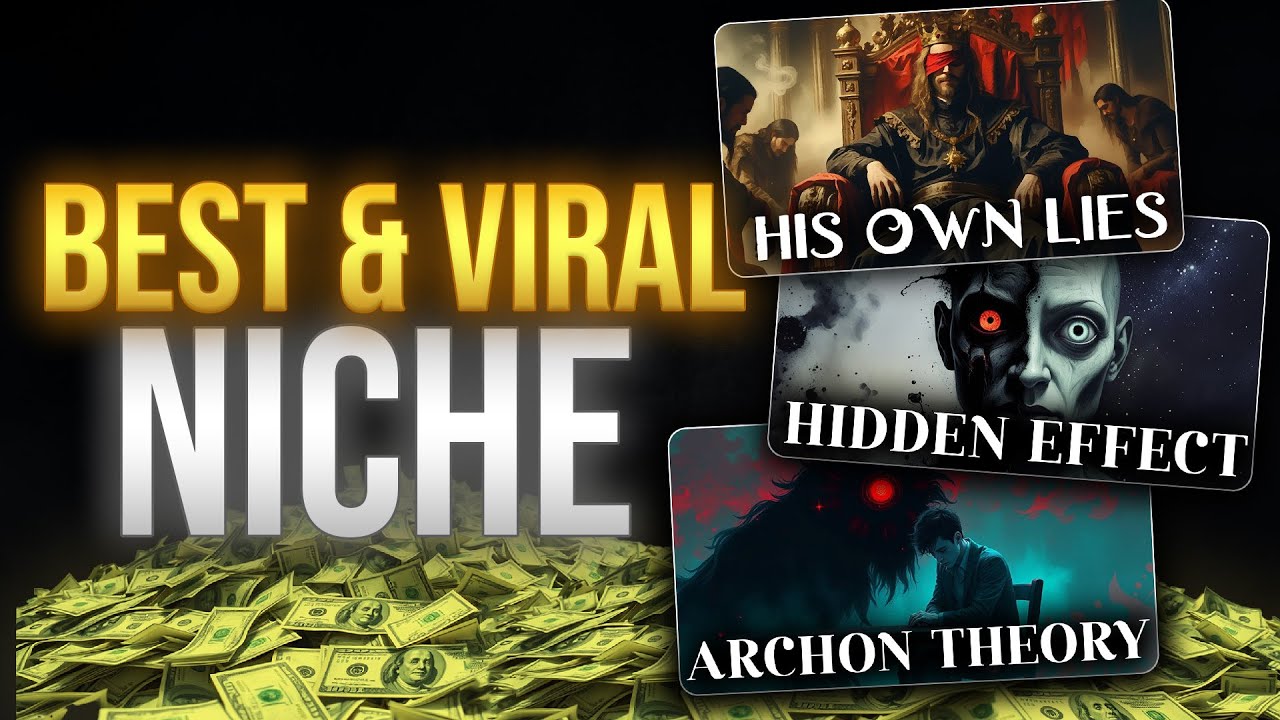
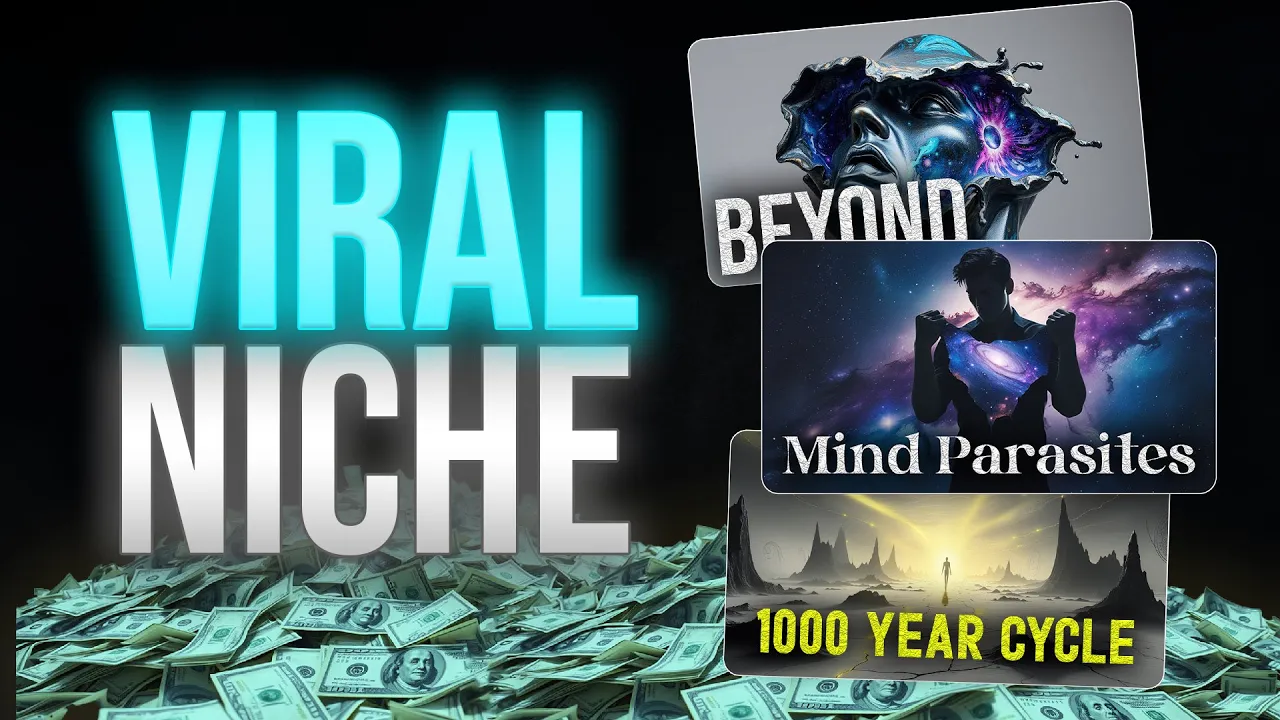
these videos are getting thousands of views daily and these channels are making at least $3,000 a month what they are doing is really simple they are making videos about spirituality and reality from the perspective of science now if you would like to learn about this niche and make your own and unique channel under this category you have come to the right place most of the time these channels make videos with just steady images and some video effects let me tell you something youtube doesn't like that they prefer videos with more creativity like this example what
if every night as your eyes close and your body falls still you don't just sleep you shift not into fiction not into fantasy but into fragments of a parallel simulation one your waking mind can barely comprehend but your deeper self knows intimately dreams are not illusions they are transmissions as you saw in that example video it doesn't have any steady images and the script starts with a hook that can grab the viewer's attention throughout the video the viewer is not going to get bored which will help you to get a good average duration percentage so
if you want to know how to make a monetizable video like this for your new channel all you got to do is watch this video till the end because I'm going to show you the exact method I used to make that video now if you don't have any ideas about spirituality or anything about this niche don't worry about it it actually doesn't matter but if this is something that you are interested in then starting this niche is really the best thing that you can do because you will not lose the interest over the time anyway
I'm going to use several AI tools for this process because why not we should get all the help we need from AI it's 2025 ai is going to do the 80% of the work the first AI tool I'm going to be using is ChatGpt well if you don't have any topic ideas don't know how to write a script or are just too bored to do that ChatGpt is here to help you and you know what i already have all the prompts I'm going to be using in this video all you need to do is like
and subscribe and you can get those prompts nah I'm just joking you don't have to do that you can get those for free from the description the first prompt I'm going to use is this one which you can use to generate any number of video ideas for this niche just change the number see we got brand new 20 video ideas now I'm going to select one of these topics and insert that topic into the second prompt let's see the magic well sometimes I think AI will make people lazier than before i mean it took only
several seconds to make this amazing script with just one prompt well luckily for us AI is still on our side now you can either use this script directly or change it into your own words it's up to you now let's move on to the next part ai voices well if you have a good microphone and time you can record your own voice but I would prefer to use an AI voice because my voice sucks the tool I'm going to use is 11 Labs this tool has a lot of ultra realistic AI voices that you can
use for your videos the link is in the description now this niche is basically about spirituality so we need a calm and deep voice you can go to this voice library and search for the voice using the necessary keywords then check these voices one by one and select the best one for your video i'm going to go with this one called Professor Bill now just copy the script part by part and generate the voiceovers this will only take 2 minutes ai makes everything easier and faster once you finish the voice over creation let's move on
to creating visuals today I'm going to use this AI tool called Go Enhance AI for this process this is an all-in-one AI generator that you can use to generate images and videos with 99% accuracy you can get this AI tool using the link in the description once you sign up you will be able to access this dashboard as you can see here we have all the necessary features available including video to video where you can convert videos into any style ai video generator and AI image generator now if you scroll down you'll be able to
see all the realistic and cool videos that have been generated using this tool for our video we are going to generate some images first and convert them into videos because using steady images is not an option for monetizable YouTube videos so I'm going to go back to chat GPT again because I'm going to show you an easier way to create prompts to generate necessary images with this simple command prompt I asked Chad GPT to generate 25 images to match our video script from start to end as you can see here I have 25 highly detailed
image prompts that match with our video script now I'm going to copy these prompts one by one and generate images let's go back to enhance AI and I'm going to select this AI image generator first let's add our prompt to this box since we don't have any reference images I'm going to going to keep this as it is the next important thing is to select a suitable AI model we have several AI image models let's try a few of these and see the results i'm going to select this Flux Pro model and make sure to
select the correct aspect ratio in this case it's going to be a 16x9 landscape ratio let's make one image with this model because I don't want to waste credits so this is the image I got okay this is not bad we can use this for our video now I'm going to generate the next image using another AI model just like before let's add the prompt to this and change the AI model now let's go with this ideagram V2 Turbo model with this model we can specify the style of the image from this list let's go
with a general style and generate the image okay this is also cool so just like this you can generate all the 25 images these are the images that I created with these prompts now let's convert these into videos for that let's go to this video generator we can also convert text into videos using this option since we already created the images I'm just going to convert those into videos here you need to upload those downloaded images then just enter a simple prompt regarding the movements and style you want this image to be converted then we
need to select a suitable AI model from these we have a lot of famous models available here let's try this cling model then you can set the duration time of this video it can be either 5 seconds or 10 seconds and then generate the video here's the first image after it converted to a video just like this you can convert all the images into videos here are the videos I made before going into the video editing part let me show you some of the coolest feature this tool offers one of my favorite tools is this
image blender tool where you can add two images and blend them into a new image in this case I've uploaded an image of a car and a crocodile let's see what we got bombardo crocodilo another cool feature is the lip-s sync feature where you can upload a video and an audio file like this and make a cool lip-sync animation just like this you can easily lip-s sync videos with your voiceovers all you need to do is upload the video and audio file not only these there are more AI features that this tool offers so if
you want to check this AI tool and use it on your video check the link in the description now let's move on to the video editing part for this editing you can use any video editor that you are familiar with it doesn't matter i'm just going to use Cap Cut for that once you open your project in Caput make sure to select the aspect ratio as 9x6 because these videos are long videos then you need to import all the voiceovers and video clips to this let's start with adding voiceovers to the timeline after that all
you need to do is add the video clips to the suitable places it's not that complicated i have added all the clips that we generated and match those with the script now let's add some transitions between these clips go to the transitions from the top and add these transitions to the suitable places it's not a complicated process now go to this adjustment layer feature and add a custom adjustment layer to the timeline like this you can expand this to fill the whole timeline now when we add effects to this adjustment layer they will be added
to the whole timeline we don't have to add them one by one you can play with these color bars and the change the saturation of the the video i'm going to make this video more yellowish you can also play with these option and edit the exposure contrast highlights and overall brightness of the videos with this particles option we can add this specific particle effect to our video which will results in this cool vintage look which is suitable for this niche so take your time and play with these options to make your video look better after
that let's add some captions as well go to text from this top menu and select this auto caption feature with this feature you can automatically generate the captions it will only take several seconds now let's make these captions more visible by adding some effects you can change the size of the caption using the menu and I'm going to change the font as well now if you scroll down you can add some text effects i'm going to add this glowing yellow color effect after that go to this animation and select this caption animation option now you
can add some cool caption animations to these subtitles finally you need to add the background music to the timeline and adjust the voice and that's all now let's take a look at our final video what if every night as your eyes close and your body falls still you don't just sleep you shift not into fiction not into fantasy but into fragments of a parallel simulation one your waking mind can barely comprehend but your deeper self knows intimately dreams are not illusions they are transmissions leaks from the other side you felt it that strange deja vu
from a dream you never had the landscapes too vivid to be random the people who feel familiar but don't exist here we've been taught to see dreams as noise a meaningless blur of neurons firing in chaos but what if that's a lie told by this reality to keep you grounded to keep you inside consciousness is not local it doesn't arise from the brain like steam from boiling water it is the source code of existence itself an infinite field flickering across dimensions you are not in the dream the dream is in you that's how you create
monetizable videos for this niche with this method you can easily monetize these videos okay now I hope you understand how to make videos for this niche if you have any questions feel free to drop a comment and ask with that today's video has come to an end i will see you guys in the next
![🎯 90-Day YouTube Automation Challenge: From 0 to Monetized [Let’s Do This Together]](https://img.youtube.com/vi/W0AGWRYGflk/maxresdefault.jpg)