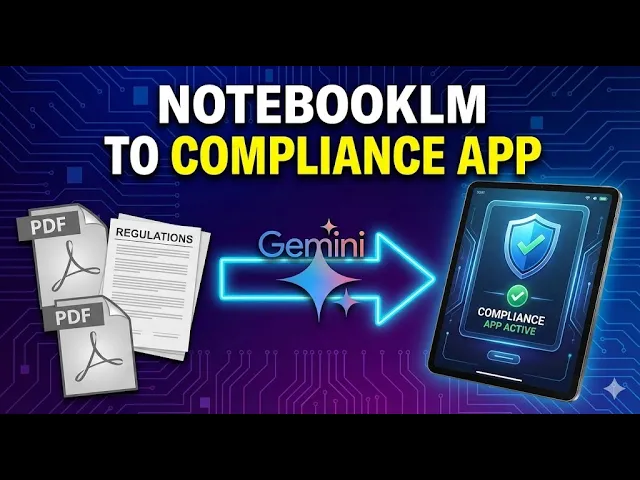
In this video, we're going to use NotebookLM to productize our knowledge into a compliance application. We're going to start by creating a new notebook in the us. This is going to depend on getting all of the documentation from all of the various networks.
If you live in the EU or you have to comply with the EU, there is a document available as of 2024. This is a case where doing deep research and asking the AI to find all official documents and compliance for where you live in the world and to find them and bring them into your NotebookLM notebook. Now, if we go and look for this information, NotebookLM found the main three sources and actually found seven more sources.
You are going to want to evaluate each of these sources. So we have a mix of executive orders and policies we can now import to our notebook. And as you learn more, you will add more documents to this element.
We're going to now click Import to our source documents. Once you have in all your documents, it's good practice to F5 and then name the notebook what you want it to be. Now that we have our compliance brain, we can now go to Google Gemini and set up a gem for this purpose.
When we're in Gemini, we're going to expand our menu and we're going to click on the gems. We don't need a custom super gem for this. We need a regular gym.
We can click on new gym. We're going to name the gym what we want it to be. We can write in a description, and this is going to be important.
If you are productizing and sharing with customers inside of your instruction area, there are a few things that you're going to want to do. You do want to make sure that you have a legal disclaimer and you want to make sure that the AI will push back on bad ideas. Now, as of the recording of this video, we can write what we want in plain language because what we're going to do is we're going to have Gemini rewrite the prompt anyway for the instruction area.
Now, before we ask Gemini to rewrite this as an instruction prompt, we're going to state what we want the AI to do and we're going to instruct what we want the AI to tell the individual. Now, it may be a good idea to write in the description what you want the user to do, and that is to write in their potential idea to test for AI compliance. We do want the user to chat with Gemini, so we're going to leave the default tool as it is.
What we're then going to do is we're going to import our knowledge base and in this case we're going to grab the notebook element notebook that we have already set up. We're going to click on Add files. We're then going to click on NotebookLM.
We're going to add in the notebook that we just created of our AI compliance docs. And again, this notebook is something that you'll need to make sure that you're updating on a regular basis. You will then click Add.
So we now have the basis for our AI compliance doc. We're now going to go to Gemini to rewrite the instructions and gemiini will then rewrite the instructions. Once we have the initial draft of this gem or this app, we can then click Save and our compliance app has been created.
We're going to start the chat. So what we want is for the user to see this instruction as and then to use the app they do need to be a user of Gemini and so they will then know to use the Pro version. If that's not the case, you will want to provide them some step documents using a free site like tango AI or scribehow.
com to provide step by step visual aids. You then want to test your compliance model. So we're going to write in we want to scrape user faces to train our AI model.
We're going to write in AI model and we're then going to click Enter what we want to happen actually does happen. The GEM does respond that something like this scraping user faces to train an AI model would be high risk and put an individual in non compliance based on the documents that we have in NotebookLM. Also importantly, the gym does provide a call to action.
The individual is instructed to contact support. They're also told that this is not legal advice and the final answer is rendered by counsel. This individual is now in position to contact you depending on how you position use of the app.
Okay, so that thanks and I will see you in another video.