hey friends welcome back to the channel So today we're going to be talking about bitwise operators now bitwise operators are one of these things that aren't really understood by a great deal of programmers they're not used a great deal anymore so you can kind of get away without understanding them but they're a great thing to have in your tool belt and you never know when you might need to use them if you end up writing algorithms for encryption or video compression then it's definitely something you're going to need to know in my last video I
talked about binary numbers if you missed it then make sure you check it out at the end of this video as you can probably guess from the name bitwise operators work on individual bits so if you want to work with binary numbers and perform operations on them then you need to use bitwise operators bitwise operators aren't the most intuitive of things so before I get started let's have a look at why we would want to use them bitwise operators used to be used a lot more when computer didn't have as much memory as they do
now if you're working on embedded devices that do have a memory limitation then they're still very very useful when you need to know them the smallest amount of space that a variable can take up is one byte the reason for this is It's the smallest unit of addressable space that a CPU can reference even a Boolean variable that can only really have the values true and false should only really take up one bit but in fact it takes up a whole bite with the rest of the seven bits just padded out obviously this isn't a
great thing to have if you've got a small device that's got a limited amount of memory now you've probably used Flags in your application so just bullying true false values now most applications especially those that are referencing physical Hardware will have multiple flags that you want to use now if you've got multiple Flags in your application and each of them are taking up a byte then obviously that's going to use a lot more memory than you need to now one of the things that programmers do to save space is to store multiple Boolean Flags in
one byte as a byte is 8 Bits that means that you can store eight different bullion Flags in one variable which is just what you need if you've got a small device and you're trying to save memory the one place that you might have seen multiple flags being used like this is on Unix file systems so you might have seen file permissions with things like 644 or 777 these three numbers make up the different groups for permissions on a Unix file system so the first number will be the owner the second number will be the
group they belong to and the third number will be everyone else each number tells you the permissions that that particular group has so they'll tell you whether you can read the file write the file or execute it to really understand what each of those numbers means you need to convert the number into binary first so typical numbers that you might see on a file permission will be like seven which in binary is one one one which means they can read they can write and they can execute then there's six which in binary is one one
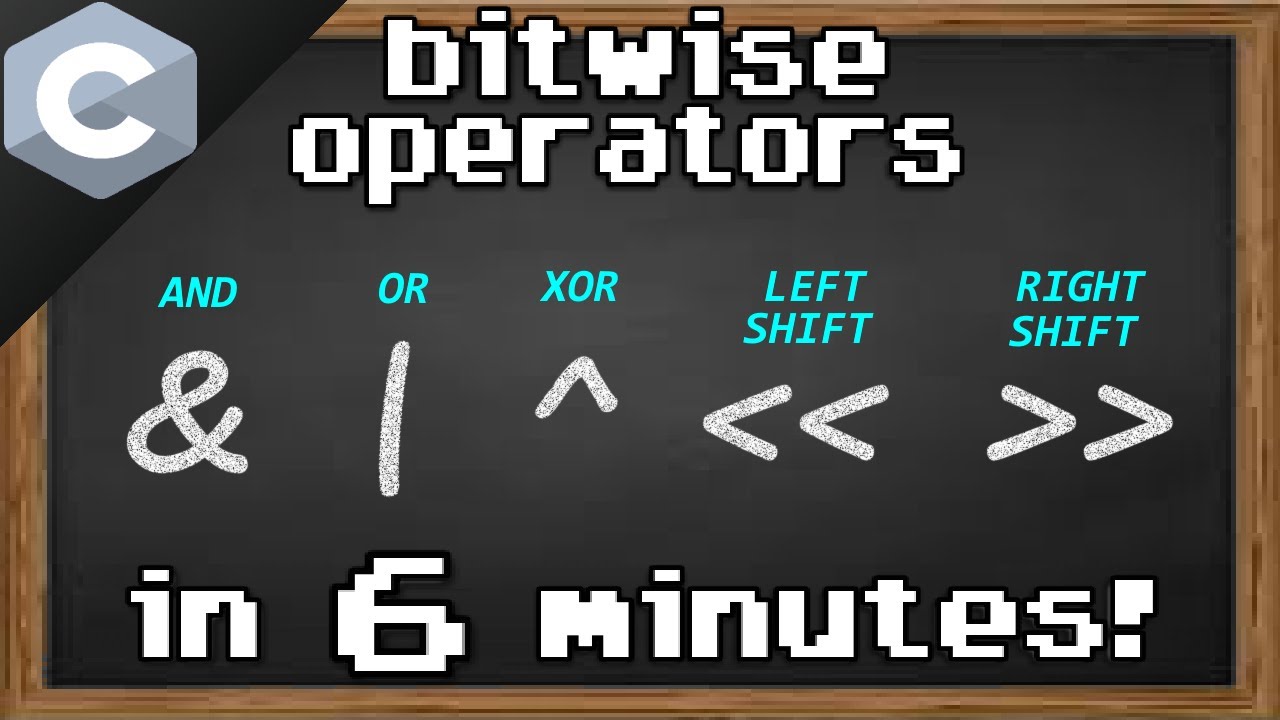
zero which means they can read and write to the file but they can't execute it and lastly there's four which in binary is one zero zero which means they have the ability to read the file but they can't write to it and they can't execute it now that we have an example in mind let's have a look at the bitwise operators and how they work there are six bitwise operators that you need to know and we're going to have a look at each of them and work out what they do now the first operator that
we're going to look at is the and operator this is normally denoted with a single amp stand in most programming languages the best way to describe these operators is by using truth tables so if we have a look at the numbers seven and six so seven is one one one and six is one one zero using these bitwise operators does a comparison between each of the bits in the number so for the and operator it's going to tell us whether each of those bits match and if they do then it will give us a one
if they don't it gives us a zero here we can see that the first two rows have one in each column so the bit matches in which case the result is going to be one for those rows for the last row the bits don't match so that's going to end up with a value of zero so our final value for doing 7 and 6 is going to be one one zero and therefore the result is six going back to our file permission example the and operator can actually be used as a test to see if
the user has permissions to do something as the and operator only gives us back the matching bits if we compare our users permissions with our required permissions then we're going to get back our required permissions as the final result if they match if they don't match we're going to get back zero the next operator we're going to look at is the or operator the or operator Compares each individual bit and will give you a result if either one or the other is set to one if we look at the numbers 5 and 6 in binary
in our truth table we're going to see that for every row that at least one of them is one and therefore the final result is going to be one one one which is 7 in decimal now in programming you can use the or operator to combine multiple permissions so say you have the re-permission and the right permission you want the user to have both read and write you can use the or operator in this case to combine those permissions and get a final permission set if we do that in our code example this is what
it would look like so we'd have of the read and write permissions that we combine with an all and then the final permission is therefore going to be six you can also use the or operator when assigning a value as well let's say we want to give the user the execute permissions on top of their current read write permissions in this case we can use the or assignment operator to give them the xq permissions on top of what they already have so if they have read write permissions at the moment they currently have the value
is six but if we add execute permissions on top that's going to give them a final result of seven the next operator we're going to look at is the exclusive or operator now this requires each of the bits to be the opposite of each other when one is zero the other one has to be one if we look at the values five and six again for the first row both of the bits match and therefore the value is going to be zero with an exclusive or but for the second two rows the columns are either
zero or one and therefore the final result is going to be one with an exclusive or so in binary we have the value 0 1 1 as a result which would be three in decimal if we go back to our permissions example we can use the exclusive or to remove a permission from an existing permission set so let's say the user has read write permissions but you want to remove the right permissions from the user you can do this with an exclusive or operator on the assignment so the next operator we're going to look at
is the not operator the not operator is going to give you the opposite value for each of the bits in your number unlike the other operators we've been looking at the not operator doesn't work on two values it works on one value the not operator will take a number put it into bits and then flip the value of each of those bits in the number if we take the number five for example five in binary is one zero one so we can use the not operator on it the final result is going to be 0
1 0. if you do this example in python or any other language you're probably going to get a negative number as a result which might be a bit surprising at first as I mentioned in my last video when you're dealing with sign bytes the first bit of that number denotes the sign if it's a one then it's going to be a negative number if it's a zero it's going to be a positive number when you're using the not operator it's going to be flipping all those bits so the first bit is going to become one
which is therefore going to make the number negative as python uses an 8-bit number to represent small numbers five is going to look like this in binary if we use the not operator all of the bits get reversed and therefore it becomes this binary numbers use something called the twos complement representation all you really need to understand is if it's a negative number and therefore it starts with one the rest of the number is counting up from -128 so if we take this number and start from -128 and then add on all of the other
bits we're going to get the final result of -6 the last two operators we're going to look at are the operators left shift and right shift as the name suggests these operators shift the bits of a number either left or right again like the not operator are the shift operators only work on a single number and the second number denotes how many bits you want to shift the number by so if we take the number five in binary which is this if we use the left shift operator and shift all the bits by two we're
going to be moving all of those bits two bits to the left and therefore the final result is going to look like this when you're shifting numbers to the left the leftmost bits of the number are just going to get discarded in our case they're just zero anyway so it doesn't actually make a difference but if you have a number that has all ones then you're going to be losing some of those bits when you move it up so if we take number five and shift it by two bits the final result is going to
be 20. if we then take 20 and then shift it two bits to the right it's no surprise we're gonna get number five again and that's really all there is to it that's the six different bitwise operators they can seem a bit scary at first but once you get thinking in binary numbers they're not too bad if binary numbers are a bit confusing then make sure you watch my last video on binary numbers which you can check out here I hope you found this video useful thank you for watching and I'll see you next time