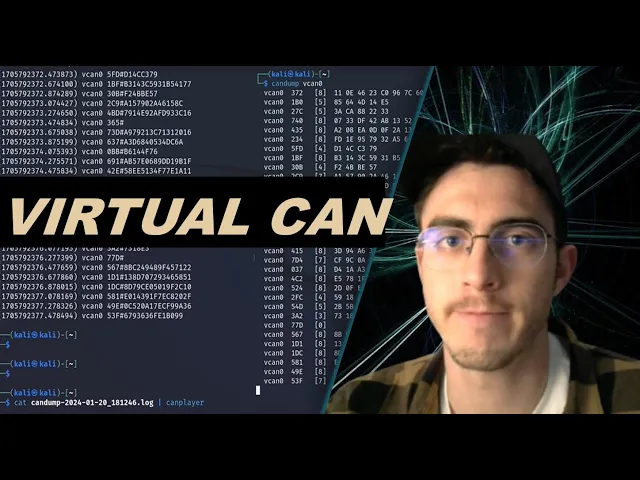
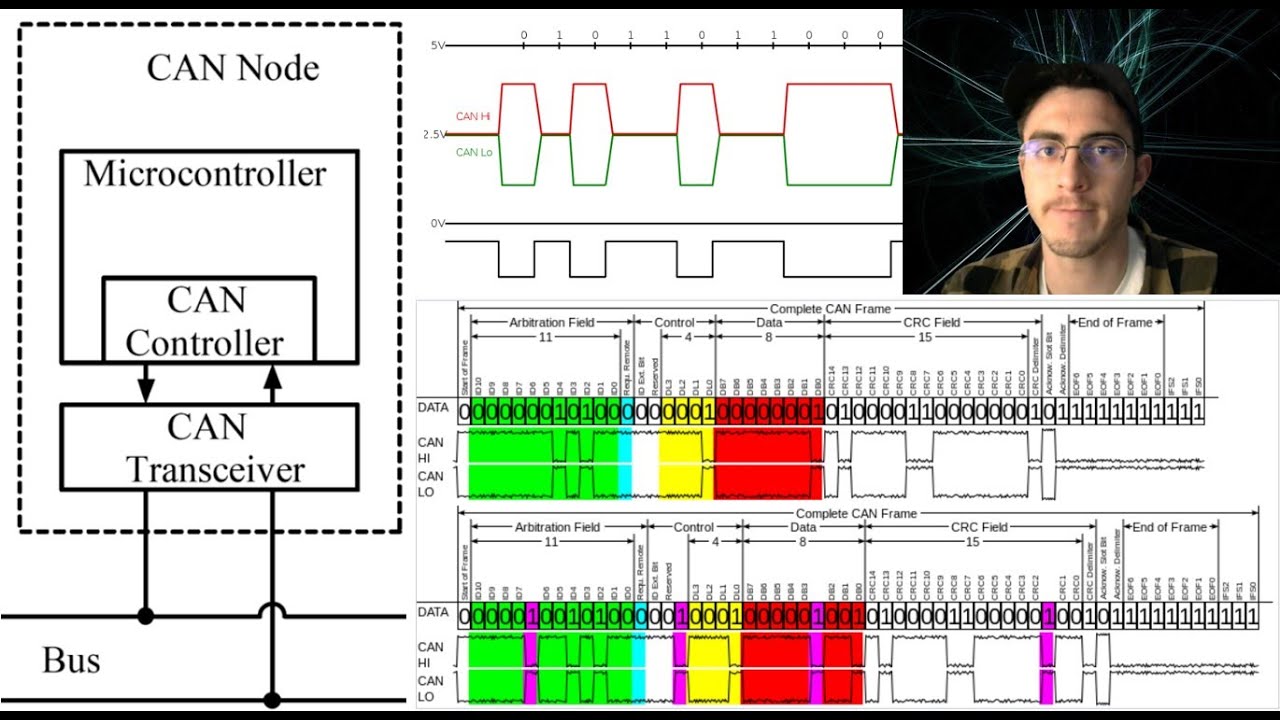
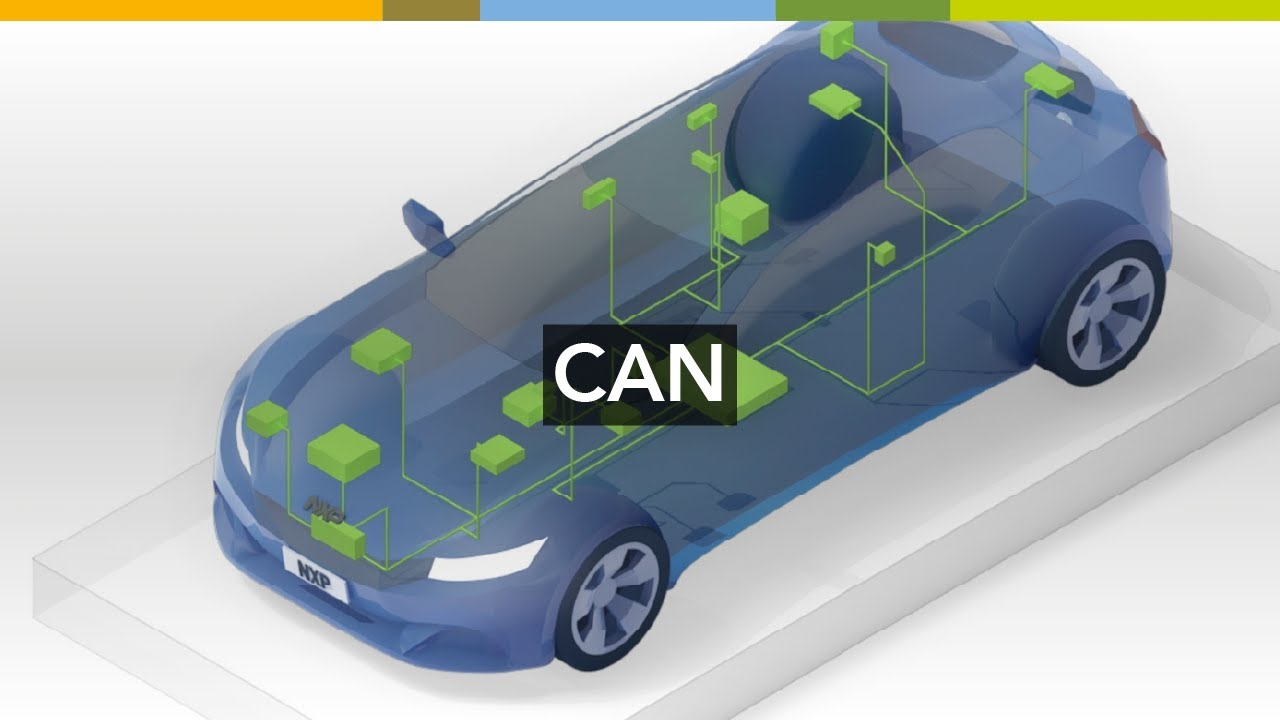
in today's video I'm going to do a tutorial on Virtual can in Linux so if you've seen some of my previous videos you might have noticed that I use real can Hardware when I'm connecting to my Linux virtual machine and when I'm using the can utils commands I'm sending the data onto a physical canbus however maybe you don't have a physical can buus or maybe you just want to iterate quickly on your laptop so there's a tool for this that's called virtual can which allows you to simulate a can bus and use all the same
can utils commands as you would on a physical bus so stay tuned because in this video I'm going to show you how to use this tool so to get started um you can list out your interfaces and if you're starting from scratch you'll see that you don't have any can interfaces set up so what you're going to need to do to begin with is uh mod probe the vcan kernel module so the way you do that is you'll type in PSE sudomod probe vcan so this loads the kernel module responsible for the virtual can networking
now what you can do is you can add a vcan interface and the way you do that is you type in pseudo IP Link add Dev vcan z type vcan so once you do that you should now be able to see the interface when you do uh IPL link LS and it's going to be initially down at first so what we're going to need to do is set it up so you're going to want to type uh pseudo IP Link set up vcan zero and once you do that you should be able to see that
the link is uh in this case it's unknown but that just means it's not down so it is still usable so uh what we can do now is we can start uh transmitting onto the virtual can Network and we can also start listening on the virtual can Network so let's get two terminals uh set up here because we're going to want to have one that's transmitting data and one that is uh listening for data so uh let's get the one on the right here set up so what we can do is we can type can
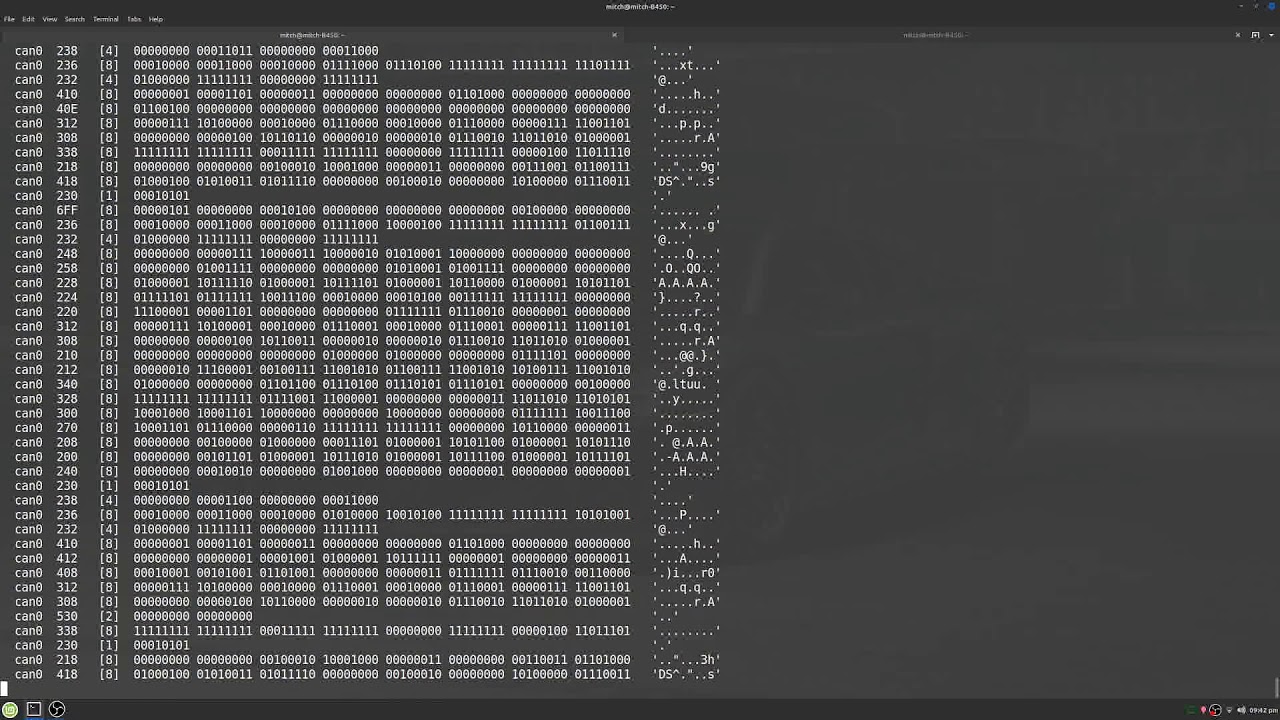
dump vc0 so it is now going to be listening on this virtual can network and on the other one what we can do is we can transmit some data so let's do can gen V can zero and this is just going to produce a bunch of random data so you can see that it is printing out random data to our terminal uh which is demonstrating that we have a uh a a quote unquote working uh can Network so that's pretty cool um now what you can do at this point is any of the commands that
you would normally be able to do so we just demonstrated uh one of them which is random randomly generating can messages uh but you know maybe you want to be a little more specific maybe you want to can send a specific message so here's an example if I do this you can send a specific message uh with arbitration ID 123 and eight bytes of random data you know I can change this data however I want just some examples let's change this to a uh 0 so it's uh you know pretty pretty pretty functional and uh
allows you to iterate quickly without needing all this and Hardware so uh a few more commands uh just just to show you what you can do with can yous is um in addition to sending and reading we can create various can logs so let's let's do that here where we will Cump and then we'll tell it to create a log file so if we can gen one more time um you'll see that nothing is printing here because it's actually going into a log file instead so I'll stop uh transmitting and let's uh see what we
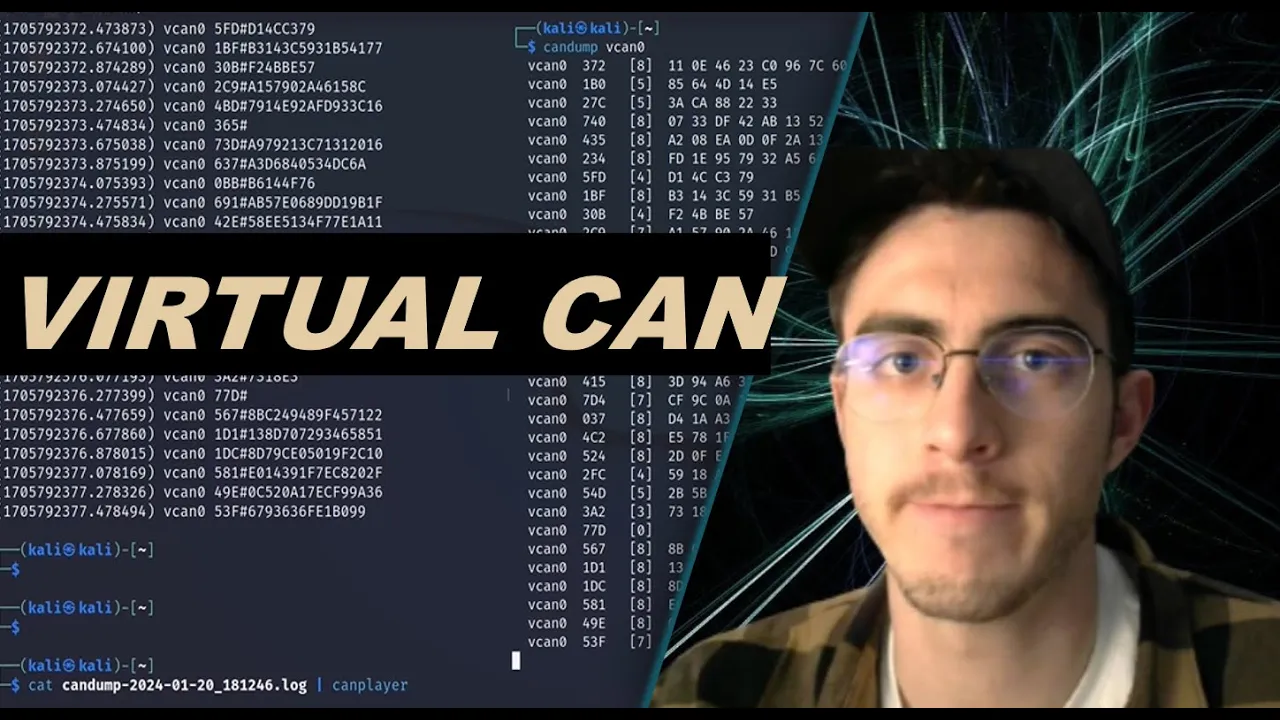
have created so we have a can dump log here so I'll just print that out so can dump and this is everything that was uh transmitted from this terminal and then logged into this one oh uh which is pretty cool so here's another really cool command now that we have this log file let's say we wanted to actually transmit everything that was in here already whether we transmitted onto a real can Network or onto a physical can Network that's up to us but since we're doing everything virtually here I'll just replay all this data so
let's cat this canum file and what we're going to do is we're going to pipe it to something called can player so I'll I'll get this terminal ready one more time uh can dump like such I won't log it this time just so we can see what's going on and check it out we're now replaying this can log file and uh just to kind of prove that it's working let's let's do it one more time so you can see that we started up here with 110e and here we are again 110e so we have a
wide uh diversity of tools at our disposal with can yous and we can use all of them virtually which is really really neat so that wraps it up for today's video it's a short and sweet one so I hope you enjoyed it and you learn something about virtual can networking in Linux if you like the video please remember to drop a like And subscribe and I'll see you all in the next video