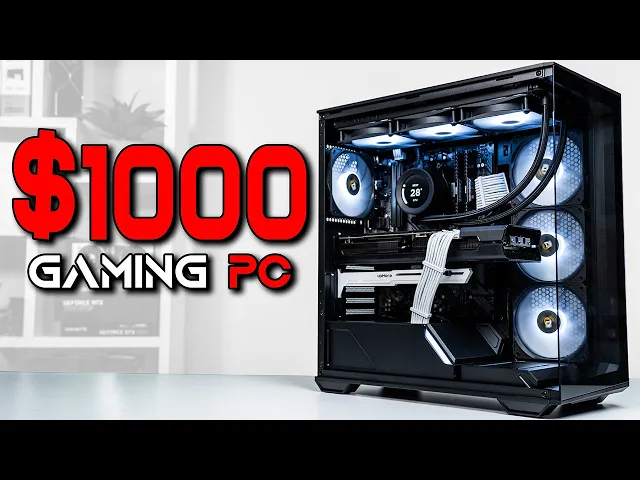
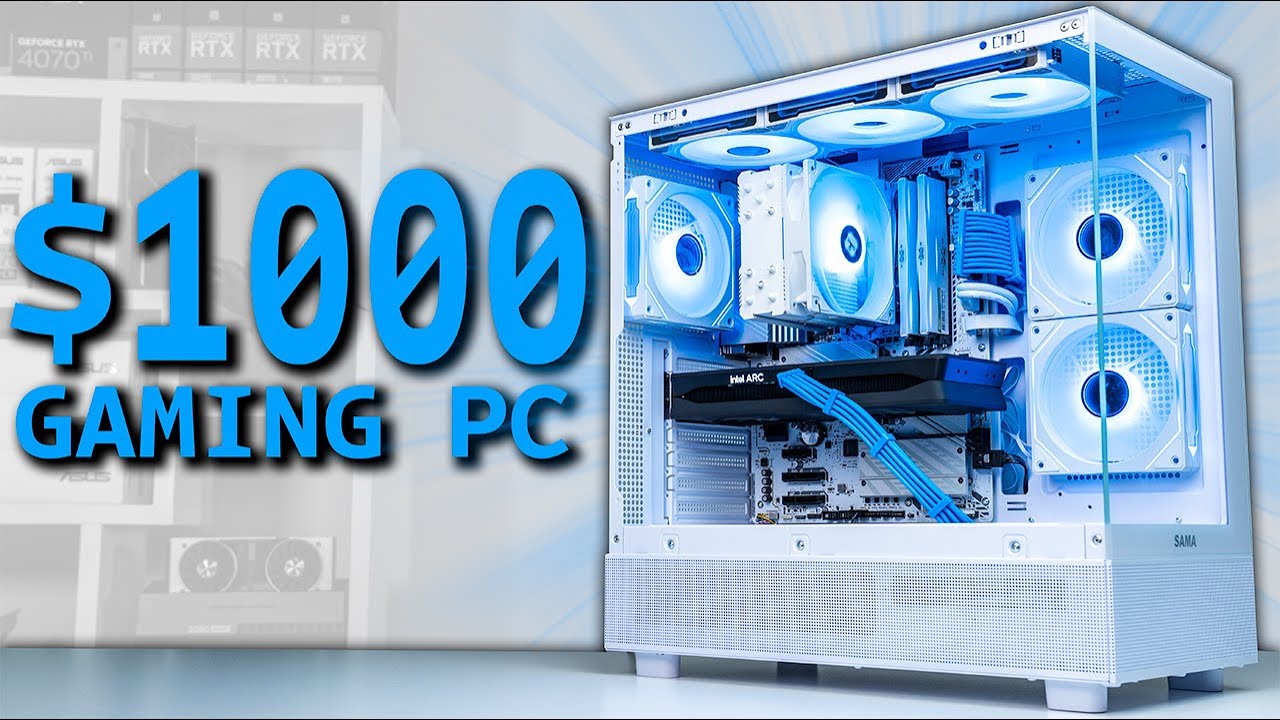
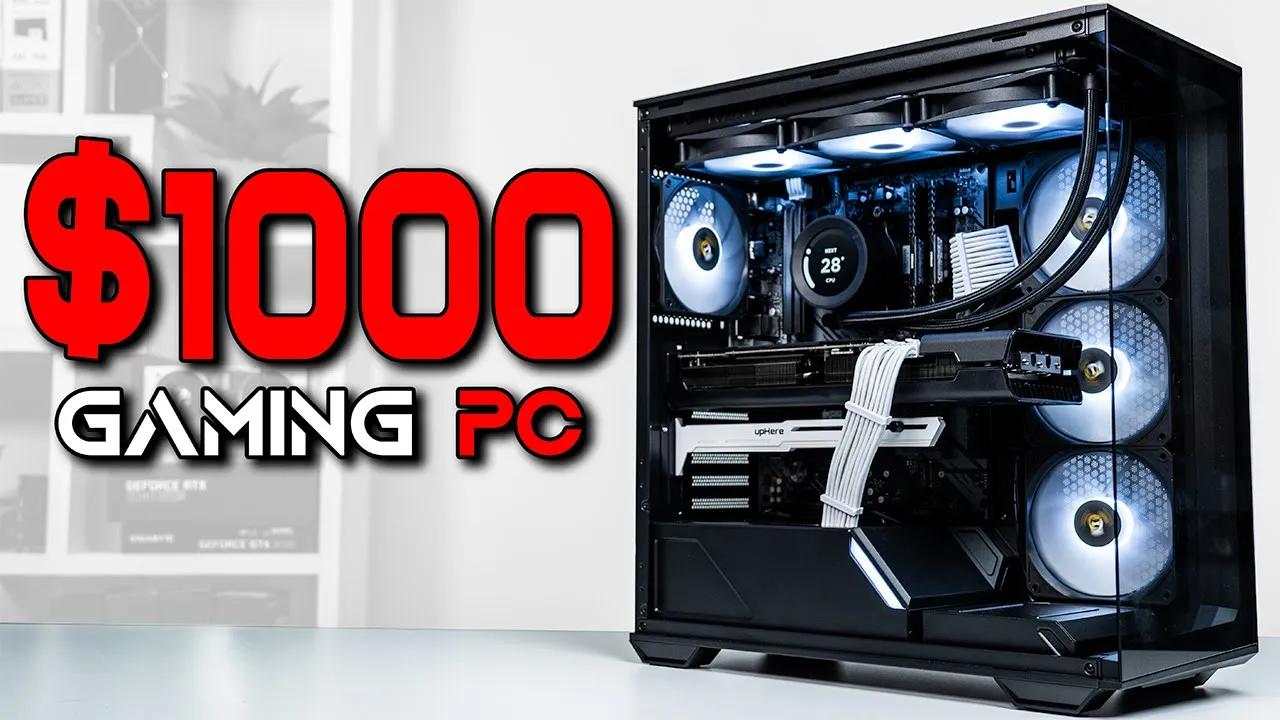
today we're taking advantage of some different part combinations that I typically wouldn't use and putting them together to create the ultimate $1,000 gaming PC bill guide we're actually using a GPU that I've seen so many of you tell me to use over the past year or so and we're also using a part that will definitely require a full disclaimer that could be controversial before all that though let's take these parts over to the house so we can build this PC on my twitch live stream that's always linked down in the description by the way so
starting with the CPU for a $1,000 build I always recommend going with am5 at this point but today today I actually wanted to take advantage of a Black Friday combo deal with this ryzen 7 5700x and Corsair Vengeance lpx 32 G DDR 4 Kit clocked at 3200 MHz at the time of recording the 5700 X is priced anywhere between 140 to 150 bucks but on Black Friday that CPU and RAM combo was just at $135 that's not only a few dollars off the 8 core and 16 threaded CPU but also essentially a free highquality 32
GB ddr4 Ram kit I absolutely could not pass that up when I saw it scroll over on the ztt deal section in our Discord server the 5700x can still handle the higher side of the mid-range gpus for 1440p gaming which is exactly what we're using it for but we're also sacrificing upgrade potential because we're pretty close to the top available option of am4 I don't think anyone would realistically upgrade from a 5700x to a 5700x 3D I do however really like that we're getting 32 GB of RAM for free especially when some games are using
above 16 GB these days and this cheaper am M4 platform allows us to use more of the budget towards a better graphics card before that though let's take a quick break for the sponsor of today's video corser and their new k70 core tkl keyboards if Wireless isn't your thing then there's an affordable wired option but personally I prefer the wireless because of the multiple connectivity modes for my gaming and streaming PCS and this version also comes with the Magnetic wrist rest other than that though they're about the same and both boards come with this multi-functional
rotary dial a gaming performance mode which is customizable and all the bells and whistles in I the sound is where this board really shines in my opinion though as these are second gen mlx red switches to sound dampening layers as well as pre- lube stabilizers both these keyboards are available with the first link down the description and thanks again to Corsair for sponsoring this section of the video next up we have the motherboard and this is the ASRock b550 Phantom gaming 4 AC now I explained this in a recent video but Newegg accidentally sent us
both this and the Micro ATX version of the Phantom gaming board by accident a few weeks ago so that's literally the only reason why I'm using it today now this one is perfectly fine and I like getting some b550 action in there but feel free to go with any other model as there are some cheaper options available even though I got it for free I'll be using its $95 price point in our final build list so don't worry about that moving on we have the SSD and this is the silicone power 1 TB ud9 which
is a Gen 4 mvme drive that costs just a bit over 50 bucks after that we have the power supply and this is the MSI mag a650 GL which I grabbed on a nice Amazon Prime Day Sale down to 70 bucks typically this PSU is around 80 to 90 and I'd still recommend it at that price but for 70 bucks it's an absolute steal this is a fully modular and tib rated unit which are the main features that I'm looking to get out of it I also plugged in some Asia horse 16 gauge white cable
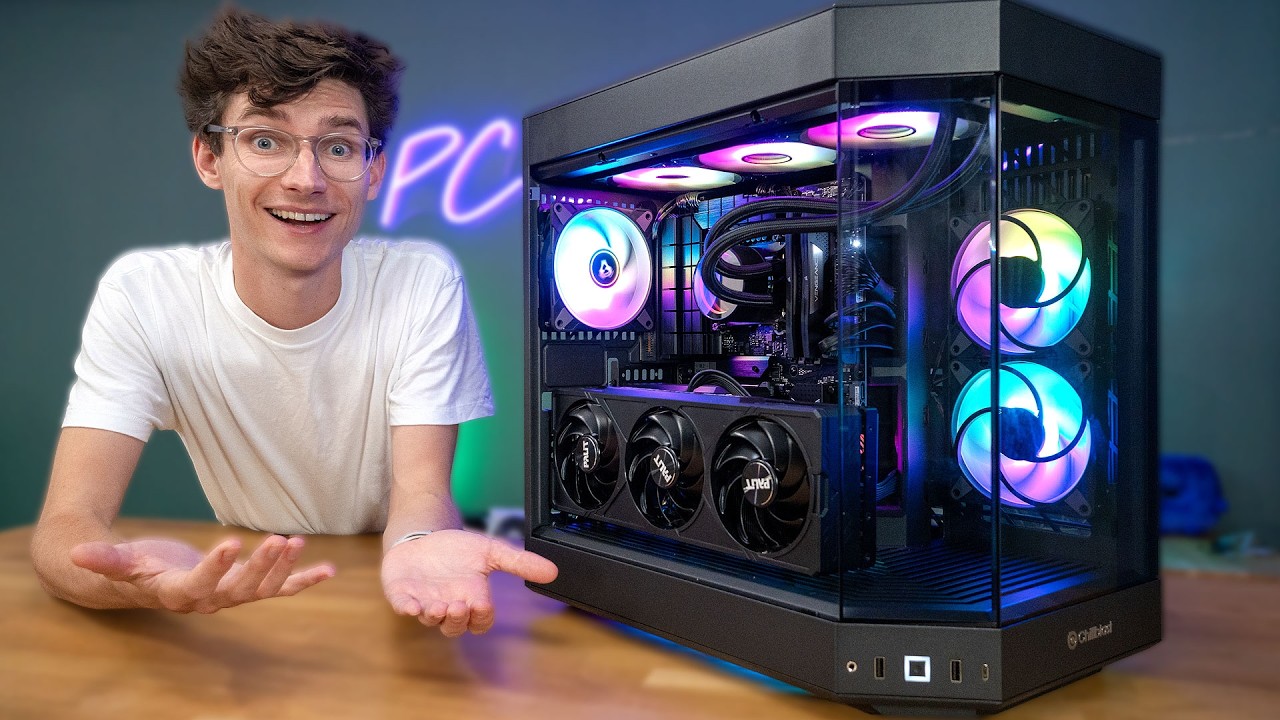
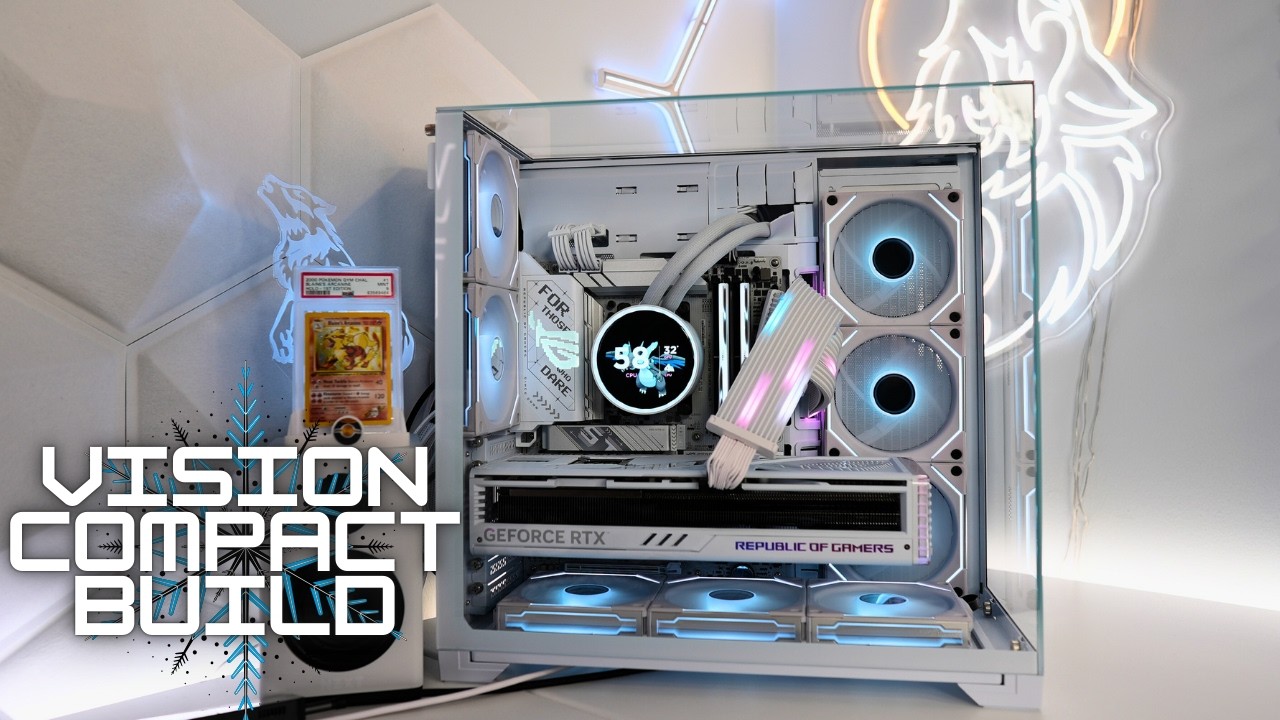
extensions which you don't typically see with a black case but that contrasty color scheme will make sense in just a little bit and speaking of the case that's the antec C3 argb and just like the motherboard the only real reason I'm using this is because I already had it here in the studio if you watch the twitch live stream of me building you'll know what I'm talking about but basically the value of this case comes from the final product and not the build process getting to that point the starting point of cable management is certainly
not doing us any favors and there just isn't enough depth or spots to make this a nice Cable Management build I love how this C3 argb looks from the front with everything inside of it but trying to manage all these cables in the back can easily take you an extra 20 minutes I mentioned this during the stream but if you're one of those types of people that actually enjoys the brutal process of cable management then this is definitely the case for you to add to the contrasty white and black look though I also threw in
this white up here GPU sack bracket this isn't 100% necessary and it was more of an aesthetic choice but it does kind of help whenever you have a longer three fan GPU which is what we have and speaking of which the GPU that I've seen so many of you comment about lately is the RX 6800 this is amd's previous generation and almost two generation old GPU now but with 16 gigs of vram and plenty of 1440p performance it's still actually a good buy on Black Friday I scooped this XFX Swift 319 model for $348 and
at the time of recording I don't see a single model anywhere near that pricing so this was a good deal we're going to fully Benchmark the performance in just a bit but for a quick preview head on over to ztt build help.com and click on those GPU comparison charts for 1440p here you can see that the 6800 is sitting between the RTX 370 TI and 380 as well as being pretty close to the RX 7700 XD the 7700 XD is already some of the very best 1440p value that you can get right now but that
card usually costs around $400 and has 12 GB of vram this 6800 has 4 GB more and about $50 cheaper so I can already see why so many of you are still recommending this GPU it's going to be tough to find it at this sub $350 price range in the future but if it ever pops up available around there I definitely consider picking it up before we see what it's capable of one more part that we have to check out and it's the controversial one that I was talking about which is the NZXT Kraken 360
Elite RGB black ail to make this a short story you've probably already seen my NZXT response video about some of their Shady business practices which I'm not going to re explain here but as it disclaimer this is another part that I had in my studio that I decided to finally use no matter if you want to support NZXT or not from here on out even just their custom PC Building components like this one that is totally up to you for me personally if I already have the part I'm just going to use it by using
this part I am in no way showing support for NZXT that won't happen unless they can seriously turn things around over there but at the end of the day this physical product that was already sitting on my shelf was a great option for this build if you're trying to follow this along at home and you don't support NZXT which again I totally support you doing then feel free to go with some black RGB 360 mm Alternatives like the Arctic liquid freezer 3 if it's in stock the thermalite aqua Elite if you want to keep cost
down and Corsair has plenty of options as well at various price points back to the entire build though here's what the final part us is looking like and my total price came out to be $1,077 if you use a more reasonable and cheaper aiio that'll easily drop you under $11,000 but again I got some pretty crazy deals with the free RAM and the RX 6800 deal this is definitely one of the more tough builds of mine to copy which is why I just Ty it at $1,000 but if you're looking for some more inspiration you
can of course check out my totally free build guide templates at ztt buhel let's fire up some benchmarks though for this build and I want to start with 3D Mark steel Nomad because it provides a consistent testing score that we can use to compare two other builds this ryen 75700 X and RX 6800 combo cranked out a score of 3,25 if you compare that to my Captain America themed $1,000 build which is honestly how a lot of people are building with a more typical ryzen 57600 and RTX 46 that build only cranked out a steel
Nomad score of 2322 the RX 6800 is a much better buy than the 4060 however if you compare that to my recent $850 Pure Performance PC with the 5700 X and an RX 7700 XT that one got just slightly higher that build costs $150 less than today's build and uses the same CPU but that's simply the difference between a more aesthetic build and a Pure Performance one that Pure Performance build doesn't look nearly as flashy have as much RGB customization and definitely not an LC CD screen with water cooling but if that's what you're looking
for then that would still be a good one to follow getting into some other games for this build though next up we have the new Delta Force which I still haven't tried myself yet but in 1440p with very high settings we got a solid 123 FPS that 1% low at 36 is pretty low though but hopefully that's more of a new game issue that just needs some more optimization another new game that we tested is Marvel Rivals and this one I have been playing just a bit with my 5-year-old son lately and in 1440p with
high settings we got 90 FPS black myth Wukong is still pretty new in my opin opinion 2 and in 1440p high we got 84 FPS here's the rest of the games that we tested and as you can see every title is up there at 1440p around high or ultra settings despite being a little older now that RX 6800 is still smoking games in this resolution and the 16 GB of vram ensures that you'll be able to hang on to it for at least a few more years just as a heads up we posted a dedicated
benchmarking video with about 20 different games over on the ZT extras Channel be sure to check that out and hit the Subscribe button so you don't miss those videos honestly I really like how this build turned out and if you couldn't already tell this allowed me to get some parts that were collecting dust off of my shelves I probably wouldn't have used that motherboard case and definitely not the AO but when all of this is combined together I'm certainly happy with the result and if you are looking to get a little closer to that Pure
Performance type of build then feel free to click that $850 build video that's on the screen now