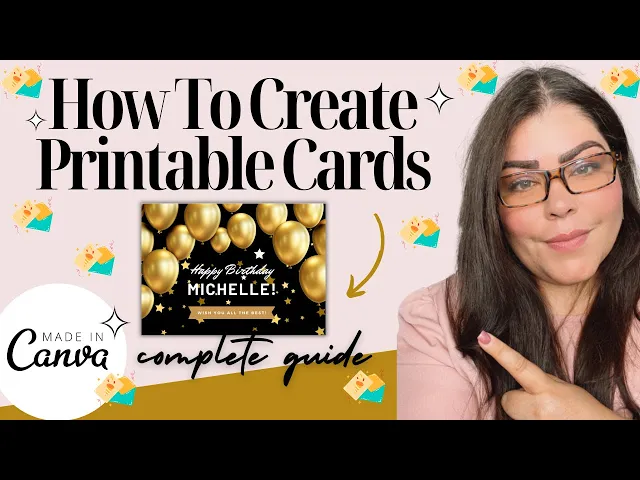
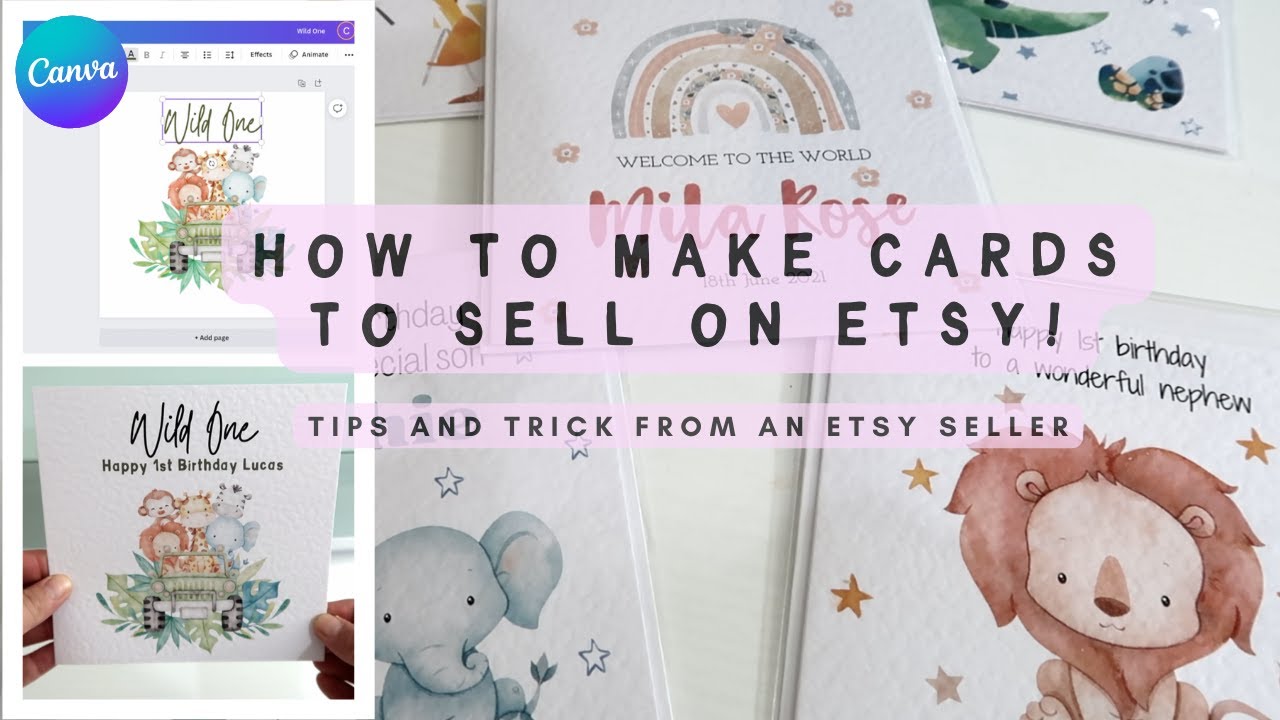
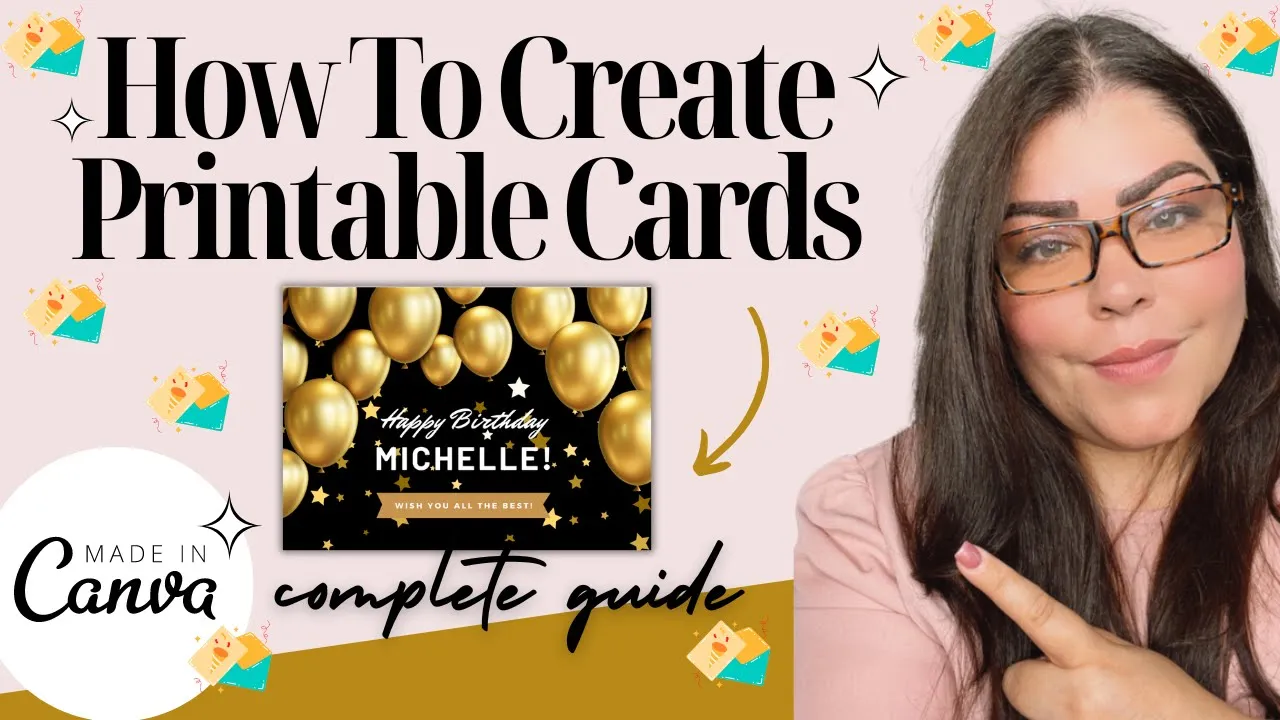
are you an Etsy seller looking to offer unique and eye-catching printable greeting cards to your customers look no further in the step-by-step video I'm going to show you how to create beautiful printing cards using canva a user-friendly graphic design tool now with canvas intuitive interface and extensive library of templates fonts and Graphics you have no travel designing cards that stand out from the crowd from birthdays to holidays you could tailor your designs to cater to a wider range of all locations and themes so whether you are a seasoned canva user or a complete beginner this
guide will provide you with easy to follow instructions on how to make the most of this powerful tool we will cover everything from selecting the right layout and adding custom images to perfecting your typography and exporting your designs by the end of this tutorial you will have the Knowledge and Skills to create stunning printable greeting cards that you could sell on XC so let's get started first let's talk about why principal greeting cards are popular on XC Etsy sellers have found great success in offering printable greeting cards to their customers and there are several reasons
why these cars have become so popular in the XC Marketplace firstly printable greeting cards offer convenient and cost-effective solution for customers instead of having to wait for a physical card to be shipped customers can simply purchase a digital file and print the car at home or at the local print shop this allows for instant gratification and saves on shipping costs secondly printable greeting cards provide a unique and personalized touch customers can customize the cards with their own messages and even add photos or other personal elements this makes a card feel more special and meaningful which
is particularly appealing for occasions like birthdays and anniversary and lastly principal greeting cards give customers the flexibility to print as many copies as they need whether they want to send the same card to multiple recipients or keep a few extra copies on hand for future use principal cards allow for unlimited Printing and this versatility is highly valued by customers and contributes to the popularity of printable greeting cards on Etsy when it comes to creating greeting cards you have the option to use can bubble free and pro feature saying that you have the pro account and
you can also purchase from sites like creative Market Commercial Graphics and fonts to enhance your designs now when browsing on canva you could search for any elements you're looking for by typing it into the search box and you can also scroll all the way down to look at the different collections already curated that you could use alright so here we are in canva I just created a quick design to kind of explain how elements and fonts work on canva so once you're here designing your greeting card if you go to elements you're able to look
at Graphics here and you could click on see all you're also able to go ahead and click on stickers you can scroll down look at photos or you could go more down and look at all of these various collections that they offer now if you don't find what you're looking for in the collections or the sticker or graphic area what you can do is come up here and do a search for it so let's say that I'm searching for Botanical plants I want to use some for my greeting card do a quick search here and
then under Graphics go ahead and click on see all this automatically is going to pull out all of these beautiful graphic elements that you could use so let's say I want to use this one I'm just going to click on it drag it and put it right here I could also go ahead and let's say I want to use this one here I could drag it and put it up here now one thing that's important to know know about these graphic designs is that if you're using the canva free account only use the free ones
if you're using the canva pro account then you're able to use all of them now if you are creating greeting cards that the customer could edit within canva you want to make sure that you only use the free ones even if you have a pro account the reason why is because if that customer doesn't have the pro account and once they download the greeting card their photos are going to be Watermark and the only way that they're going to be able to use those photos is by upgrading their account and they're going to be upset
at you they might leave you a bad review and they might not want to upgrade so just keep that in mind now in order to filter these by free or Pro you could just click on settings and right here you could filter by color orientation animation and you could go down here and click on free or Pro if you click on free it will automatically filter those for you automatically now when you're doing text it kind of works the same way when you're using typography so you could just click on text and down here is
going to give you your most recent news if you do use that and it's going to give you some fun combinations that work really well together you could use any of these here or you could just simply add a heading right or you could use a subheading if you wanted to and you could just click on this drop down menu and it's going to give you all the different types of fonts now you could upload some this is one that I uploaded by clicking here upload a font especially if you purchase one on a different
site like creative Market you could go over here click on text Styles this will give you heading subheading and body type of style and you can just play around here and find different fonts depending on what you're looking for now anything with a crown is a pro font meaning that it's for only for people that have a canva pro account so just keep that in mind again if you're using this and the customer can come back and edit themselves you only want to use the ones that don't have the little Crown you want to use
the free ones in order for them to access the same fonts creative Market also gives you so many amazing choices of graphics and fonts that you could use to enhance your designs if for whatever reason you didn't like anything that you found on canva what you could do is head over to a site like creative Market to look at their graphic designs elements and also fonts that you could purchase with a commercial license to use to sell on Etsy now what I'm going to do is leave my referral link to creative market right underneath this
video If you do end up buying anything I do appreciate if you use my link because it does support my channel so I appreciate it so let me show you how this works you could come in here and as you can see these are their popular fonts up here they have Graphics up here they have photos and you could just do a quick search up here so you could say let's say we're looking for Botanical plants again do a quick search and this automatically is going to filter all of my searches based on what I
just typed in right here so here they are and there's a lot of them as you can see we have these beautiful Botanical plants right here we have more of like floral patterns as well and what you could do is when you come in here just make sure that you click on the actual product that you're looking at and one of the key things that you need to check is one look at every single photo so so you can understand what exactly you're getting so this kind of shows you everything that you're getting and look
how beautiful these will be to create greeting cards with they're just adorable as you can see and you could do more with them obviously and create top bags and anything else now go down here and look at the actual product specs this is really really important this will tell you if it's compatible with canva or not because we're using canva as a design tool that we could create greeting cards so this automatically will tell you um the resolution of the file is 300 which is important to be 300 that's per inches and this tells you
that it's compatible with Adobe Photoshop illustrator Affinity designer um sketch Adobe Photoshop Elements Adobe InDesign and after effects now it doesn't say canva but the way that you know you could use it in canva is because you're getting essentially 35 PNG watercolor elements because they're PNG you're able to download those and use them on canva so anything that says PNG jpeg you could use on canva so just keep that in mind so you will be able to buy this and use it in any of these softwares or use it on canva which is more user
friendly for majority of people that this is their first time using it so that's the most important thing look at the spec look at what comes included as well so that way you have a good idea if this is a package that you want to buy because once you buy it there's no refunds on digital products so just keep that in mind you can also come up here and type in fonts and you can do the same thing you're going to look at all the different fonts now the fonts work a little bit different that
you're going to be able to download them on canva and use them there with no problem and you should be able to install it in your computer and use it let's say in Adobe Photoshop or whatever else you're using as a program to create products but you can see you could kind of come in here look at all of these let's say that you want to try one of these out to see how it looks you can actually click on the image and if you go right here you could type in your name which I
already have right here as you can see I buy a lot of fonts you could type in your name it will show you the two different fonts that you get within this particular package or bundle or whatever you're buying so this is a great way to preview it before buying it so therefore later on you're not regretting like oh I really don't like how it looks when I type in whatever you're typing in right whether it's your store name or your name like I did here or the greeting message that you're trying to create so
these are the things that you have to keep in mind when you come in here on Creative market now that you have a good understanding of the benefits of printable greeting cards and why canva is a great design tool let's dive into the step-by-step process of creating your own cards alright so I'm going to show you now how to create a greeting card step by step so the first thing you want to do is go ahead and click on create a design custom size and have your size I'm going to do a horizontal image so
I'm going to put with 7 7 and height five if you're trying to do a vertical then it will be with five height seven go ahead and click on create new design and keep in mind you could do again horizontal you could do vertical it's up to you and what you can also do is come up here do a search for templates and do a search for greeting card birthing this automatically is going to pull all of these different cards right here use this for inspiration we're not allowed to grab one of these and sell
as is but you could use it for inspiration you could also use it to pull out certain elements sometimes I'll I'll take like six different elements from different cards and create my very own card and you could do that as well so you could look at this for inspiration so I'm going to go ahead and do a black and gold like birthday card so I'm going to go ahead and paint the back black from here I'm going to go to elements and I'm going to search for gold balloons I'm going to click on see all
and from here I'm going to select some of these here I think I'm going to go ahead and click on this one here I'm gonna make sure it fits my card from here I'm going to go to the text to play around with the text so I'm going to go to text keep in mind if you already have images that you want to use if you go to upload you could just go right here upload file and upload your own PNG file so you could drag and drop to your design so that's another way to
do it so let's say this was a file right here I could just drag it and drop it right there and that's it so what I'm going to do now is I'm going to go ahead and click on text and you could add a heading a subheading or you could come down here and play around with these pre-made templates or excuse me pre-made font combinations I'm going to use this one here and I'm going to make it a little bit smaller to kind of fit right here and I kind of like how that is looking
now it looks a little empty in the bottom so I'm going to go back to greeting cards and I'm gonna see if I can steal anything from one of these here that I might like to add here so right here it says wish you all the best that looks kind of cute to put at the bottom I wish you all the best it's very popular I wish you all the very best oh I like this one it matches with this so what I'm going to do is add a new page add this and I'm gonna
select these two items I'm going to group it together and then I'm going to drag it up here and you could do little things like this where you're taking a design or an element from something else and using it but as long as you're creating your own from scratch it doesn't look anything like this one then you're good to do that and what I recommend if you are going to do this is using different elements from different cards so at the end of the day it does look different from anything else that canva or any
other creators have already created in in here so once you have that you can add more to it let's say I want to go ahead and add some gold confetti you could just type here go for confetti as you can see you could pretty much find anything in here so I'm gonna see if I could add some of these little stars you could push it to the back so you could go position to the back so it's not overlaying on top of the text as you can see and what you could do now is duplicate
it by pressing this plus sign and then putting it over here and then doing the same thing position to the back and it will go behind the balloons and behind the text but as you can see this card is already pre-made it's easy um it looks really good in my opinion and one thing to keep in mind is that once you are done you want to download this as a PDF file the reason why is because if you save as a JPEG it's going to be 72 dollars per inches so the quality of it is
not going to be that great it could be pixelated and when the customer prints it out if they want to print it out it's not going to work for them so you want to make sure that it's 300 dots per inches and if you look at the design you see how I have this little star right here that's messing with the I and the r you could actually play around with it like this to fix it or you can make it a little bit bigger if you have to but just always look at your design
to make sure that it looks good easy to read like I said earlier Etc once you're happy go ahead and click on share go ahead and click on download change this to PDF print um change this to just the one page and down and go ahead on click on done and download another thing to keep in mind if you're sharing this as a template where the customer could come and edit themselves what you want to do is share and then click right here template link and this is the link that you will give the customer
in order for them to come and edit themselves if you're downloading the file I do recommend double clicking on the file looking at it making sure that the resolution looks really clear as you can see it looks really good it's not pixelated it's something that you could sell and it looks really good but this is how you do it but just keep that in mind always save it as a PDF print when it comes to designing printable greeting cards there are a few key tips to keep in mind to ensure your cars stand out from
the competition tip number one is keep it simple and clean avoid overcrowding your design with too many elements choose a clean and simple layout that allows the message and imagery to take Center Stage a clutter-free design will make your card more visually appealing and easier to read tip number two is use high quality images if you're using photos or illustrations in your design make sure they're high resolution and good quality blurry or pixelated images can detract from the overall look and feel of your card take the time to find or create images that are sharp
and vibrant tip number three choose complementary colors colors play a crucial role in the overall aesthetic of your greeting card so choose colors that complement each other and evoke the desire mood or emotion and canva also offers a color palette generator that can help you find the perfect color scheme of your design tip number four is experiment with different fonts typography can add personality and style to your greeting card so don't be afraid to experiment with different fonts and fun combinations to find the perfect match for your design just be mindful of legibility and readability
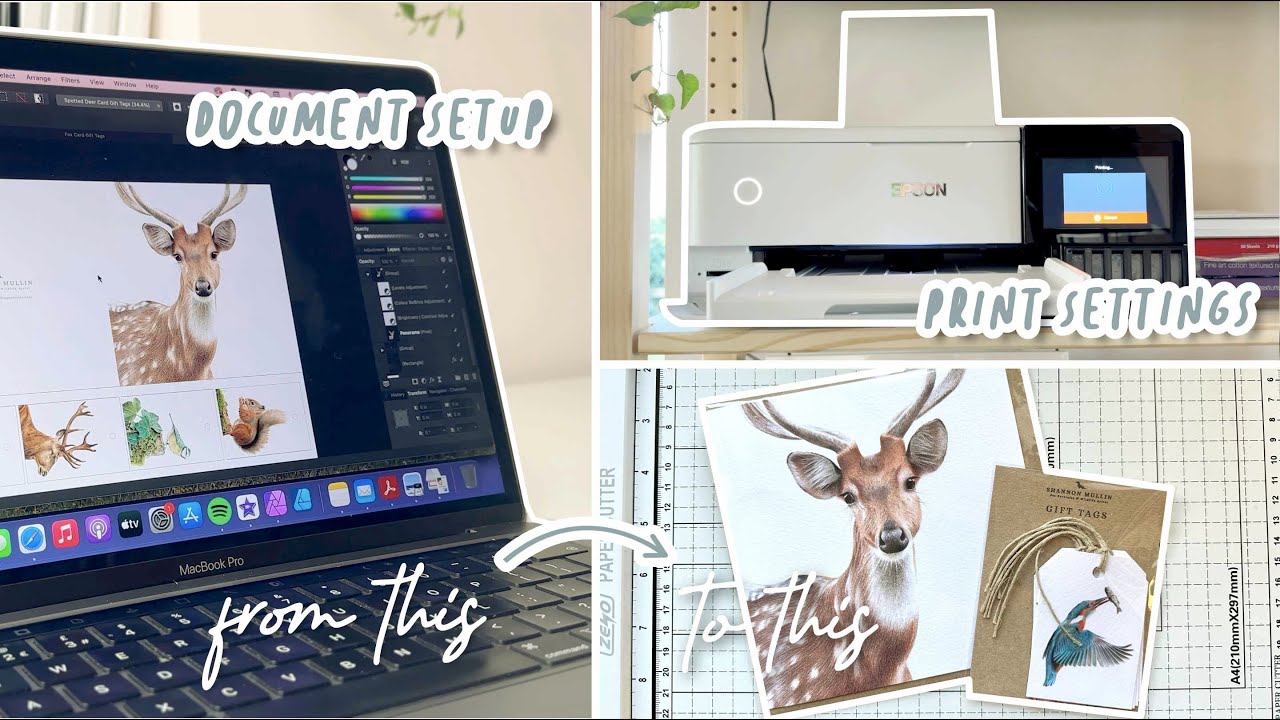
especially for longer messages by incorporating these designing tips in your greeting card Creations you will be able to create beautiful and unique designs that will capture the attention of your customers and set your Etsy store apart from the competition once you have designed your printable greeting cards if you are planning to sell printable cards as well it's important to consider the printing and packaging aspects to ensure a professional and Polished end product so when it comes to printing your greeting cards there are a few factors to keep in mind firstly choose a high quality printer
they can produce sharp and vibrant prints consider investing in a printer that can handle different paper sizes and weights as this will allow for more versatility in your designs additionally select the right Paper Stock or cards opt for a heavier weight paper that feels substantially endurable matte or satin finishes are often preferred for greeting cards as they provide a professional look while minimizing glare and lastly ensure that your printer settings are correctly configured for optimal printing quality adjust the print resolution color settings and paper type accordingly to your printer specification to achieve the best results
packaging your printable greeting cards properly is essential to protect them during shipping and ensure they arrive in pristine condition consider using clear plastic sleeves or protective envelopes to keep the cars clean and prevent any damage you can also include a backing board or insert to add rigidity and prevent bending or creasing and when should keeping multiple cards consider using rigid mailers or cardboard boxes to provide Extra Protection clearly label the package as fragile to alert postal workers and ensure careful handling by paying attention to Printing and packaging considerations you can deliver high quality greeting cards
to your customers and enhance their overall buyer experience creating captivating mockups for your printable cards is a fantastic way to Showcase your designs in a real world context giving potential customers a tangible glimpse of what they can expect canva provides card mock-ups you can use for your greeting cards all you have to do is do a search on canva for card mock-up and you're going to get the option of all of these here go ahead and pick one that resonates with your brand or the product that you're selling if it's like a Christmas card maybe
this one will resonate a little bit more maybe trying to look for something like this a little bit more elegant kind of like cream color aesthetic so I'm going to go ahead and use this one for now right here go ahead and click on it and click on customize this template now all you will need to do is go ahead and upload your actual image to canva and you could do so by clicking here and uploading the file I have mines already right here so once you have your file uploaded what you're going to do
is you're going to go ahead and position it right on top of the file so you're gonna try to do your best to make this look as realistic as possible now I will say this sometimes playing around with canva you could find some really good ones and sometimes you'll find some that you could tell that is not an actual mock-up you actually did put the image on top of it and it kind of doesn't look that great so keep in mind that if your final product doesn't look good I wouldn't use that mock-up and what
I would recommend is paying for a mock-up like using a site like creative Market where they actually have placements meaning they have these little Windows where you could drag and drop the image and it will fall perfectly inside the mock-up those type of mock-offs in my opinion are way better however there are some mock-ups in here that you can make it work as you can see this doesn't actually look that bad and I could definitely use it as a mock-up now the this color matches this no it doesn't so this is just an example we
just wanted to give you an idea of how easy it is to create mockups using canva and you can always come up here and design and type in card mock-ups if the one that you picked didn't really work out for you and you could just kind of browse through these and see if any of these would be a better fit for you play around with a few until you find one that you actually like and it goes with The Branding colors that you're looking for if you don't find any mock-ups on canva that you like
or go with your brand I recommend checking out creative Market this is how easy it is to create printable greeting cards in canva to sell on XC if you watch till the end comment the word me below and if you would like me to create a tutorial on a different product please comment below and if you're interested in creating more digital products check out these videos in the screen and I will see you there