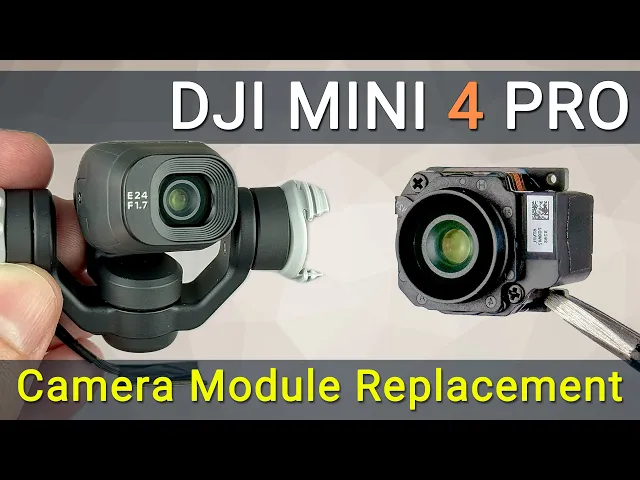
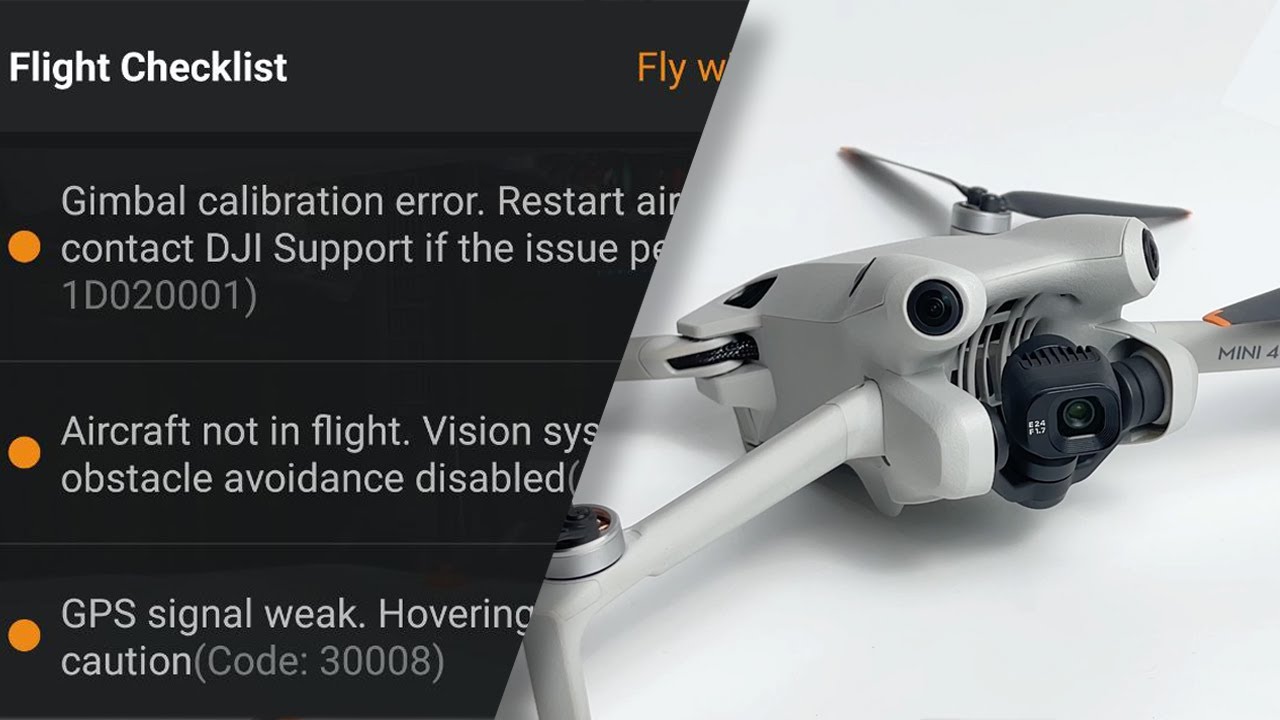
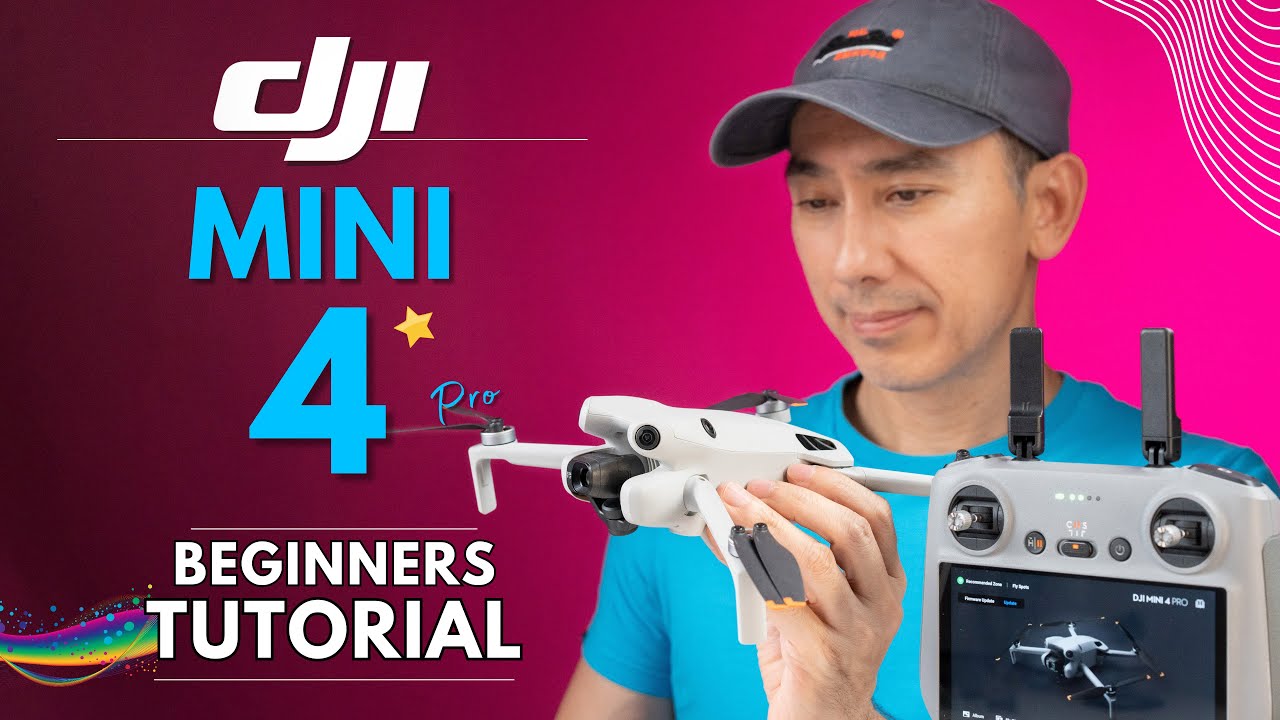
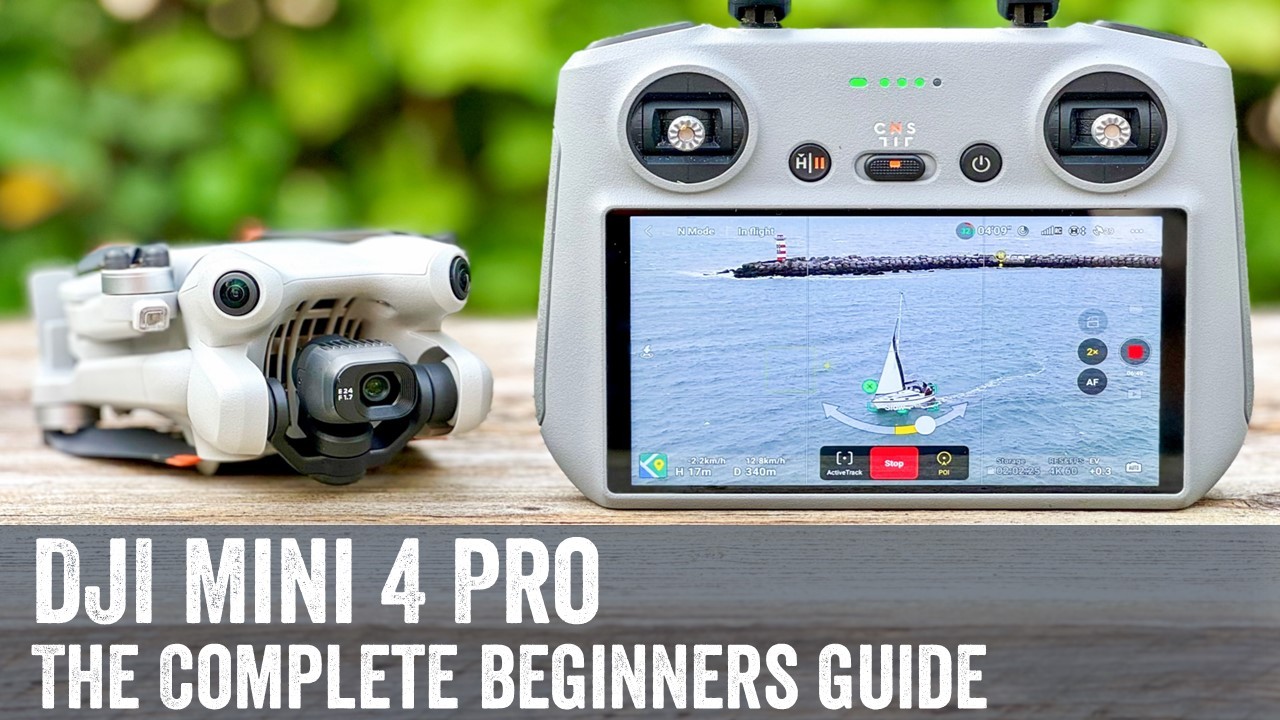
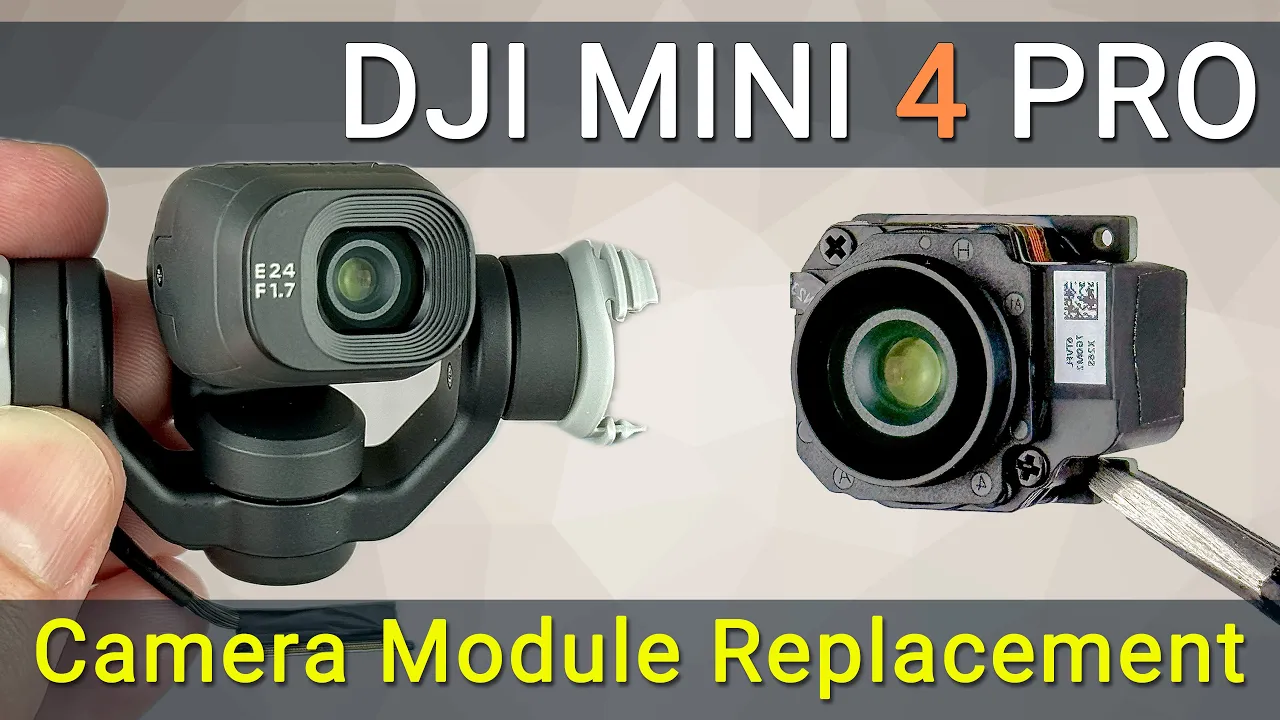
Hello everyone, welcome to HowFixit! If you experienced a pretty unfortunate drone crash and received the "Camera lens error" message, don't worry I'm here to help you fix it yourself. In this video guide, I will show you how to replace or reconnect the camera module to fix a camera error on your DJI Mini 4 Pro drone.
Let's review the tools. To replace the camera module on the DJI Mini 4 Pro, you'll need a small Phillips head screwdriver and tweezers. I've included links to these tools in the video description below.
Before we get started, remove the battery. Remove two screws on the camera frame and remove it. Carefully slide the camera module out of the gimbal housing, but be cautious; the camera is still connected to the transmission cable.
This is a delicate step. Carefully disconnect the transmission cable from the camera module, as the cable connector is quite fragile. You can now remove the camera module.
Due to poor contact, reconnecting the camera module may fix the Camera Lens Error. Also, check the camera module connector pins for oxidation. If reconnecting the camera does not resolve the error, the problem may be in the transmission cable or faulty camera module.
I left a link to the video guide for replacing the transmission cable in the video description below. I also left a link to the new camera module. But there are some things you should keep in mind if you decide to replace the camera module.
After replacing the camera, you may have a message: Camera not calibrated. Image quality affected. Contact DJI Support for assistance (Code: 10016).
If you get this error, you need to calibrate the camera. This cannot be done using the DJI Fly app or DJI Assistant; you will need special software. For more info check out the links in the description below the video.
Let's start installing the camera module. If you don't have a fresh thermal compound, use the paste from the old module. Gather the thermal paste together to ensure it is redistributed correctly under the pressure of the heatsink.
Before connecting the transmission cable, check the connector on the camera module and cable for the presence of debris, this is one of the reasons why the contact may be poor and malfunction of the camera module. Finally, screw the last two screws back to secure the camera frame. Connect the drone to the remote control and check the camera gimbal operation rotation.
If you found this guide helpful, give us a thumbs up, and don't forget to subscribe for more drone repair guides. Visit our website for more tech insights and Do-It-Yourself guides. Remember, every tech challenge is an opportunity to learn and grow.
You were on HowFixit. Thanks for watching, and have a safe flight.