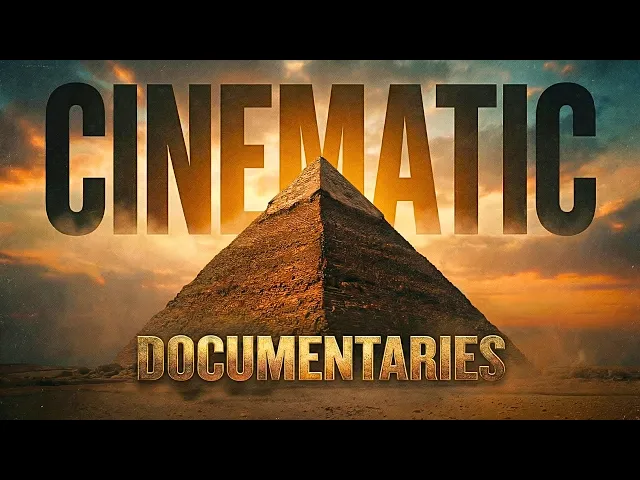
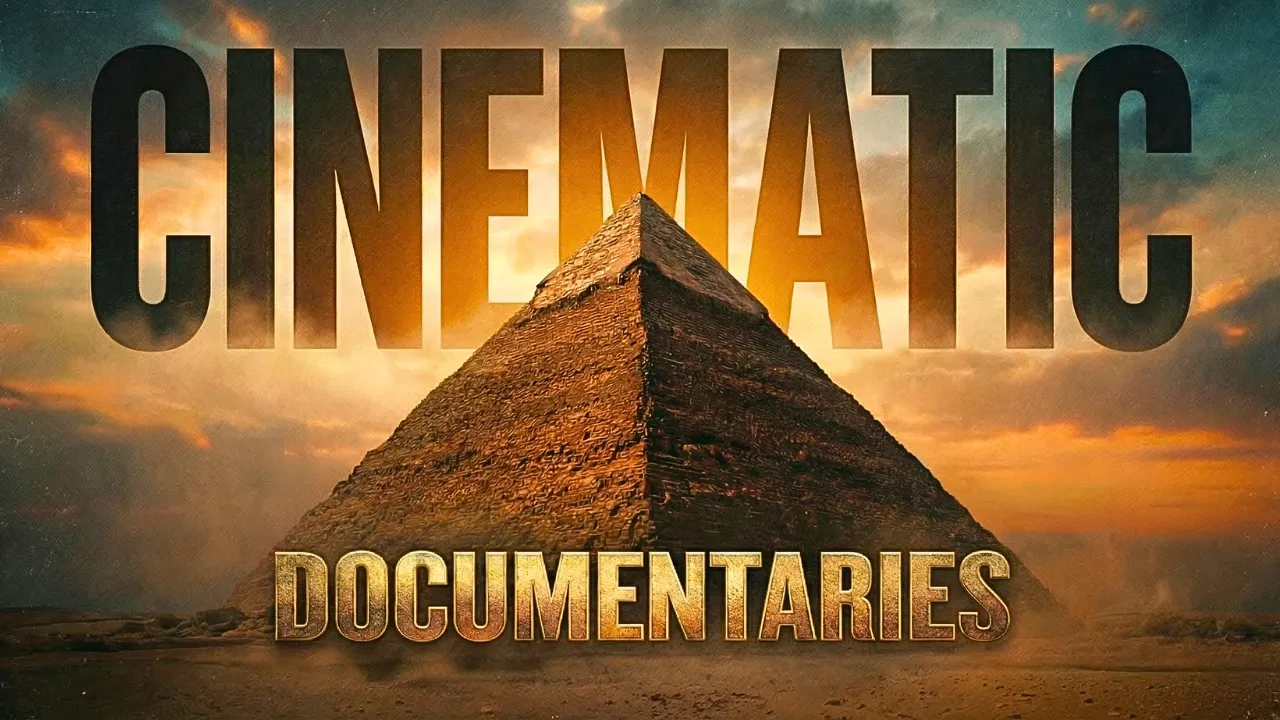
the possibilities of AI content creation are increasing day by day and with just a couple of hours of my time I was able to create this cinematic historical documentary first take a look this was the cradle of eternity where stone met the sky and kings became gods in the silence of the desert one Monument rose above all the Great Pyramid of Giza built with impossible precision aligned to the stars it commanded both horizon and heaven its corridors wound through darkness leading to the chamber of a god reborn this was no tomb it was a vessel
for the afterlife guiding the soul through the cosmos toward immortality beyond its shadow life thrived along the Nile priests reading the stars artisans stone a civilization that reached for eternity and touched it this was Egypt that was insane right especially the transitions they made it even more appealing since the release of the Pro version of Nano Banana it has become easier than ever to create high quality images and when you pair it with a good video generator like cling or C Dance you you can truly create wonders I used Nano Banana Pro for the images
then cling for the videos 11 Labs for the voiceovers and did a tiny bit of editing in CapCut to create this awesome video now I'll show you exactly how I made it so without wasting any more time alright now before anything else you need to first come up with your video topic and create the script you can literally choose any topic you like I chose ancient Egypt cause it's extremely popular interesting and it truly fascinates me but you can choose whatever matches your preference once you're ready with your topic you need to create the script
for your video I did some research on Google and also use Chat GPT for my script now if you want to use Chat GPT entirely for the script let me show you how you can do it first open chat GPT and paste this prompt I'll put the prompt in the description so you can use it too here you can see I've mentioned the topic you can change that to your own topic then I've set some parameters you can edit those as per your preference I've also mentioned how long I want the script to be and
you can change that according to your needs after that simply click on generate and it will start creating a script for you that doesn't sound robotic and keeps things interesting as you can see now AI can still make mistakes so make sure you read and check every fact before proceeding once that is done it's time to create the images according to your script now you need to make sure that the visuals match the story or the narration you can also take the help of Chat GPT for this let me show you how you simply need
to go back to Chat GPT and ask it to create image prompts for each scene like this and it will automatically generate scene by scene image prompts according to your script this is extremely handy and makes the image generation process much easier now it's time for the fun part generating the images and videos for that I used Higgsfield AI to get started you need to click on the link in the description and sign up using your email ID after that you'll see this interface from here hover over images and then select Nano Banana Pro now
for my first scene I wanted to create a cinematic shot of the Great Pyramid of Giza so I used this prompt that Chat GPT gave me as you can see the prompt is very detailed and this is the image it generated it looks absolutely stunning cinematic and exactly what I wanted for my documentary now I wanted to create a transition for my first scene where it shows a zoom in effect like this so what I did was simply upload the same image here gave it a very simple prompt to create a zoomed in shot and
then hit generate this is what it created as you can see it's a zoomed in shot it looks awesome everything remains the same and it's just a close up view Nano Banana Pro has made everything incredibly easy ladies and gentlemen you just have to be a little creative that's all for the next scene I wanted to create a top view shot of this so again I uploaded the same image and used this prompt this one was also generated by Chat GPT I used the original pyramid image as a reference and here is the output as
you can see it created the perfect image a top view shot on a sunny day nano banana literally feels like a cheat code so this is basically how I generated all the images and remember guys you might not get the perfect image on your first try you'll need to experiment it requires a lot of trial and error as you can see here I generated many different versions before I found the one I liked and that's exactly why I like higgsfield so much because they provide unlimited generations for Nano Banana Pro for Pro subscribers which means
I can keep generating until I get exactly what I'm looking for and now it's time for the videos let me show you how I made these smooth transitions I used Cling's latest model 0 1 for this so on higgsfield you need to hover over the video options and and then select the Cling 0 1 model from here for the first scene I wanted to create that smooth zoom in transition effect so I uploaded the first and second frame images here next I gave it this prompt as you can see I've kept the prompt very simple
and I've also directed the camera motion which is very important and this is what it generated as you can see it created this awesome looking transition from scene 1 to scene 2 clings new 0 1 model is pretty impressive not gonna lie you can also use other generators like minimax or clings previous 2.6 model they also have the first and second frame option like this now I could have just used one image and asked it to create a zoom in shot but it wouldn't look as cool as this you should try it it's pretty awesome
here's what I did for the second scene as you can see I kept everything pretty much the same I added the images then in the prompt I mentioned the direction and camera motion and that's pretty much it here's what it generated as you can see the transition is so so good and these kinds of visuals keep viewers hooked which results in higher retention time and that's always a good thing here's another scene example again I kept everything simple added the images directed the camera motion and and here's how it looks this one also looks amazing
and really cool crazy what AI can do these days next you need to create all the videos according to your draft and while you're generating the images you need to keep in mind what kind of transition you wanna create and make the images accordingly as you can see here I did a lot of trial and error and many regenerations before I got all my videos and again higgsfield is offering unlimited generations of Cling 0 1 for its subscribers for now which makes this process even better next it's time for the voice overs I used 11
labs for that to make the voice sound more natural what I did was first record the script in my own voice on my phone then I went to the 11 Labs voice changer section uploaded my voice over chose a voice from the options and did a quick voice change this way it doesn't sound robotic like many other AI generated voice overs and let me tell you these small details make a huge difference for the background music I went to Suno AI I selected a few music styles generated the track and downloaded it after that I
opened CapCut added everything to the timeline and adjusted the video clip speeds according to the voiceovers you can do that from the speed section inside CapCut then I added this filter from the filter section added the background music that I generated using Suno AI and finally exported the video and that's it so there you have it folks a detailed guide on how you can make cinematic historical documentary videos like this it's not even that difficult and with the right tools and planning you can really create something amazing all the tools I've used will be LinkedIn
the description and if you guys face any problems or have any questions feel free to let me know in the comments if you found this video useful make sure to like share and subscribe to support the channel thank you so much for watching and as always keep grinding