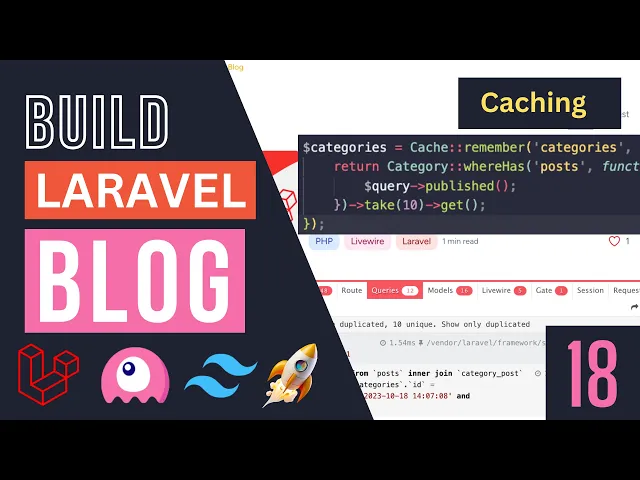
hey guys welcome back on today's episode we are going to add caching to our blog So currently we have a bunch of content that are kind of static for example our futureed post section doesn't really change that often for example let's say on a regular blog you are publishing an article or a blog post once a day maybe every day or every other day and you might be changing the future post maybe once a week right so there is no reason for us to query the database every single time a user visits our website so
this is a good candidate for caching same thing for latest posts again if you are publishing an article once a day we don't need to query the database every time we get a user visit right so we can also go ahead and cash our latest posts and then maybe we can also go ahead and cash our recommended topics because I don't think this one changes that often as well like let's say for a blog like this one you might be adding a new topic every let's say couple couple of months right Whenever there is a
new technology so the categories are going to be relatively unchanged unless maybe you have like a new site or something and you have like you know things changing quickly but even then maybe you still want to cash it for like say a couple of hours a day which is a good starting point so let's get right into it I don't want to talk too much so cashing lotel is actually quite easy one of the easiest things you can do in Lal so to get started first thing I'm going to do guys is I'm going to
extract uh these queries into their own separate variables instead of doing them inside this return statement so let's go ahead and do that I'll take the first one future post and I'm going to store it in a variable also named Future posts and then obviously I'm going to replace it with the variable we created and I'm going to do the exact same thing for uh latest posts as well now we can we could have gone ahead and used compact over here but I'm going to go ahead and keep it the way it is I think
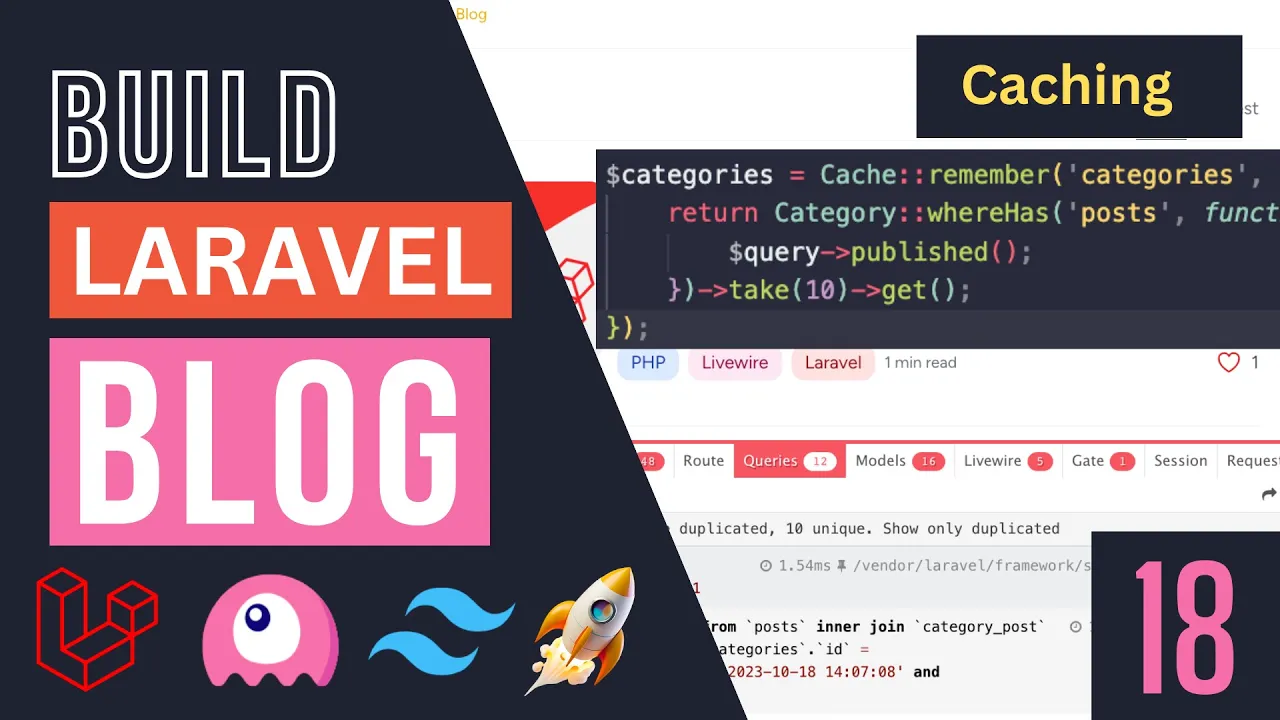
it's a bit easier to see so uh in order to perform caching there are a few different ways you could do it but there is a caching facade cach facade that gives us an easy access to the caching utilities inside lootable so first thing you need to go ahead and import the cach faad which is going to be inside illuminate support facad so let's go ahead and add that so this is the import for if you guys want to import it and it has a method on it a static method called remember right so this
is what you call to Cache something so let's go ahead and call that over here so as this first argument and let me hover over it it's going to be basically your cash key so this has to be a unique value of course otherwise you will have clashes okay so let's go ahead and give it a unique key for the key you can name yours whatever you like for me I'm going to basically have it be same as our variable name okay again we're not going to have a lot of caching so cached items so
the name isn't that important but on a larger project you do want to make sure you have unique values and then the second second argument is going to be the duration now the duration for this is there are a couple of different values you can pass into it so first one it's going to be in seconds so if you want for example a couple of minutes you can say 60 times let's say 5 minutes right so this would be 5 minutes or you can also pass it in a carbon object so this is also something
you could do for example you can say now and then add hours let's say five so this will cach it for 5 hours so if you take a look over here again it accepts multiple values right it accepts null int a datetime interface a date interval and then even a closure right so we can use multiple values now it's up to you which way you do it uh you can definitely do it in seconds however generally if you're not working caching a lot you might forget if it's in seconds or minutes so I'm going to
go ahead and use uh the carbon way okay I think it's a bit easier to understand how long we're caching it so in this case I'm going to go ahead and say uh add day okay so I'm going to be caching it for one day and then the last argument is going to be a closure or basically call back that gets the cach results okay so let's go ahead and pass it in an anonymous function so inside this Anonymous function uh or closure you need to return what needs to be cached right which is basically
this query over here right this eloquent query we just wrote so I'm going to go ahead and say return this item so that's is basically how you can cash items and the way this remember works is it comes in checks the cash key if it's inside if you have it or not so if it's a hit obviously it be loaded from the cache if it's not it will go ahead and run disclosure get the value and then cach it for the TTL we have provided and TTL stands for time to live okay so basically how
long it should be cashed so it will basically store it in the cach and set that as the time for it okay so now that we have we can basically copy paste this for our uh latest post as well so let's go ahead and do that I'll just update the return statement and that's it guys like this is this is how easy it is to do caching in lotel super easy now for the day I think for our future post I'm going to also keep it a day okay you can obviously play around with this
uh with carbon there are a couple of different options you have so you can do add minute right you probably want to at least do a couple of minutes uh you can also do add hour okay so it's up to you guys how you want to do it uh it's flexible okay so for now I'm going to keep it as add a day I think that's a good starting point again uh I don't think it's going to be changing that much right so once a day so this is pretty good and you can also add
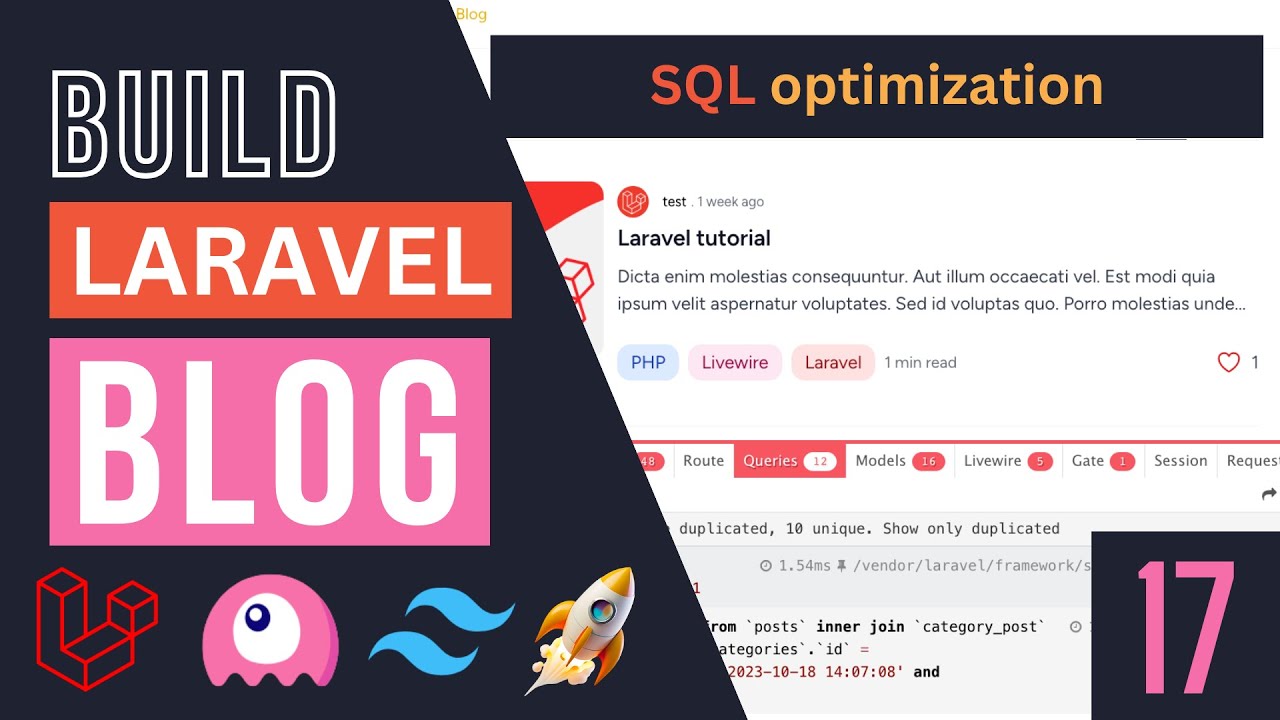
some sort of event listener on your model and then maybe clear the cash let's say once you publish new post right that's something you can also do so you can cash it infinitely and then clear the cache whenever a new article is published that's also something you can do but I'm I'm not going to be covering that today okay so now that we have the cashing guys let's go ahead and see if it's working or not so I'm going to go ahead uh if you guys remember I'm going to open up the queries so we
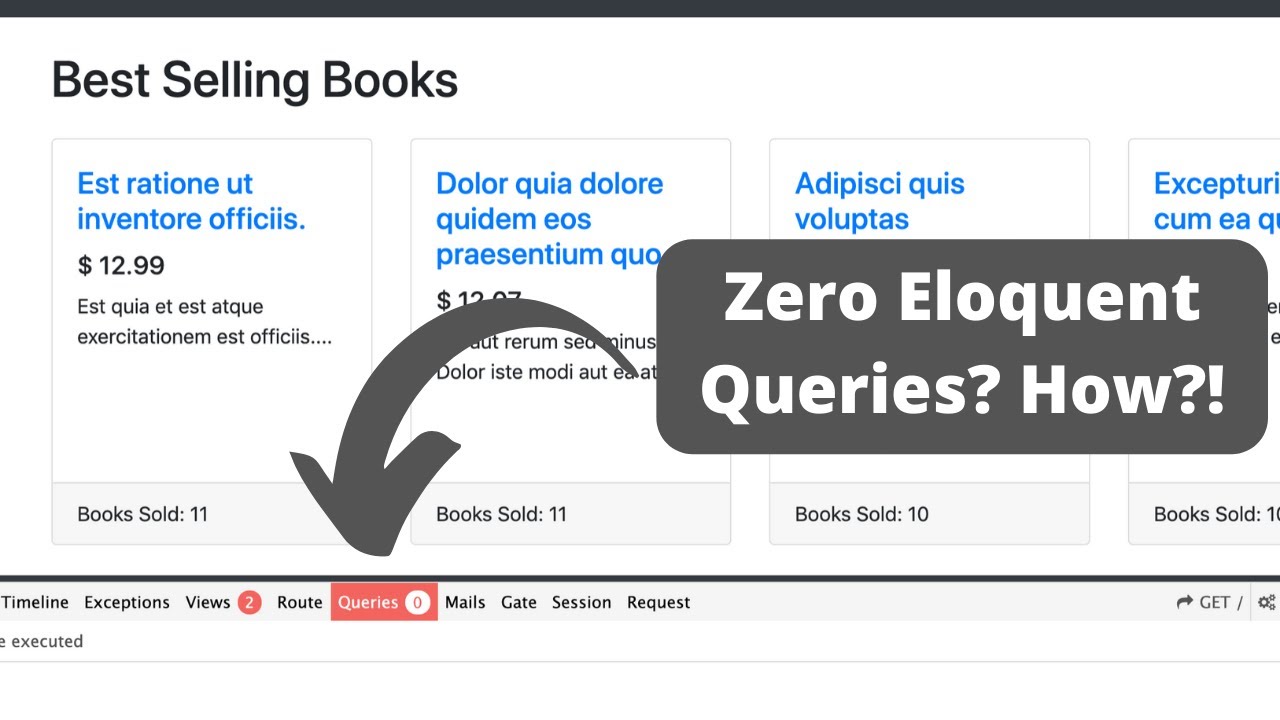
can see what is happening so we still haven't cached it so this is going to be the first one I'm going to reload the page and we get five queries okay I think one of them got cached I could be wrong I'm not sure if I reloaded it when I added the future post but as you can see we are still doing one query if I reload again now we are not getting any queries for our post right so basically that cached the results right and if I keep reloading it we are down to three
queries so thanks to caching We have basically reduced unnecessary calls to our database very nice now if you want to clear the cach let's say you're doing local development and in this case for example if I were to change this nine to I don't know 20 and if I reload it right nothing is happening we're not actually calling the database right so it's loading it from the cache and if I scroll down it is still uh N I think I made a mistake over here I'll fix it in a second yeah it's the cach key
so let's fix this I forgot to update the key but even if I updated uh let's set this back to nine for a second so this is because this is the first time it will obviously call the database and if I reload a second time it goes back to three so now it's loading it from the cache but let's say I change this N9 to 20 right so now we are showing nine if I reload it's still showing nine so if you want to clear the cach during local development uh you can open up your
terminal and just type in PHP artisen cash clear and it will go ahead and clear your entire application cache okay now you do need to be careful with this if you're on production but uh you know on local development totally fine so I'm going to run that and if I reload guys just take a look at this number three if I reload it goes back to seven okay and of course uh if I scroll down this should now be 20 articles as you can see of course I'm going to revert it back to n okay
so that's the basics of caching in lot of all and it's a good way to optimize your applications or a good starting point next stop I mentioned we could also cach these article sorry these article categories or post categories so let's go ahead and also cash these guys now I believe we need to do that inside our uh post control so let's go ahead open it up this is where we are getting the categories so let's go ahead and cach it right over here so I'm going to say a categories and we are going to
use the cach facade again now there are a couple of different cach classes so there is one from Doctrine common cache there is one from Symphony make sure you are importing the illuminate support facades again let's do a remember and then for this one I'm going to say categories and for TTL let's do carbon now and then let's say add days for this one I'll honestly I cach it for three days now we do need to be careful with this one so this is a little bit annoying if you add a new category and then
obviously this might not get updated for 3 Days right so uh that is something to be careful about if you choose a very long time for your TTL so you may need to C clear the cash yourself manually okay or write some sort of code that clears a cach automatically when there is a new category so something to be aware of guys and then for this one we just pass in a closure just like we did for uh the home controller and I'll cut this I'll put it inside here so let's do return let me
format this and then inside here we can say categories and that should get the job done so I'll open up this one uh we have 11 queries I'll do a Reload still 11 if I reload again it should be down to 10 I think yeah as you can see we are down to 10 so this one got cached and it's going to remain in the cach for 3 days if I keep reloading obviously uh nothing happens okay and if we want to test it out we can run this PHP artison cache clear again and we
should now be up to 11 if I go to the homepage we have eight queries if I reload we go down to three so that's it for caching guys a very simple to do inside Lal and generally if you have you know if you want to do it it's as simple as I showed you now next thing I want to cover guys is regarding the cache driver so I didn't really cover this uh but if you open up your EnV file there is a section for cash driver and you can set this up to your
liking Now by default it is always going to be fall and using fall is a good starting point so it's obviously going to be a lot faster than quering the database especially if you have a very large database however you might face some issues as your application grows and when I say like very large application if you have like a couple of users it's not really important file should be enough in those cases maybe you can use something like reddis or MIM cach okay and the available options are inside the cache config file so it's
going to be under config cache and if you guys just open up the file and scroll down you can see all the supported versions right over here there is APC uh array database file I think datase is probably going to be the slowest of these Then Fall is a good starting point and the fastest are probably going to be a MIM cach or M cached which is I think stands for memory cached redis and then maybe APC and octane okay but file is totally fine for small projects and you can definitely start with that and
if you're using something like lot of Forge it sets up red for you out the box so it's very easy to use so you can go ahead and use that if you're deploying your applications using a lot of Old Forge but but yeah I think you can start with file and then on a production application if you feel the need for it maybe you can use redis or M cach so that's it guys uh and again to change it very easy just update this with the value mentioned here right so in this case let's say
you want to use reddis just set this to redis and then down here you of course need to set your reddis host password and the port right this is the default Port so if you're not changing it you don't need to change that uh probably you also don't need to change the this host uh unless you're in the cloud or maybe you have a different IP and then uh you just need to set the red password okay so just as easy as that and again you can change it on the Fly that's the beauty of
Lal it's very easy to change the cache driver so you don't really need to worry about it if you're using file and at some point you start to feel like it's not enough you can just as easily change it to reddis right in a day so that's the beauty of it so that's it guys for today's episode I hope you learned something new if you have any question questions you can ask me in the comment section below and I see you guys on the next episode have a great day bye