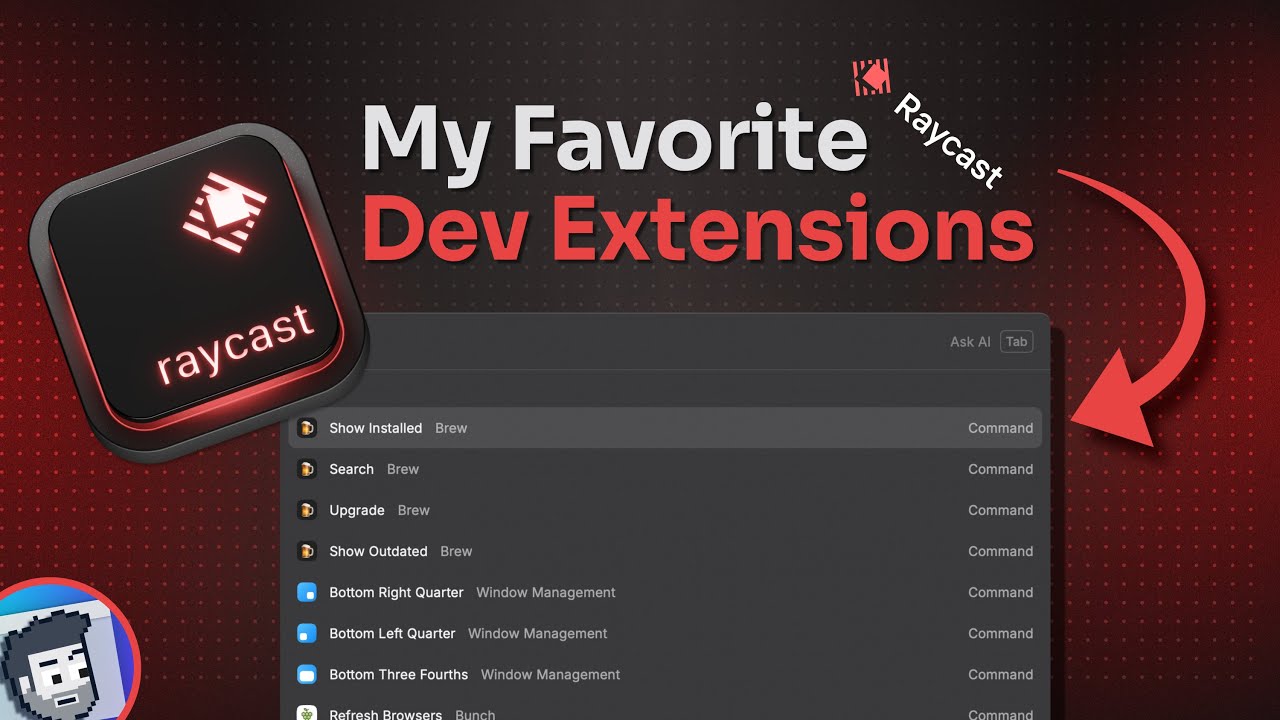
since I switch my main desktop Os from Windows to Mac OS I've always searched for some nice tools and apps that will enhance my workflow snit guide you know I already did some videos about my new terminal setup using warp and Starship and I also showed you my most favorite marown editor obsidian but guys I just recently found a new Incredible tool for Mac OS that is called raycast and this actually refined my entire workflow on this operating system I'm using it for quickly open any apps on my Mac managing Windows accessing bookmarks taking notes
looking up calendars and reminders yeah even for running my Python and Bash scripts which helps me to keep my git report organized or my vs code projects up to date you can really do so much with this tool and it's super useful for it and teag guys just like us but before we start I also have something special for everyone who is or who like to get into the field of it and gain new valuable skills I've recently came across the Google professional certificates which are highly respected in the it field they will help you
to start or Advance your it career in cyber security data analytics or it support that's the job role where I started my it career by the way project management or ux design and if you want to achieve one of these certificates from Google the best way to get them is with corera and corera plus this offers you unlimited access to over 7,000 world world class courses Hands-On projects and job ready certificate programs such as the Google professional certificates all included in your subscription I've checked out some of their courses and they really have tons and
tons of high quality videos and test exams where you will learn some really valuable skills like I just recently enrolled into the Google It automation course which includes learning python git and it automation these topics are highly in theat right now and at the end of these courses you can add this credential to your LinkedIn profile your resume or CV to show everyone what you have accomplished so check it out you will find a link to corera and the Google professional certificates in the description down below start one of their courses today and boost your
it career okay so let's go back to raycast what is it and how does it work first of all raycast is a replacement for the boring Spotlight launcher in mechos it is blazing fast extendable and offers tons and tons of community plugins if you want to install it on your Mac you can easily do this with a simple Brew install command in your terminal and then open it using the same hotkey as you would use for spotlight or you can also Define your own custom hotkey for it that's also possible raycast just like Spotlight allows
you to open applications or find stuff easily and quickly on your Mac like if you want to open an application just type in the first few letters and then it shows you the program without having you to open the Launchpad and search it somewhere and the same you can also do for any files just type in search files and then you can put in any expression to quickly find whatever you want you can also scroll through these search results of course to find what you're looking for it's all pretty straightforward and I want to be
honest to you guys so first this didn't look like a big game changer to me yeah so it seemed like an interesting tool for Mac OS that had some nice features here and there but nothing that would really change my entire workflow however if you start exploring this tool a bit more you will quickly find out that it does so much more than just searching and opening stuff and this is where it gets really interesting for us like if you want to calculate something you can directly type it into the search field and hit enter
to copy the result in your clipboard the same is also possible for converting time zones or currencies and I bet you all know these situations where you just quickly need to know something like that for example what the hell is 930 CDT in my time zone or what is $1,000 in Euro and rcast really makes this now just a one or two second task for me without having to open another application first or open a website for looking up the time conversion it's so helpful also for any web developers or graphic designers color codes can
also be easily converted by typing in the hexa decimal color codes that will show you the actual color so it is not just like a simple search function for apps and fights it is really more a framework that has some really useful features to enhance your productivity on Mac OS in the manual you can find out more about all of these features I think you definitely should have a look at all of them they also have some great guides and how tools on their website and as you can see there are a few features included
in the pro version and the team version like the AI integration clouding sharing stuff with other people and custom themes and these versions currently cost around $8 to $12 a month I don't want to say you need to buy this or not that totally depends on whether you find these additional features useful or not however anything else that is in that list here like the hot Keys the search bar action panel even all of the core features are included in the free version so there is a lot you already get without having to pay for
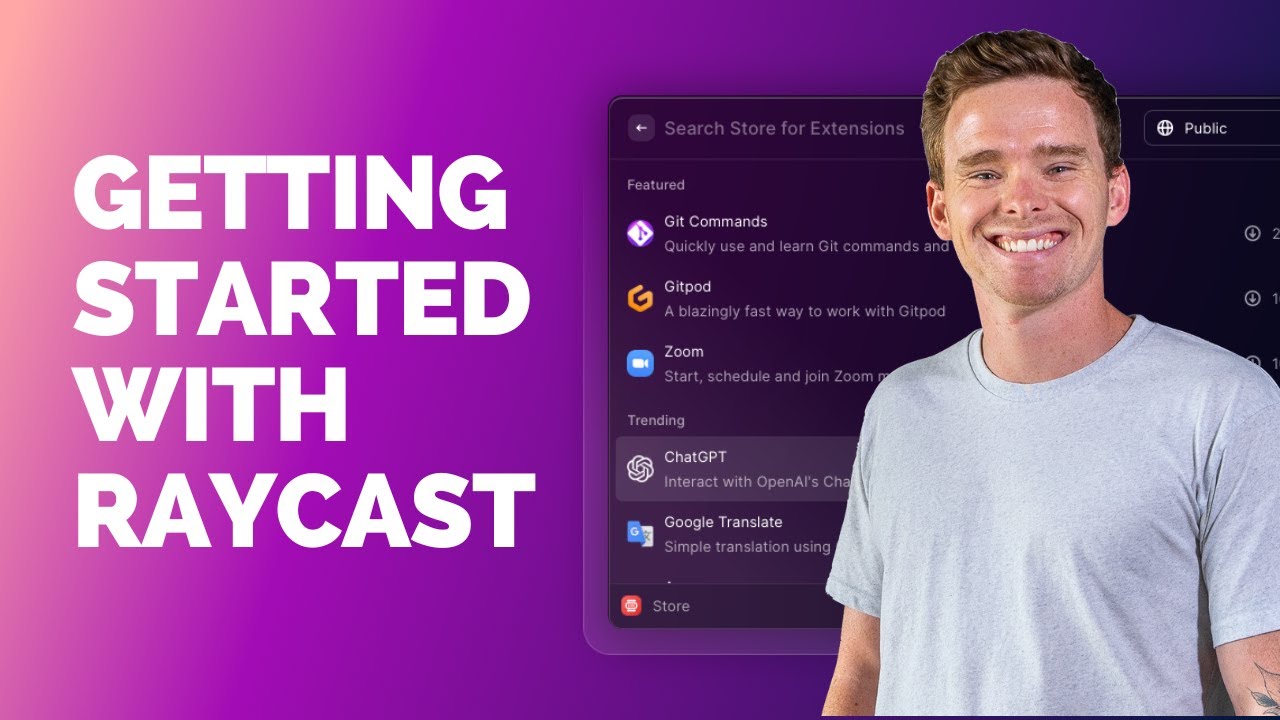
it and what I like so much about raycast is that you can also extend this with so many useful extensions and integration you can even write your own scripts just take a look at the Star Command in raycast and browse through all of the extensions that the community has created for it you can navigate through that list here with your keyboard and very simply install any new extension yeah like install this small speed test tool to quickly find out how fast your internet connection is or a notion integration to search and create Pages interact with
the YouTube API to search videos and channels or slack to quickly send new messages you can find so much in the store it's really impressive and I thought it might be interesting to just show you some of my favorite extensions I'm using in raycast and how I'm really working with them this for instance I'm often using extensions for the built-in Apple programs in Mac OS such as the Apple notes if I quickly want to search any of my notes or create new ones the same I'm also doing with my reminders emails and calendar items I'm
also using a simple extension to just kill a process when something is stuck because yeah that happens sometimes even on Mac OS or when I quickly need a new password I'm using an extension in raycast this simply generates a new random password where you can Define how many characters it should have or if you want to use numbers and special characters I also replaced my window management tool that I was using before if you're using Mac OS you probably know that it has a pretty poor window management it's really strange that Apple still hasn't done
anything about that but that's why we are supposed to use third party tools like Magnet or Mo that you can ED to manage windows in Mac OS but any of these programs usually cost money yeah like magnet costs around 10 bucks MO is the same now I completely got rid of all of these tools yeah I'm just now using the integrated window Management in raycast which is included in the free version and I can assign any custom hotkeys for all of these different types of window positions I need I'm also using other extensions to access
some of my other productivity apps or tools like raindrop IO for example which is a bookmark manager to store and organize bookmarks what I also found out to be super useful is to do developing tasks with extensions for example with the vs code extension you can quickly open any of your recent projects in vs code or you can install any extensions from the vs code Marketplace you can even manage G repositories pretty well for example the giup extension allows me to browse through all my repositories on GitHub I can even manage issues with it or
pull requests all without having to open a new website or another tool yeah these are really some of the most useful Community extensions I'm using I know of course it always depends a lot on which types of applications you're using whether these extensions are useful to you or not but it's pretty impressive how many of them the community has already created and I'm sure everyone finds something useful here and I know probably some of you might know say well this is all pretty cool but at the same time it is a bit less intuitive for
instance if you're using Ray car to navigate through your reminders and notes you only have that relatively small window there's not much space to visualize any things but that's not really the point of using raycast yeah it's not meant to be another graphical or visual application that should replace everything else it is more primarily used as a quick access tool you can use with keyboard shortcuts it it has a graphical interface where it can still click some buttons and so on but nearly everything has a shortcut in raycast and it's really much more comfortable and
faster to navigate through it using these once you realize that and you get familiar with the way how to use raycast with shortcuts you become much much faster than using any graphical application you'll probably know this effect from just using a terminal app and you can also speed up your workflow even more when creating an alias command or use custom hotkeys for all of these actions yeah so when you open the extensions in raycast you have a list of all your applications scripts commands and quick links and then you can simply Define a specific hotkey
or a I to streamline your workflow and optimize it the way you need it so that already makes a lot of things easier for me in Mac OS but wait it gets even more interesting especially for techy guys like us because if something that you want to automate or integrate does not exist as a ray Cast extension but you can somehow script it maybe by accessing a specific URL or writing a small script in bash or python you can also do that very easily for example if you want to open a specific URL with a
parameter like if you just like to search something on Dro you can create a new quick link for this just give it a name like search Dro enter the URL and as a search string you can now use a parameter in Ray cast by using these curly brackets you can even add more than one parameter here by the way depending on what type of URL it is and once you saved your quick link you can execute it in Ray cast so here I just need to add the search string as our parameter and it will
then open a new browser tab for this that's pretty useful to quickly use search engines like Dr go or maybe YouTube but quick links can also be used in other cool ways and open URLs on any application not just your browser for instance if you want to quickly search an artist on Spotify you can use the open. Spotify URL and the search artist location and then the query parameter after the dot and when we now change the open with field to the Spotify application instead of the browser you can now use this quicklink in raycast
and you see it doesn't open a new browser tab it sends this URL command directly to my Spotify app and it shows me the artist page in here that is so much faster than always have to open the app click any buttons and so on and again you can always of course Define commands and shortcuts for these actions to access them even faster and if you now want to take it to the next level and really get crazy with this you can also write your own custom script commands in Ray cost which might sound a
bit complicated but it actually is pretty easy and that was also the moment for me when I realized oh man I can use this tool for so many more things like I always had the problem of managing all my different git repositories just to briefly describe it the problem is I'm managing more than 30 GitHub repost for my home lab and projects where I'm storing different deployment configs or writing documentation stuff I hope you all know what this is about and I'm often changing things in all of these different reposts yeah deleting old ones or
creating new and if I know want to check which which ones I've already cloned to my hard drive and find out where I need to push or pull down updates from this quickly becomes just a horrible task so I thought well to simplify that process I just need a short command or a short script that should collect all the reposts from my GitHub account and should check whether they are existing and are up to dat on my hard drive some sort of synchronization that goes through just all of my important projects and I've written a
simple python script that does exactly that I don't want to go through all of this stuff here but and this simply connects to the GitHub API using my access token it queries all my existing reposts and Compares them with the local folders on my Mac and whenever something is not existing I can simply clone the missing repost or delete old ones from my hard drive pull down any changes and so on and because I've created this python script as a script command in raycast I can simply execute this with a command or shortcut that directly
in this tool I even don't need to open any terminal app to execute it and you can of course Define as many script commands as you want give them a custom icon a useful text and a description this for example is my rast script command for checking all the repost in my GitHub SE creative organization account when I'm executing it you can see this just lists all the repost and just like that you can write your own custom script commands using bash Apple script Swift python Ruby or node.js this is so powerful of course it
requires some basic knowledge about programming languages to do that but if you really want to customize your workflow and automate some repetitive tasks on your Mac I think this might just be the best way you can do it and you also might have the opportunity to learn something new about programming languages and scripting at least for me this really changed my entire workflow on mechos I'm so happy with this tool and I'm less navigating through my graphical applications which fits very well into my other terminal based workflows that I have by the way I will
show you some news here on my favorite terminal application as well because there have been some really interesting changes lately and more videos about these topics are coming in the next few weeks so if you don't want to miss that and you up for more Tech content for homelet people and it pros make sure to like And subscribe that always helps the channel a lot and please tell me what do you like to see in the future do you enjoy watching these videos about my favorite apps and workflows just leave me a comment and yeah
that's it for today as always many thanks for watching I'll catch you in the next one take care bye-bye