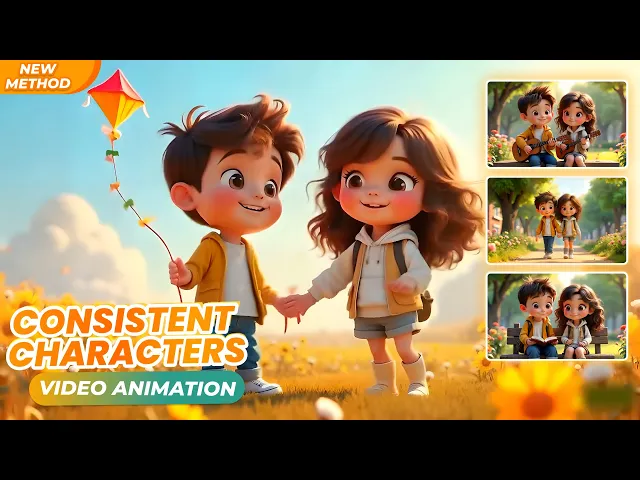
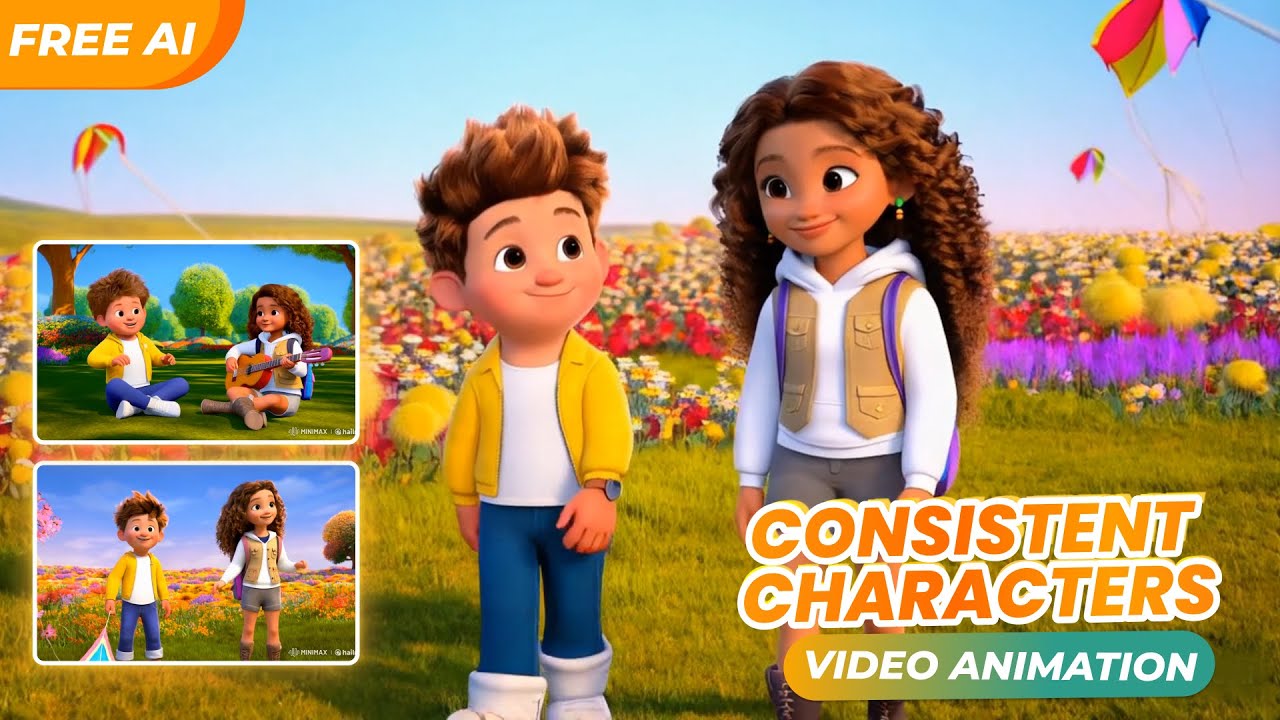
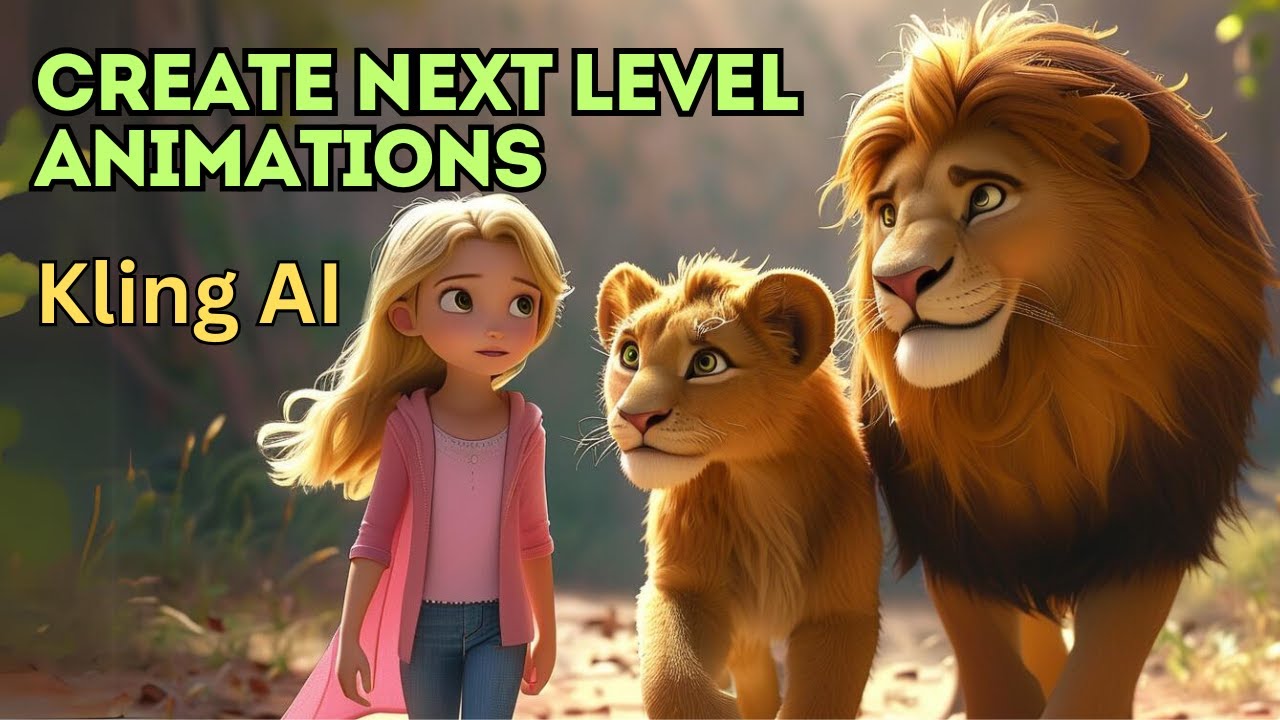
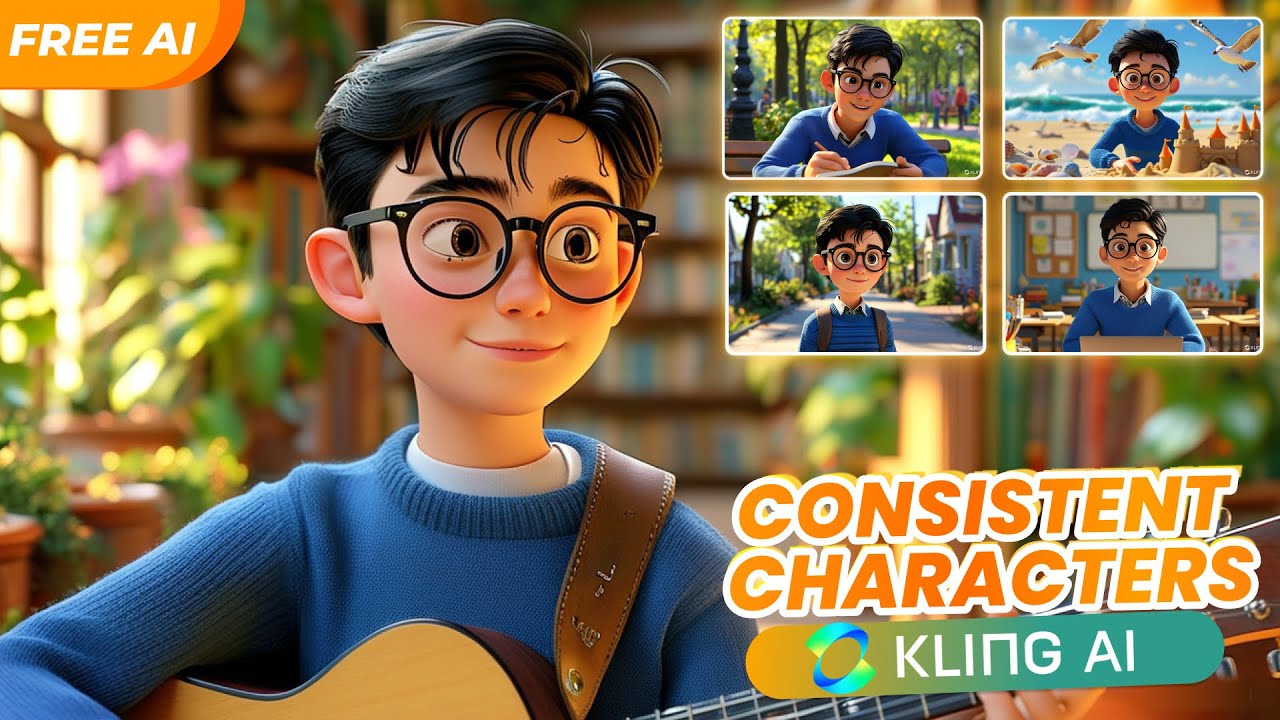
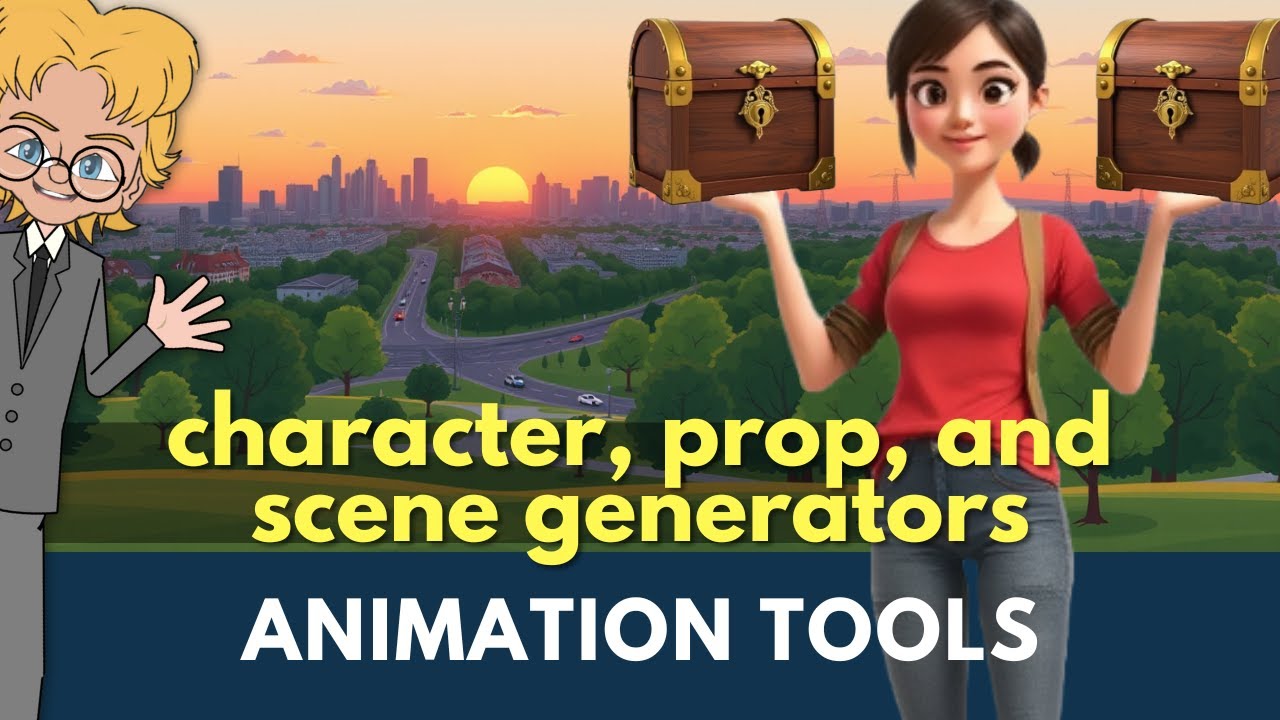
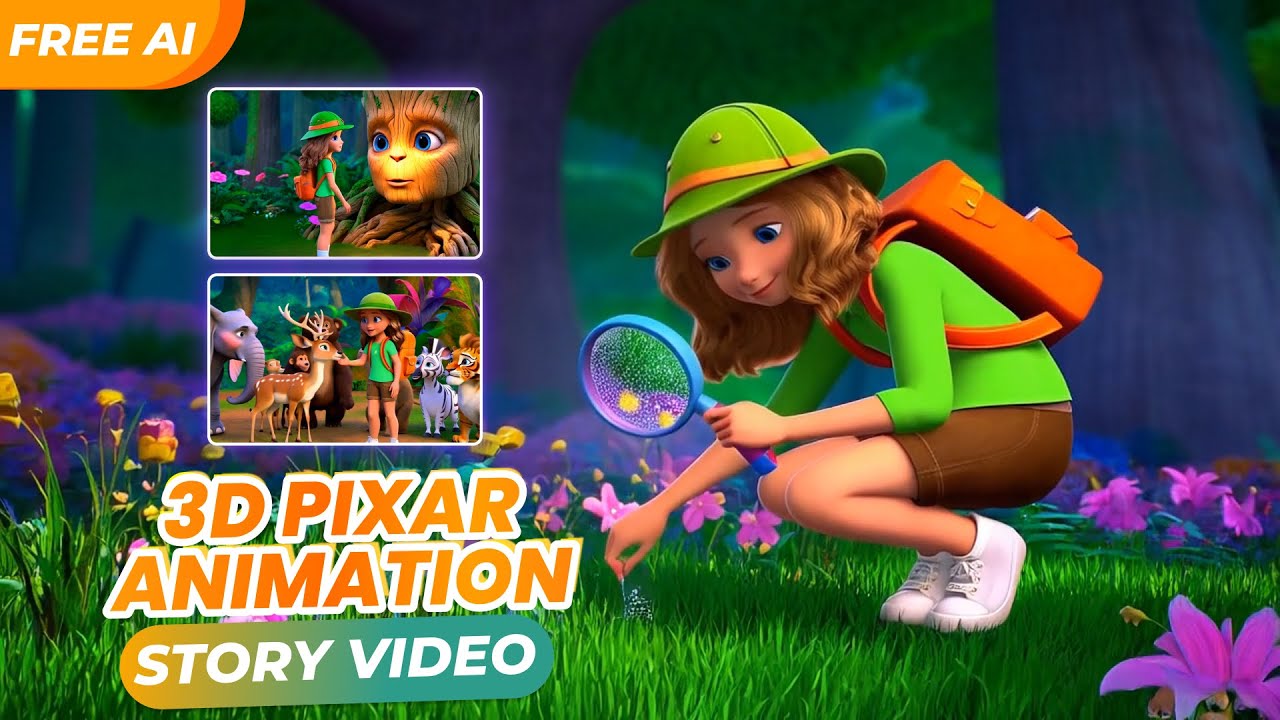
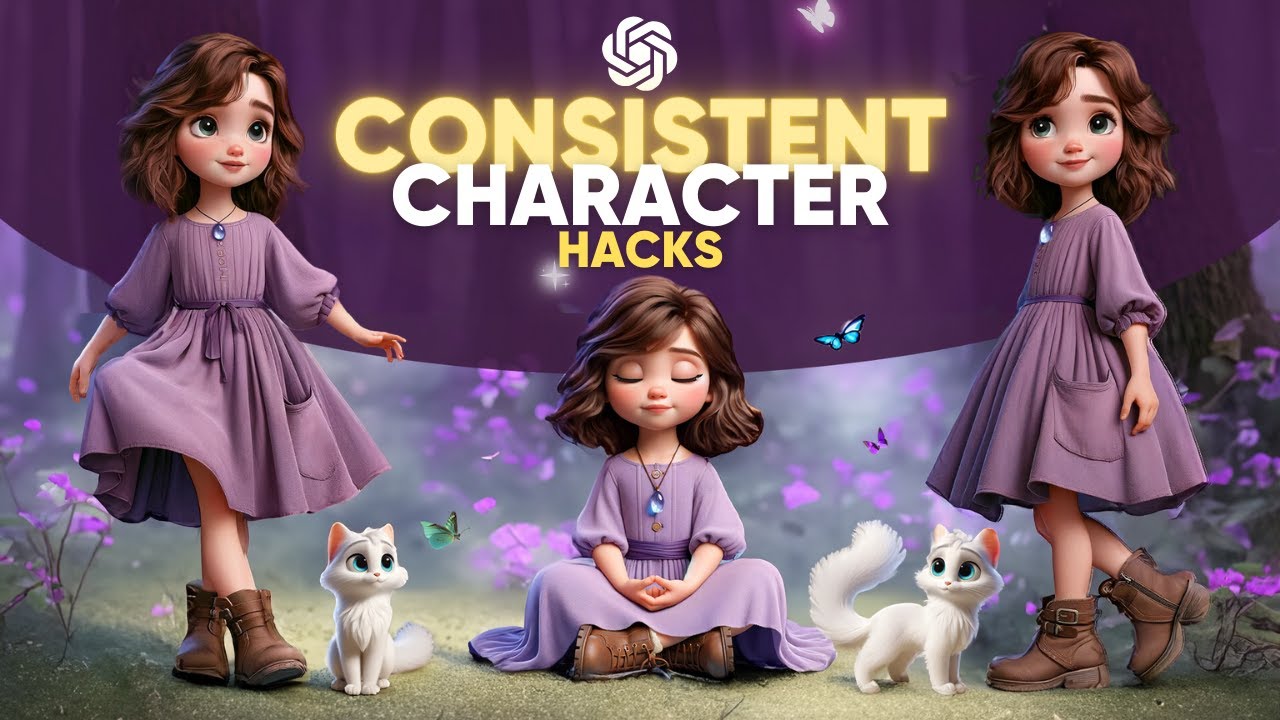
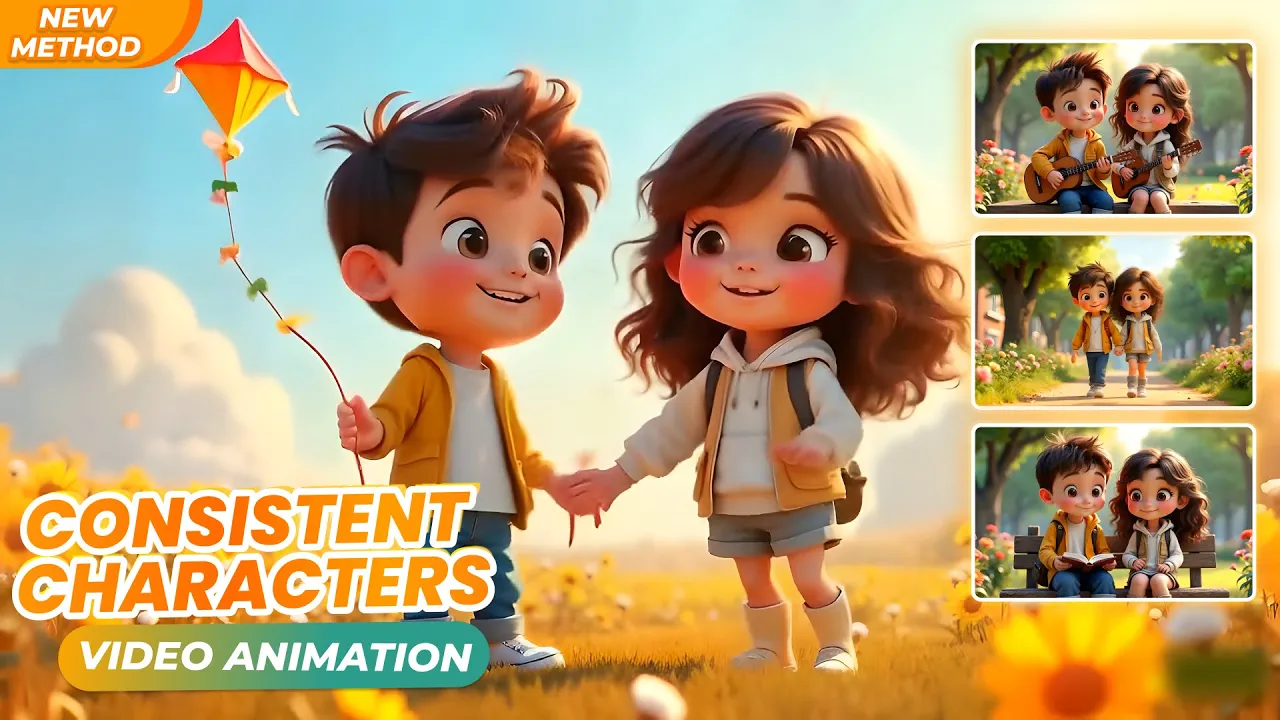
hello welcome back to our YouTube channel lt Design 9 7 in today's video we bring you a new video about a new AI video generator tool and especially its efficiency in creating consistent characters across scenes as just now and you have seen some videos illustrating the results that I have done now let's go into the practical part details on how to do it first I will review the knowledge in the previous lesson which is finding ideas to create 3D animation characters to find character creation ideas you can search on any internet source and here I
illustrate for you an example of a website that is the Vectesi website you can use some other similar websites like freepic for example here I searched for a keyword like this please search with the following keywords that I used and as you can see here there are a lot of results for us to refer to as ideas many diverse models for your reference from there you will be able to visualize the descriptive keywords for the character generate prompt I just showed you how to find character creation ideas once you have selected a reference image download
the images as here I have selected and prepared the following images I chose these two images as references for the character I wanted and the next step how to create your own character to do that we will need to extract the prompt generated from the reference sample images so I will use an AI tool to support in this case I will use GPT for which is built in on Monaco AI you can use other similar AI analytics platforms you can use open AI SGPT chat tool we will attach an image here to ask Chat GPT
to describe the prompt enter the command to create a prompt image I will be using Monica I which has built in GPT chat monicat I comes with the latest AI models built in as you can see here earlier I dragged and dropped my images into monicat I for chat gpt to analyze and give me image prompts and I execute a request command as follows please practice this command again and this is the prompt image result I got same with this image I got the following character description prompt result next we will set up information for
the characters before creating video prompts for the scenes from the appearance description prompts that chut GPT just provided I will set up the necessary description information for our characters as follows no I'll go back to chat GPT to analyze a bit here we have two characters that need to be created so first I will set up the information as follows please follow along so I have just set up the individual information of each character now I will set up the information about the context and actions of the character after setting up the necessary information for
the character I will combine English with Chat GPT to create prompts to generate videos please follow I will ask Chet GPT to execute the command to generate video prompt from the above information so I got prompted to generate the first video next I will use this prompt generate video into the Picsverse AI app platform to create a video from the prompt I will enter the suggested prompt from Chat GPT here similarly I will proceed to create prompts for other scenes we will continue with some other scenes ha and generate similar videos next I will make
changes to the contextual keywords in the information section I will change the keywords in the following sections to create a prompt generate video for a different context and also test the consistent effectiveness of the character in the scenes so we get the resulting videos as follows amazing details of the prompts we used I found this to be a powerful and efficient video generating platform for creating extremely consistent characters and you guys what do you think about this try it out and leave a comment below to let me know one advanced factor that you need to
pay attention to is combining the use of seed number sequences which will contribute to creating strong consistency for the character now let's experiment with another prompt I will change some context keywords in the prompt and combine the use of seed numbers using seed numbers really works there is a section here to improve video quality I will make a sample for a video I like great thank you for watching the video up to this point see you in the next videos goodbye everyone