if you're a website or business owner you understand the importance of generating traffic and driving sales in this video we will dive into the world of digital marketing are you curious to create your own animation video but to find it too difficult too complicated and time consuming or your camera shy or like editing skills to create your own animation video What If I tell you that you can create a simple sentence or a paragraph or a complete script into animation video Let's Start creating animation video from start and let's do it free so in this
video we are going to use two tools so that we can script out the process and we can create that animation video so let's start the video as I told you that there will be two tools that we will be using for this video and one for scripting and one for creating the animation so the first tool is uh gravity right and if you don't have an account you can just click on start writing for free you can just give your email password and sign up on this tool and let me just log in my
account as well and once you log in uh you you will get this interface and you can see there is a lot of options like for blog workflow copyrighting and Frameworks create add copy e-commerce e email marketing idea generation images SEO tools social media writing assistant YouTube and Extras let me just click on YouTube and uh there are a lot of uh options like explainer video scripts short shorts and Deals Creator time stamp description and text YT script Creator so let's just click on YT script creator and then you will get this kind of interface
so here you need to uh enter your video title and points that you want to cover in the video so let me just paste my this is what I typed online digital marketing in five minutes target audience this is a target audience and this is about the video that in this video we will cover market research copywriting email marketing and seo let me just click on create contact this button and let's see what it generates so there he goes and and here is the introduction so this is the script that it has generated okay it's
still generating okay that's tailed that's great so so the so this is the whole script that we got from this tool so it's free and this is a cache to that as well I mean I think so you can only get like three to four scripts or maybe five scripts one month if you are using the free plan but if you want to move uh further then you can purchase uh purchase it's a subscription as well and the next two that we are going to use to create animation is steve.ai or you can say Steve
AI okay so if you don't have an account you can just click on sign up for free and again the process is same you just have to give your email and password and then you have to create your account then you will get a verification email you just have to accept that as well and then uh once you have your account created you just need to login and once you are logged into USB workout you can just see how it looks like and and this is its dashboard and you can see it has a lot
of options like that's true video text to animation blog to video blog for animation and we have a lot of options options so in this video as I told you this tutorial is about how to you how you can create text to animation with the help of AI so uh this is text to video and this is text to animation let me click on start and let's see what it shows to me it has given me an option to create a script which I am not going to create uh I'll just copy and paste script
over here I'll just take this introduction thing welcome okay this one and let's see how it goes okay so this is the starting and let me add some more as well so I have created all the other scenes as well and so let's uh there there are other options as well what is your video about uh let me just say marketing uh yes it's about marketing but uh let me just click on marketing animation video live video yes it's animation video Source uh all okay music add voice over Auto eyelid music okay uh this is
what we got and it has also shown as the expected duration of the audio as well uh let me just click on next and it has given us the styles that how our content will look like let me just preview okay this is uh how it looks like this is okay I think so this one is better I'm going this one it is loading the scene let's see what other option it gives us uh let's wait for the scene to load okay it is getting loaded by the way uh if you are enjoying this tutorial
and if you are learning something new then make sure to hit this like button and subscribe to the channel as well it will make a lot of difference first of all I would like to change this okay let's go to the scene one okay it's in one uh I would like to change the avatar or the character whatever you want to call it so let me just change click on first you have to click on the character itself then it will give you three options like uh change color change character change action let me just
click on change character and for that I am going to use a character which is okay let me just see what other characters do we or we do have okay I want someone like a businessman and if I can get one that would be better otherwise I'll go with a random one okay this this one looks better so this is how it works and if you want to change the layout as well it will also help you to change the layout as well like it is showing you the options how you can change the layout
I mean like this one this one I think so this one is better so I have adjusted all the slides and all the scenes so let me share something more with you that you can also enter the text as well you can change connected actions connectors and it's a color as well uh so that's great option it gives you a customizable option so that you can change and uh yeah you can change a lot of things and you can create really great content with the help of this if you are a business owner or if
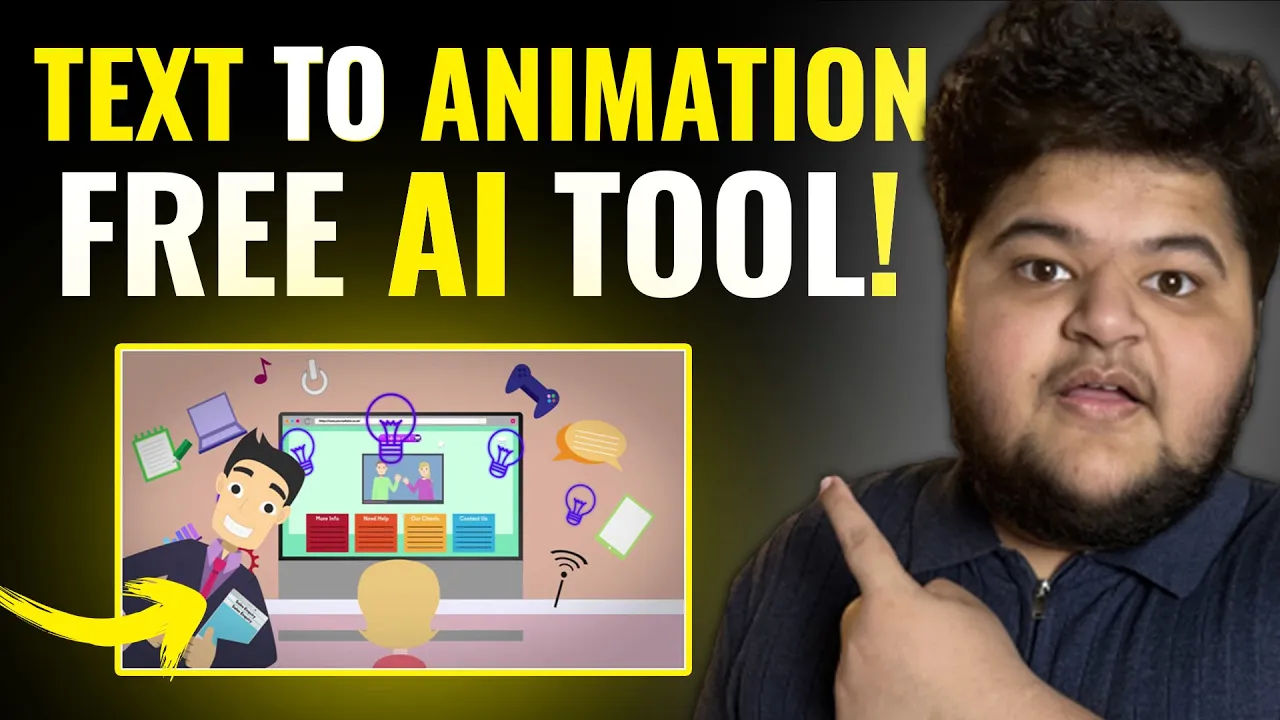
you are if you are a website owner you can create material for marketing as well from this with the help of this tool you can create animation videos like this one so the next thing is uh is to add a voiceover to add a voiceover you just had to click you get the two options one is record voice over which you can record with one voiceover otherwise you can add Steve's voice over let me just click on mail and uh let's go with met you and and generate wires okay it is generating voice for a
video updated with the voice okay that's great and uh we have the voiceover as well let's just play the video Once welcome to learn digital marketing in five minutes if you're a website or a business owner you understand that's great okay let me just click on publish and let's see what other options do we get yes if you're a website or a business owner you understand the importance of generating traffic and driving sales in this video we will dive into the world of digital marketing uncovering case strategies and techniques to help you succeed in today's
competitive online landscape are you ready let's begin in the realm of digital marketing market research is the foundation for Success understanding your target audience is crucial for creating effective marketing campaigns one thing is for sure that it might not be perfect uh because I have just created in like uh probably 15 to 20 minutes you can give it like one hour or two hours and you can create it perfectly and one more thing which I want to share it with you that uh with the free volume you can only create three animation videos per month
but if you want to upgrade you can upgrade it and in time as well so this was today's video and if you haven't watched my video on the mid Journey you can watch that on your screen and if you haven't watched my Channel video you can uh watch the chat GPD video as well because uh in the process of creating script if you want to create script with the help of uh the previous tool which I showed you or you can also create the script with the help of charge GPT as well so it's totally
up to you so this is the video I'll see you next time bye guys peace out