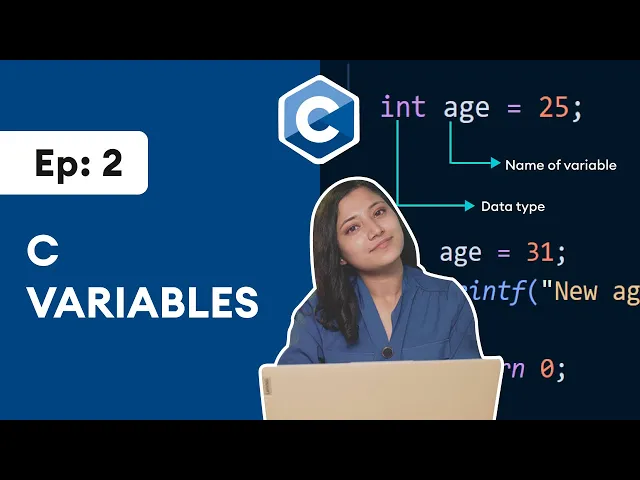
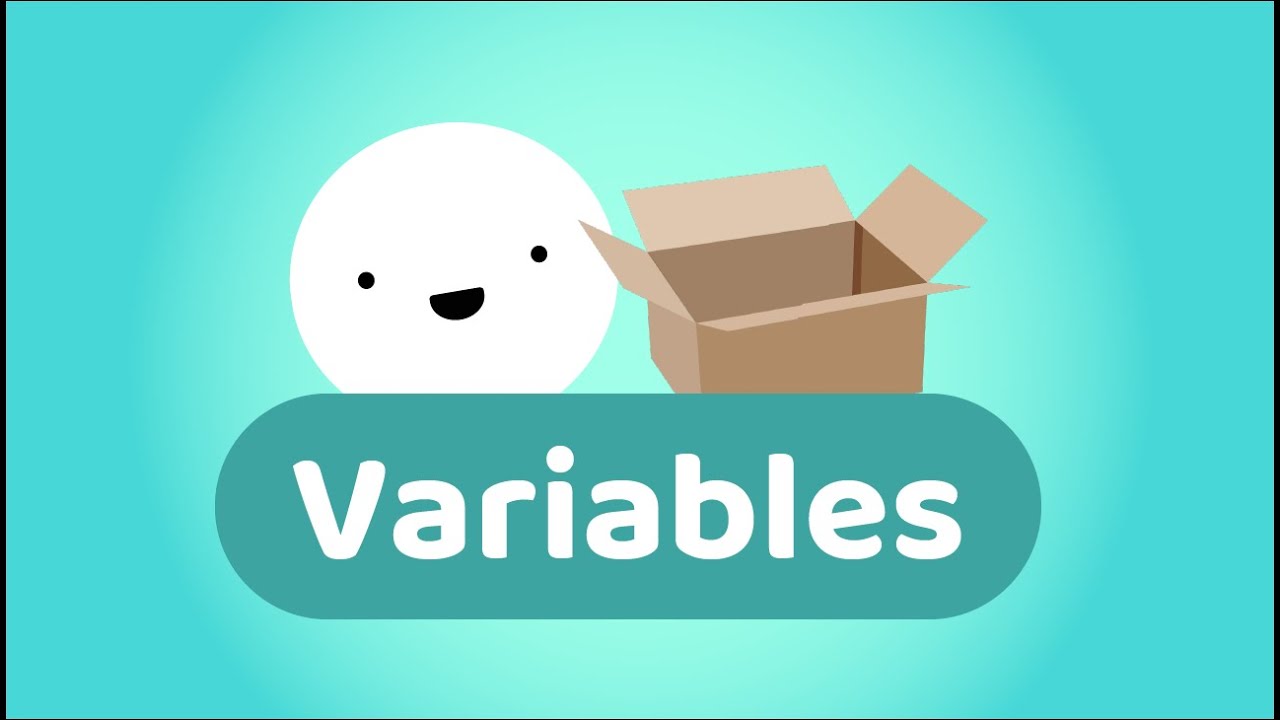
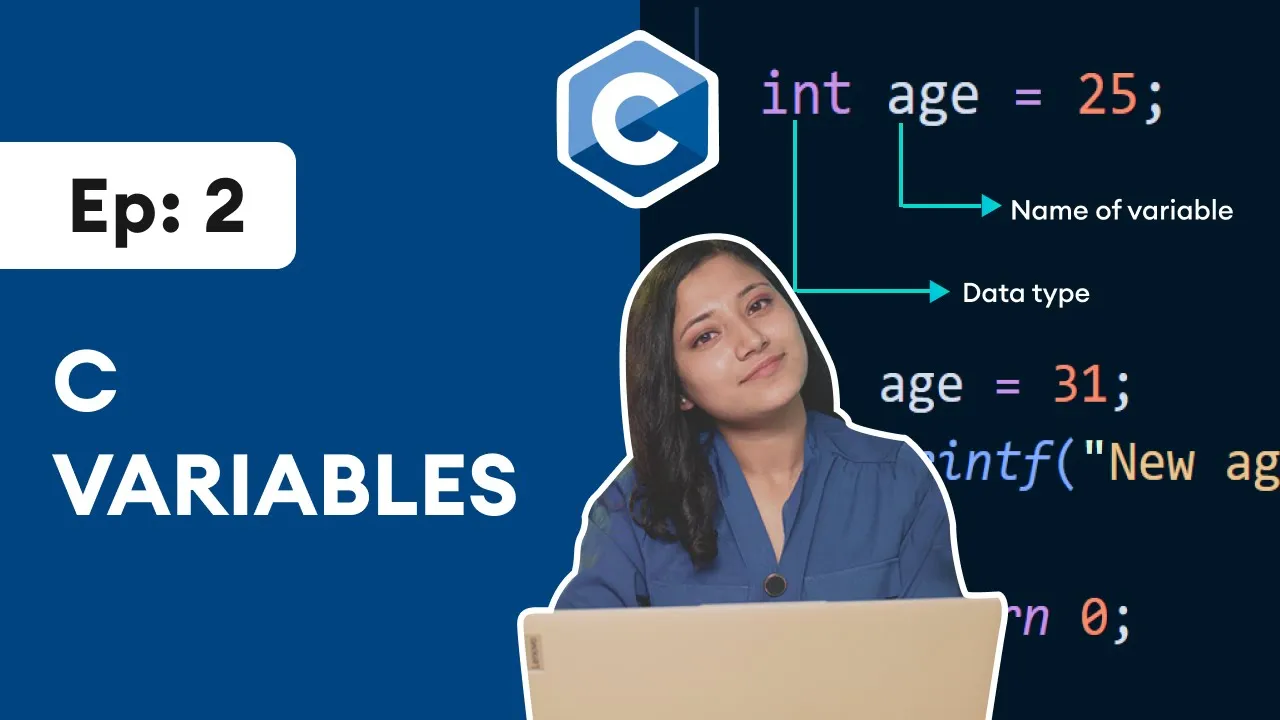
hey guys welcome back to this series on c programming in this video we will be learning about variables more specifically we will learn how to create variables and store data in them so that we can use them later in our program so let's get started in computer programming a variable is a name given to a memory location inside our computer where we can store data let me give you an example i will go to my compiler here you can see int is here the name of the variable is is and to create this variable we
use this keyword in this end keyword is a data type which indicates that the a's variable can only store integer values in c programming every variable must have a type like this int we will learn about these data types in detail in next video and in this video we will continue using in to create our variables once we create a variable like this int is we can also store data into it like is equals to 25 here we have first created a variable named is and then we have assigned an integer value 25 to this
a's variable by the way we have to use this semicolon at the end to mark the end of this statement and it is also possible to create variable and assign value in a single line let me show you how so instead of writing these two lines of code we can just merge them and write a single line of code like this so i'll cut this out if you have watched the last video we have used a structure that every c program follows i'll get back to my compiler if you remember this is the basic structure
of c program so now let's add a variable inside this main function int is equals to 25. if we run this code a variable is created but will not see any output and to get output in c programming we will use printf function before we print this variable let's first try to print a normal text then in the next step we will learn to print variables now to print a line of text we use the printf function print f drag it inside quotation c programming and we will always end this statement with a semicolon now
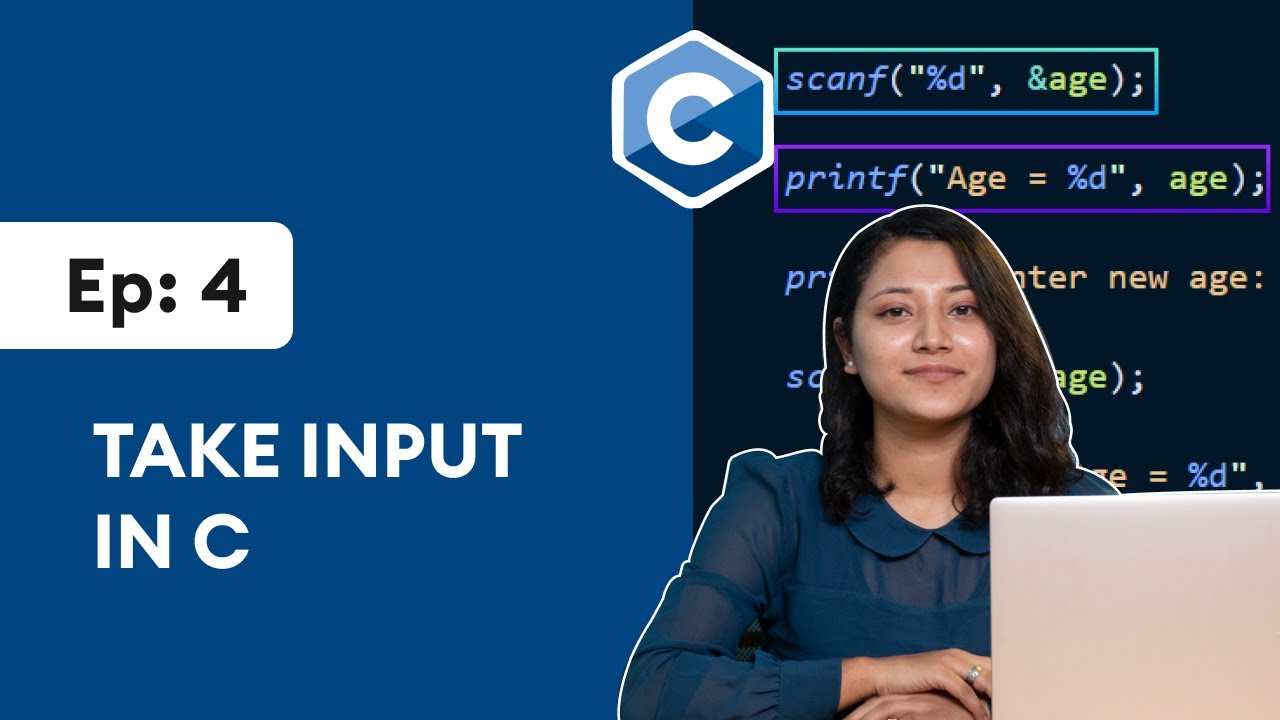
let me run this code and we can see c programming is printed on the screen by the way our variable is is also created but we haven't seen it because we haven't printed it now let's print our variable i just want to print a variable so i'll cut this part that prints a line of text then i'll write print f bracket inside quotation percent d comma and the name of the variable in this case the name of the variable is is to print a variable in c programming we use something called format specifier here percent
d is a format specifier now let's run this code as we can see 25 is printed as an output so what happens here is that here person d is replaced by the value of a is variable if we have to print other data like characters and decimals we use different specifier like percent c and percent f which we will discuss in the next video let me modify this program a bit here i'll write here is colon now let me run this code again now we can see this is colon is printed as it is and
percent d is replaced with the value of is now that we know how to store data in variables let's see how we can change their values yes we can change the values of variable that's why it is called variable let me give you an example i'll go back to my previous example currently the is variable stores 25 now i'll assign a new value to this is variable is equals to 31 and i'll print this new is semicolon percent d and comma and again is and end this with semicolon let's run this program as you can
see initially the value of is was 25 then i change the value of is by assigning 31 now let me put this second line of code into a new line for that i'll use backslash n and i'll run this again and you can see the output it is more readable and more clearer so here this backslash n is a new line character simply speaking it is a inter key by the way if you are watching this there is a good chance you want to improve your skills in c programming lucky for you we have a
mobile app that provides a well-structured c programming course with certification at the end and you can use the app alongside the video to practice on the built-in compiler our course is free so download now by scanning this qr code or click the link in the video description so far we saw that we can assign data directly to a variable however we can also assign a value of one variable to another let me show you an example in this example as you can see we have assigned value 33 to this first number variable and we have
then printed this first number variable now i'll assign another variable second number and instead of assigning any data i'll assign here first number then i'll print this backslash n so that we can get a readable output second number equals to percent d and name of the variable that is second number now let's see what will happen i'll run this code and we can see first number and second number variable holds the same value 33 let's see how this program works line by line first we have created this variable first number and assigned value 33 to
it then we have printed this variable and then we assigned another variable second number and assign the value of the first number to it then we have printed the second number we can also declare multiple variables in a single line let me give you an example here i have created two variables variable 1 and variable 2 and i have separated them with a comma in a single line let me modify this program a bit i'll assign a value 25 to this variable too here the same two variables are created however the value of variable 2
is now 25 by the way in c programming if we do not assign a value to a variable its value cannot be determined in this program variable 1 will have some random unpredictable value however some compilers may store 0 in them ok guys we need your support to keep this type of content free for all users youtube really likes engagement on the video so leave a comment below press that like button and hit subscribe if you haven't already let's get the engagement score high up so that more people can discover and enjoy these courses at
this point we have covered all the basics of variable before ending this video let's talk about how to choose a good variable name if you have noticed i have used descriptive variable names like as and first number we could have given variable names like a instead of a's and fn instead of first number it works just fine however it's hard to understand what a means just by looking at the code so when we use good descriptive variable names it becomes easier to understand the code and to make the variable name descriptive we may need to
use names having more than one word in such cases we follow the camel case format while giving the names to the variable in camel case the first word will be of small later and the first letter of the second word will be of capital later like the example shown on the screen by the way there are some rules you need to know while creating a variable you cannot create variable names with space in between you cannot start variable names with numbers and you cannot use certain words as variable names you cannot use if as a
variable name because if is a keyword these keywords are part of c programming syntax and have special meaning in c we will learn about these keywords as we progress through the course and now we are at the end of this video it's time for programming squeeze can you guess the output of this program comment your answer below and i'll see you in the next video happy programming [Music]