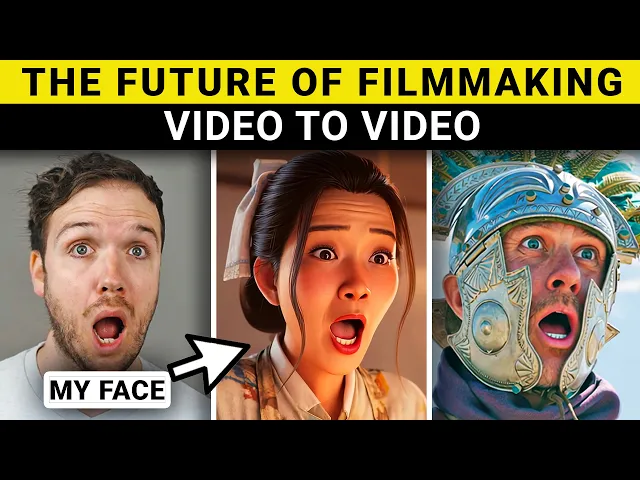
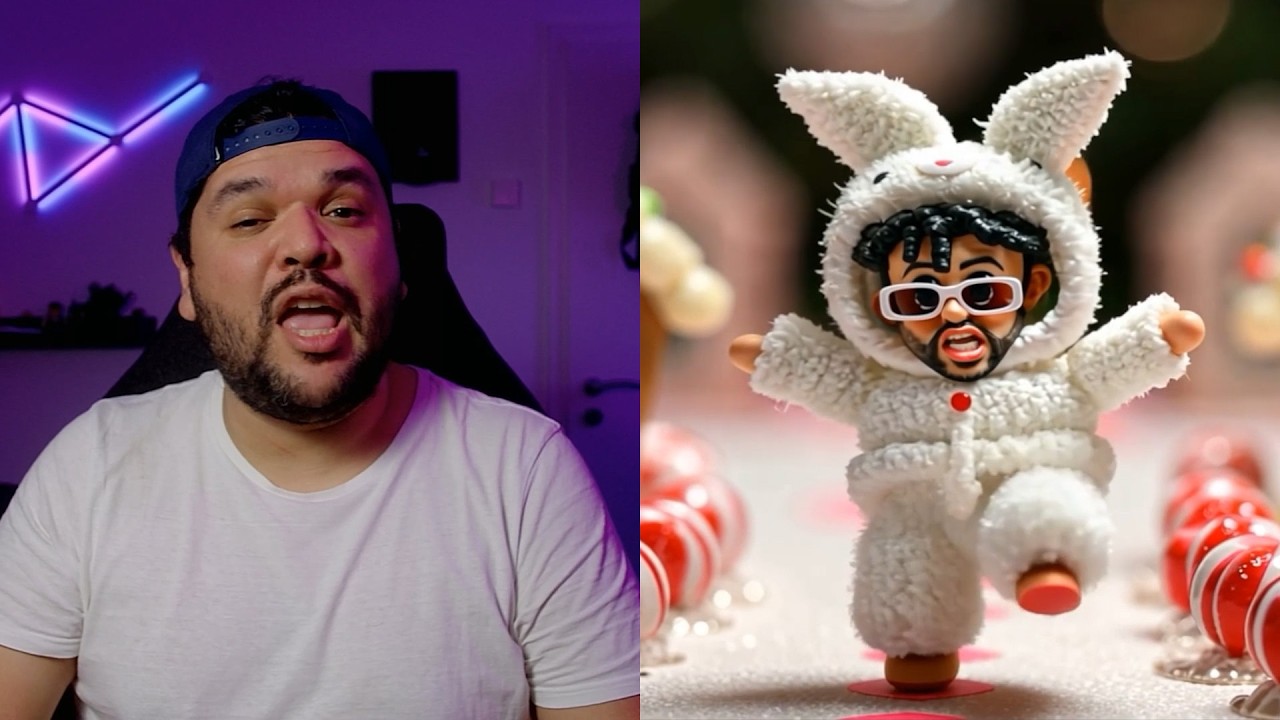
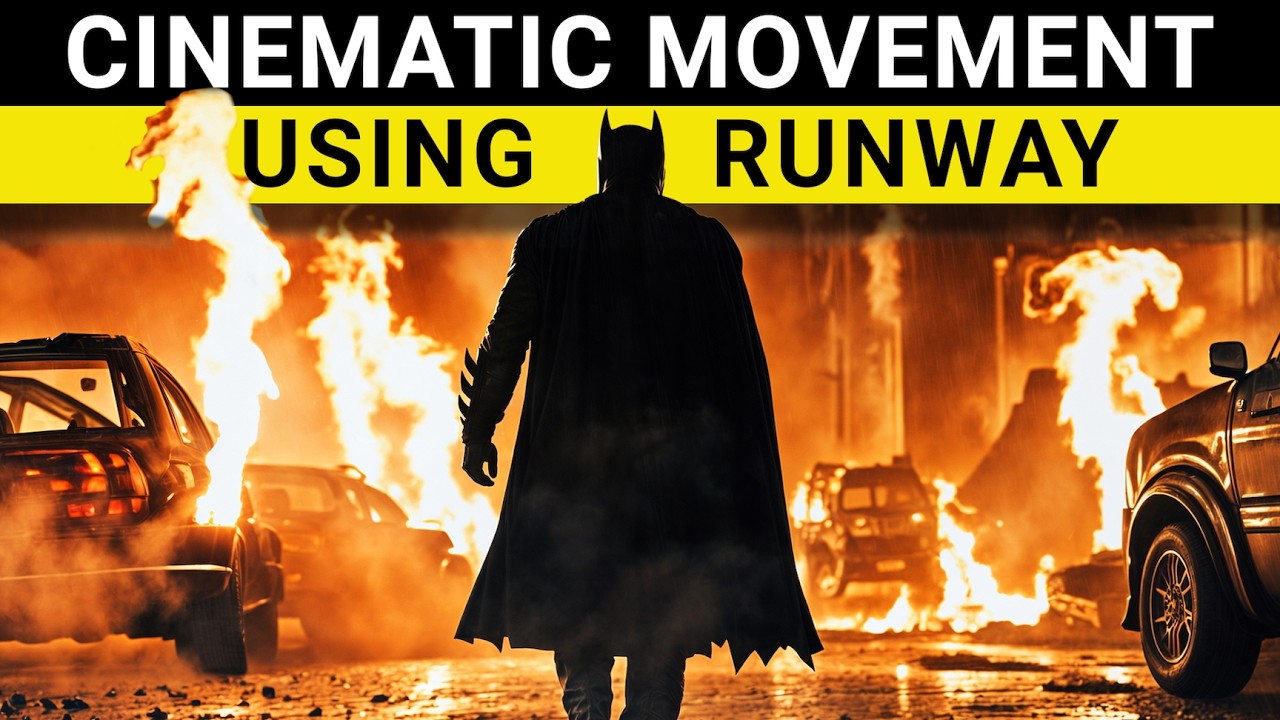
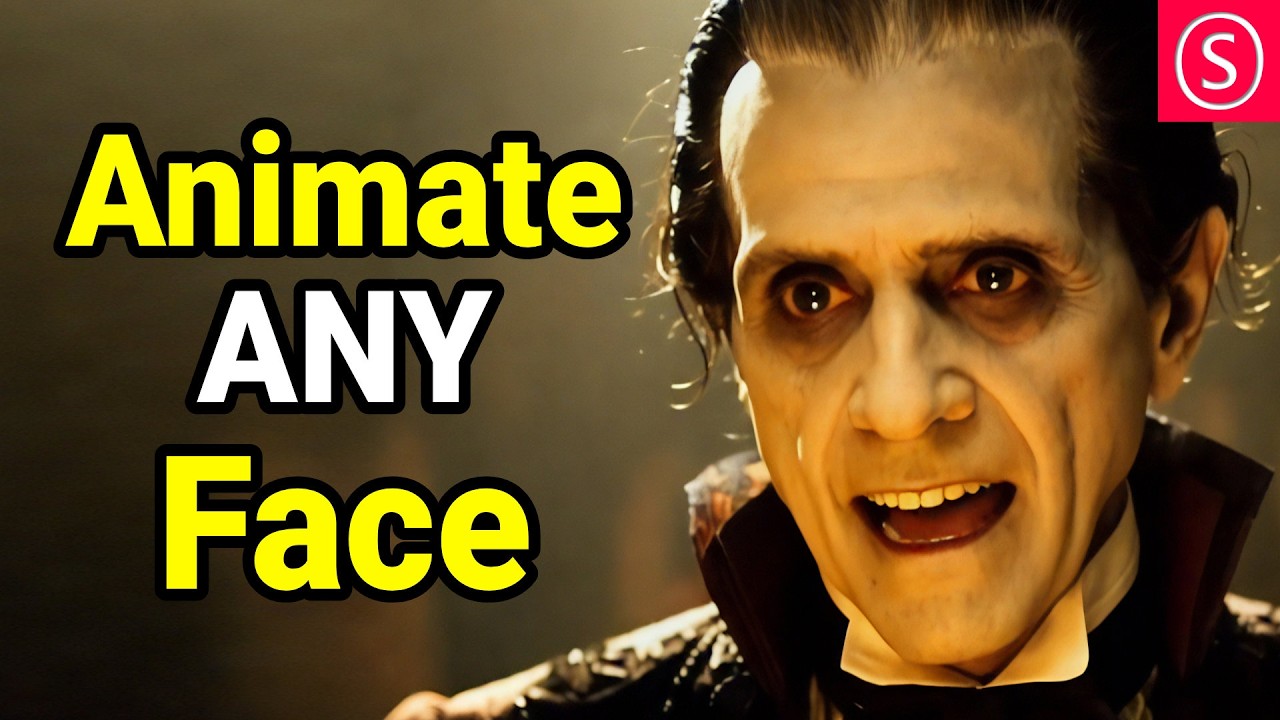
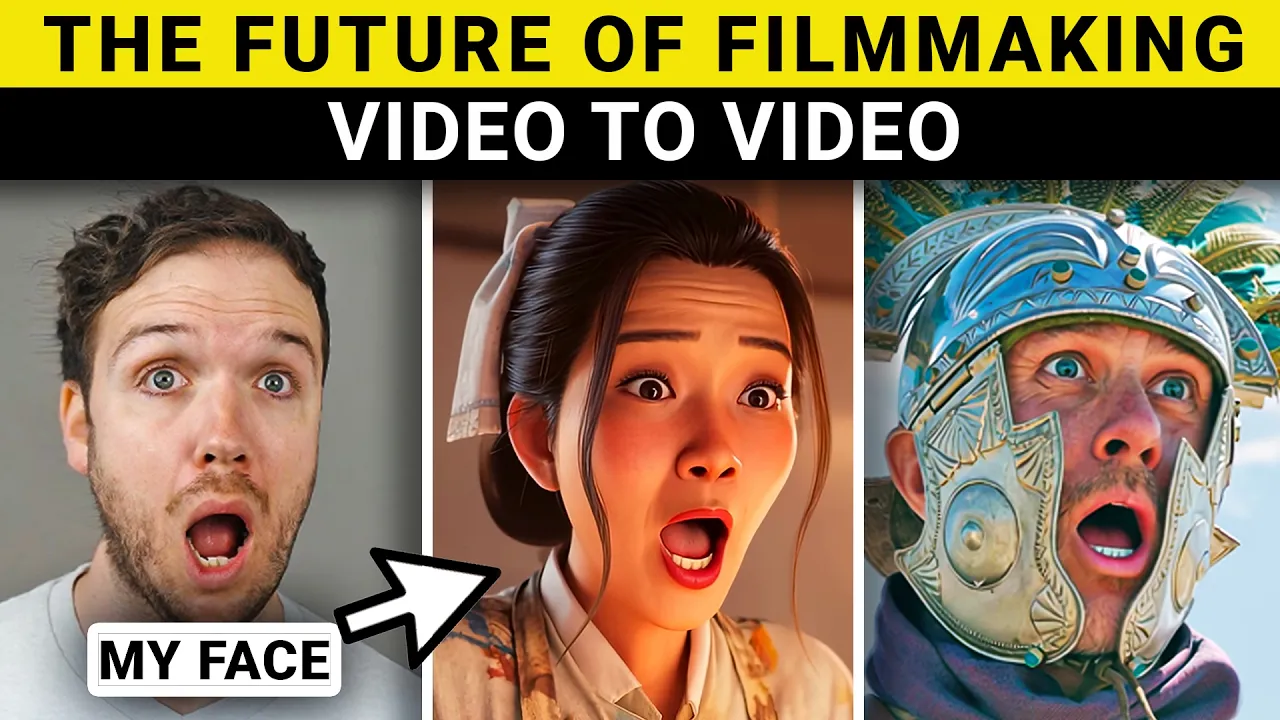
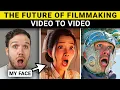
runways insane new update to act one now allows you to take your facial animation and put them onto other characters within videos not just images this is groundbreaking and will change the future of film making I'll show you why in this video I'll show you how to use it and I'll be putting it through loads of different tests just to show you how useful this tool can be and how it can help you with your videos plus I'll also show you why the expand video tool will be another gamechanging tool for making videos okay let's
get into it when renway first introduced Act One it allowed you to take a facial animation video and put it onto an image of a character now this was great but the problem was only the face was animated and the rest of the frame was pretty much still now with the new update it's the missing piece of the puzzle as you're able to put a facial animation into to an existing video which is pretty incredible and I do believe it will change film making in some way now you may be thinking how will it change
film making well to start off let's have a look at this example so here is the original video which is a clip I found on a stock footage website and I thought it would be good to put my own performance in it so now let's have a look at three different takes okay so this is take one welcome to runways act one where the world of possibilities are endless okay take two welcome to Runway where possibilities are endless and you can let your creativity flow okay take three welcome to Runway where creativity is endless if
you can think it you can make it so as you can see these were three different takes but with the same original video so so it gives you so much more freedom with redoing your performance without refiling the whole video again I hope this gives you the idea of how this tool could be used and just how useful it could be for filmmakers so if you get your shots you go back to the editing room and you're looking back on the shot and it wasn't quite right and now you're able to go back and change
the dialogue in the shot and even the expressions in the shot I will be releasing another video which covers Advanced Techniques in act one so if you want to check that out make sure to hit that notification Bell And subscribe to the channel if the video is already out when you're watching this then you'll find a link to it down below so let's have a look at how to use act one I've actually already uploaded a video based on the first version of act one which was the performance capture to images and I'll be using
some of those examples but with the new version of act one so to start off you want to click on generative session and then click on act one and you will notice all of these tabs you want to click on the video one and this gives you loads of templates of different videos that you can put your performance onto and there's a really good selection from fantasy to real life and animated characters and you can upload your own so here you can either use your webcam to record yourself or record yourself separately and upload it
into here so I've already pre-recorded loads of different face animations and me speaking so I'll choose a few and see how well they work with a few of these examples so don't worry if you're confused about the audio just concentrate on the performances so let's have a look at them in the heart of a Green Valley Jack heard Legends of a magical White Rose at top the tallest hill which bloomed only once a year Desiring a unique gift for his father birthday Jack embarked on the climb glowing under the sun's Embrace Jack carefully picked it
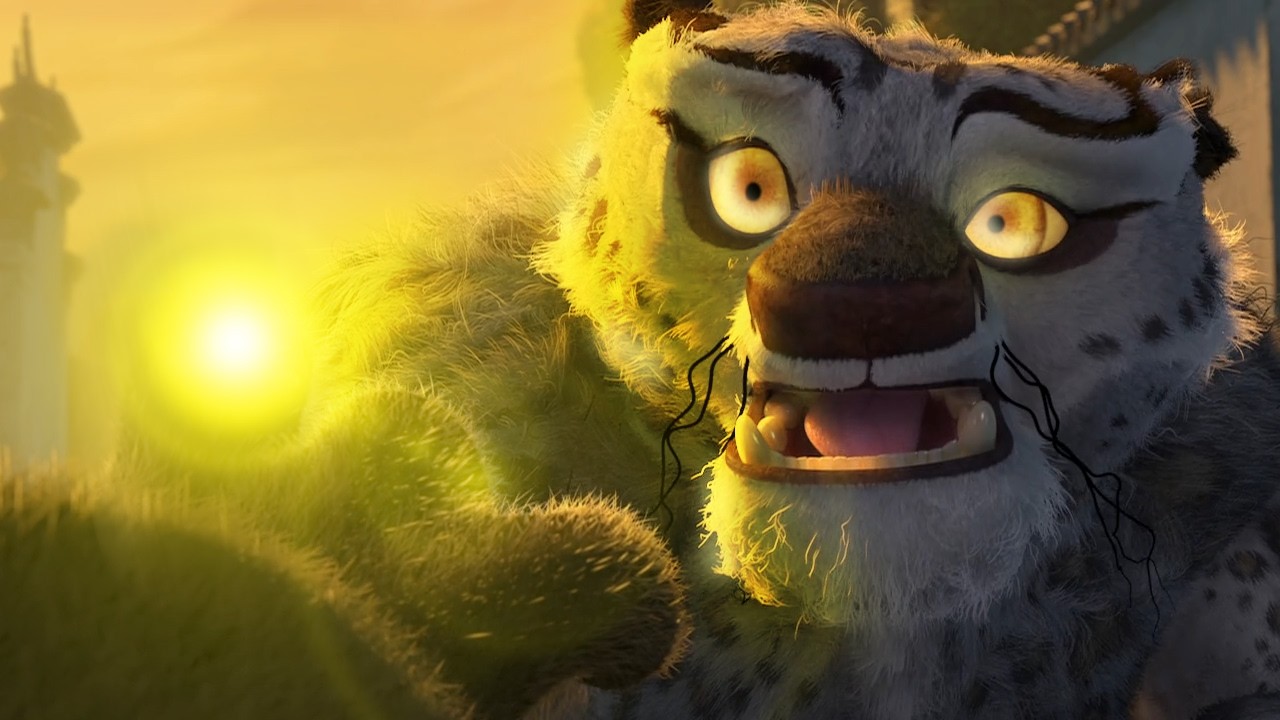
and descended his heart full of joy and I think they looked incredible it's not just good for real life footage you can also use it for animation as well so here's a look at a 2d animation and a more CGI Pixar looking animation hello everyone and welcome to runways act one this is a test to see how well it works is it working how does it look does my face look okay and I've got to say it looks really good so I could see how useful this will be in the future for animation as well
and as you can see it works really well with this CGI Pixar style animated character is it working how's does it look does my face look okay hello everyone and welcome to runways act one this is a test to see how well it works is it working how does it look does my face look okay and it works really well with Expressions so I try to push my facial expressions to the Limit and the resulting video does copy them really close and it looks pretty realistic and it even works really well if the original video
already has a lot of exaggerated facial movements as you can see in this video here the character is moving their face a lot and is very animated ated so you would think it would struggle with replacing that face but here is the video with Act One runaways act one now allows you to take your performances and put them onto characters inside of videos not just images runaways act one now allows you to take your performances and put them onto characters inside of videos not just images and I am blown away at how good it has
replaced the facial animations now you may be thinking well the quality isn't as good as the original shot and while it's not quite there yet we're still in the early stages of it imagine 1 to 2 years from now it's going to be much better and I can guarantee you there will be big studios using this if not for the big studios then for the small filmmakers and Indie filmmakers this is going to be an essential tool as well as Act One Runway also have another feature that I think is going to change film making
this is the expand video tool now what this does is exactly what it says it expands the video not in time but in the area size so I'm constrained to the size of this video that I'm filming on but say I wanted to have it a little bit bigger then I can expand the video so if you've got a landscape shot it will add the verticality to the shot and then you can take that shot back into Runway and expand it again horizontally and you've got a much bigger shot now you may be thinking how
is this useful for film making well I believe it will just allow you to be a bit more creative with your film making I was listening to a podcast from one of my favorite YouTube channels called the corridor crew they make incredible short films now Nico one of the founders of corridor was on a podcast talking about a short film he was making and they were filming in their Studio but when he went to edit the footage he felt like the footage looked too constrainted and didn't have the feeling of what he wanted in the
final video which was supposed to be a large expansive space so when he was filming this runaway actually released the expand video tool so he dropped his video in there and expanded his footage and he said it looked incredible and nailed the look he was going for and this made me think it does have a use if you're running out of space if you want to shut with a bit more of a wider field of view then this tool allows you to do it you don't have to use it all the time but when you
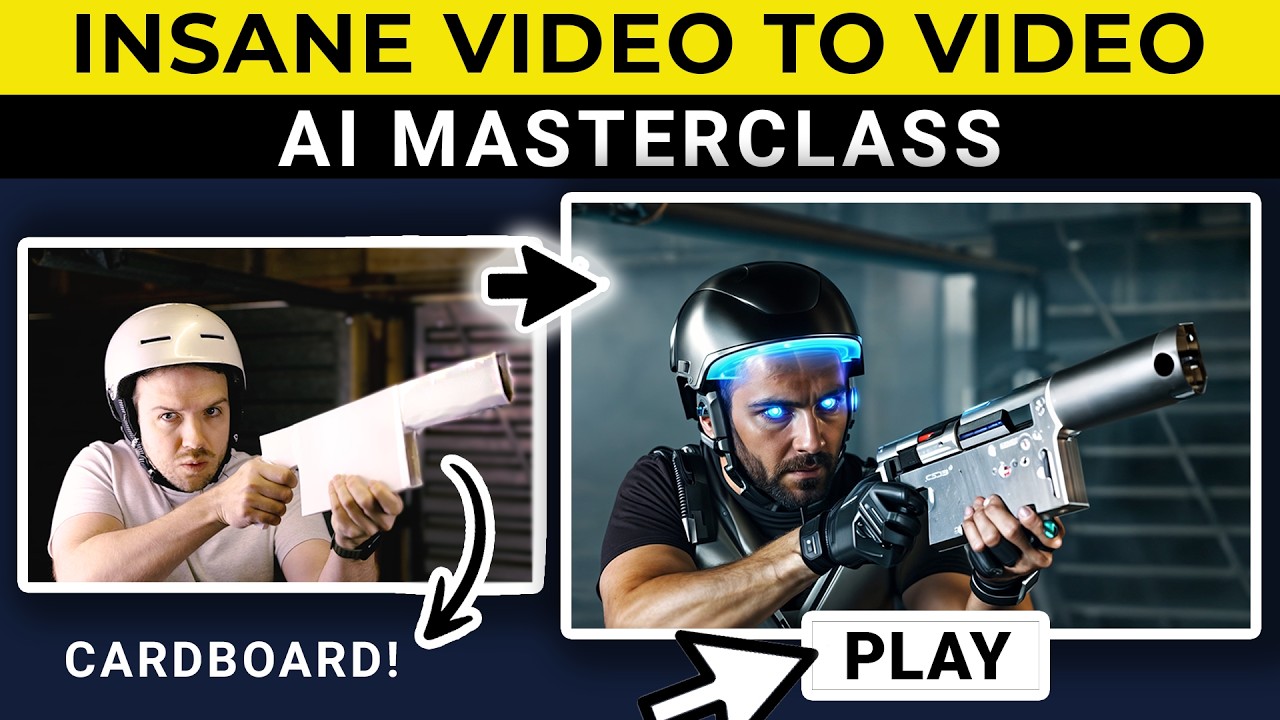
do need it it will come in really handy and that's why do believe that these tools will evolve and will become a part of our film making future another great feature Runway have for film making is the videoo video tool a good method is to use videoo video first to get the kind of body animation and then take it into act one to get the facial animation done so it gives you complete control so you want to record your footage and then take it into Runway and choose or describe the look that you want Runway
have loads of different options so this is the result I got from my video to video and I think it looks really good but I wanted to show more of the space so I used the expand video feature in Runway and expanded it to show more of the scene and then if you add that video into act one you can control the performance of the actor and what they're saying hello everyone and welcome to runways act one this is a test to see how well it works is it working I think it works really well
so with this technique you can pretty much make your own TV show if you wanted to you could act it out get the desired look you want in video to video and then do the facial animations and Voice work I think it's a great method for storytelling another cool thing you can do with act one is to change the performance of famous films I've just chose some short clips here to do it with as I don't want to get demonetized but it's really fun to change the performance of these actors the ring and the dark
[Music] lord so I hope you can see just how incredibly powerful this tool is and is going to be in the future if you have any thoughts on this tool please leave a comment down below and it would be awesome if you could like And subscribe to our channel for more videos like this feel free to click the image on the screen to watch one of our other videos thanks for watching