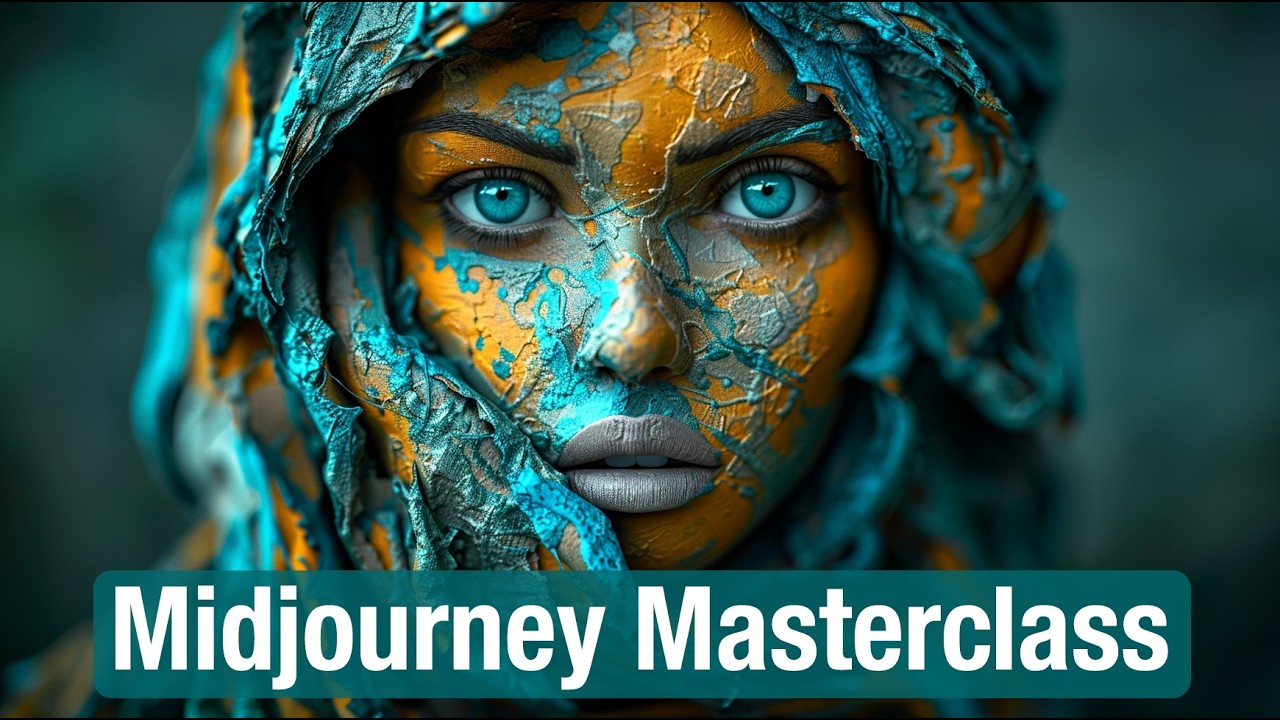
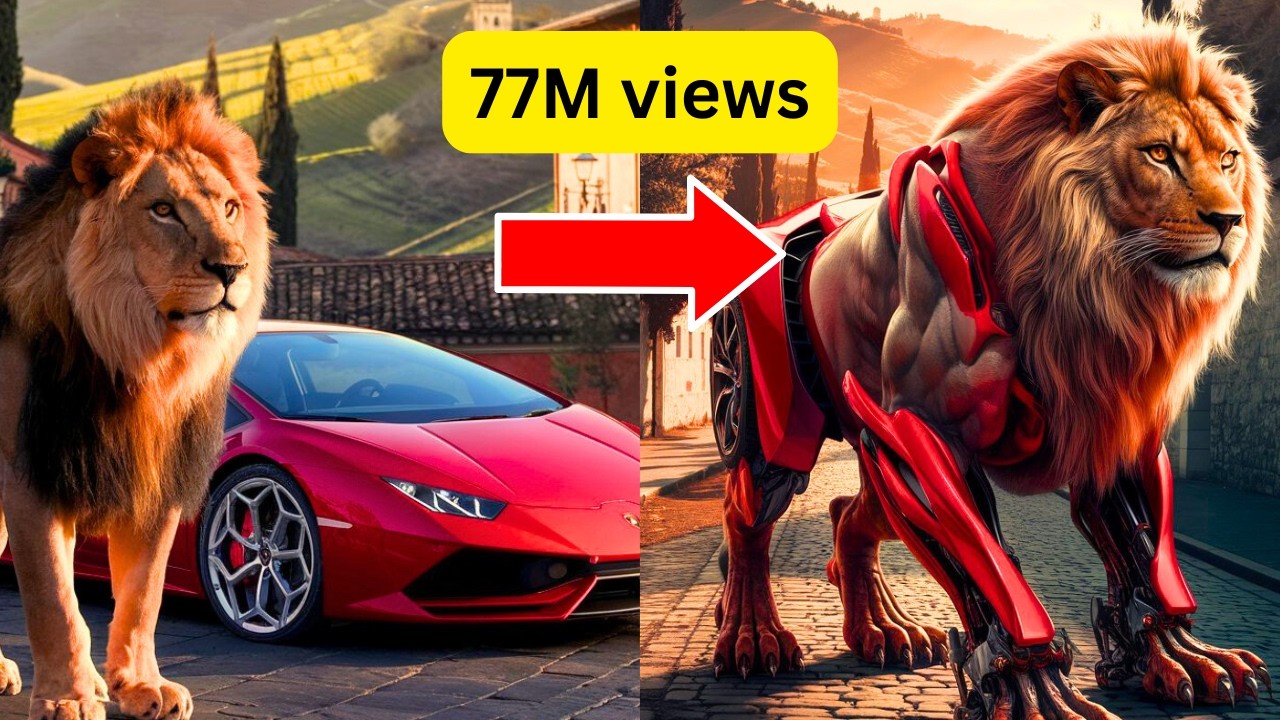
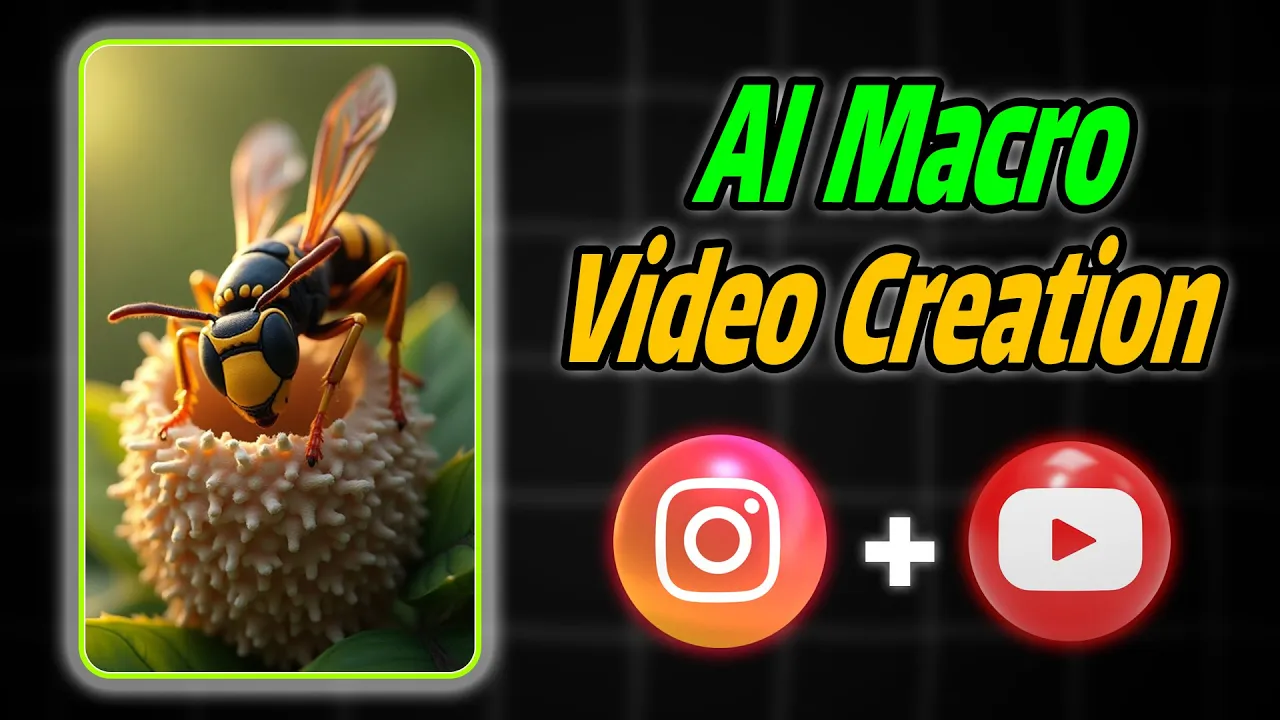
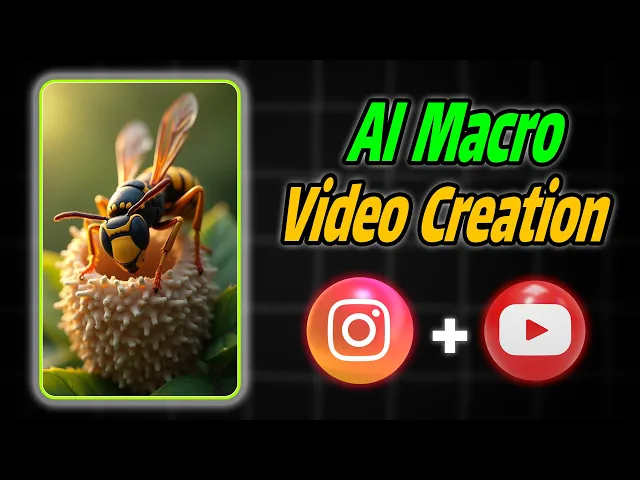
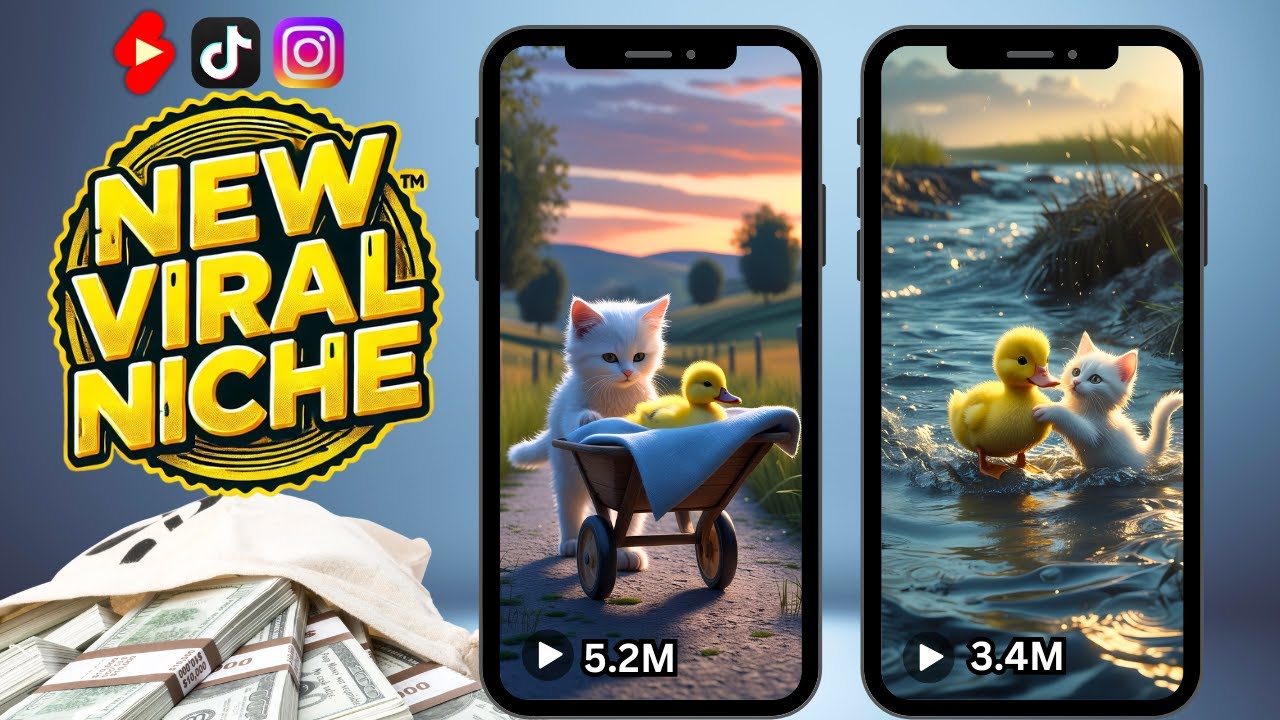
do you want to create professional macro videos without expensive equipment and get millions of views imagine being able to create videos with just a few clicks that look like they were shot with the most expensive cameras in the world no need for professional Gear with just the power of artificial intelligence and most importantly imagine being able to create such videos publish them on YouTube grow your subscribers and earn a ton of money you never even dreamed of here take a look at some examples of a I generated videos can you believe these stunning images and
videos were created solely with AI check out their quality and detail so if you want to learn the secret behind this technique and how to get started right away don't miss this video because what I'm about to share you won't find anywhere else just before we start the tutorial if you haven't already subscribed to the learno skills Channel don't forget to hit that subscribe option as I upload an exciting tutorial video every week now let's dive into the tutorial First Step generate prompt to generate images with chat GPT go to the chat GPT website and
in the text field type I need 10 prompts for generating images of different insects for example a highly detail closeup of an ant drinking from a d drop on a green leaf with ultra realistic textures sharp focus on the ant face and the due drop a blurred background soft sunlight Dynamic depth of field and and a slow motion camera angle click this option to start the prompts generation process you'll notice that cat GPD will quickly start generating various prompts for creating images step two convert prompt to image with Leonardo AI search for Leonardo AI in
your browser and enter the website click on get started first you need to sign up on the site you can use your Apple Google Microsoft account or email to register after signing up click on the image creation option apply these settings to render the image in Leonardo AI in the preset section select the flux Dev option in the style section select the 3D render option in the image Dimensions section first click on more and then select the Tik Tock size now copy C the image generation prompt chat GPT and paste it in Leonardo AI prompt
box to create an image click on the generate option and wait a while for the images to be created you will see that the images created in Leonardo AI are of high quality let's make another picture [Music] to download any image click on the download icon below step three convert image to video using huo aai in your browser search for huo AI enter the website and click on the sign in option then register using your Google account after logging into your account click on the create option and then select image to video click on the
image upload section and choose the image you downloaded from the Leonardo AI website return to the chat GPT website and Tye for each of these prompts create a prompt for animating the generated images to convert photos into videos using huo AI click on this option to let chat GPT start generating suitable prompts for converting images into videos based on each prompt used to create the image select the appropriate prompt for converting the image into a video copy The Prompt text and paste it into this section to start the process of converting the photo into a
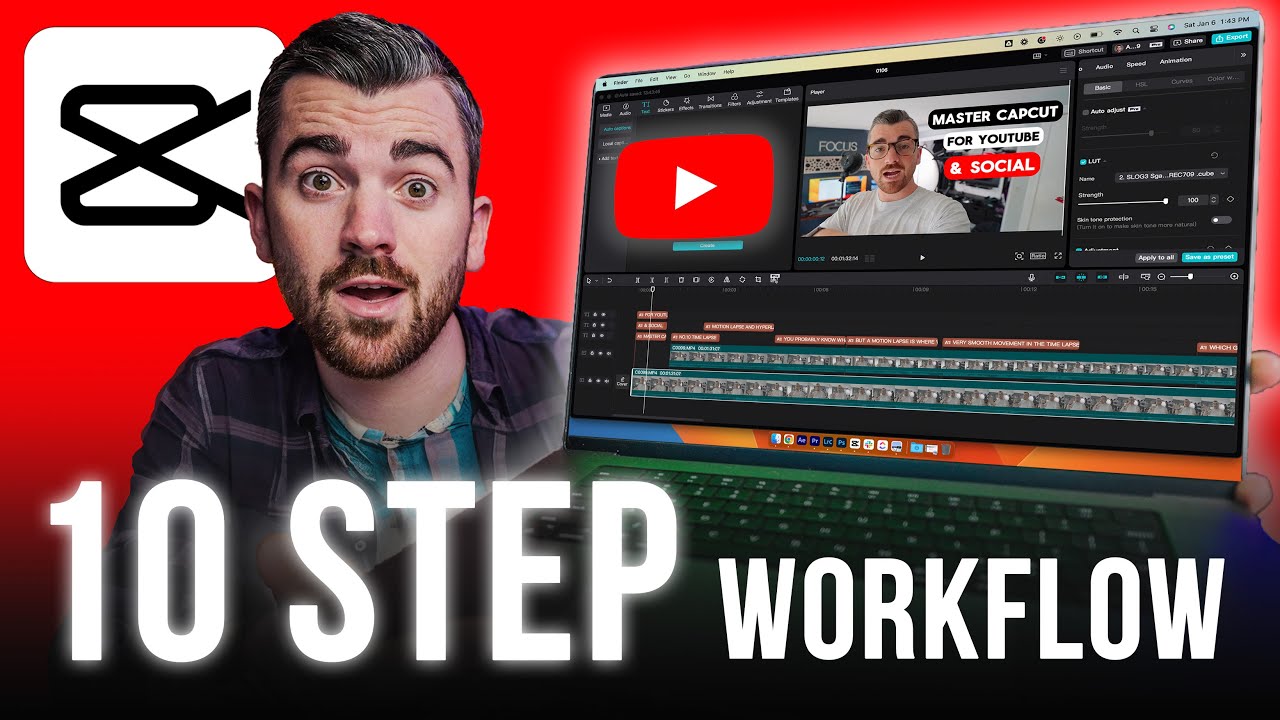
video click on this option here is a result of the work which I think is amazing share your thoughts about this video in the comments section to download the video click on this option step for final editing and Watermark removal using cap cut open the cap cut app and click on the import option select the videos created in huo Ai and and click on the open option drag the videos in order into the timeline to remove the watermark at the bottom of the video use the crop tool do exactly as I [Music] do zoom in
on the video slightly to make it full screen now it's time to add a soft music track to the video to do this search for pixabay in your browser click on this site type asterisk gentle is the secret of survival asterisk in the search bar set the filter to music choose one of the songs click on the download option to download it drag the music into the timeline and adjust its duration and volume to add professional transitions between videos go to the transitions Tab and select the black fade effect then place it between the videos
to export the video click on the export option select the quality and frame rate settings and click on export option now you've created a macro video using AI with the highest possible quality I hope you enjoyed this tutorial if you have any questions or need further guidance feel free to ask in the comment section [Music]



![Leonardo AI - Tutorial for Beginners in 12 MINS! [ FULL GUIDE 2025 ]](https://img.youtube.com/vi/xbUE56kmVl0/maxresdefault.jpg)