hi in today's video we're talk about how you can create a personal AI assistant or AI agent with an that can do all your web research for you and it is no code so uh basically this is the uh workflow that we have prepared for you and um let's take a look at the demo first so let's chat here and then the um the question we are going to ask the topic we're going to research is this what is the latest open a announcement this month so let's dive into it and wait for maybe around
um 40 seconds 30 to 40 seconds I'll will do all the research all the web SC uh scrolling coring for you okay great on the left hand side you can see the latest open a announcement and um like for the first point is 12 days of open events um summary for different dates and the second point is predeployment uh evaluation for opening S1 model um and also the third one is to check gbt assess accessibility enhancement and the highlights of conflicting information so um on the right hand side we will see how it actually uh
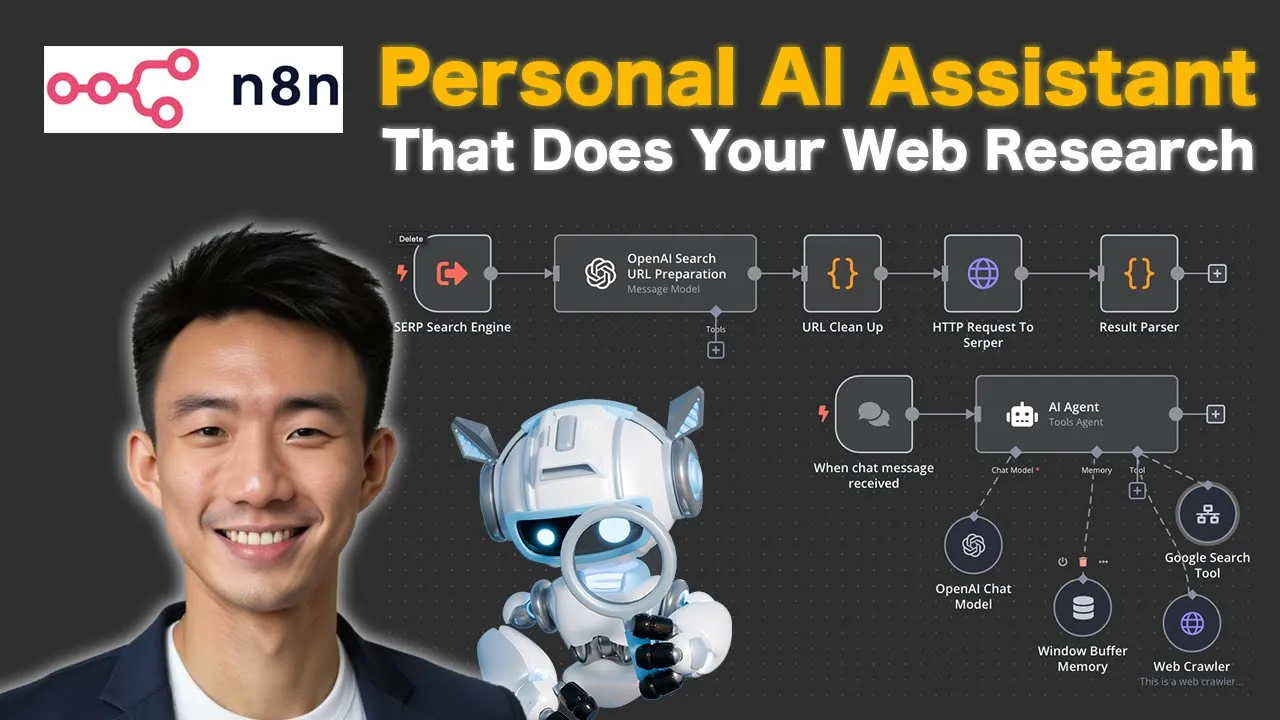
got different data U from different um websites so first of all we use the open air chat model here and Google search to and process by open a chat model again and then we use web Crower to search um more for details from different URLs and then I'll use the open air chat mode to summ summarize that again so um let's talk about like um the preparation first what we need uh before we start so we need the serer dode account uh for the um SCP setup and then open AI account of course so there
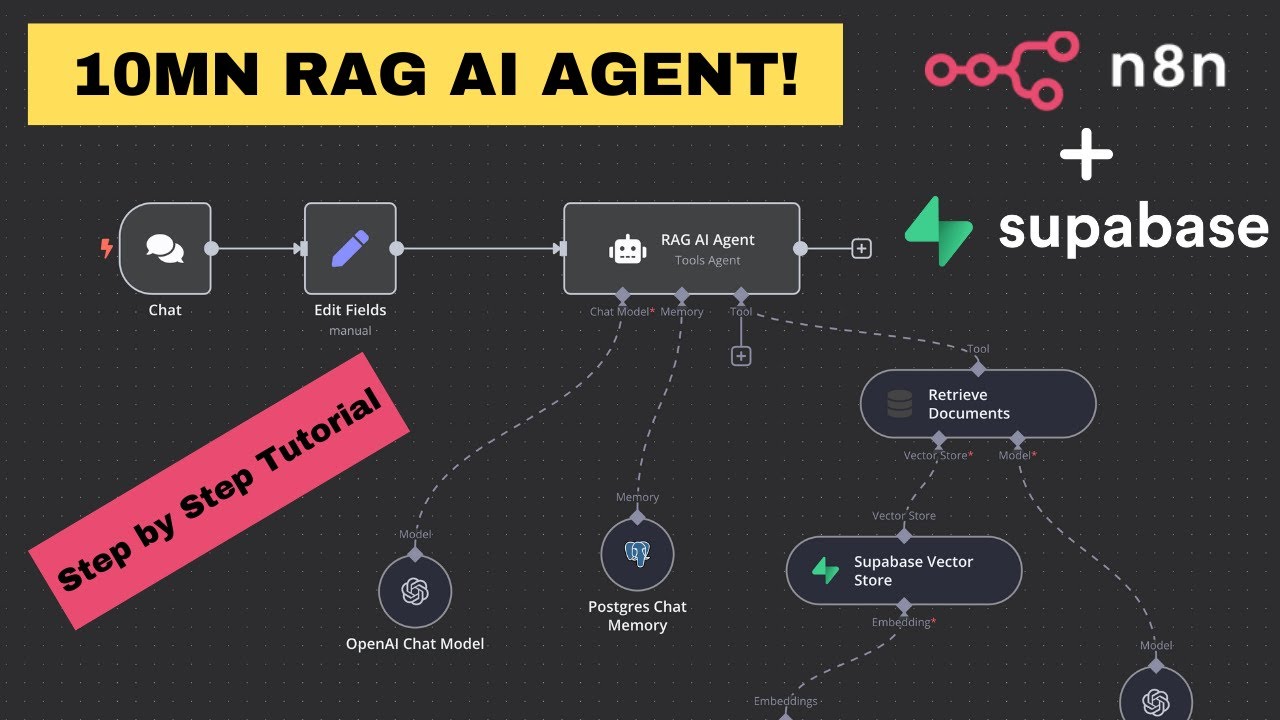
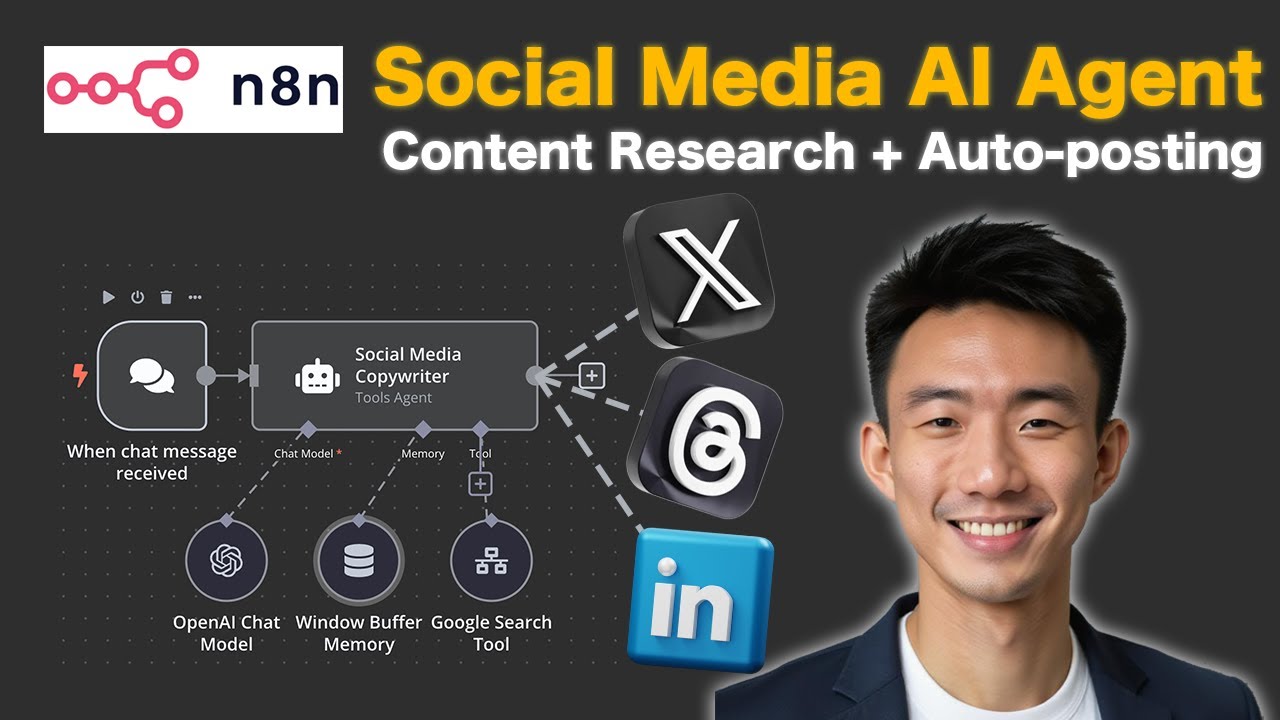
are many two workflows as you can see here the first workflow is the main chatboard so we have the trigger uh the rle starts when uh chat uh message is received then there will be an a agent to handles all incoming uh messages using tools and memories so basically it integrates with the opening ey chat model for conversational AI uh window buffer memory for contacts Google search to for realtime data retrieval and web Crower for U web scrapping and data collection as for the workflow to is the Google Search tool um so basically um the
process begins with the SCP search engine uh as here and then um it will initiate the search by curing the engine and then the open search URL preparation um Step um utilize the Open Eyes message model to uh generate um structured search URL based on the input Curry and the HTTP request um to serer will send the URL to the serer API or search server to forget the result and last but not least the SE uh the result parer uh will process uh the retriev data and extract relevant information for output for further use so
let's dive into all the notes details for this workflow okay so let's dive into the workflow uh one by one for each note so for this one uh of course when chat message uh received as the trigger so um it's for the chatbot here so basically it's the AI agent uh what we need to set up here uh first all is the tool agent and then take from previous note automatically and this is the system message uh we need to write so you can just copy this and paste it here and then um turn on
the return intermediate subs and put 10 as as the max interations so for settings uh nothing special basically yeah you can set it like this for the a agent it will work and then for the open AI chat model is for the conversational part so opening account of course we use the gbt 40 mini uh model and then yeah it's basic setup and then we have the window buff memory and then um for like five contest Windows length as well and then for the Google Search tool basically um we use SE SCP search um it's
a Google Search tool based on user questions on searching so Source from database and then U use the ID for the workflow and then response great and so we'll talk about how we can set this uh Google Search tool first before we talk more about the webc so basically um this is the uh SEO PR uh search engine and then um we will use uh opening ey search URL to prepare um the URL first so um The Prompt is here so you're a SCP uh Searcher you have following API to use so basically um these
are different um serer um dode um API uh different tools um so we'll explain more why we use uh serer later but basically these are the setup we can put it here and oh uh don't forget we can put the user question here as the with the Jason Curry here great so after we set up this as message out put uh enable simplify output and basically it's uh done for this part and then uh we go to the URL cleanup so sometimes um uh we are trying to use this URL cleanup to remove some unnecessary
format characters from the gbt uh so for example remove this uh symbols um slash and Etc so basically after we clean up the URL um we will have um the HTP request to serer so why we use serer because uh basically it's kind of um like the most economical options um $1 us for 1,000 calls so and there are free um 2,500 credits for you to do uh like when you just register so basically uh how we need how we can do the registration you just um go to Ser ser. Def and then after you
lock in and go to the API key Tab and just copy the API key and then just paste it here and um basically it's very easy U the method we use get method and put it you are here uh none as the authentication um enable the send headers yeah basically is how it is for the settings for this part exting request to server and then the last part is the result par it process uh ra API uh response and structure data for AI agent consumption basically it's the code so um last but not least we
talk about the web CER so um if we don't have like U enough results from the Google search we can have more details by doing more um detail research for from this web c for each specific URL uh to scrap the website content so of course we are going to use uh scrap uh do server. def okay um so just get get method um enable sand query parameters uh the URL Name by model and then um the API key as well just copy and paste uh paste it here and you'll see the response on the
reference side yeah so basically um it will uh like we just input the URL for scrapping um for website content yeah it's very easy so basically this AI agent will um Chrome from the website and make use of different tools uh web cor and um open AI to provide use some the most comprehensive results so basically again um it go through eight different steps open IAT model uh Google search um a chat model again and we will go through four web cor steps and last but not least go through the open a chat model so
um basically this is um basic setup for this um AI research agent AI assistant for your personal uh work uh fre to let me know what you think about this um and comment below on what kind of tutorials you like to uh learn um so let's stay in touch talk to you soon bye
![Lead Qualification & Nurturing System on GoHighLevel - AI Call + SMS [n8n+VAPI+Twilio+Highlevel]](https://img.youtube.com/vi/BNa2mAAV7l8/maxresdefault.jpg)