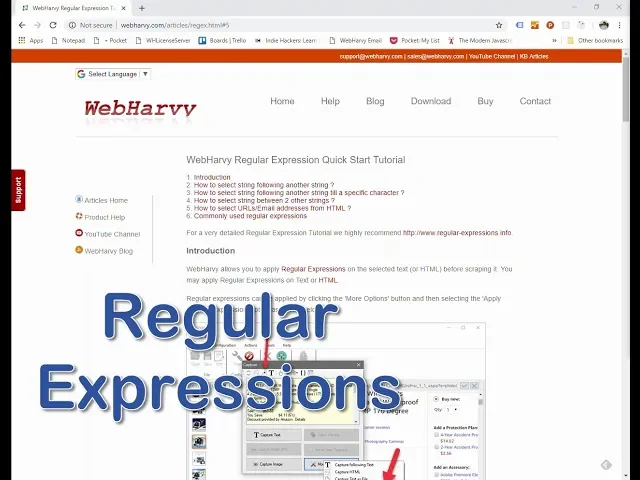
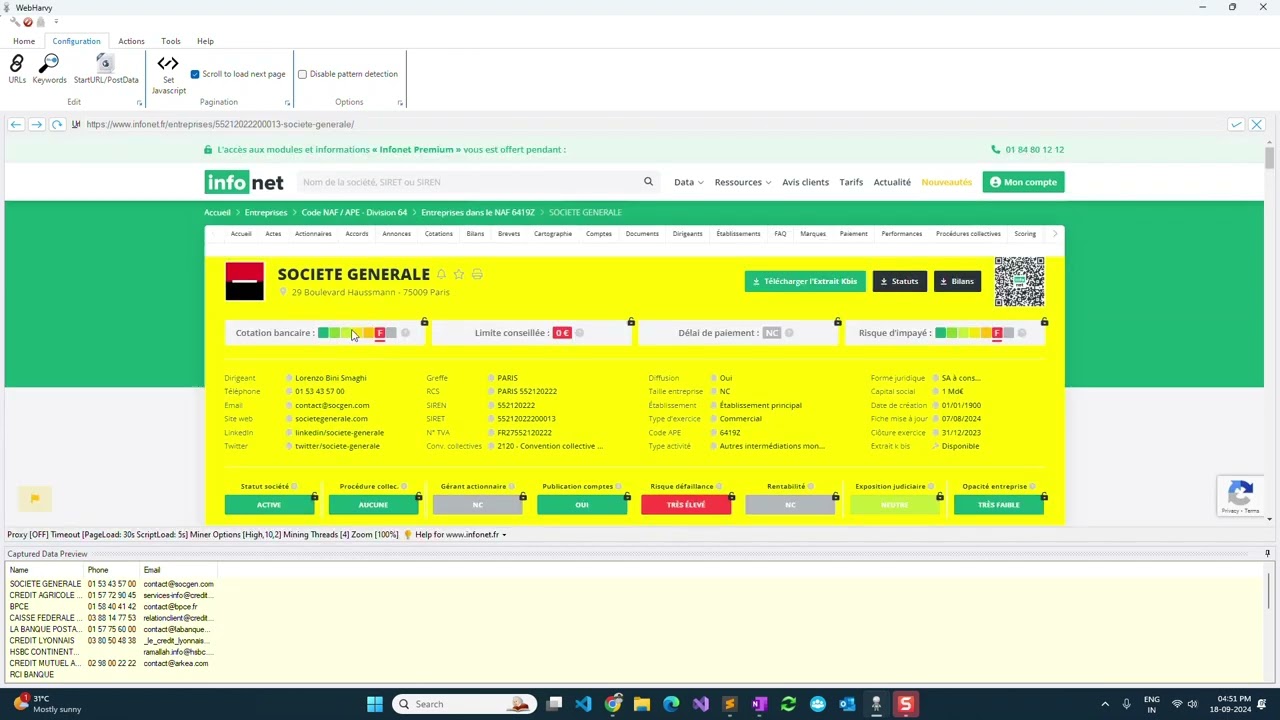
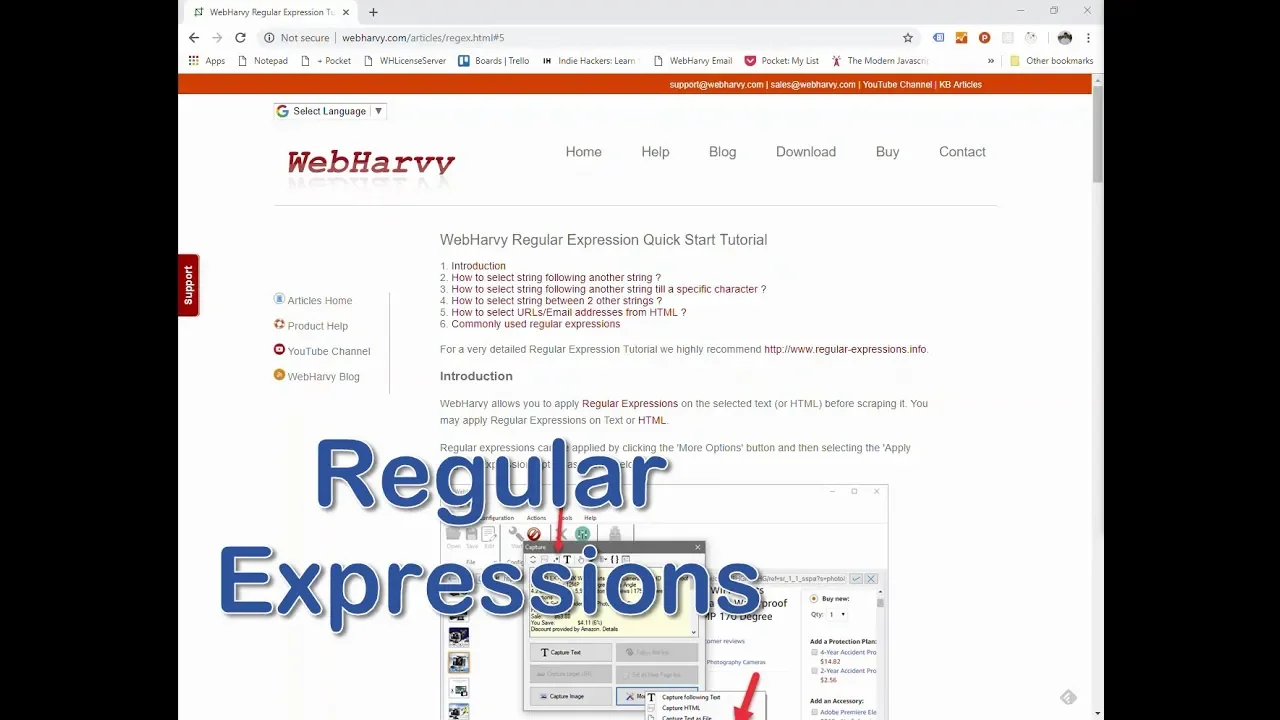
welcome to the Pahlavi tutorial series one of the main design goals of the Pahlavi was to create a web scraper with a very simple user interface and with a very small learning curve so most of the time you can select the data which you want to extract using direct mouse clicks as shown in the earlier parts of this tutorial series in this part we will discuss a more powerful technique offered by web Javie which lets you tackle more complex scraping requirements regular expressions regular expressions offer you more control over the data which you need to
extract they can be applied both on text displayed by the web page as well as on the HTML source of the page to select the data more accurately to web Javie features which you must familiarize with for using this are the capture more content feature and the capture HTML feature let's follow an example during configuration when you click anywhere on the loaded page the Poway selects the HTML element behind the area where you clicked and the text corresponding to the element is displayed in the preview you can select the capture more content option from here
to expand the area which has been selected as you apply this option multiple times more text from around the area where you initially clicked is selected and displayed in the preview selecting a larger area make sure that the text which we need to extract is guaranteed to occur within it irrespective of minor page layout or design changes so you do not need to extract this entire block of text but what you need may be a specific text which occurs in a specific pattern within this block for this regular expressions can be used click on the
apply records button and you can write or paste a rekik string which would select only the required portion of text in this case the regular expression extracts the string after the text by which would select the manufacturer or seller name for the product when we apply this like extreme we can see that the preview area now contains only the seller name click the capture text button to capture the seller name so what is a regular expression a regular expression is a coded string which matches only a specific portion of a wall block of text there
are many regular expression tutorials available online we recommend that you refer regular expression dot in for website for more details regular expressions can also be applied on the HTML source of selected content you can use this functionality to extract data present in the HTML core of the web page but which is not displayed as text on the page for example in this case the page contains a map view which shows the location of a property suppose you need to extract the geo coordinates of the location that is the latitude and longitude values these values are
not displayed on the page but are present in the page source so what we can do is to click on the area of the map view tab and apply capture more content multiple times till the Pahlavi selects sufficient area which is guaranteed to contain the geo coordinates and then select the capture HTML option so that the HTML of the selected content is displayed you can then apply regular expression on the selected HTML by clicking the apply records button and paste the lock extreme which would select only the required portion or value from the wall HTML
in this case this is the record string which would select only the latitude value apply and now you can see that the preview contains only the latitude number click on the capture HTML button to capture it in similar fashion you can extract data from meta tags or JavaScript code in the page source you can also use ragged strings to accurately capture images and also to follow links which are available only in the HTML source of the page details regarding these can be found in the video description below we also recommend that you read our symbol
regular expression tutorial in our website it also contains a list of ragged strings which are commonly used with the Pahlavi we hope you find this tutorial useful in case you have any questions please contact our technical support team at the link given in the description thank you