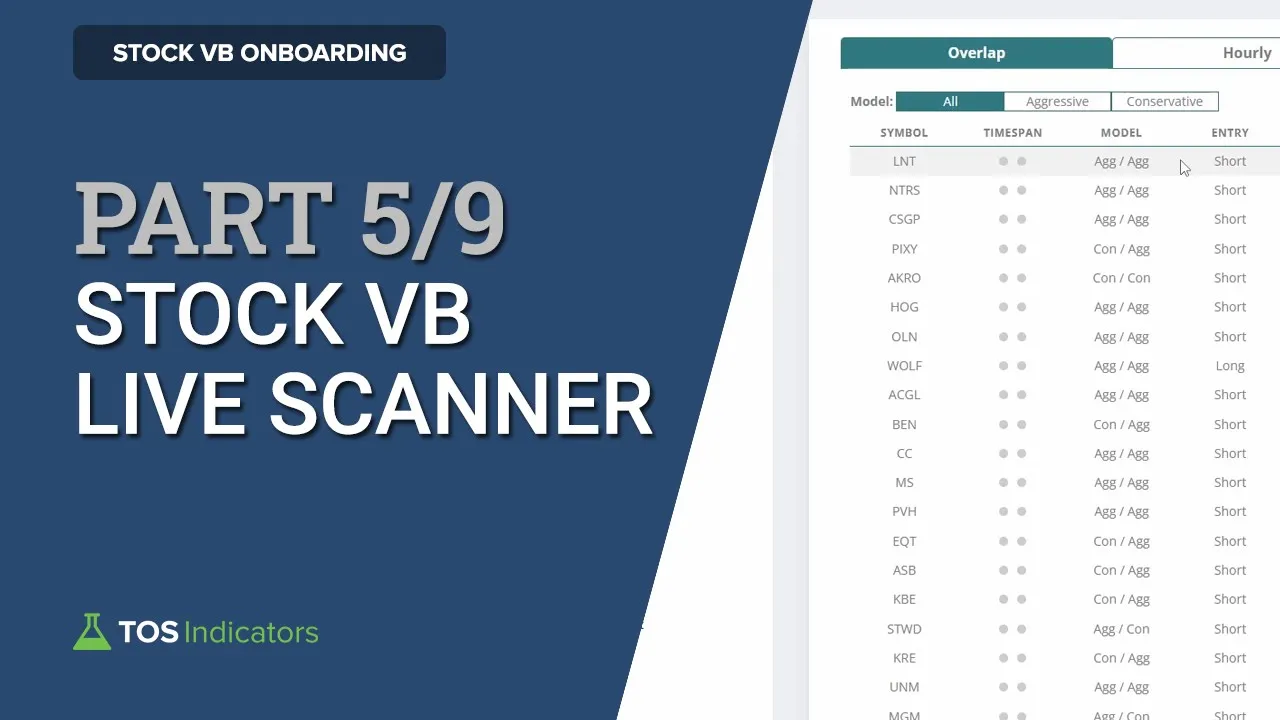
in this video I'll spend some time showing you how you can very easily find traits that are setting up using our custom live scanner now this live scanner is where I think you'll spend the most time inside of the platform it's definitely where I spend the most of my time so I really want you to understand just how powerful this live scanner is and how to make it work best for you now for those following along with our onboarding guide this is video number five out of nine in which you'll spend some time the most
time really talking about the live scanner now a few things to keep in mind best practices if you will before we dive into actually taking a look at the scanner best way I found to go about thinking of the live scanner is really treating it as your own personal trading assistant imagine if you were to go out there and pay someone to go and search for new trades any place in the entire Market twelve thousand plus tickers where they're breaching our volatility box levels you'd like a list of that every single second of the trading
day and you'd like that list to be as accurate as possible that's where this live scanner comes in it surpasses anything even think or Swim is capable of and that's why we're really proud of the way the live scanner is built I think it makes it quick and easy to find what's setting up and you can pick and choose the best trades that your assistant provides for you so as a result that leads me to point number two which is treating the live scanner Really as your own personal running list of stocks that you're looking
for for fade setups here you can use this list of stocks as your starting point of ideas and from there you can start to to filter down personally I like to focus on the large cap names first I also use things like the MTF Market pulse to try and find places where trend is agreeing with the trade that's setting up this is a concept we discussed in the v-shaped reversal course as well which has the trend confirmation indicators so a few different tools there that can make that process a lot smoother now another way that
you can filter down to the best trades quickly is to use the overlap tab that's the tab I'm currently on and it's very quickly becoming what I think is our members favorite tab inside of the live scanner a quick reminder the overlap tab looks at wherever we have hourly breaches on the stock volatility box along with daily breaches both of those need to be occurring at the same time and this overlap anything appearing on both lists is what appears on the overlap tab so it's quite powerful in that regard now let's dive into our volatility
box platform and take a look at an actual example of the live scanner now here's the live scanner from today I'm currently on the overlap Tab and I'll walk you through all of the different features and functions that you can use here to really find the best way to use the live scanner now right off the bat you should notice the different tabs at the top the overlap tab is the one we were just talking about that's a list of stocks that appear on both the hourly and the daily scanner at the same time so
here you can find this list is fairly narrow especially when you compare it to something like say the hourly list which has quite a few more stocks than what we just saw on the overlap tab now the beauty of this is this list updates every single hour and you'll notice that there's some fairly large prominent names things like the healthcare sector ETF that appeared today you also had lows you also had the Industrials ETF Johnson and Johnson so a lot of prominent names appear on the hourly live scanner which is what I was referencing when
I say it's easier to find trade setting up in the hourly uh scanner here with the stocks that are already in the pre-generated indicator files so that's a nice benefit there the hourly tab is also useful to try and find which stocks are moving the market every single hour say the s p is really moving you'll notice things like a certain sector along with some top Holdings appearing on the scanner which gives you very clear information around what is moving the market underneath now after the hourly tab we also have the daily tab these are
stocks breaching our daily volatility models you'll notice this list is a little bit less liquid compared to the hourly stock volatility box list but it's also a lot smaller and then finally we have an all tab here where you can see both hourly and daily stocks in one clear list now all of the daily breaches will also have the add to dashboard button plotting and that's because the dashboard Works only with the daily models and so in one click you can very easily add from our scanner to the dashboard to evaluate those stocks further now
a few other tabs that you will find useful here you have an aggressive and a conservative tab which lets you very quickly filter down trades based off of a model now whenever the market is moving and volatility is very high you may choose to stay focused only on the conservative trades that are setting up which is one way that you could be a little bit more cautious another way that you could filter down is based on Entry type say the markets are crashing and you have a small rally where you're looking for a pullback in
this overall short Market Trend you could use something like the short filter to find only the short trades that are setting up that's another way to boil down to only the trades you care about now the live scanner here is a very powerful tool which will update real time as the markets go on and you can really alternate as I mentioned I like to start with the overlap tab first with all plotting across the board here and then make my way down to the hourly tab look for the large cap names you'll notice things like
Costco Netflix's all of these frequent the hourly live scanner much more than the daily live scanner so if you focus on those names you'll find hourly a little more useful after that move on to daily and really keep using these three tabs as your cue to get a running list of stocks where you have some nice opportunities setting up alright in the next video I'll show you some chart settings that you can leverage to make the most of your trading Journey as you incorporate the volatility box within it




![Chris Langan - The Interview THEY Didn't Want You To See - CTMU [Full Version; Timestamps]](https://img.youtube.com/vi/9miVG2xT5jY/maxresdefault.jpg)