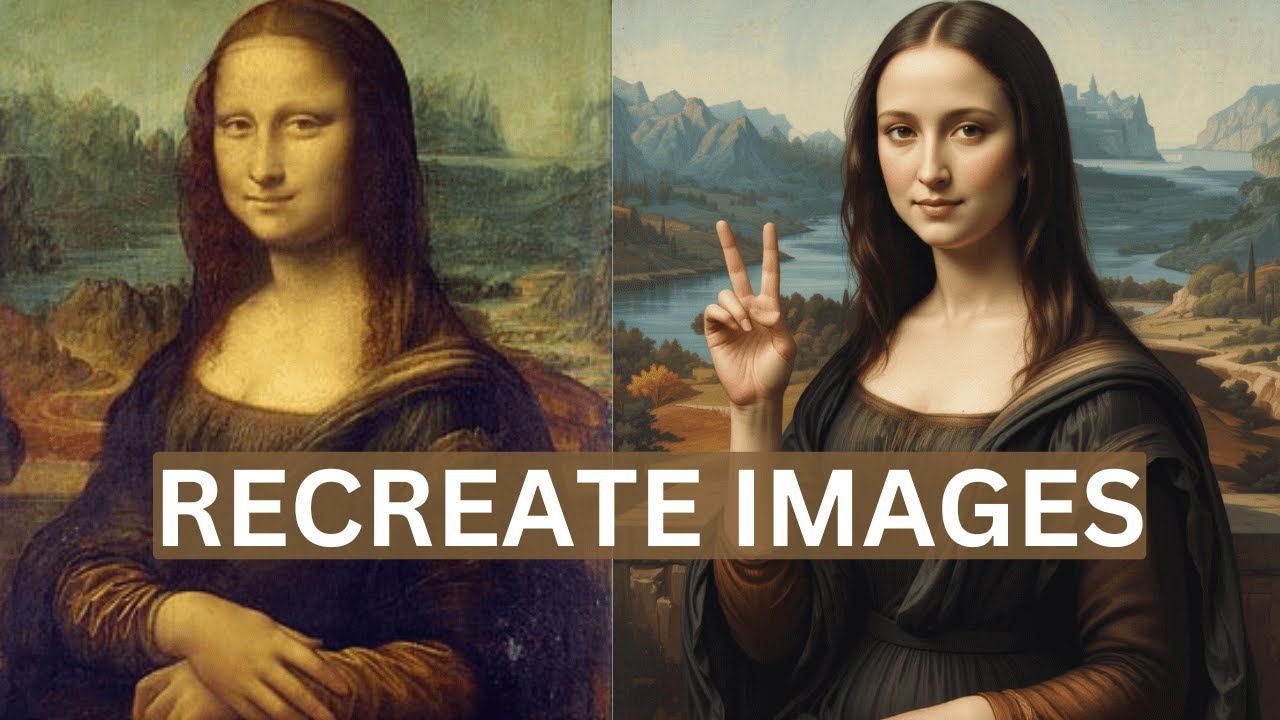
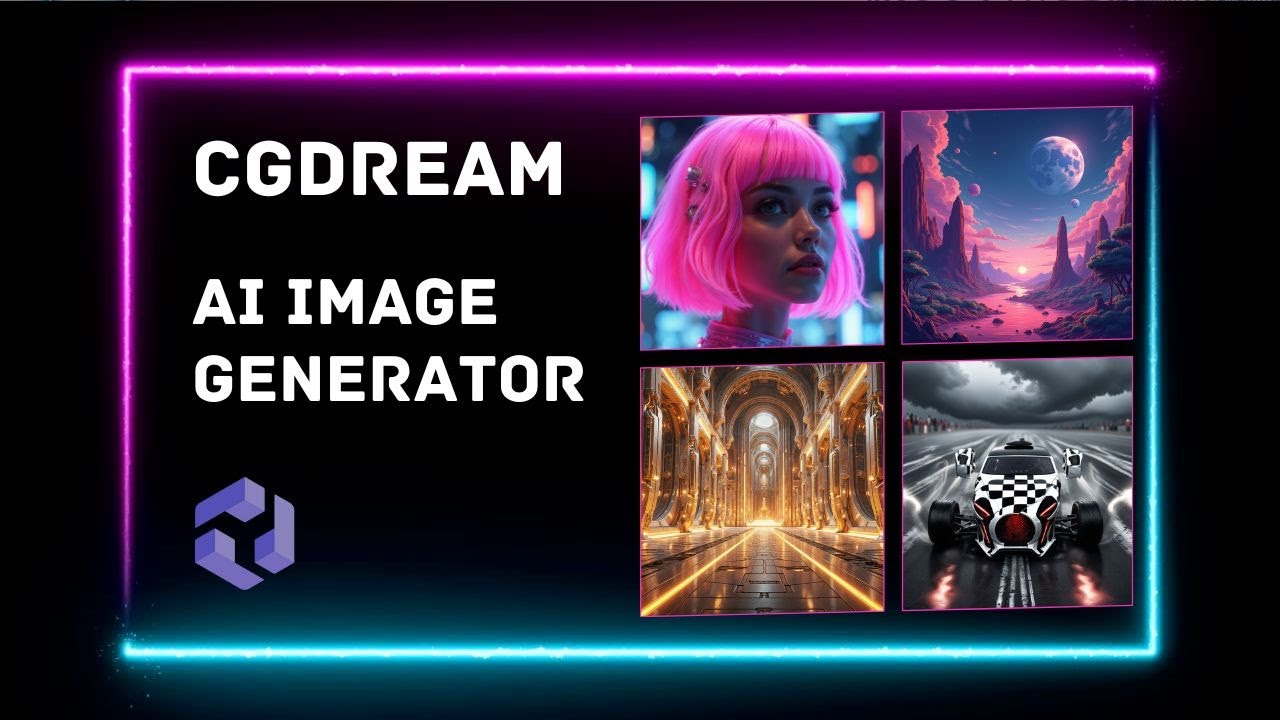
CG dream can generate unreal AI images in minutes for free I'll show you the quality it produces how many images you can actually generate for free compare it with the best AI Alternatives because I partnered with CG dream on this video I can go indepth in every single feature even images of yourself so by the end of this video you'll become a CG dream expert so the first thing you might be wondering about is the quality of the images itself and just by looking at the homepage I can say that the quality is top of
the line I want to show you some of the favorite photos that I found on the gallery page here you can see some beautiful type of Viking woman with all these beautiful detail tattoos here is the version of Santa that your mom was thinking about when she sang Santa Baby so anyways here you have a generation of fractal type Coral face that you aren't able to create in any other software at least I've tried and you just see the incredible detail of these images but you might be wondering how free is it really when we
check out the free plan CG dream has one of the most generous free offers that I've seen from any AI image generator specifically because you can generate flux images if you know this is my my favorite type of image generation and that you can generate 450 fast images and 150 quality flux images is just amazing and the main benefit of upgrading is that you can skip the cue that it takes to generate images for free so let me show you how to generate an image for free as you can see when you're on the hom
page we have a text bar in the bottom this is where we can describe what you want to see or select an image from the gallery they obviously have image to image as well as style transfer and a lot of other things but I want to focus on text I'm going to prompted a huge bodybuilder Tiger standing in front of a Harley-Davidson then I'm going to click on generate and here are the results definitely a crazy generation but I haven't even shown you the best thing with CG dream so right now I like this image
but I don't actually love this image I would like for it to be a little bit of a different vibe and that's where filters come in CG dream has these Laura based filters that is basically a model on top of the image generator that creates these incredibly detailed styles that you aren't able to do in many other image generators this makes it particularly easy for beginners that don't have any previous prompt engineering skills because it's it's as simple as looking at any of these and thinking yeah I would like to add this style so I'm
going to search for animal and I want to add this filter here that looks pretty cool with them being all closed this overgrown filter looks cool as well and let's add this Forest filter as well now in the bottom here you can see that we have the different levels that we want this to affect it so I actually want the clothe animal filter to be at 100% and I'll turn the other ones down a little bit and click on generate and now you can see that it turned way different this one is almost a cinematic
Hulk Barbarian Forest Guardian it is missing the Harley-Davidson though so this one is the one that is with Harley Davidson Jesus Christ you've been doing bull steroids it almost looks like a dog face on his belly okay I'm getting too excited let's do another image generation I'm going to prompt it gorgeous Norwegian woman staring seductively into the camera in an all white and gold dress and then I'm going to go over to the filters delete the ones we have and it's going to suggest some of these filters let's do woman fantasy let's do angel and
let's even try this material marble I'll set all the filters to Max and then I want to show you on the right side of the main setting things we can choose the different variations the model Juggernaut XL don't recommend this one compared to flux the quality and speed fast and quality from my testing the fast generation is still really good it's just a little bit lower quality and then they have Auto enhanced short prompt seed and negative prompts so we can add blur Distortion and things like that but you might be wondering how this is
going to look like so let's generate and here are the generations that we got back obviously they're very high quality and they look really good but I was thinking more of a fantasy angle so what I'm actually going to do and a different way of generating is to go to the gallery select an image that you actually want to generate and then in the bottom you can generate a very similar style and see what type of filters that they actually have you can also see that it was generated by the fast mode so yeah quality
is pretty high so instead of Mr Claus I'm going to do gorgeous Norwegian Viking mov in the beginning of this prompt and generate and just like that we got an image way closer to what I thought of in my imagination but there is one more button that they have in the bottom called dream up where we can make a simple prompt and CG Dream Will dream up a very creative prompt let's generate and here are the results that we got also some of youve been ask asking if you can create not safe for work images
and you can that if you toggle on the private mode and make the prompt a little bit more explicit but you might be wondering how does CG dream compare with some of the other best AI image generators so Leonardo doai is one of the most popular free AI image generators so if we go to the top and select their new Phoenix model and do this huge bodybuilder tiger prompt this is the result that we get I think I did something wrong because it looks pretty bad let's try doing the Cinematic preset style and I don't
have anything else on and this is the second result that we got it really looks more like a 3D render or some bad Photoshop in comparison with this bulky boy and do you remember how badass he looked with just a couple of filters but what about Chachi BT image generation I'll use the exact same prompt and this is what we got let's do this same but aspect ratio 16 by9 and this one is actually pretty good let's compare them in realism with the same prompt as this that's terrifying let's try to regenerate that this is
the second generation and my opinion on Chachi BT's image generator dolly3 is that around 3 months or so they changed it so it's not as good as it used to be like I used to rely on it in my work before but UNT fortunately most of the images get this really plasticky high contrast look just look at the comparison image it's not even a close comparison but you can also easily remix images with just filters and dream up so you can go to any of the images here and just click on it like this one
that I found and now instead of changing the prompt we're just going to go to the filters and instead of a earthy tone we're going to have molten lava I think that's going to turn out really cool just remember to click on dream up to make this happen while we're waiting I'm going to try the material root and Ivy and Vin dream up again and here we have the molten lava hand I really like this one especially with the people in the bottom and here we have more of a dystopian hand with vines and Roots
all over this one as well kind of has a path leading up to it and I kind of want it in a better quality so I'm going to click on the 2x here and as you can see we now have a lot more quality especially because this one is so detailed with the roots and the leaves upscaling it really helps get that crisp quality it really is a night and day difference but did you know you can create an image without a prompt just by combining filters all you need to do is click on the
filters and then click on the character as you can see it allows you to create anything from dinosaur to fish to mythological creatures and cartoon cute monsters like a kid in a candy shop I want to create a knight so I'll click on that I'm going to use the woman realistic then I'll go over to abstract where we can select a bunch of really cool Styles like Dynamic abstract shapes and now without any prompt I'll select three images and click on dreamup now we just wait for the result are you joking I think I'm in
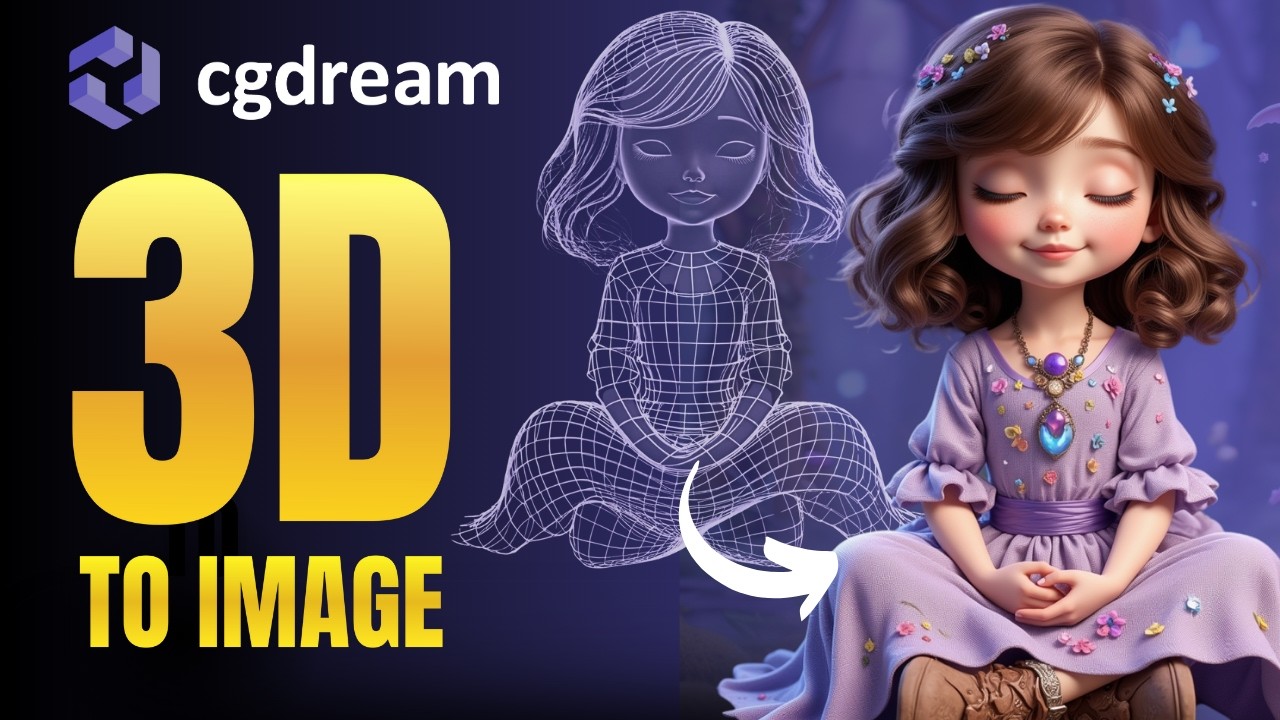
love we made this without even prompting but you might be wondering what is this 3D model button in the top and what are all these structure image and character drag and drop so let me show you 3d2 image as you can see they have a bunch of 3D models in here and what that allows you to do is we can click on this beautiful image of a Porsche 9911 select the angle that we want write a prompt select some filters I'm going to click on antique car and the natural landmarks filter and as you can
see the images are generated in the exact way we put the 3D model which is incredible for concept artists but what about structure to image so say for example we love this image here and the way there's buildings on the sides and in the middle of giant structure we can upload it choose the strength of structure and try changing it to a utopian par R eyes generate and as you can see we just took the exact same structure of the previous image to make something new but what about image to 3D model all you need
to do is to upload or find an image that you really like and click on this button in the bottom as you can see this image turned into this 3D model it did really well specifically because this one is a really simple one to do I also tried some crazier Generations like this and it actually managed to get most of the character correct you would just add this to blender add some more shape and add the right leg and arm and you basically saved hours of manually trying to 3D sculpt this on your own even
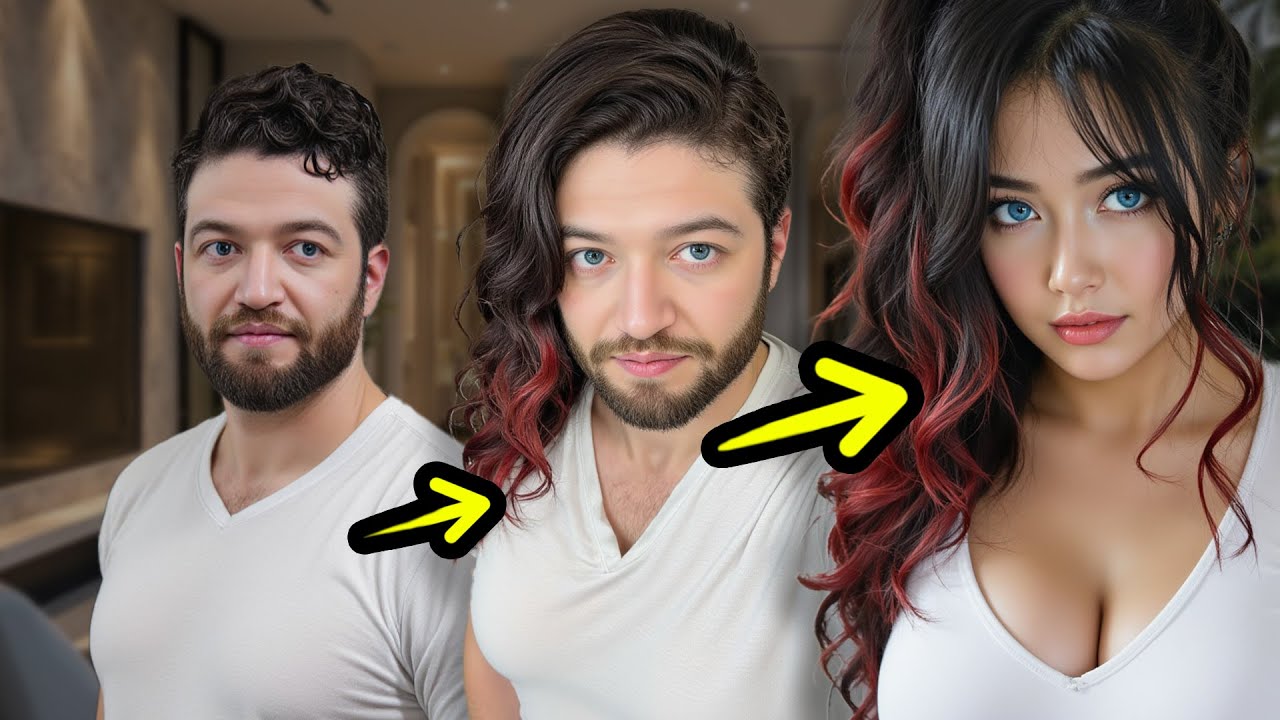
crazier I can now Place him anywhere in the frame that I want and prompted Giant Pizza monsters smashing cars add a couple monster filters explosion electricity abstract generate this is what we got from image 2 3D and back again but can you generate images of yourself as you can see you can upload an image of a character so I'm going to upload an image of my face I'll select the strength of a character to 100 and I'll prompt it Norwegian man with a hair and a bun at the beach um let's delete and delete with
winter clothes on there we go it's actually not that far off and I guess if I would generate multiple different variations like an astronaut in space it's actually making a consistent character so I actually like this painting quite a bit but I want to change a part of it and with that we can do in painting so I can for example hover over this right glove and I'm not sure if this is going to work I'll prompted alien weapon and click on imp paint what are those what is that so I showed you everything from
the text to the image to the 3D to in painting oh [ __ ] go to the descript deson down below and check out CG dream to make your own free images now thank you so much for watching and I'll see you in next one peace