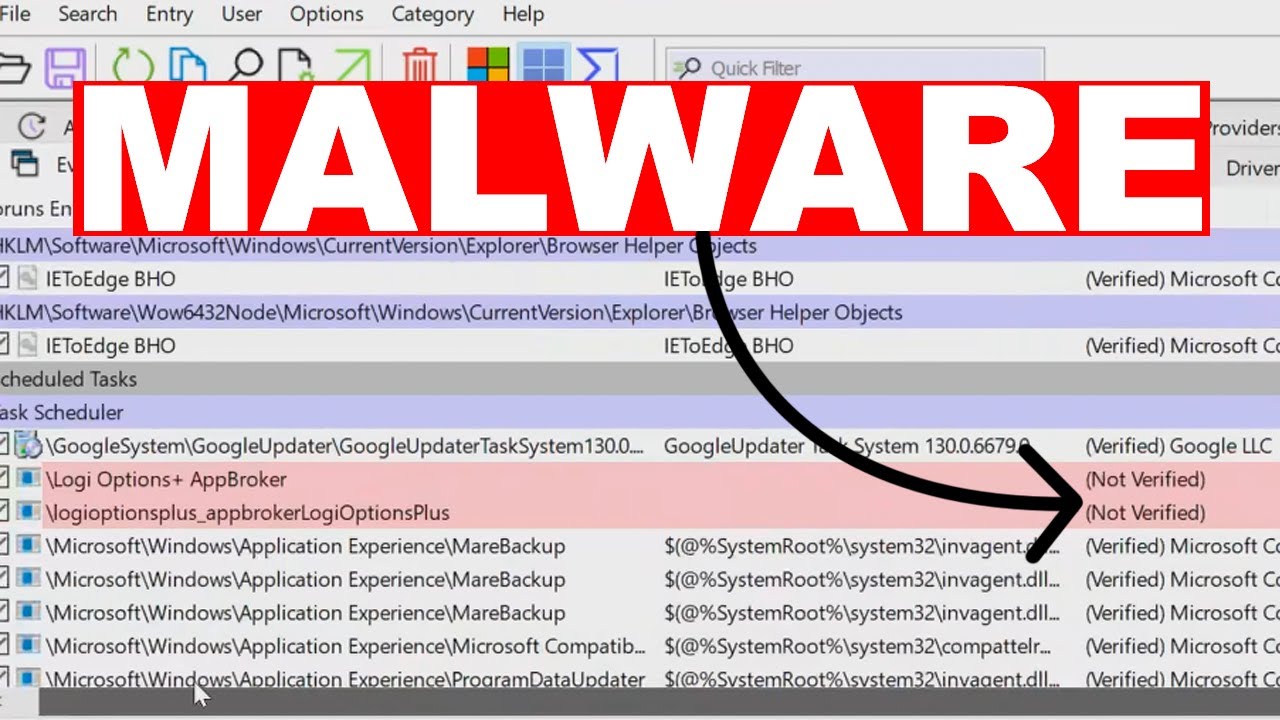
welcome back everyone so today I will be showing you that how to scan and delete the viruses using the command prompt on your Windows PC and laptop so why is command prompt necessary when you need to get rid of the virus the virus may bring you on a stage where you're not able to operate your computer you might be stuck on a bsod or any kind of a problem and you're not able to access properly your keyboard and your mouse so let's say you are stuck on a repair Loop or you are stuck on any kind of a blue screen or or any kind of notification then you can shut down your computer forcefully for three time in order to come to the advanced startup option and then in the advanced startup option you will be getting the CMD command prompt where you can open it and run all kind of command to delete all those viruses so either you can go with this method but if you have access to your desktop then what you can do you can simply click on your windows search type CMD right click on the command prom click run as a admin click on yes and now you will have the enough permission to run all kind of command so the First Command that is recommended that you type here is task list and then you have to hit the enter key and now it will let you all kind of task running in the background that you can check here and then you have to properly look and scan all these applications by the extension. exe and whichever you feel suspicious you don't identify you just need to close it okay so for example let's say that I don't identify this application so I will select it then I will press the contrl c key from my keyboard then scroll down and next you have to type task kill space slf space slim and now you need to paste the process name that you just copied in order to kill it so I will make a right click and it will be autom automatically pasted and now if I hit the enter key the process will now be closed and you can see it says success the process with P 7204 has been terminated so if there was any kind of suspicious application running so we have successfully removed them we have killed them and now it's not running so that we can properly access our computer now next what you can do you have to type the drive letter where you feel that you have some kind of viruses so if you bring up your your file explorer and go to this PC you will find your Drve listed over here so whichever drive you want to scan you want to look for let's say I want to look for C drive I will go back to the command prom type c then type colon and hit the enter key so once you will be in that drive the next command that you have to type will be at RAB space minus s space minus h space minus r space for/ s space for/ d space star dostar you'll be getting all these command in the description so you can simply copy and paste now after pasting this command or typing this command you have to hit the enter key and now it will be scanning all files running in the processes and it will list you order here this also contain all kind of hidden files so that you can easily view from here once the command is completed next you have to type di again hit the enter key and now again from here you have to look for a file that seems to be suspicious in case if you're not able to identify or you confused that what kind of file it is then you can copy that name and go to the Google and you can search for it now especially you have to look here for a file that should be by autorun. inf so look here in the list and if you find any process any application by the name autorun.
inf then you will have to copy it again come down type D give a space and now paste the name of that application that you just copied and now if you hit the enter key this application will be closed now why I'm recommending you to look for autorun. inf because it allow you to automatically run a specified file when double clicking the disk and many Trojan or wirus use the same mechanism to spread any kind of wirus or malware on your computer so that's why be careful look over the list and find anything that should be related to autorun.