in this video we'll show you how to activate Windows 10. if you find this guide you saw then please consider subscribing and once you've done that then please consider leaving a like and let's jump straight into this so first off we start up on our desktop as you can see then we slowly navigate to the bottom and we click the search button on our taskbar we open it up and then their research for settings after we have found the settings application we selected by clicking the left click on our Mouse and we open it up
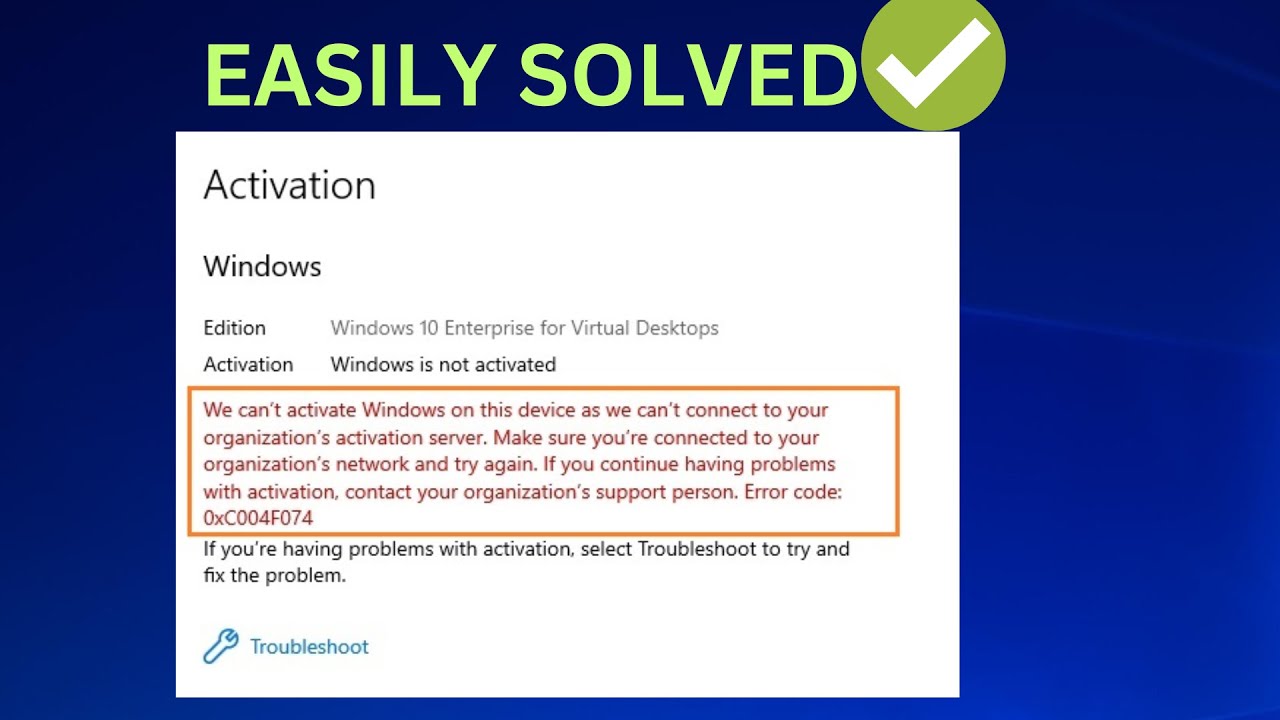
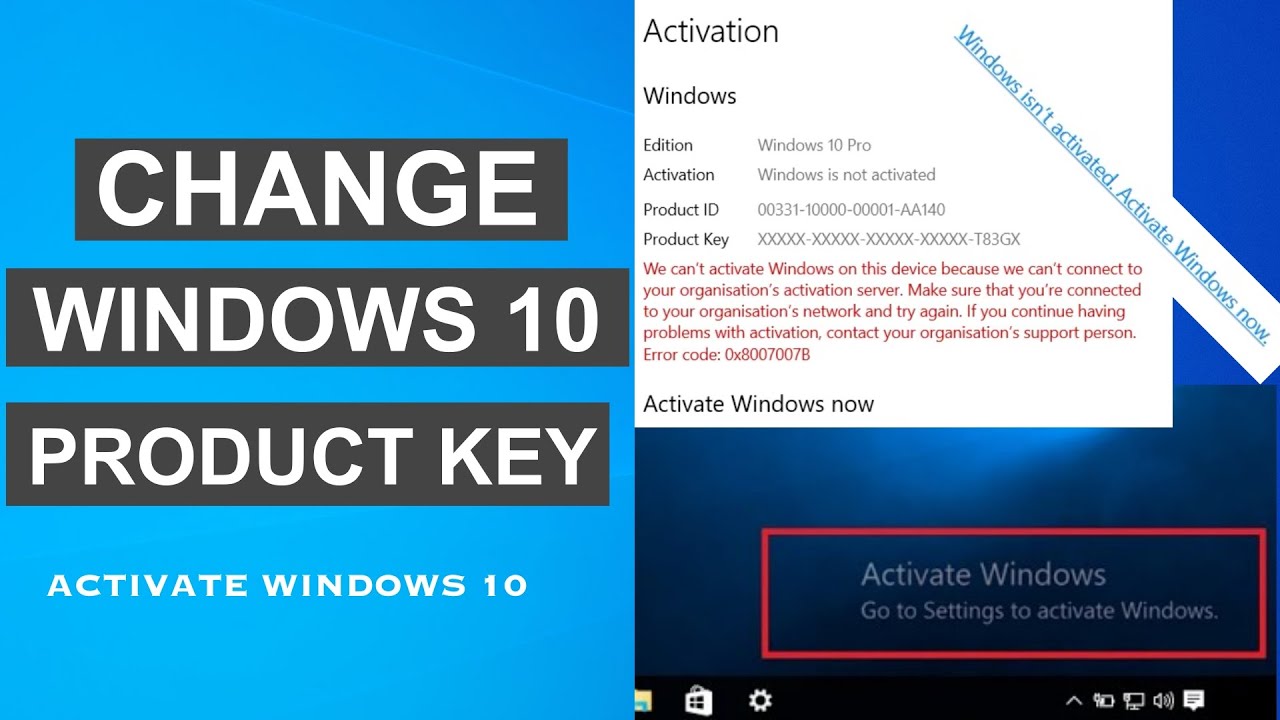
we select the system option right here you open the top and you scroll all the way down and select the about button if it isn't activated for me it's activated if it isn't for you you will have a red text right here saying that your windows isn't activated when you select the about button then you go and select the change product key or upgrade your edition of windows then after you select this you wait for it to load and then you press the change product key option right here when you press that here you will
enter a product key that you will buy off of any website such as Amazon eBay or other one you paste it right here and then you press the next button and your windows will be successfully activated that is it for this video thank you for watching see you in the next one




![I Replaced ALL my ADOBE APPS with these [free or cheaper] Alternatives!](https://img.youtube.com/vi/5EfqHg49kMk/maxresdefault.jpg)