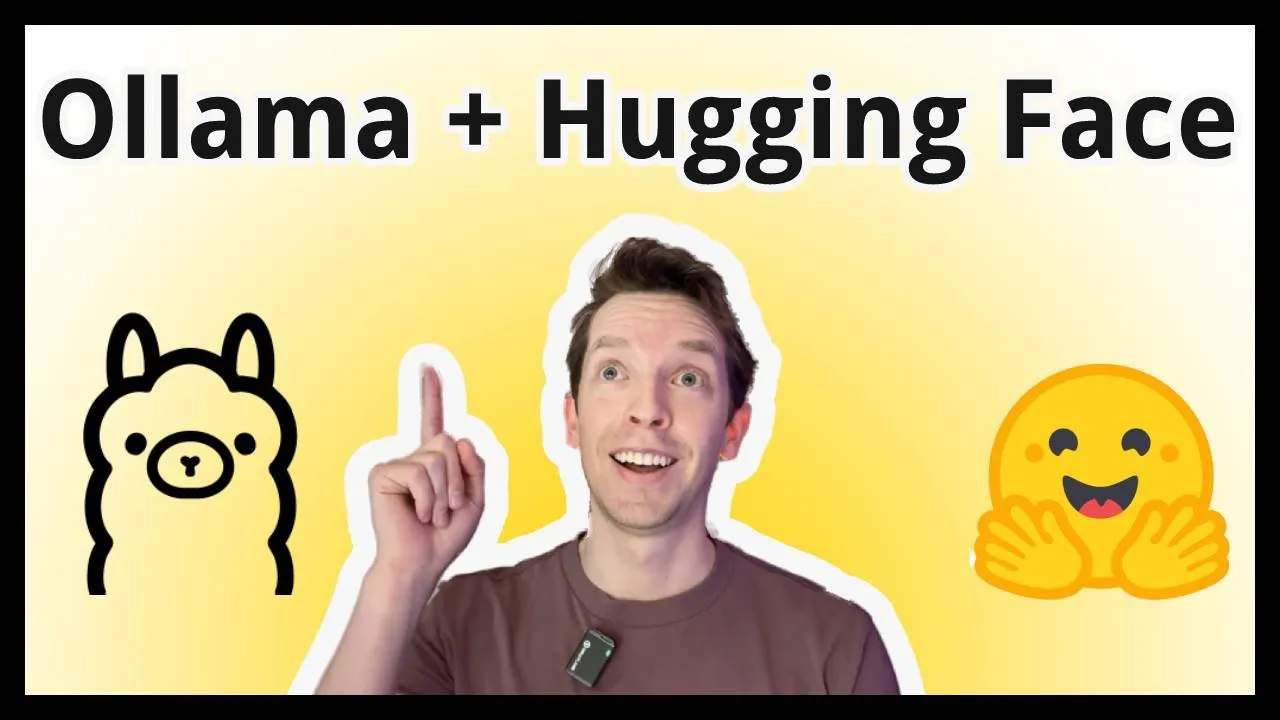
AMA is the easiest way to run llms on your own hardware and today I'm going to show you how you can expand the number of models that you have access to from the dozens of models in 's library to hundreds or even thousands thanks to commes for requesting this video let's go before we dig to the implementation I want to answer the question why do we want this AMA hosts a lot of great models that suit a lot of different use cases they range in size from stable lm's 1.6 billion parameter model all the way
up to Goliath's 120 billion parameter model they range in purpose from mist's General purpose chat model to lava's multimodal model that accepts image inputs as well and all the way to Metatron which is trained specifically on medical data there are also models that are trained on different languages and even models that are trained to not be censored but despite all these options within the AMA Library there are only about 65 total models that are supported right now if we compare that with the popular model and data repository hugging face we can see that there are
almost half a million models that we could be playing with with more added every minute one popular Trend in the open source llm space is to take models that were trained on thousands of GPU hours and terabytes of data and improve it even further by adding new and refined data two leaders in this space are Eric Hartford of cognitive computations who created the dolphin data set and technium of noose research that created mistol as well as the open Hermes data set you've probably seen a lot of models that were derived from these data sets so
while some of these great models are already on oama many more of them aren't in fact I just came across one on hugging face today that is a fine tune of mistol that is trained on the copy Bara and Hermes data sets that we just mentioned it's a 7 billion parameter model that promises to beat mistol on pretty much all of the major benchmarks by a pretty significant margin so let's get it running on AMA what we think of abstractly as models that have different strengths and characteristics are actually just a set of configuration files
which determine the shape of an neural network as well as a bunch of numbers which are the weights of the nodes within that neural network the easiest one to use is called ggf or GPT unified format and that's a successor of gml it's a binary format that allows models to be represented as one single single file including all the configuration and weights while that's convenient for packaging and inference most models will initially be released as safe tensors safe tensors are just another binary format that compresses all of the weights into a couple different files but
they need to be paired with other files which determine the shape of the network um and how all of these weights are related importing a ggf into AMA is actually dead simple and it's really similar to the process that we covered in my first video which I'll link above here I'll just be following the documentation from ama's GitHub page which I'll link in the description below first we just want to download the ggf file of our desired model the bloke on hugging face is pretty prodigious at quantizing models into this ggf format so here I'm
on the BLS page on hugging face specifically within the model that I am interested in so for quantized models I would recommend this Q4 km quantization basically quantization is just a trade-off between how much compression you get versus how much accuracy your model is going to have so the less accurate is the smaller your model is going to be the more accurate is the larger your model is going to be at the end um but if you check out the BLS page he kind of has all of these little readms for the different size models
and so you can choose your own as you want okay so next we just want to create our empty model file and when we edit it I'm just going to paste in from and then the location of the file that we just downloaded that will Point AMA to where everything is that it needs to get started additionally according to ama's documentation some models that you're importing yourself may need um the specific prompt template to be specified as well in order to work properly I know that this model is based on the chat ml standard uh
which was created by open Ai and is sort of becoming the main standard across the model space so I'm just going to paste that in as well so here I'm defining the prompt template which you're already familiar with as well as parameters for stop characters and those are essentially just special characters that lets the model know that it should stop uh creating new text finally we can use the AMA CLI to create our new model so it looks like AMA was able to create all the layers and finish the command with a success okay so
now we get to try it out I'm just going to run our model with AMA run and then the name of our model looks like it's working the Cy bar data set that this model was fine tuned on is supposed to excel at multi-step chats so let's try one of those tell me something briefly about copy bar okay great it looks like it knows a lot about that let's continue with wow what are two things that make them so adorable so now it actually needs to know what we're referring to in the previous chat all
right perfect so that was the easy way to use a model that was already converted into a GG UF for us but I want to take it one step further and show you how to do this conversion yourselves it's only one or two more extra steps and knowing how to do this will unlock way more models for you so the first thing that we want to do is go to the models page on hugging face next we want to go into its models inversions and confirm that it's one of the supported architectures ama's docs uh
specify that they support llama mistl and a couple others um but there are a lot of different architectures out there so just be careful so to do that we just want to go into this config file here and confirm that under architectures the architecture starts with mistal or llama and then the rest of this is also fine here we see that this is a mistal architecture so we're good to proceed next we can follow the hugging face instructions for downloading the model hugging face repositories are just get repositories under the hood so if you've ever
used GitHub or gitlab or something like that you should feel right at home one exception is that hugging face repositories deal with a lot of large files specifically the safe tensors that I was talking about before and so you're going to need to have an extra tool installed called get lfs or large file storage so just copy paste that command and your files will begin downloading now one caveat is you won't actually see a progress bar as you normally would and that's because uh these really large files are downloading in the background I expect this
total download to take about 10 minutes depending on your internet connection but one pro tip that I have is even though you don't have a progress bar you can actually just open up a second terminal window and then look at the status of the downloads Yourself by inspecting the files so here I'm doing LS which lists all the files and then HL basically shows me the size of the files in a human readable format once the download completes we'll have all the files needed to convert into one single GG UF file that we already know
how to use with olama first CD into the directory of the model that we just downloaded next I'm going to paste in a command straight from the AMA docs this is a Docker command that quantizes our model into the resulting ggf format and I'm passing in uh Q4 km as my parameter for quantization level if you run this command without that flag it'll show you all the different levels that you can choose from but it's the same as the ones that the bloke will give you depending on your Hardware this will only take a minute
or two we're going to see a lot of output but that doesn't really matter until the very end and at the very end we're shown our original model size as well as our quantized output size we can see that our output is about one qu the size of our input and that makes sense because we're quantizing the original 16 byte weights down into only four bytes so looking at our folder again we see that we have two new files this F-16 bin as well as the Q4 km. bin and that last file that I mentioned
is going to be our ggf file that you can use with olama just like we already practiced so that's it you're now able to bring in hundreds of new models to bring onto your machine to use with olama and you can even quantize them to have different performance characteristics next I want to hear what you're going to do with this so share in the comments what's the model that you found in hugging face or were you able to do something interesting with quantization and maybe low memory devices thanks for joining me to see what else
I'm working on please be sure to like And subscribe lastly I just wanted to give a shout out to my friend Olivia me and all the llamas are rooting for you