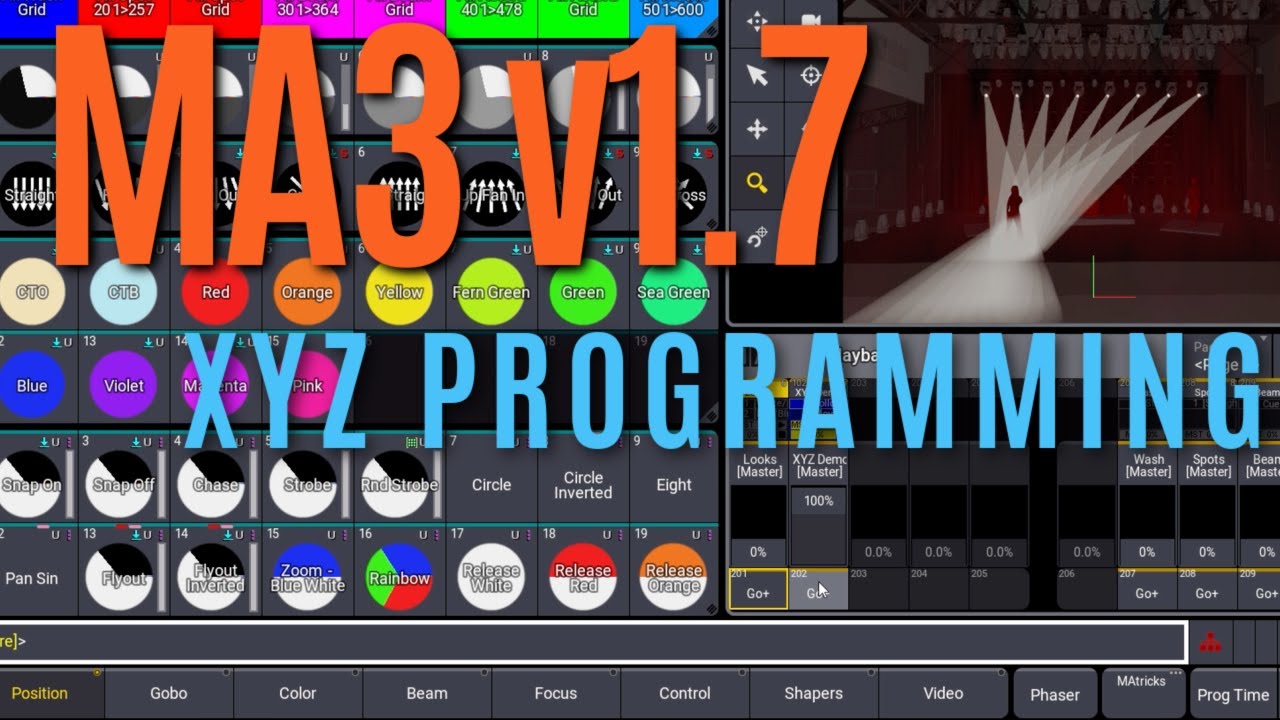
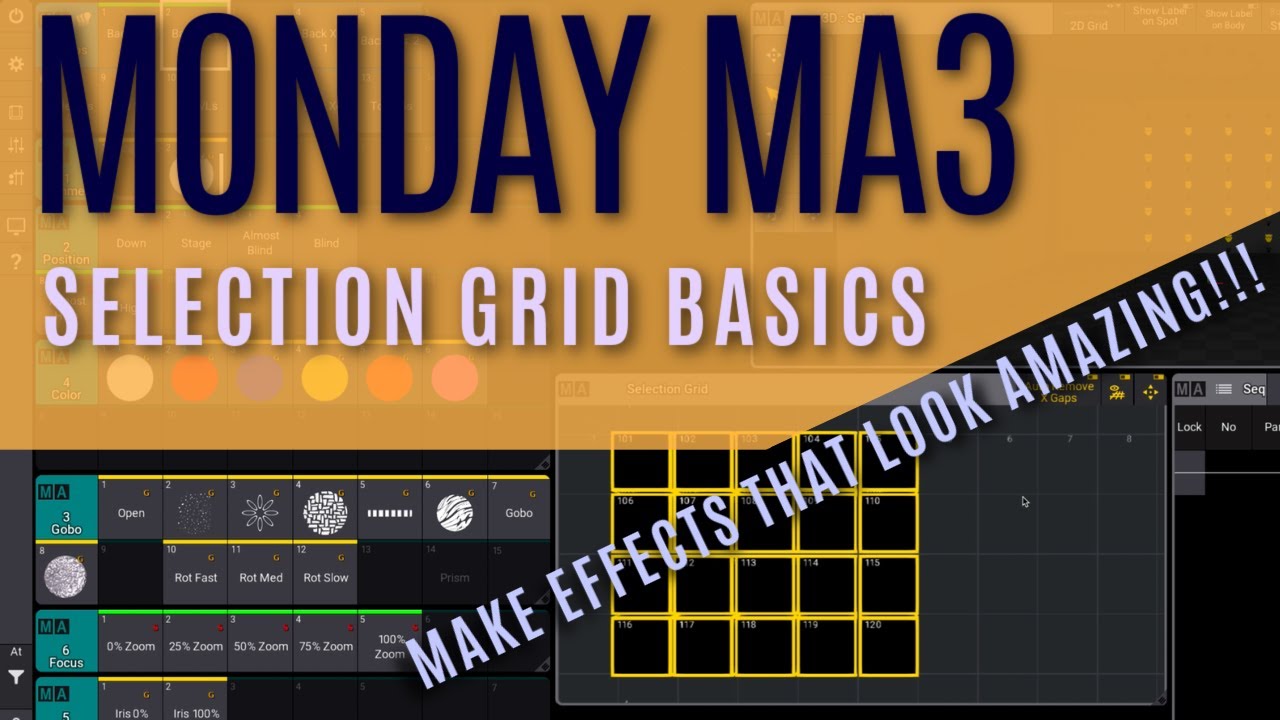
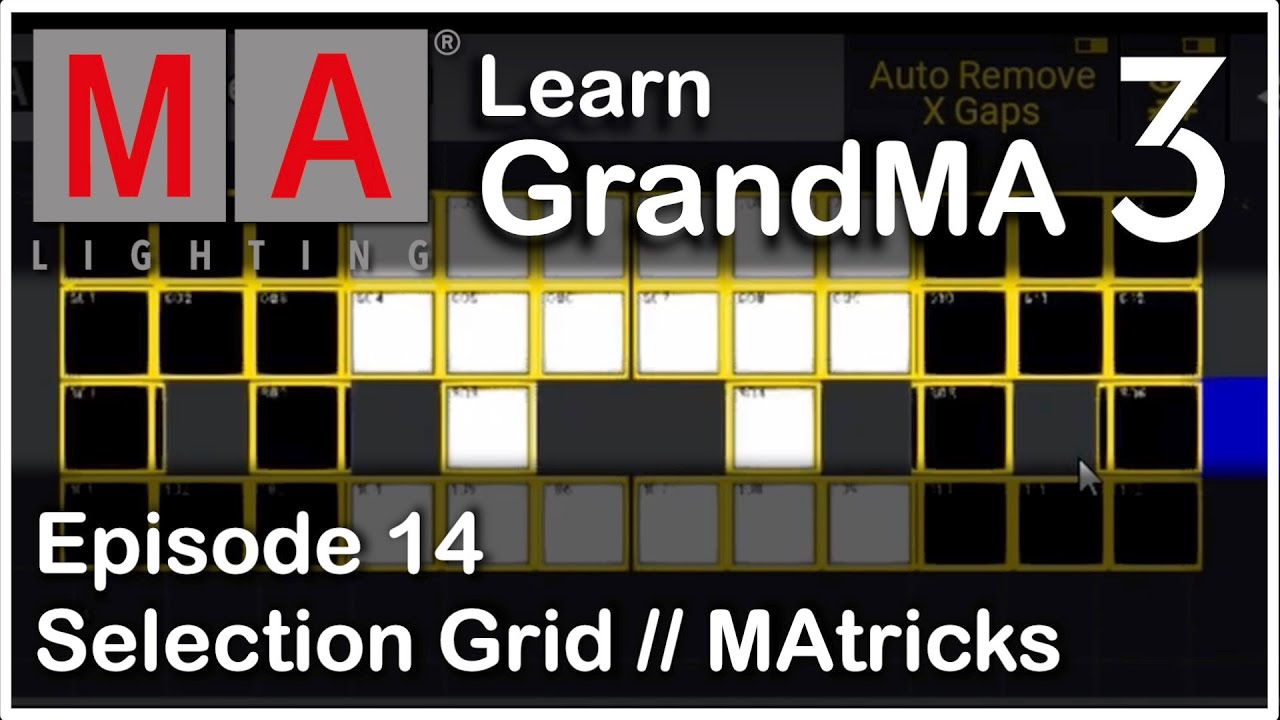
hello everybody and welcome to new m8 tips this time i want to show you how to create a selection grid very easy using your 3d window in the title bar of our 3d window we can see a new selection mode which says 2d grid now we can use the direct selection in our 3d to create a more dimensional selection grid let's change the camera to the 2d top camera this is a good camera to use because the 2d cameras always have the correct perspective then we make sure that our selection tool is selected in the
3d window and we just draw a rectangle from the top left corner to the bottom right you can set the frame colored in cyan tells us that this is the perspective selection now we release our finger and you can see the selection grid is immediately created directly for us of course we can store this as a group now and say this is our grid group for example using this grid group of course we can go on now and create some phases for example so let's have a look at our dimmer wave and we can see
that this is perfectly aligned from the left to the right in our selection grid changing the camera again to our front camera we can see that this is going from the left to the right via our whole rig of course we could also use this camera to make a selection so what if we do this one and we go to the selection tool in the 3d window again and then draw a perspective selection from the left to the right so from the top left corner to the bottom right corner then you can see we get
the selection grid including our alien picks which are at two circles at the back wall of the stage so we bring them up a little bit and we can see we can create a nice color alignment so using the second align mode going to the color picker and then doing a color alignment from the left to the right this is done very easy because we can select our grid directly from the 3d information using this as our selection grid store it as a group and then program everything we want from the left to the right
using our selection grid i hope you like this new way of selecting fixtures try this out and hopefully see you next time for the m8 tips

![grandMA3 | MA Tips [EN] | Advanced 3D Viewer Settings](https://img.youtube.com/vi/led7ZU8zEkI/maxresdefault.jpg)

![grandMA3 | MA Tips [EN] | Clone in Patch](https://img.youtube.com/vi/Bf_SMk_EPc0/maxresdefault.jpg)
![grandMA3 | MA Tips [EN] | Generators](https://img.youtube.com/vi/TjGhKybt_4k/maxresdefault.jpg)


![grandMA3 | MA Tips [EN] | MA Startshow for Phasers](https://img.youtube.com/vi/7H75wylU4FI/maxresdefault.jpg)
![grandMA3 | MA Tips [EN] | Show Creator](https://img.youtube.com/vi/_UBZ4qO9zGM/maxresdefault.jpg)
![grandMA3 | MA Tips [EN] | Selection Grid](https://img.youtube.com/vi/ldT790d2y4U/maxresdefault.jpg)
![grandMA3 | MA Tips [EN] | LOS - Live Output System](https://img.youtube.com/vi/vcZ_1FJQEeQ/maxresdefault.jpg)