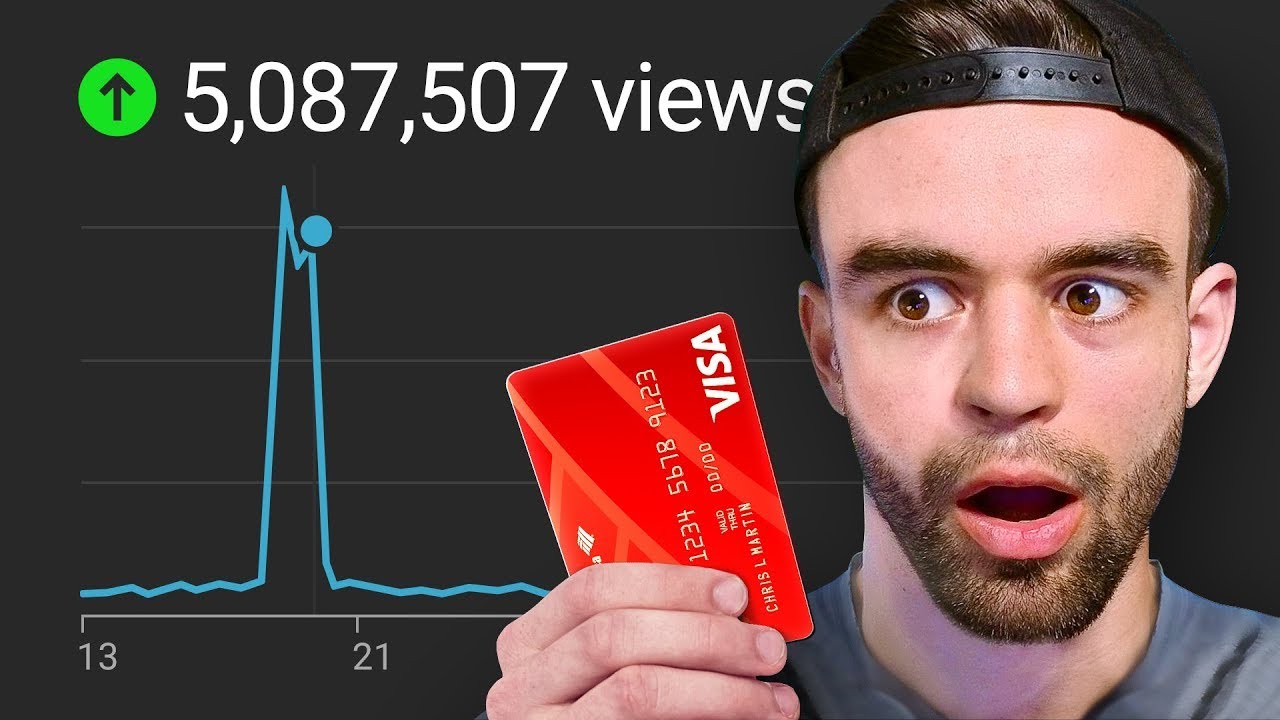
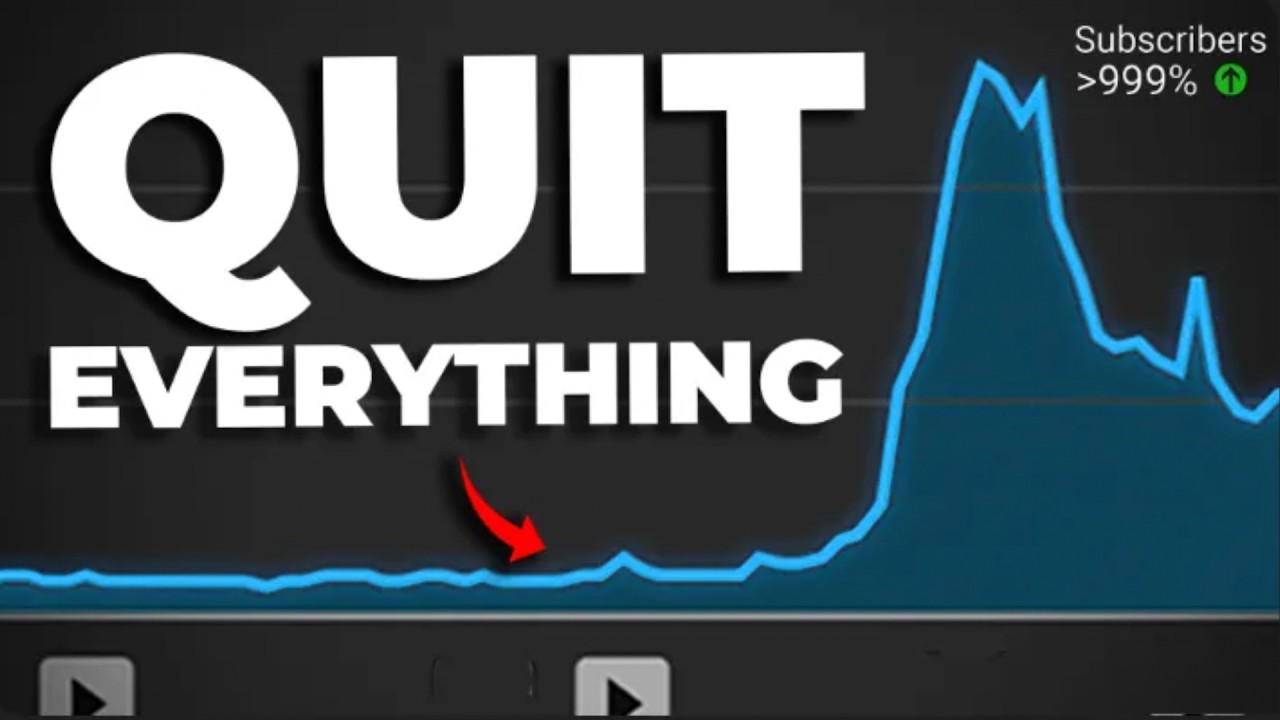
if you're struggling to get views on YouTube I want to show you a strategy that can help you blow up videos that you've already posted for example this video literally got two views in the first day of it being posted but with the help of the strategy I'm about to show you it now has over 100,000 and what's even cooler is this channel literally had zero subscribers when I first posted this video now I call this strategy the RCs method and it works even if your channel is really small or you have a lot of
competitors for example really small Channel this video literally got one view in 18 days but after applying the RCs method you can see that it now has almost 50 here's a slightly larger Channel when I use the RCs method on this one it got enough views to make this monkey do this what the and here's an even bigger example where we took this video that was kind of flattening out at about 100K and use this method about here to get to over 600,000 views moral of the story if you want your old YouTube videos to
stop being so dead the RCs method can probably help so how can you get your own Dead YouTube videos to do this let's go through this step by step first why and how does this method actually work well it's a scientific process that gets more people to click on your videos when YouTube recommends it to them it's kind of like increasing your impression clickthrough rate but the RCs method goes a bit deeper and there are a few key distinctions which I'll talk about later so for me to show you how this works let me just
go back to that last example you saw so if I come to this video and I go to the reach Tab and I come across to clickthrough rate you'll see that for the first 80 days or so if I hover over this graph where getting between a four and a five clickthrough rate roughly meaning that for about every 100 people who YouTube shows this video to about four or five actually click on it but at day 80 we started executing the RCs method and what we can see is our clickthrough went from getting four to
5 it's now jumping roughly between 6 to 7 clickthrough rate so if I come to views here and I hover around day 80 at this point we're at about 100,000 views which isn't too bad but you can see it's relatively flat but over the next couple of weeks we can see it taking a much steeper incline until it reaches 600,000 views and all of this was triggered down here at day 80 when we started implementing the RCs method let me show you step by step how it works starting with r Recon the first thing I
want you to do is go to YouTube Studio then come down to analytics in your analytics you're now going to come and click on this see more Tab and then what I want you to do is to come up here in date range changes from 28 to 7 days and then come to Impressions and click on this to sort videos by most Impressions and now what we're going to do is scroll through this list of your videos and look for all the videos that have gotten over 500 impressions in the last 7 days now if
you've got a slightly larger Channel you'll have multiple videos that meet this criteria like you can see here but if you have a smaller Channel you'll probably see something more like this where maybe only a couple of your videos actually meet the 500 Impressions criteria now if you don't have any videos that have got 500 impressions in the last 7 days I'll talk more about your options in a moment but first let's now move to the next part of our method see create what you want to do is from the list of videos that meet
the 500 impressions in 7 Days criteria pick the one that is the best the one that when you look at it and see how few views it got you want to like stick bicycle spokes in your eyes but you know it's a good video and if it could just get more exposure more people would watch it and enjoy it so let's say in my case I might pick this video here I studied 5,400 YouTube short to crack the algorithm and let's just go to the analytics of this video now this video obviously already has a
significant amount of views but don't worry if you're doing this on a video that has far less views the RCs method will work just the same if not better so once we've picked our video for me it's this one we're going to create two to three new thumbnails for this video in a very specific way and I'll show you what I mean by that in a sec because revamping YouTube thumbnails for old videos isn't exactly a new strategy but the problem is if you just randomly update the thumbnails of random videos Ross your channel you
have just as good a chance of killing those videos as you do of helping them and that's why when following the RCs method we're going to do things in a very particular way so you're going to pick a video that meets the criteria we talked about earlier in my case it's this one and we're going to create two to three new thumbnails for it so usually at this point you'll be faced with one of two scenarios the first scenario is when you look at the view graph of the video You're revamping thumbnails for it makes
you want a head butter curve it's not getting many views it's not getting many Impressions and in this situation what you're going to do is make big changes so to give you a real example take a look at this thumbnail so this is actually the original thumbnail for the how to get watch hours example I showed you earlier in this video but eventually when my third brain cell kicked in and I actually checked the stats I realized that this was terrible who would have guessed and it should never have seen the light of day so
when I started using the RCs method this is one of the revamps I made it's basically a completely different thumbnail and this is what I mean when I say if your videos views suck in your revamps you should be making big changes like this however the second scenario you might find yourself in is you have a video that's actually doing kind of well but kind of like that last Marvel movie you went to watch it's like good enough but you feel like it could have been so much better which is basically every Marvel movie nowadays
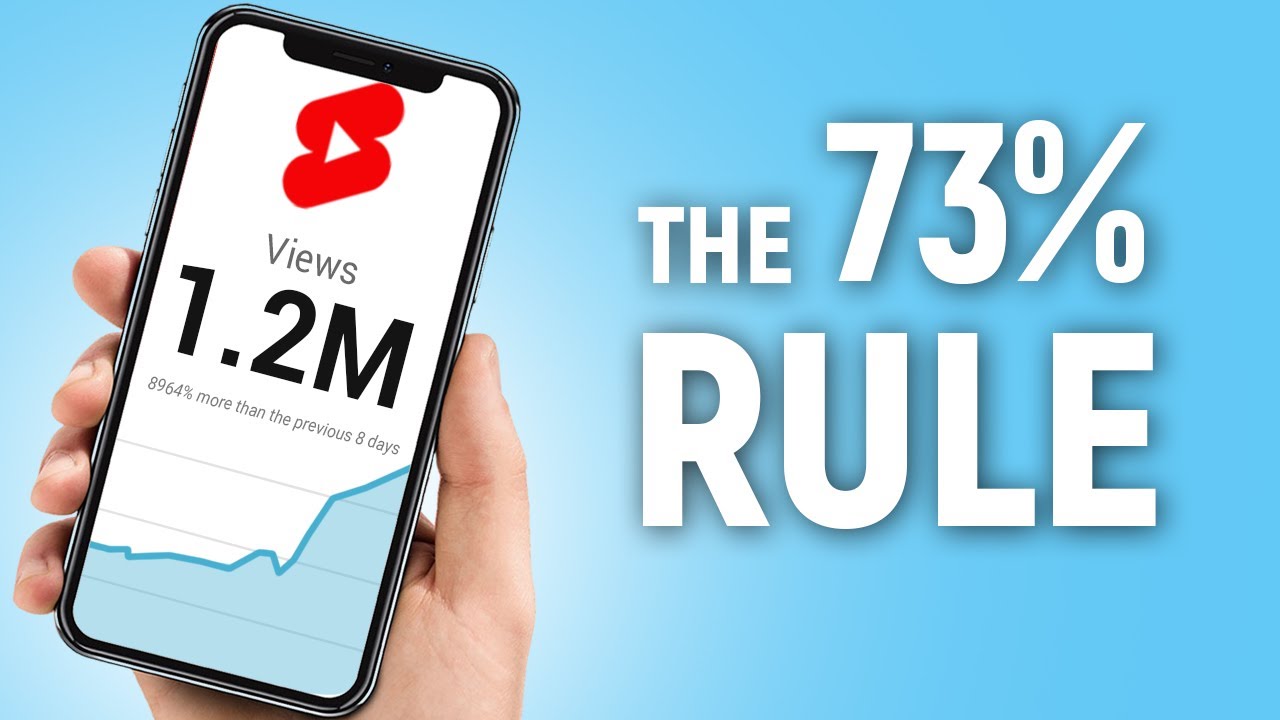
let's be honest and in this circumstance you still want to make thumbnail revamps but you want to make small changes for example this video we're looking at currently it did pretty well I couldn't complain but it's a YouTube shorts video and it has about 330,000 views and I think this video could have even more potential because for example I have another YouTube shorts video here posted around a similar time that has over 650,000 views so even though I'm not disappointed with the results I feel like my results could have been even better and so I
am going to make thumbnail redesigns but they're going to be a lot more subtle so for example I might go from the 70% Rule and test out the 73% rule or I might test out the 73% rule but have the word the be much bigger now regardless of whether you find yourself in situation one or situation two thumbnail readers design could be an entire topic on its own but if you want to get started right now but you're struggling to know where to start or to find inspiration because that Tik Tok thirst trap you saw
2 hours ago is still hogging like 80% of your mental bandwidth a quick tip is to post your thumbnail and ask your community or friends for inspiration and there are even paid communities that help you do this for example my students we have a specific channel in our private Discord server where you literally just post thumbnails and get feedback from everyone but with all that being said back to our example I've got a few of these thumbnail revamps here so we're ready to move on to the final part of the RCs method which is s
sacrifice I mean split test so what you're going to do I left a link in the description when you click it it's going to take you to this page thumbnail test basically you're going to click on this start testing button for me it's taking me straight to my account because I've already created one but you'll be taken to a page where there's a button that you can click to connect your YouTube channel and you're going to want to do that what this tool does is allowing you to pick more than one thumbnail for your YouTube
video and it scientifically tests them against one another to find which one is the most clickable and will get you the most love from the algorithm that might sound trivial but just to give you an example of how important I think this is and how much I use this if I click into past I'm going to show you all of the tests that I've done using this tool over the last 6 months this video is not sponsored by thumbnail test but I do know the creator of this tool his name is Rox Rox is a
bit of a genius and the proof of that is that Mr Beast literally asked Rox to build him personalized YouTube software not long ago and because Rox is a fan of this channel he's given us a code GGC 20 25 where you can get 25% off thumbnail test for your first month which is a bit of a steal because after running all these tests and actually talking with rocks multiple times over the last few months I found a way to run tests that have led me to blowing up some of my older videos so how
you do it on the thumbnail test homepage once you've set it up we're going to find the video that we created our alternate thumbnails for so for me it's this one we're going to click on it and we're going to click next step now you can run tests on thumbnails on titles or titles and thumbnails but I found that thumbnails have the biggest impact so that's almost always where start so I'm going to select thumbnails and hit next step and from here we're going to upload our alternate thumbnail versions click on this thumbnail drop down
as you can see as I scroll down I have quite a few alternates that I create for almost all my videos some of the time I actually create up to look at this video look I've created 40 different versions of this thumbnail anyway let's continue down I've found our variations here they are so what you're going to do is click on the next step and from here what we're going to do is we're going to always make sure that include original thumbnail is checked test speed make sure that's on daily test format we're actually going
to change that from classic to consecutive and then what you're going to do down in the suggested days you're going to look at the number of thumbnails that you have 1 2 3 4 5 6 and you're going to multiply that number by 7 6 * 7 = 42 there we go math genius so what we're going to do is we're going to come into this drop down here and we're going to select 42 and this is the part where we can talk about what to do if you don't have any videos that are getting
500 Impressions a week basically you're just going to extend the amount of time relative to how many Impressions you're getting so for example if I have a video that's not getting 500 Impressions a week it's getting 250 that's half of 500 what I would do is because I'm getting half as many Impressions I'm going to double the amount of days that I run my test for to make sure that my results are as statistically significant as possible now you can run shorter test but just bear in mind that the results you're going to be getting
won't be as statistically significant and so the probability that your test doesn't actually work becomes higher so from here all you're going to do is click on run test it's going to create our test and from here we can click on ongoing in ongoing what we're going to see is that test we created is just here if we click on it once this test is actually run it's going to show us which of these thumbnails is more likely to get the maximum am of love from the algorithm now obviously we're not going to wait 42
days for this one to run so I've already run a test on this video earlier so here's kind of what a test would look like once it's actually being run test is going to show us all of the analytics for the individual thumbnails that it was running so let's actually analyze this data now earlier I mentioned that the RCs method is a bit different to just improving your impression clickthrough rate and the reason for that is that if we were to just analyze these test results what we can see is that this thumbnail got a
click through rate of 5.22% this thumbnail got a click the rate of 5.43% and this thumbnail got a click theough rate of 5 21% now if we were just working purely off oh we need to improve our clickthrough rate we would probably select this thumbnail as our best one but ultimately what we care about is not improving our clickthrough rate but ultimately look at views and Impressions so if we stop looking at click through rate and instead look at our views we can see a very clear winner this thumbnail a third one has 22,000 views
compared to our other ones which have 15 and 19,000 views it also is a clear winner in terms of Impressions this video has over 300,000 impressions in this time period whereas the other ones have 270 and 220 20 so even though technically from a clickthrough rate metric perspective this third thumbnail is actually the worst one my opinion is this thumbnail is actually our best performer it's our most clickable thumbnail because it got us the most views and the most Impressions so what I would do is update my thumbnail from this one the original which actually
got me the least amount of views to this one or a variation of this one which is going to be the most amount of views what that's going to do is start to compound my growth and hopefully lead to this video starting to grow a bit more exponentially and get a couple of hundred thousand more views and I know this video is getting hundreds of thousands of views but you can use this exact same process even if you're getting hundreds or sometimes even just tens of views and the beauty is with thumbnail tests you can
be running as many tests as you want at the same time so you can just constantly be testing your thumbnails and titles making them better and better and better and exponentially growing all of the views across your channel so if I was you watching this video right now here's what I would do first get thumbnail test and connected to your channel like I said you can use the the link and code down below to get 25% off your first month and after that what I would do is make the RCs part of your weekly schedule
make the goal of posting one new video a week and also using the RCs method on one older video every single week and I think you'll be surprised by not only how many extra views it's can to get you but also how much better this will lead your future thumbnails to becoming because if you're constantly testing and experimenting with the thumbnails of older videos you can then use all of those learnings to make your newer video thumbnails so much better oh and also if you're not ready for that and you're just not getting any views
or Impressions on your videos you can click the video on screen where I'm going to show you a method that I use to get more views and Impressions on my videos from scratch when I'm starting from zero thanks for watching check it out