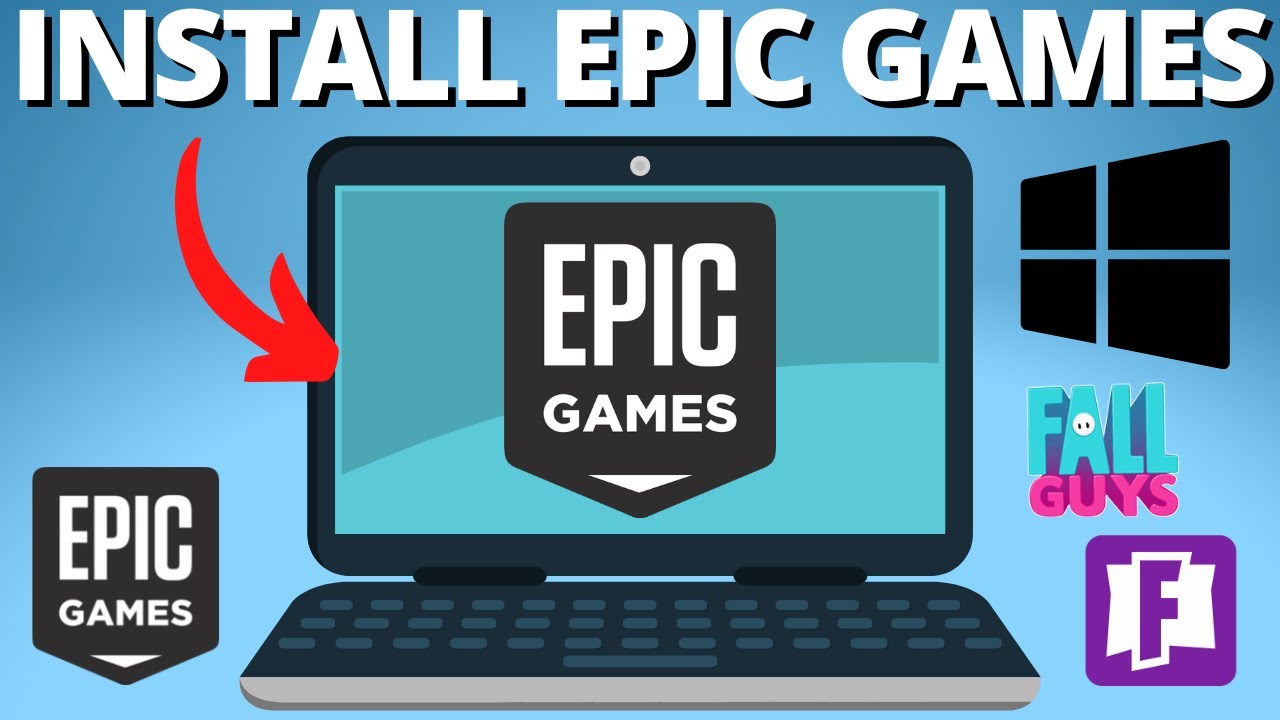
hey everyone in this video I'm going to show you how to download and install epic games on your PC first click the link in the description below to go straight to the official epic games website once you're on the website look at the top right corner and click on the download button it's super easy to spot after the installer downloads click on it to start the setup now follow the instruction click install then click update and wait for the download to complete when the download is done the epic games launcher will open directly to the
login page if you already have an account log in using your email and password if not no worries you can create one by clicking on the create account option but here's my favorite way to log in it's using one of these platforms I personally love using Google it's super convenient and fast just click on the Google option and pick the account you want to use and there you have it you're all set up with epic games on your PC thanks so much for watching and don't forget to like comment and subscribe I'll see you in
the next video





![I Replaced ALL my ADOBE APPS with these [free or cheaper] Alternatives!](https://img.youtube.com/vi/5EfqHg49kMk/maxresdefault.jpg)