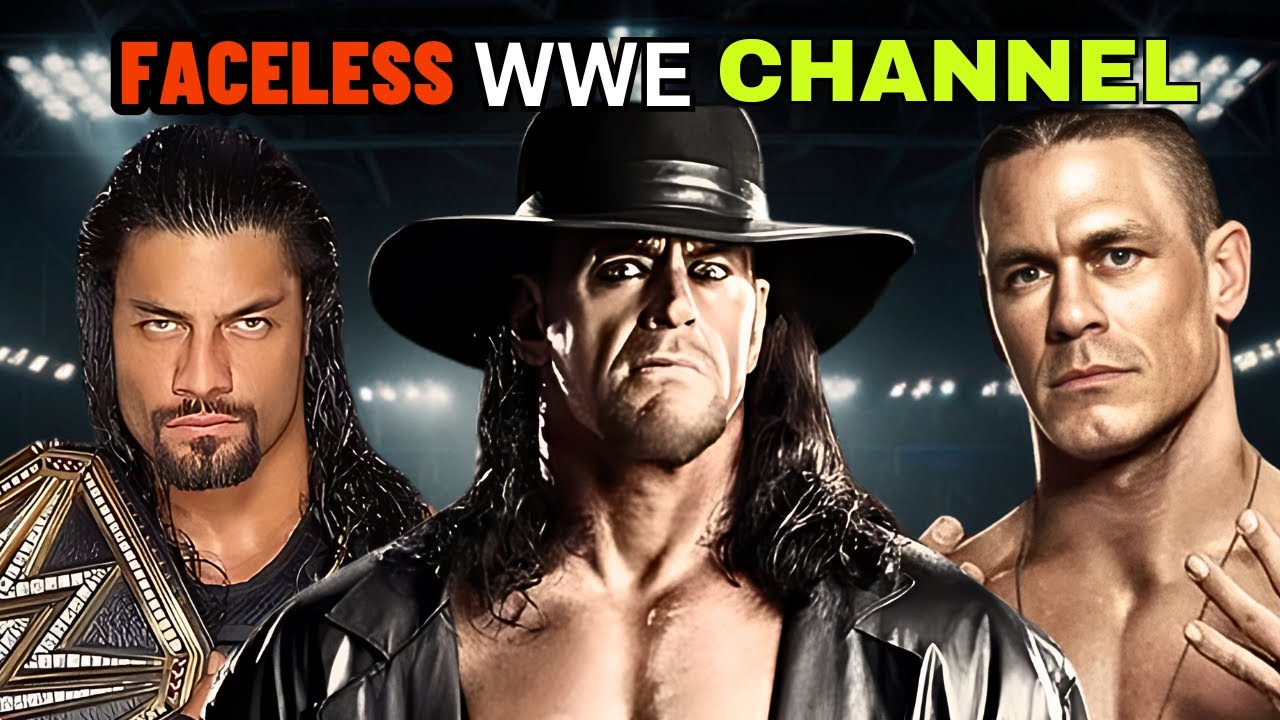
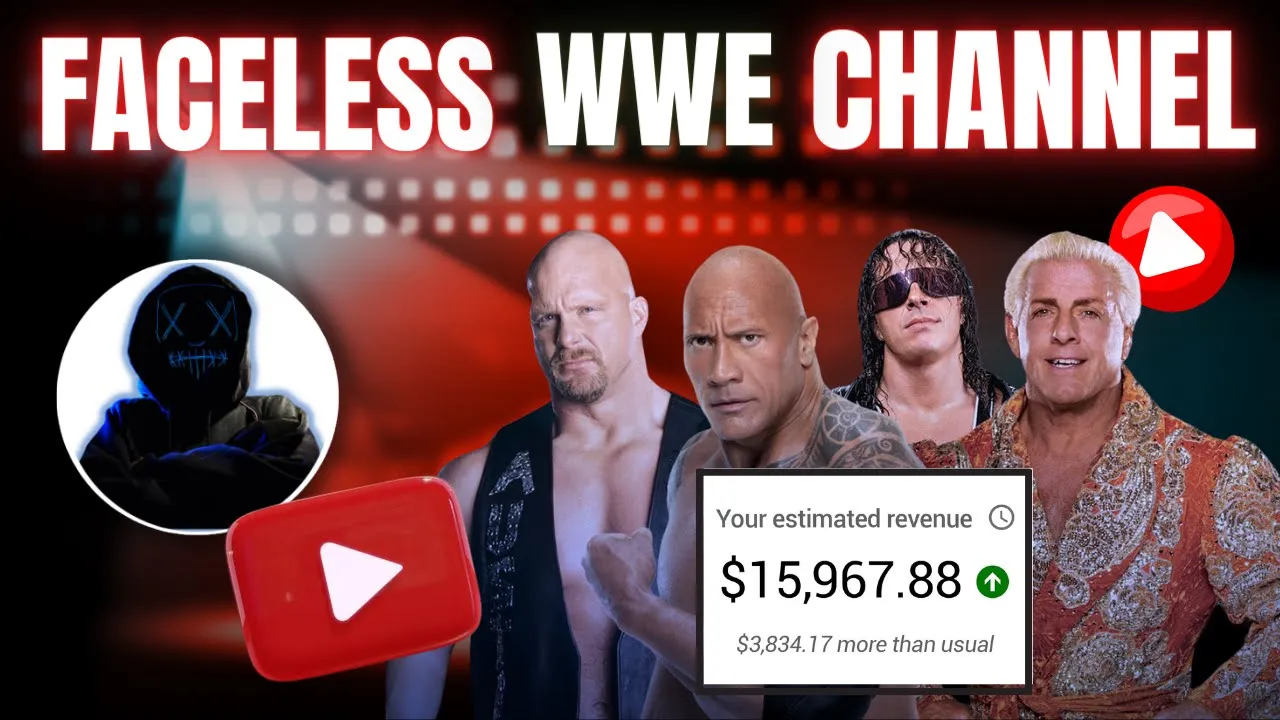
hello money makers we all have watched WWE in the past and some of you would still be watching their content till date John Cena The Great Collie Rock Triple H or Undertaker were our favorite WWE Superstars who remember this act by Ricochet I know almost all of you jokes apart WWE is still as famous as it used to be their shows such as Raw and SmackDown is being watched throughout the world of course this content is being watched on YouTube as well take a look at their official Channel they have over 100 million subscribers which
indicates the fan following of WWE it is very obvious that the content related to WWE is being watched and people love news and updates related to it there are very few channels created content related to WWE and they are monetized as well I will share the example channel in the end of the video and show their monetization status as well since this Niche is not saturated therefore it is best to act now and work on this niche so take a bottle of energy drink and get started let's start our video creation process by selecting a
topic for this you need to gather news of current matches events of WWE and if you are wondering where to find all this information I will show you some websites in which you will get all the information related to WWE open Google and search for the WWE open the official website of WWE here you will get all the latest updates related to the same other than that there are other dedicated websites also in which you get content for WWE like this one this one or this one in this website you can also find news related
to upcoming WWE events such as WrestleMania or any other events that are scheduled to take place so you can also visit this website for more detailed coverage of your topic after deciding the topic find articles that cover the information about your topic for a reference video I will decide to create a video on the match between Damen priest versus Drew mcry so all we have to do is just copy the main highlights of this article which you want to add in your video and paste this information in Google Docs you can read at least two
to three article and then also view that match so that you can create a relatable video which will be loved by your audience now you must be wondering how we can create a script from an article we will use AI for crafting a script open chat GPT and ask rewrite the below articles and convert it to an engaging YouTube video script also provide a catchy title for my video here is the article now go back to the Google Docs and copy all the information and paste it into chat GPT so as we can see chat
GPT provides a perfect script and covers all the information if you want to increase the length of your script ask to make this script longer so this way ask chat GPT to change anything as per your need do you want prompts that I personally use to write scripts for my channels then just hit that subscribe and like button and comment down below I will pick your comments from the studio and reply you with the amazing prompts which you might have not used before in your journey as a giveaway once your script is ready go back
to the Articles and copy all the images related to the match you can also get images from Google as well try to download many images to make your video more interesting all right since we have a script images now we need a voiceover to complete the process my suggestion is use your own voice for the voice over however if your accent isn't in tune with English I recommend using AI voice try to choose a naturally sound human-like voice which helps to monetize your channel more quickly and for the reference I will use 11 Labs voices
remember you cannot monetize your Channel with the free account of 11 Labs according to their policy you have to purchase the paid plan of this tool so open 11 Labs click on voice and open the voice library now choose the voice which suits this Niche I will go with hb's voice I think it perfectly suits my video all right now add this voice into to your voice lab then go back to the chat GPT copy the script and paste it here click on generate and download the audio track on your computer alternatively if you want
to start with a free option you can use clipchamp voice instead of 11 labs open your browser and search for the clipchamp open the first link and sign your account then click on create video to generate the voice over after that select record and create option which is given on the left side after this this select text to speech option then select language and voice from these available options and then paste the script in this text box you can generate audio up to maximum 10 minutes at one time now click on save to generate in
front of a roaring crowd in his home country of Scotland so as we can see our audio will be generated let's download this click on export and download it in your computer but the problem is the audio is in MP4 format so all you need to open your browser and search for the MP3 converter open Cloud converter upload your video then select MP3 from the audio section and hit convert so this way you can extract audio from any video now we have all the materials for the video so let's move on to the final step
editing I will use the cap cut desktop app if cap cut is not available in your country you can also use clipchamp for your video editing all right open cap cut and import all the images videos and voice over files once they are imported drag the voice over into the timeline from here you can also set the volume and speed of the voice over if it's needed after that simply drag the images into the timeline make sure the images and your audio will sync to each other so that it will look good now click on
text and choose autoc caption from the available option to generate the subtitle choose language and hit on generate after that click on template and choose any of the style I will go with this one now go to the animation and add any of this animation in your subtitle W set the subtitle position in the center of the video like this alternatively you can also customize your fonts by choosing fonts size color background or many more now click on image go to the animation and select combo and add animation to each and every image this way
you can make your video more [Music] engaging after that add effect which suits in your video I will add spark effect in entire video you can add any of this which suits in your [Music] video then click on filter and add this enhanced filter to whole video play with different filters effects and color to make your video interesting so your audience will not feel bored while watching your video other than this you can also add background music as you want now click on export and download it in your computer this way you cannot get any
copyright on your channel I am sure you will love this Niche if you are WWE fan since you have watched our video till the end let me share some channels that are already working on this Niche and making good amount per month take a look at this channel named Sports K they have over 100,000 subscribers and they are monetized as well well take a look at this one called the sports Entertainer this channel have over 300,000 subscribers and they are monetized as well let me show you one more example here this channel named slat Rock
wrestling this channel have 200,000 subscribers and some of their popular videos have crossed more than 4 million views and again this channel is monetized as well there are many other channels that are working in this Niche and making really good money since you have watched our video till the end and if you want to support us you can click on join button to become Our member and Avail exclusive member benefits hope you like this new Niche by AI maskman That's it in the video this is your AI maskman signing off