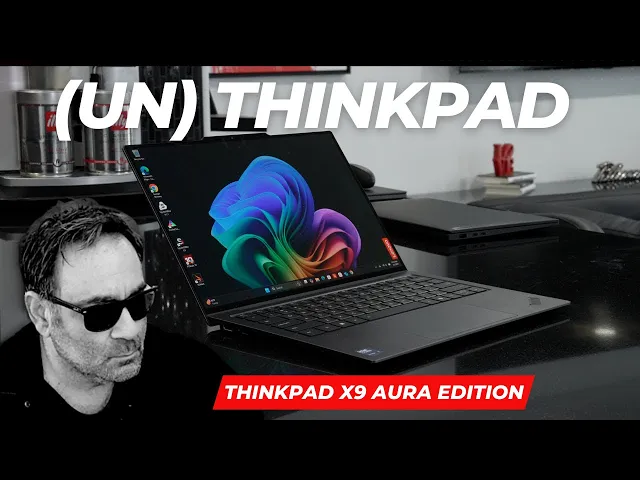
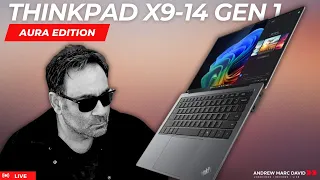
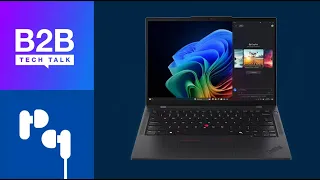
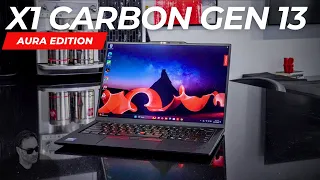
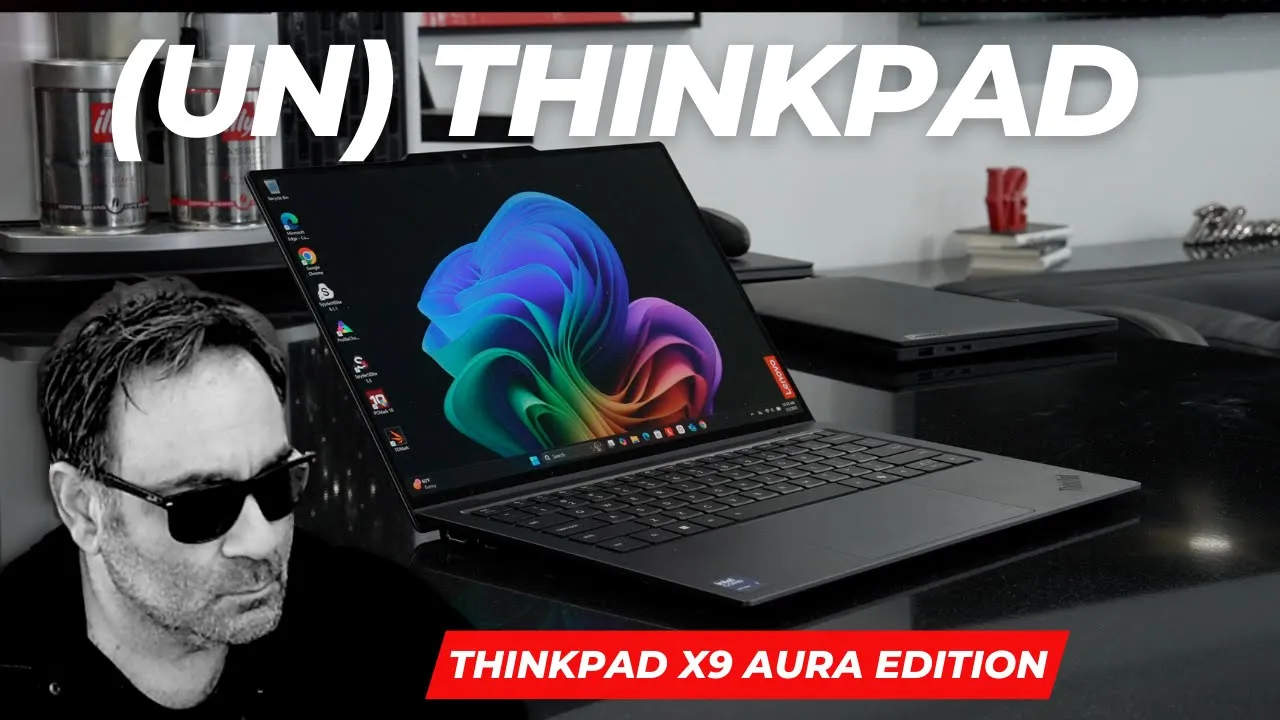
hey everybody it's Andrew back again and I've been using the ThinkPad x94 for about 72 hours so far and so far I can tell you it's been pretty phenomenal it's been a great thin and light business focused laptop now put aside the fact that this is called the ThinkPad I know there's been a lot of controversy regarding this uh hey how could you call it a think bed there's no track point it's got a thunder gray finish here it's not the eclipse black like we have on the X1 Carbon so a very different laptop but it all does do a good job for what it is so putting aside the name this is definitely a great thin and light business laptop probably one of the best so far I've seen in a very long time it's running the Intel lunar Lake processor it's got an 8 megapixel camera on here that's been pretty phenomenal it's got a 2. 8k OLED display it's got touch on it it's got pretty much everything you'd want in a laptop including great battery life and good efficiency I don't hear the fans all that much on this and when they do kick in it's not audible it's not very loud although in a few instances you will notice it but for the most part when doing everyday tasks it's been pretty quiet this has been one of the best ones I've seen so far and I'm really happy that Lenovo put this one out again it's the new X9 it's not anything we've seen before from them in their thing pad line and I think they hit a home run and we're going to find out why today hey everybody it's Andrew and this is the ThinkPad X9 14in business focus laptop all new for 2025 coming [Music] [Music] up all right let's start off with the build and design here so this is in a thunder gray we know that the X1 Carbon here is in the lips black this will show more fingerprints than this one this is held up pretty well in the 72 hours I've been using it it's got a very premium design very little give Flex in the chassis and it's thin and light now this is going to be a little bit heavier than this one of course this one came in under a kilogram this is over a kilogram uh maybe 1. 1 1.
2 and uh you throw it in your bag it's pretty light so this is going to give you that portability that you want with it now as far as the military standard rating it's got an A10 H rating so it's meant to take a licking and keep on ticking now there is a bar on the bottom here as far as this design is concerned it protrudes out a little bit and it houses the io it houses the fans which are one of one on each side here and it also has some perforations to allow for airflow and I would say they did a good job as far as the engineering of this there is a SSD in here it's a 2242 and it's uh I went with the minimal amount here 256 because I'm planning on putting my own 2242 SSD at least a terabyte of course I'll be doing that very shortly so I didn't want to spend it there when I already had one here that I'm going to use so I will be putting that one in but it is the smaller form factor 2242 not the full size 2282 and the Reas and rights are certainly fast enough for what you need this laptop to do uh RAM is integrated into the chip since this is lunar Lake it's the core Ultra 7 258 V so that is going to run at the 8533 megatrans per second so that's going to be good for uh getting work done it's the faster Ram of course it's not user upgradeable and the most you can get with this is the 32 so that as far as user upgrade ability now as far as IO you're looking at on the left side an HDMI you're looking at which is HDMI 2. 1 you're looking at a thunderbolt four port and then on the right side another Thunderbolt four port by the way they're both full function and you get a headphone jack you don't get a you don't get a SD card reader and you don't get a usba port which you do get by the way on this one this one also doesn't have an SD card reader but you don't get the usba port on this so that's one less Port than the X1 Carbon now as far as the display so we're looking at a 2. 8k OLED display that's 2880 by 18800 it is a gorgeous display there is no doubt about it it's also a touchscreen display and pinch the zoom scrolling the OS with your finger worked like a charm on this now there's no pen supporter in anything like that it is a clamshell but having the pen uh having the touch layer I should say has been very good now this display is 12 120 HZ so you're going to get a very smooth very fluid experience and it is a uh pretty good display it has an anti-reflective coating on it I didn't see too much glare and reflection as far as that is concerned it's not matte finish but they do a good job in terms of reducing the glare and reflection so that's been pretty good on this display it's an HDR display so what is that mean watching High dynamic range content has been excellent on this uh that has been great for YouTube Netflix Amazon and the like now as far as this display like I said it's OLED so you're going to get the Deep blacks you're going to get the super vibrant colors those are all horor marks of an OLED display it's all there now as far as brightness this is going to be over 500 nits I measured over 500 knits standard dynamic range HDR above that so uh brightness has not been an issue on this especially with this anti-reflective coating on on it it's been pretty good in terms of the display I think they did an outstanding job when it comes to the display now keep in mind with an OLED display you have to contend with some pwm and screen flickering that is common with a with a OLED display but for those that are not sensitive to pwm it's not an issue some people are uh and as far as screen burning that might be an issue down the road Al although I haven't seen an issue with any of these Lenovo laptops running the 2.
8k olet including this X1 car carbon which has the non-touch version but having the 120 HZ has been great this has been a fantastic viewing experience and I love this display option on the one I chose here so again I think they also have a non-touch one if I'm not mistaken but of course I I'll have to put the link in the description below you'll check out all the specs but overall a very good display now when it comes to performance on this we're talking about the Intel Core Ultra 7 258 V on this one you can go up to a two uh 250 268 V with v Pro I got the standard 258 V as far as my needs are concerned I don't need the V Pro but I will say performance is what you'd expect on lunar Lake you're going to get good single multie it's not going to blow you away again eight cores eight threads no hyperthreading but in real world Everyday Use doing Microsoft Office email web browsing this thing has been a champ no hiccups no slowdowns everything performed as you'd expect so really good for a portable laptop that you can take with you on the go now graph wise you're looking at the Intel Arc 140v which have been very impressive for an integrated solution if you want a game on this you can do so but of course you have to play with some of the settings if you want to do some 4K video editing I would say light 4K video editing is doable Da Vinci resolve Premiere Pro although I would stick with something with a discreet GPU for the more high-end 4K video editing but for as far as an integrated Graphics solution this is probably one of the best out there as you can see from the numbers that we saw this is very very capable so very good when it comes to the graphics now where I'm really seeing is some great efficiency here we'll get to the battery life in a moment but fan noise here has not been an issue 90% of the time you're using this you will not even hear the fans you know in years past with meteor Lake and before even idling as I mentioned in other videos you're going to hear that fan noise and was kind of annoying this has been pretty quiet and lunar Lake in general has been a very efficient processor and it's been cool and quiet it didn't get overly hot even when pushed under heavy load the surface temperatures remained pretty good and I didn't see a lot of thermal throttling very little detected uh when I ran my uh throttling test so very good overall performance here in real world usage I think they did a really good job when it comes to the thermals on this now battery life so what we've been seeing in general with battery on these lunar Lake laptops is great efficiency great battery life and this is no exception now keep in mind this is a 2. 8k OLED display it's 120 HZ these tend to use more power so you're not going to see quite as good battery life as you would say in an IPS display and not only that it also has a touch layer now this one has a 55w hour battery a little bit smaller than the 57w hour battery on the X1 Carbon gen 13 and on the uh PC Mark 10 modern office test I got about almost 14 hours or so and on the video playback 15 hours plus on this so what I was seeing in real world mixed usage for my workday anywhere from 10 to 12 hours not a problem you don't need to even bring your charger with you it's been that good and speaking of the charger they do include a 65 wat very very compact charger here so that has been impressive as far as traveling weight here everything is very light so you throw this in your bag you're ready to go you're going to go on a cross country flight you don't have to worry about losing battery here you're going to be able to last a flight in terms of longevity so overall very good performance and it does support fast charging I should say as well so the charging of the battery life here has been very good despite having a high-res 2. 8k OLED display now the camera here I said I mentioned earlier is an 8 megapixel camera it's really good now here's a sample of it I think it's excellent you get all the Studio Effects and all that is here it's got an npu obviously it's a co-pilot plus PC and let's check out the example right now so this is the camera on the brand new ThinkPad X9 this is the 14-in laptop now this camera is an 8 megapixel IR camera that means you can log in with face recognition with Windows hello the power button also doubles as a fingerprint scanner it's got match on chip so a lot of added security there that worked well what do you think about the video quality and what do you think about the audio quality let me know in the comment section below and as I mentioned this does have an mpu this is a co-pilot plus PC to help with things like The Studio Effects the back background blur the auto framing all that is here there's also a key on the keyboard to get you the shutter for the camera so more security and privacy overall pretty good job here really good camera actually what do you think let me know in the comment section below now another area that I'm really impressed with is the audio so I put it up against the X1 Carbon gen 13 the other night when I did my live unboxing if you didn't see it I'll leave a link in the description below for you to check it out now having said that the speakers on this are pretty amazing I'm pretty impressed for a 14in business focused laptop to have such good Clarity good volume overall rich full sound I think it I think it actually sounded better than the X1 Carbon gen 13 and when I put it against the MacBook Pro 14 it held its own some people even said they even like this maybe even better I don't know but we're going to give it a list and I want you to be the judge you you let me know what you think in the comment section below now let's give them a listen [Music] I am C we [Music] [Music] I am my un [Music] I am tr [Music] [Music] I am [Music] un now as far as this laptop is concern concern the hinges are on really well I said see very little minimal screen wobble in fact they did a great job in terms of the hinges so the engineers did a good job there the screen goes back 180° as you see here and that means you're going to get the perfect viewing angle each and every time now let's talk about the keyboard this is going to be a little bit different than the X1 Carbon it feels different and not in a bad way I think the keyboard on this has been very good the tactility the overall feedback has has been very satisfying it's just different than the X1 Carbon this has about 1.
5 mm of key travel I would say anywhere 1. 3 1.