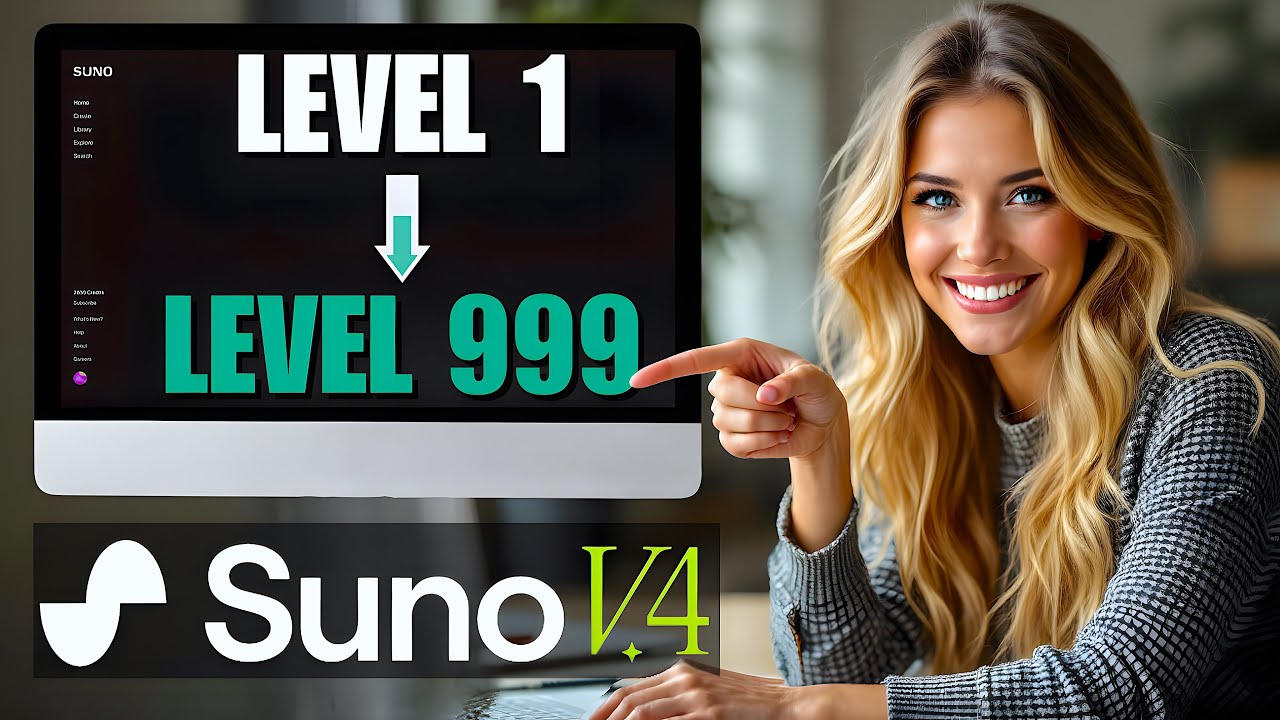
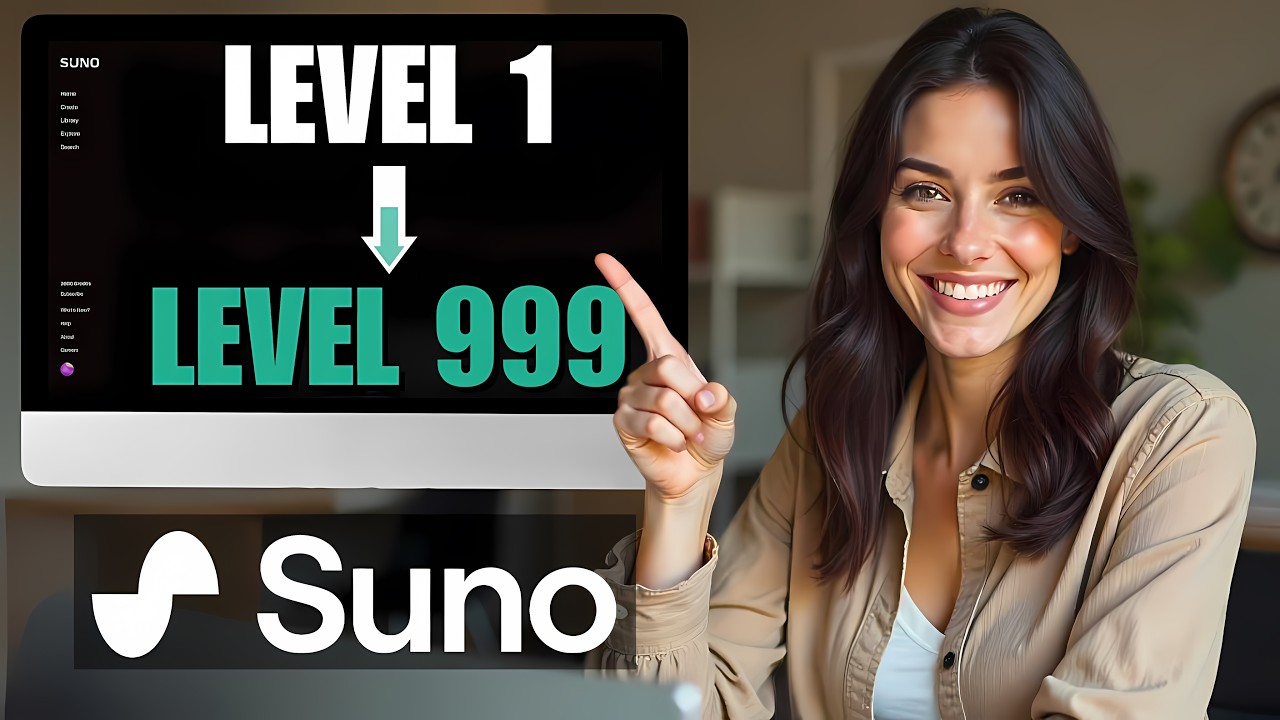
Suno AI is a free music generator that’s shocking the music industry, we’re going to show you how to master it, and how anyone can use it to generate a 6 figure yearly income Suno AI is making waves for 2 main reasons. Its ease-of-use, with its chatgpt style prompting interface. And its ability to craft some admittedly catchy, full length tunes, from simple prompts.
Something other AI music generators have fallen short of. So let’s run through the platform, before jumping into the Suno AI tutorial for best practices. To start off, we’re going to type suno.
ai in our URL bar, that link is also in the description. Immediately we can see they’re marketing the core benefit of Suno AI, which is its ability to take basic natural language prompts like “make a song for your friend” or “make a song about the moon” and then make a catchy tune that fits the vibe of the prompt. Let’s dive into the platform by clicking ‘Make a Song’.
As you can see we only have a few options. The ‘Explore’ tab is a great place to start, here you can check out some of the most popular creations. The prompt that was used to generate each song is under the name, here.
We highly recommend poking around this tab to draw inspiration, and see the effect of certain words and phrases. It’s good to do this before making any songs, because you can only make 5 songs per free account per day, which doesn’t leave much room for trial and error. The ‘Create’ tab is where the magic happens, but you’ll need to create a free account before you can access it.
The ‘Library’ tab is where all of your creations will live. And if you end up needing more credits, or would like to own the commercial rights for your creations, the ‘Subscribe’ tab, here at the bottom left, is where you can find pricing on Suno’s premium plans. $8 gets you 250 songs per month & $24 gets you a thousand.
Now that we’ve run through the basics of the platform, let’s jump into how to create songs in Suno AI and cover some best practices for making sure your creations are of the highest quality. Then, we’ll show you how you can monetize this skill to make income. The first thing to note inside the create tab, is that there is a toggle for custom mode.
Both modes are useful for different reasons The basic mode is helpful if you don’t already have lyrics in mind for your song. We can use it to craft the perfect lyrics by using a combination of the following prompt structures, a song for something, this is like a use-case for your song. Like an anniversary gift, or a social media advertisement a song about something, this is for if you have a specific subject matter in mind a certain type of song - this is a mood or theme; like happy, sad, angsty.
Not to be confused with style or genre, which we’ll get to soon. A song to blank to, like a song to cry to, or a song to workout to. We’ll go with “a sad song about the impacts of the melting ice caps on a family of polar bears” And there we have it, Suno blesses us with the hard hitting song- Frozen Tears But we’re not loving the style of this piece, so let’s copy the lyrics and click over to custom mode using this toggle.
Inside the custom mode, we can fine-tune the style of the song, while keeping the same lyrics, by pasting the Frozen Tears lyrics into the lyrics box. Let’s go for a rap song, with an electronic trap beat. So, we’ll put rap, trap, and heavy bass in the style box.
Aaand, run. Wow this is actually pretty mind blowing, I might actually listen to this. .
Alrighty, now that we have prompting down, let’s walk through a strategy for making money with Suno AI, by making promotional songs for small businesses. Let’s say there’s a small business in your town called Bob’s Furniture World, and recently an Ikea opened up nearby. So we know that Bob is probably having a hard time competing with Ikea.
We could offer Bob a song that is optimized for social media to help him get his customers back for, relatively speaking, an extremely low cost. To make a catchy jingle for Bob, let’s start by making lyrics in basic mode. For our prompt, “diss track about Ikea, for a social media advertisement, from the perspective of Bob of Bob’s Furniture world”.
Aaand, run. Ok let’s check out Bob’s Got it Better, couldn’t have asked for a better name honestly. Wow this is great, I don’t even think we need to go into custom mode for this, it’s pretty perfect.
I mean, the part about allen wrenches and particle boards? Just wow. Now that we have our jingle the next step is to find contact information for everyone at Bob’s that might have the power to purchase the jingle.
This will likely be any owners/founders, and anyone who does marketing or social media. The best way to get in touch with the right person is to actually message the company's social media pages. This way whoever runs the pages will be the first to see it.
If that doesn’t work, try using a free tool like Lusha to get email addresses for relevant people listed on their linkedin company page. Now let’s craft a message that’s going to pique their interest in our jingle / diss track. For this, chatgpt 4 is the best tool for the job.
It’s always best to give Chatgpt as much context as possible, so we’ll tell it: “Bob’s furniture world is struggling to stay afloat with Ikea’s entrance into the market. We wrote a jingle/humorous diss track that will help Bob compete against Ikea. I’d like you to craft the perfect message for social media to pique Bob and his team’s interest in buying our jingle.
Please talk about how the Bob’s Furniture team could run a geographically targeted social media ad campaign. We’re also going to attach a teaser of the song to the message, so please reference that. ” There we go, now we can paste this into messages to Bob’s social media channels as well as in emails to the relevant team members.
This whole process took us about 15 minutes. This means, in a regular 8 hour work day, we could repeat this process 32 times. So let’s say you charge $100 for the jingle and you get a very conservative 10% conversion rate, where one in ten of the businesses you reach out to actually buys the song.
This means you’d be making $300 per day or 6 thousand dollars per month. If you’re going to do this though, make sure you’re on one of the paid plans, so you own the commercial rights to your creations. Well, that’s all she wrote folks!
We hope you feel much more knowledgeable on how to get the most out of Suno AI and use it to make money. If so, do us a solid, like the wood in Bob’s furniture, and smash that subscribe button, it means a lot to us. If you’d like to see more AI tutorials, or strategies for making money with AI, check out our other videos.
We’d love to hear what you’re using Suno for, let us know in the comments! As always it’s great to be with you, here on AI World.


![The Rachel Maddow Show [9PM] 2/28/2025 | 🅼🆂🅽🅱️🅲 BREAKING NEWS Today February 28, 2025](https://img.youtube.com/vi/0NTVdRAHyyQ/maxresdefault.jpg)