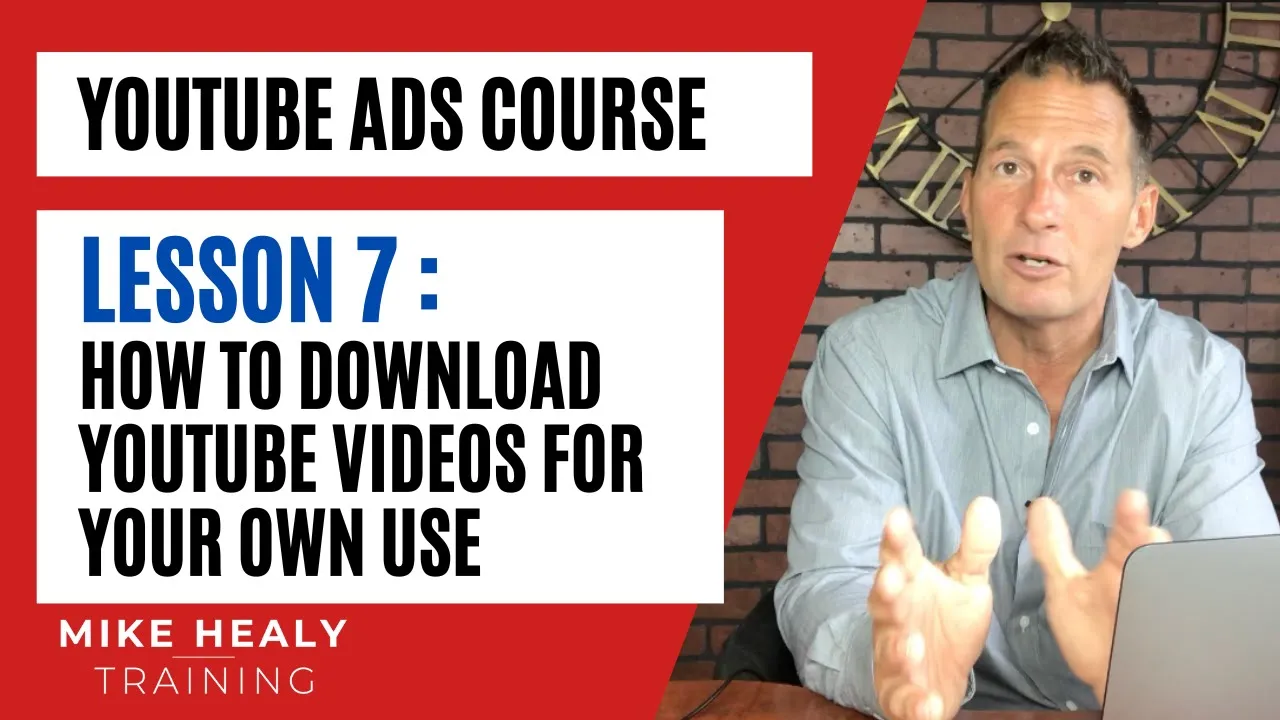
okay in this video I am going to show you a really cool sneaky little trick on how to download YouTube videos um and it's because a lot of times you're going to want to you know kind of pull some of the videos maybe Corp you know let's say you join a network marketing company and you want to pull some of their corporate videos onto your web page instead of driving traffic to their Channel you want to drive traffic to your channel and connect with it so um it's called 4K download and Let me refresh this
page real quick so 4K video downloader is what it is it's a free um download basically and they have a few things on here but all you have to do is you just go right here and click it and then what's going to happen is it's going to install some software on your on your computer and it's they have it for you know Max uh you know windows and so on there are also some other things that you can download from these guys and it's a really simple system let me show you how to do
it so the reason I would do this and I'll kind of show to you is let's say I go to YouTube and let's say I just joined Herbalife as an example Herbal Life and I want to go after you know um let me say see if they got the corporate okay let's say I like this girl's video right here on how to make Herbalife Tea okay I don't know why I popped that up okay so I'm gonna Push pause and what you do is you copy the video URL so I just right clicked on this
and I copy the video URL and then I go to the video downloader and I click paste and it should pull it parse it and then what it'll do is it's a it's a two minute video so it shouldn't take too long and then now What's Happening Here is it's going to give me options that I can you know have higher quality or lower quality I typically just leave a high def one and then you click download and you'll notice right there it's downloading it and then it's going to show up here in my downloads
file here in a second and there it is so now as an example if I wanted to I could actually take that video okay I could click on upload and I could take that video and throw it onto my my thing real you know real quick and it would be good to go and it would upload and then I could just go in and what I would do if this is a this video might be having a lot of traffic or something uh actually I went back to that page already but if I went back
to that page and if you have the vid IQ installed like I like I mentioned to you I'll go down here and I'll look to see what kind of tags she has I'll copy those add that to that video pop it in here I'll take the exact same thing and maybe you know you can put a little intro in the beginning if you wanted but it's kind of cool in case you ever needed to know how to download videos you can do that uh let me see real quick I want to see something in most
cases too you can just if you click on let me see if I click on that but basically it's just it's an easy way to pop it in there and then obviously if you wanted to pull the audio from some you can you can do that as well so you know it's it's kind of easy to do but thought maybe you'd like that little trick I'll put a few more in here and I'll see any other videos thanks