the online fitness industry is booming and many trainers are looking to transition from those long grueling hours on the gym floor to the time and Financial Freedom that comes with training clients online but to do this you need to keep your clients organized you need to collect payments and you need to deliver your training and nutrition programs and this all takes good software which makes choosing the right software for your personal training business important you want to make sure you pick the right one that has all the features you need and your clients love using
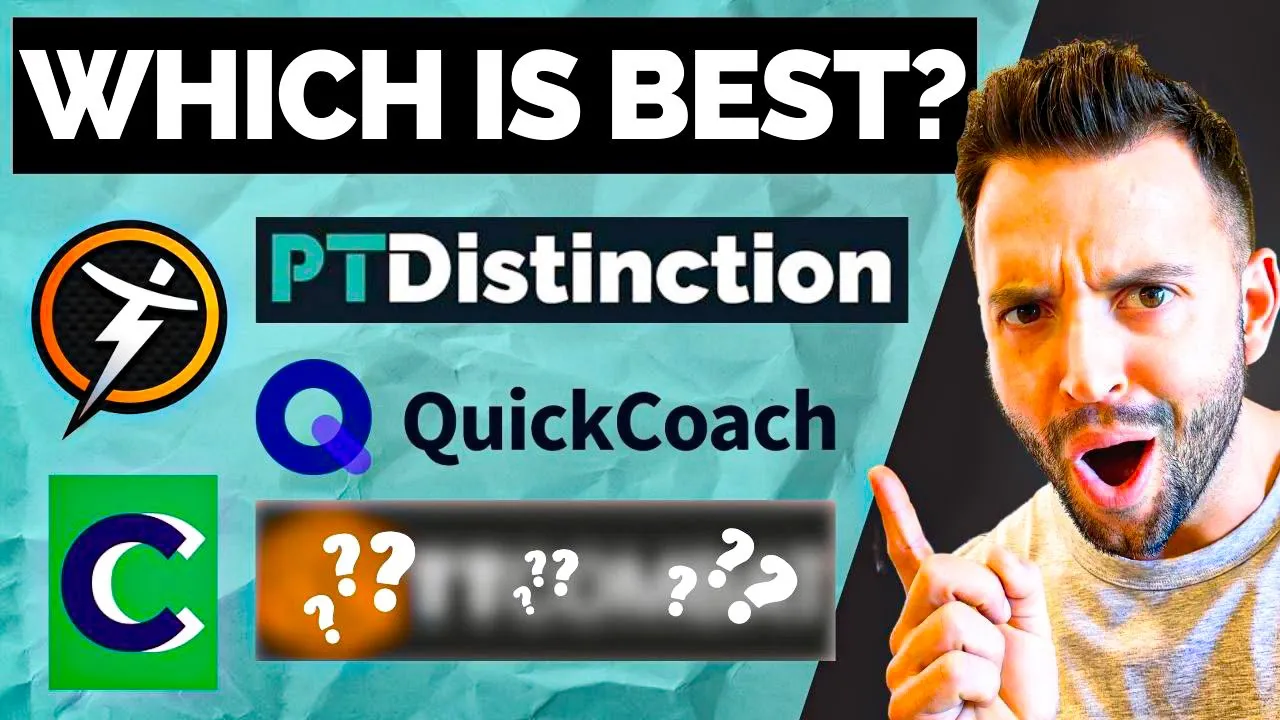
which is why in today's video Dr Mark Mythic coach in online personal trainer Josie cordet is going to show you the five best personal training softwares out there right now so you can choose the best one for your business take it away Josie coach Josie here and today I'm going to show you the top five personal training softwares that are out there right now we'll go through the features of each the pricing details as well as what type of coaching businesses these softwares work best for let's go ahead and start with our first software trainer
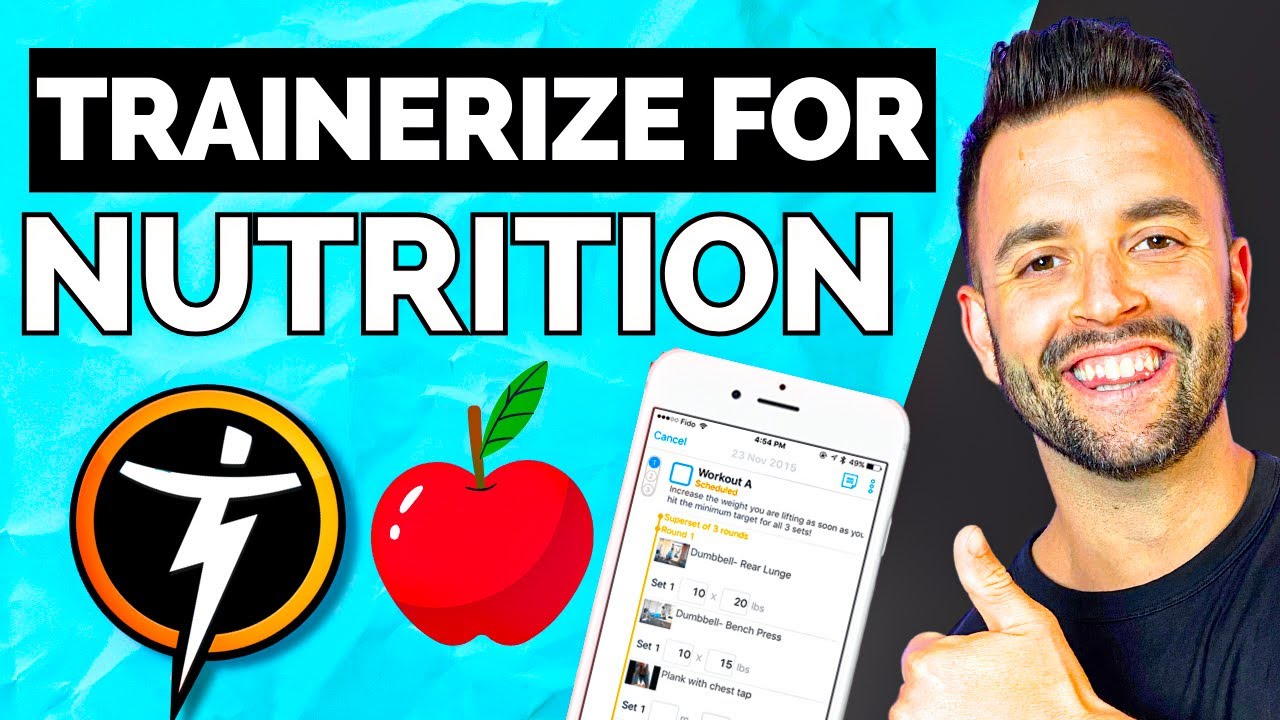
eyes trainer eyes has been and continues to be the most popular software out there for personal trainers personally I've been using trainer eyes for the the last 6 years since I started online training so I am very familiar with how it works which may give trainer eyes a home field advantage in this video let's go ahead and go over the features that trainer eyes offers trainer eyes has too many features to go through them all but here are the most notable ones for personal trainers first is an extensive exercise Library where you can upload your
own videos or use the videos from trainer's stock Library trainer eyes has a sophisticated program designer that allows you to create many different workouts including interval training with a built-in timer F length follow along workout videos and any variety of strength and cardio exercises you can also collect and process payment through stripe and trainer eyes trainer eyes has a messaging feature so you can message all of your clients in one place as well as schedule Auto messages for your clients and reminder and so much more seriously the features are endless with trainer eyes which makes
it a great all-in-one solution for many personal trainers now typically this is where I would insert my first impressions but since I've have been using trainer eyes for so long let's go over the pros and cons of trainer eyes starting with the first pro you can basically run your entire business through the trainerize software all of my clients information is located in trainerize so it's easy to access when I need it I can message my clients directly through the app keeping our communication organized and conveniently I can also collect automatic payment each month making invoicing
super easy this is not only beneficial to me but also for my clients my clients really enjoy having their workouts body stats our messages all in one location to keep things simple second thing I really like about trainer eyes is that creating programs and workouts is super easy over the years I have created many templates of both programs and workouts that I can easily assign to a client once they sign up and if any further customizations are needed it's super easy to make those in the trainerize workout Builder there is so much customization for workouts
themselves in trainer eyes that I really haven't seen in any other softwares there are so many Pros but the last one that I want to point out is that trainer eyes is easy to use for both the coach and the client and trainer eyes is really simple and intuitive to use especially where it matters most like creating workouts taking payment Etc all right so now that I've hyped trainer eyes up for the last four minutes or so let's go ahead and humble her really quick because there are some cons to the trainer eyes software this
one may be surprising but the first con to trainerize is that there's almost too many features most personal trainers will need a software to create workouts track and analyze their clients nutrition and communicate with their client now trainer eyes does all of this really well but there's also a lot of other features that a lot of trainers aren't going to use but you're still going to pay for some of these features are the video call feature the meal planner which is so bad and I'll get to that in a second the group coaching feature as
well as the challenges now while these features are great for certain businesses most one-on one personal trainers are not going to need to use these the next con is that their inapp nutrition tracking features are pretty lackluster I have tested both the inapp tracker as well as the meal plan generator and I found that the inapp tracker didn't have a great database and my clients found it really confusing to use so we just switch back to my fitness pal and the meal plan generator came up with these really out there complicated recipes that my clients
did not like and could not stick to the last con of trainer eyes and probably the most frust rating is that trainer eyes has frequent bugs in their app and in the software itself now over time trainer eyes has addressed the majority of these bugs but it's not uncommon to get messages from clients saying that their app keeps freezing or crashing or just lagging now that we've got over the pros and cons let's talk about pricing of trainer eyes the price you pay each month is going to depend on how many clients you have in
your software price will range from about $45 for 15 clients up to $200 a month for 100 clients are also pricing packages for gyms and Studios that are using trainer eyes with more than 100 clients at a time while you might have some sticker shock with the price of most of these softwares when you take into account that most of your operational costs as an online personal trainer are your softwares it's a small price to pay if both you and your clients like trainer eyes overall trainer eyes is a great personal training software and it'll
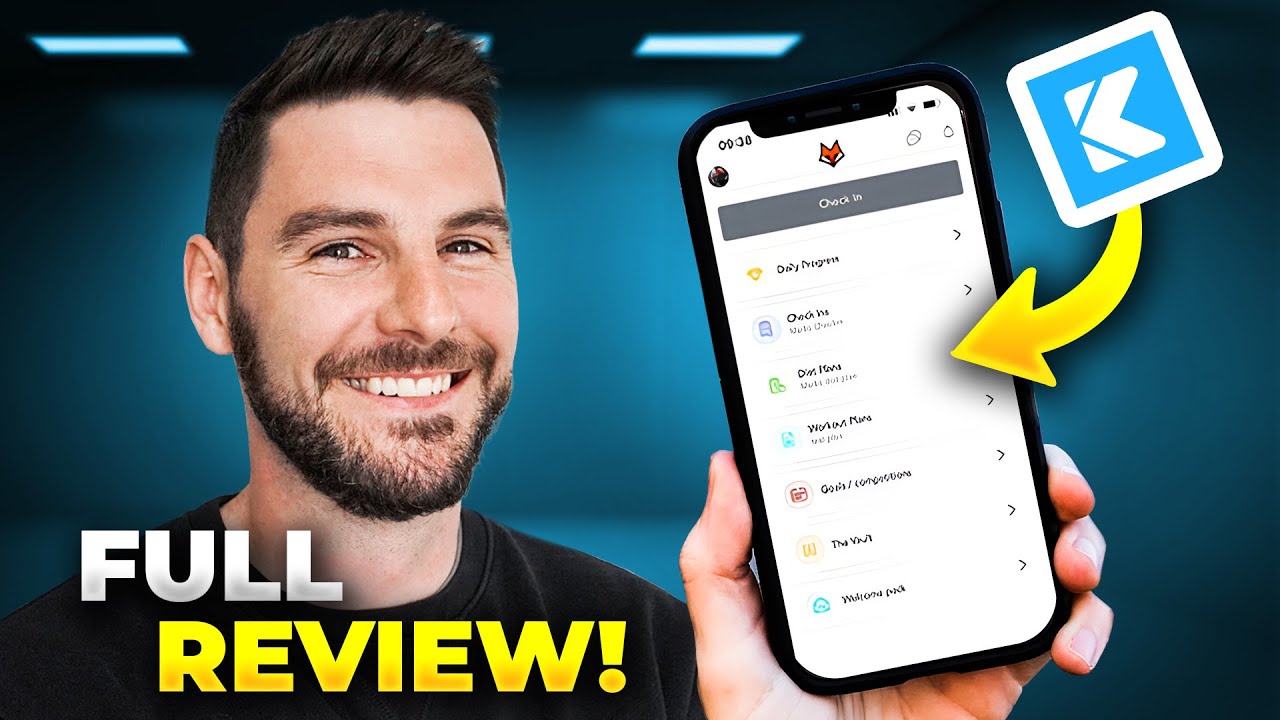
work both for independent trainers doing one-on-one personal training and nutrition coaching as well as large gyms and Facilities that want to add a virtual element to their services now let's move on to our next software true coach like trainer IED true coach has a lot of great features like easy to use workout Builder with a vast exercise Library the ability to add custom workout videos Payment Processing now mind you I have never used true coach before but I find it super easy to set up a new client right out the gate and start creating them
a workout program I actually prefer the workout builder in true Cod coach to trainerize because it was really simple to create a workout right from my client schedule and you can easily add warm-ups cooldowns Mobility drills all into one workout split so it's incredibly organized for your clients the other thing that I really liked about true coach was that I could literally copy and paste my workouts from one day to the next this made setting up my client schedule super easy and I really wish that trainer eyes had this feature because right now they do
not the next thing that really impressed me about coach was its nutrition planning feature I was able to assign macros to my client as well as set different macro levels for different days which is great if you want to calorie cycle or macro cycle your clients the last thing I really liked about true coach is that it's super simple to use it has all the features you would need as a personal trainer without being super complicated to use or distracting I was able to get a program built for my test client in under 10 minutes
and I imagine if I spent more time with this software I'd be able to create my perfect program that me and my clients both love overall it's a super simpl to use software that allows you to create workouts and nutrition programs for your client but for every Pro there is a con so let's go ahead and talk about them true coach's first con is that at this time you don't have the ability to create your own custom app now I know for myself and a lot of you watching this might not be a huge deal
but if having your coaching app completely customized to your branding and business is important to you you're going to want to look at other software options and lastly this one is kind of contradictory to what I've already said but my last con is that true coach looks very simple almost too simple for me at times and I think true coach is lacking some of those customizable features that a lot of personal trainers would really benefit from what I could see there really wasn't an auto message feature where you can schedule in reminders and messages for
your clients and The Client app while simple to use was lacking some visual ual appeal and customization that I think our clients would like for example I had a really hard time in the app trying to figure out how to track my body stats or find my nutritional information so I really do think that more time could be added from True coaches end to enhance the client experience but with all that being said let's talk about how much true coach costs for you as the trainer like all these other softwares true coach is going to
charge you monthly by the amount of clients that you have pricing starts at $25 a month for three clients $12 $3 a month for 50 clients now based on price alone when we compare trainer eyes and some of these other softwares we'll talk about in this video coach does seem to be a bit pricier per client with less of the features that these other softwares offer but if you really like true coach I say it's well worth it in my opinion I think this software is going to work best for coaches who want a simpl
to use interface that is going to deliver high quality workout and nutrition plans if you do plan to grow your business to 50 plus clients and or or you want more robust features like Autos scheduling messages or a custom branded app you might want to look into another software now before we move on to all the other softwares in our list today you want a full comparison chart of all of the softwares and the features included as well as who these softwares will work best for click the first link in the description below to download
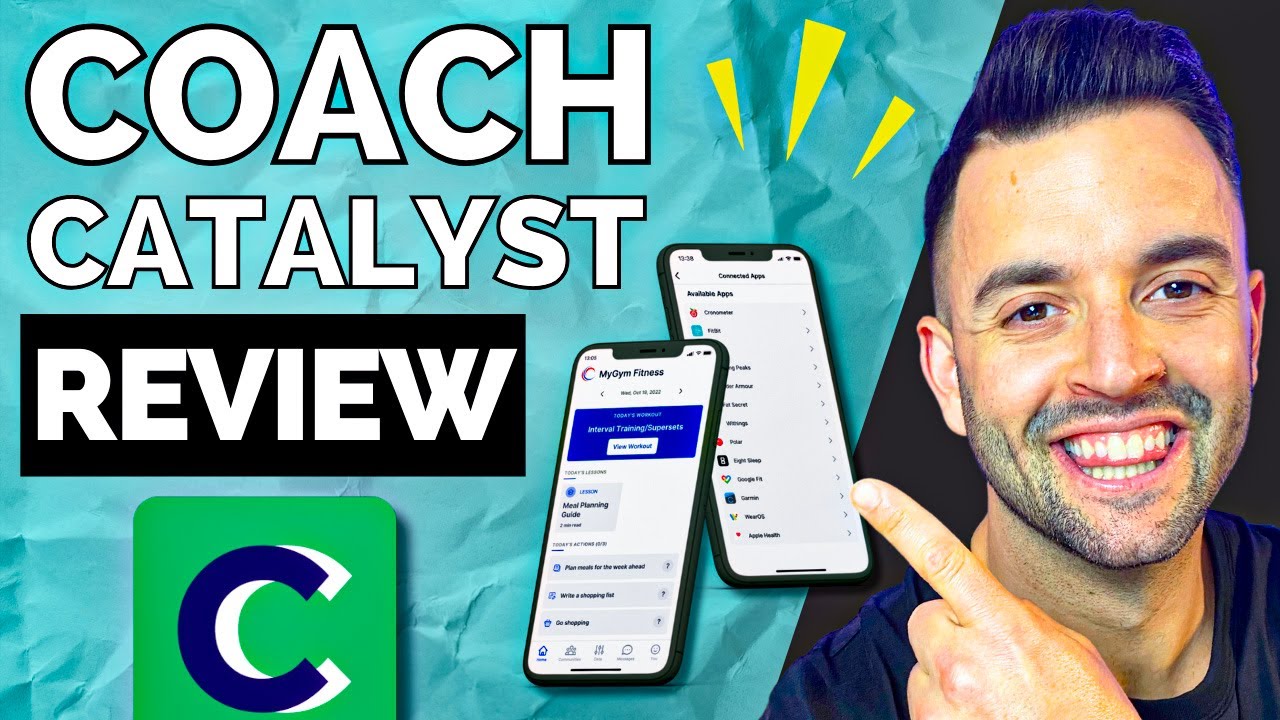
our free personal trainer software guide now let's move on to our next software number three coach Catalyst now I do not know if you can tell by me brimming ear to ear I absolutely loved coach Catalyst coach Catalyst was started by two trainers here in Minneapolis where I live and this software was really built by coaches for coaches coach Catalyst has some unique features that other softwares in this video don't so let's go over them now first they have a custom workout Builder with the ability to add your own exercise videos to they have nutrition
coaching and tracking features Payment Processing through stripe habit tracking the ability ility to deliver educational content which is very unique and very cool app Integrations with countless different apps like my fitness pal macros first chronometer and zapier so you can add custom automations to coach Catalyst you can create your own custom branded app deliver check-in forms directly to your clients within the app and you have the ability to create and send resources to clients directly through coach catalyst so my first impressions of Coach Catalyst were awesome first it was incredibly easy to use the workout
Builder was great and the nutrition planner was also easy to use and really intuitive but what I really found cool about Coach Catalyst was all the different app Integrations they had as well as the ability to deliver check-ins directly to your clients most training softwares only have Integrations with my fitness pal which as a trainer and nutrition coach it's not my favorite app for my clients to use a coach Catalyst gives you the ability to integrate so many different tracking apps with the software I tested syncing macros first to my coach Catalyst account and it
was so easy to do and my nutrition information immediately went into the app second thing that blew me away was the ability to create and send over custom check-in forms to your clients directly and then it notifies you via the coach Catalyst app few other softwares did this but coach Catalyst was really easy to use and intuitive and it looked great from the client perspective this is just such a simple thing that software companies could add that would make coach's lives so much easier but a lot of them really neglect this feature and the last
really cool thing that coach Catalyst allows you to do is actually drip educational content out to your clients in their programs so if you're a coach that wants to offer a course for your clients or weekly lessons you can do this in coach Catalyst directly into your client's program now I've seen other softwar do something similar to this but coach Catalyst really looks and performs great but now we got to go over some of the cons of Coach Catalyst one of the main cons I found with Coach Catalyst was that yes the exercise library was
vast but the demo videos were not great the demo videos were just those little goofy diagrams that you can find on Google and I felt that that wasn't a very good way to instruct your clients on exercise form however there is a workaround to this you can add links from YouTube videos or even create your own custom exercise videos to upload to coach Catalyst but that will take you some time to get everything organized and uploaded so that's just something to keep in mind from a trainer's perspective I would definitely have preferred to have exercise
videos that were already good and ready to go so now let's go ahead and talk about pricing like every other software pricing is determined by the number of clients you have for three clients or less it's $5 a month 12 clients it's $39 per month 50 clients it's $79 per month there are a lot more pricing tiers that go up to actually 500 clients which is insane to think about if you are a facility that is offering some type of online coaching service to your clients or you plan on you know scaling a lower ticket
offer for for 500 plus people it's great that they have this pricing flexibility for all ranges and that pricing with all the features included is really great which made me just love this software even more overall I really like coach Catalyst and I could see this working great for independent trainers working one-on-one with their clients to even larger facilities that want to add a virtual training program to their services it is so user friendly and I cannot lie this was my favorite software that I reviewed for this video so I highly recommend you check out
their free trial on their website and try it out and see if it works for you now let's move on to our next software number four PT distinction now PT distinction is kind of an OG in the personal training software realm and I actually used and tested out PT distinction before I switched out to trainerize when I first started my business PT distinction has many of the same features that we've covered today already with some unique add-ons it has an easyto use workout Builder with a vast exercise Library payment process processing check-in forms another really
unique feature it has is ready to use movement assessments and tests and the ability to attach certain documents and spreadsheets to your client's account which they can fill out right from their app which is really neat PT distinction is packed full of amazing features they do all of the standard things great the workout Builder is great the nutrition planning is great and it also has that very incredibly important feature to me I just realized while making this video feature of delivering checkin forms directly to your clients in their plan now one feature that really stood
out to me was the ability to send over spreadsheets to your clients that they can customize and fill out in the app now personally with my nutrition coaching I send over a spreadsheet weekly to my clients that they fill out with their information so it was really cool to Envision my clients being able to fill this out in their training app opposed to being brought out to a different browser so it's a cool feature if you use spreadsheets another really interesting feature is that PT distinction has ready to use movement and assessment tests right in
the app that you can assign to clients you can perform a variety of movement tests examine your client's posture and track the changes over time this is huge for trainers that are measuring mobility and tracking certain elements of a client's performance and I found this was a really unique feature that a lot of these other softwares don't automatically have within them you can also provide meal plans recipes educational content and a variety of other resources right from the app there is a lot of good stuff here and I was really impressed with the amount of
thought that PT distinction put into their software now I really like PT distinction and I don't really think there's another feature they could add it kind of has it all but the one con that I found with PT distinction was that it's a steep learning curve to learn how to use this software while it is simple to use there are a lot of highlevel features within PT distinction that are going to take some time and trial and error to get right now let's talk pricing for PT distin like all the other softwares PT distinction is
going to charge you by the amount of clients that you have three clients or less it's $20 a month for up to 25 clients it's $59 a month for up to 50 clients it's $89 a month and once you exceed 50 clients per month it's just an additional $160 per client you add- on which is a really simple way to price your program and I'm glad they did it that way overall PT distinctions greatest asset is its ability to create wellone robust exercise programming and organize your business all in one place all right now let's
talk about our last software which also has the unique advantage of being completely free and that is number five quick Coach quick coach is a personal training software that was designed by Jonathan Goodman who is the founder of the personal trainer Development Center as well as the online trainer Academy this software was designed to be simple fully customizable and deliver clean programs to your client and the best part you can access all of the main features completely for free so let's go ahead and talk about those features first you have a completely customizable workout Builder
with instructional videos included you can add nutrition tasks habit tasks and any other tasks that you want your client to complete you can create ready to use program templates that you assign to your clients when they sign on and you can even add instructional videos or messages to your clients programs now here were my first impressions of quick coach and what I really liked about it the first thing I really liked was that you get all of the benefits of quick coach completely for free this means unlimited programs workouts and clients all for free now
as I was setting up my test client I noticed that creating programs in quick coach is a lot like creating programs in Google Docs or in a spreadsheet in this sense that you have full control of the text and media in your tasks and programs and you can really create whatever you want in your client's programs if you're down to get creative possibilities are truly endless with quick coach however there were some cons to using quick coach that I want to cover first and Main con is that there is a big learning curve when you're
using quick coach in quick coach there are not necessarily dedicated features or fields for creating nutrition tracking educational content or habits the whole point is that you're building everything out independently to work for your business and your client's program now again this is great if you want to control every single aspect of your client's programming and create your own custom nutrition and exercise plan and if you're willing to sit down and really dedicate the time to learning the software to create that perfect plan but for myself personally I found myself spending most of my time
in quick coach watching help videos to figure out how to build out features that are already included in so many other softwares I had spent a good amount of time to really learn how to use Quick coach I know I could have created my perfect custom program to deliver with my clients and I could do that all for free there is a lot of getting used to and trial and error involved especially since I'm so used to trainerize which already has all the features that I would want to use built out for me the second
con is that there's no ability to schedule your tasks and workouts for specific days of the week and if there is that feature I could not find it everything comes up in one block of tasks for your clients which I personally did not love because I could see that becoming confusing and looking very unorganized on the client's endly there is no dedicated messaging feature clients can add comments to tasks that they complete and you can respond there would have liked to see some dedicated messaging features so that you don't have to take communication with your
clients off of the app to something like email slack or another messaging app and now this isn't a deal breaker but it is something to consider now while quick coach is completely free there is an ability to upgrade to get some extra features these features include a custom brand bred app as well as the ability to process payment and you can get these features for $29 a month now I should say while you can upgrade to that they still do not have their payment processing worked out so you will not get that feature right away
right now now overall for a completely free personal training software quick coach is awesome it's great the possibilities of the programs and tasks you can create are endless when you spend some time learning how to use it now you might be wondering who is quick coach best for and well our boy Jonathan Goodman actually has an answer for this that I totally agree with Jonathan Goodman says that quick coach is the right option for coaches who train 30 or fewer clients at a time adding that he's never had more than 30 clients at the same
time in his career he follows up with now you can have more clients but if you have 50 to 100 plus clients at a time you might benefit from the extra cost and complexity that the other tools offer and I totally agree quick coach is great for personal trainers that are looking for something easy to use completely customizable and that won't break break the bank especially as you're getting your business started so coaches that's an overview of our favorite five personal training softwares out there right now and I'm fully confident that I probably miss a
few fan favorites so please let us know your favorite softwares down below or feel free to add some commentary if you use some of the softwares we covered in this video what you like about them what you don't like about them spill the Deets down below I want to hear what you have to say and if you want a full list of all of these softwares the features they have and what type of personal trainer they work best for make sure to click the first link in our description below to download our free personal training
software guide and there you go that's an overview of the five best personal training softwares out there right now but as great as all those tips are if you're really serious about going online with your training and starting a nutrition coaching business the next thing I'm going to have you do check out this video of linked up right here in this video I'm going to show you the three reasons why every personal trainer needs to add nutrition coaching into their business so you can make more money and get your clients even better results I'm going
to show you how to do that in the video right here so check it out now and I'll see you in the next video