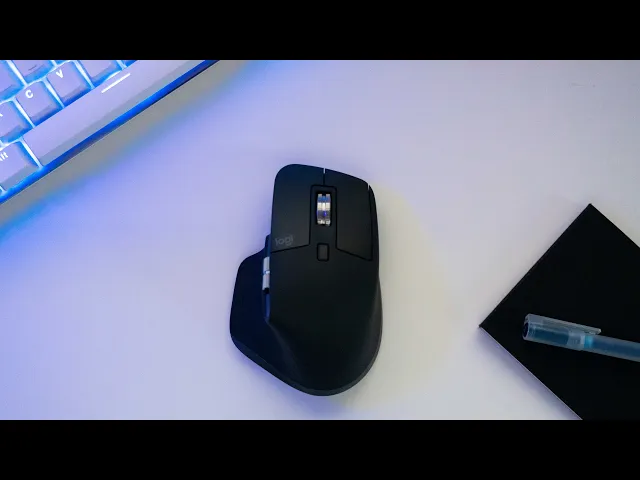
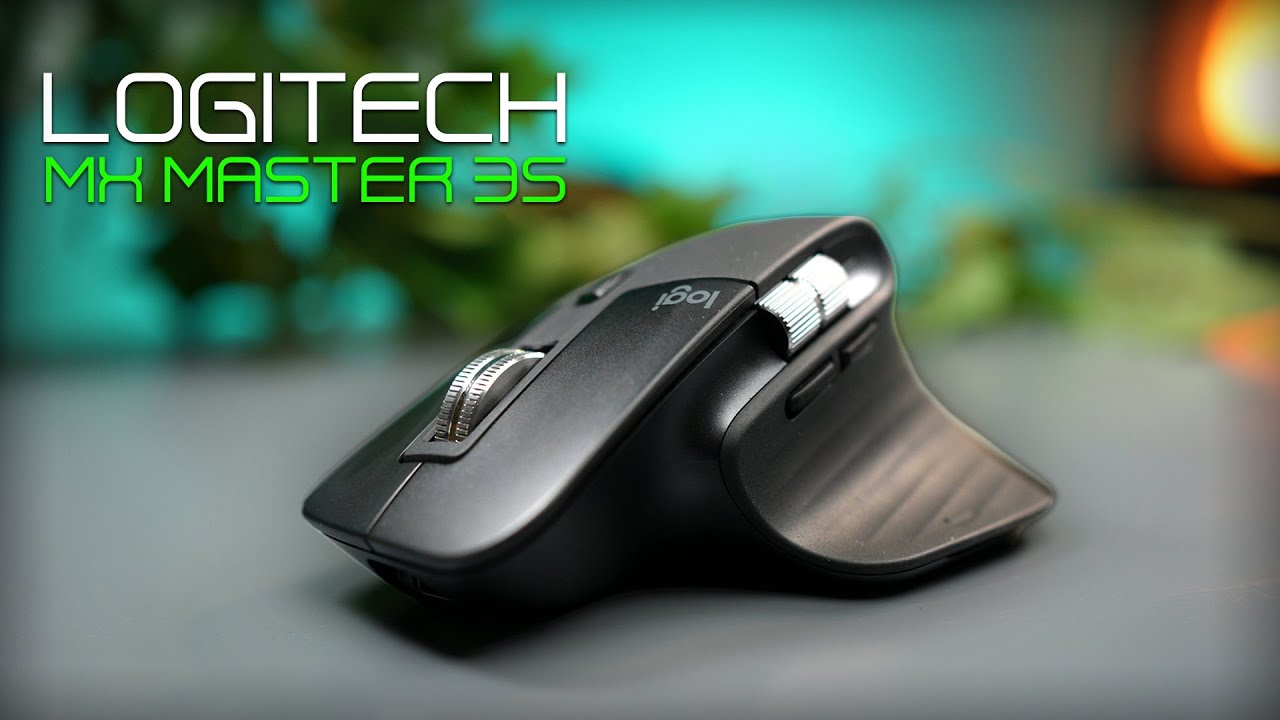
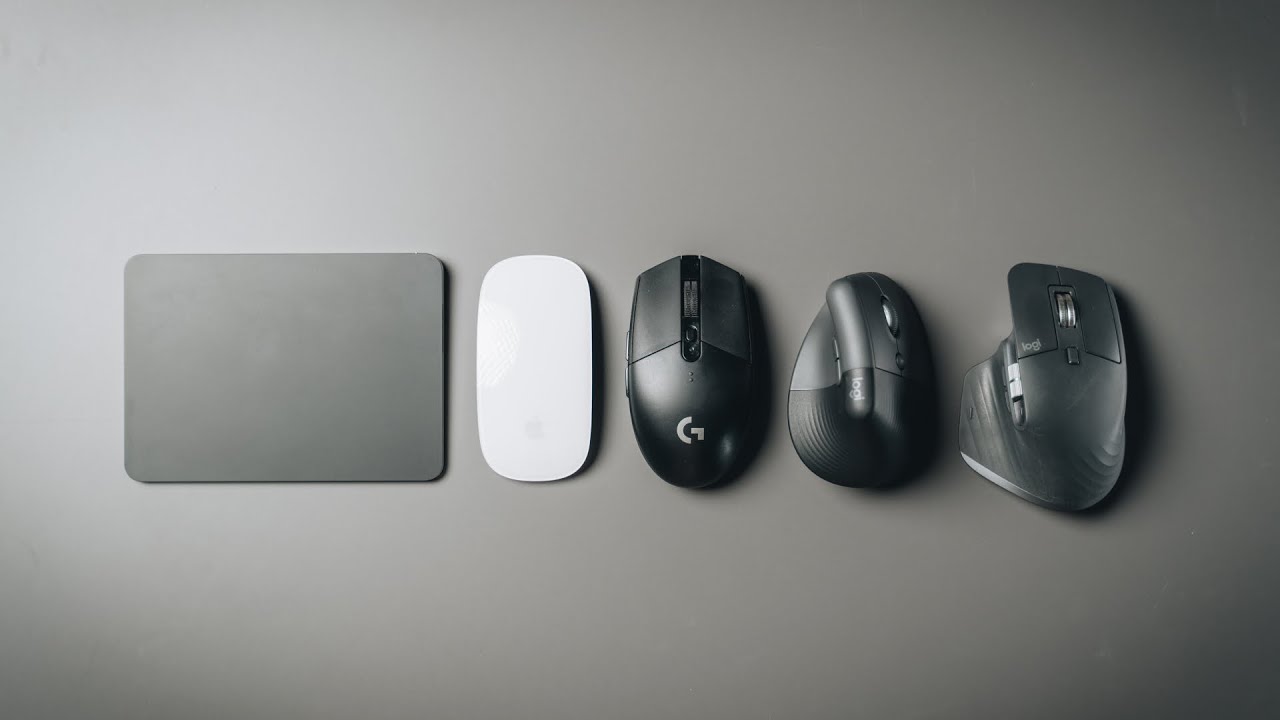
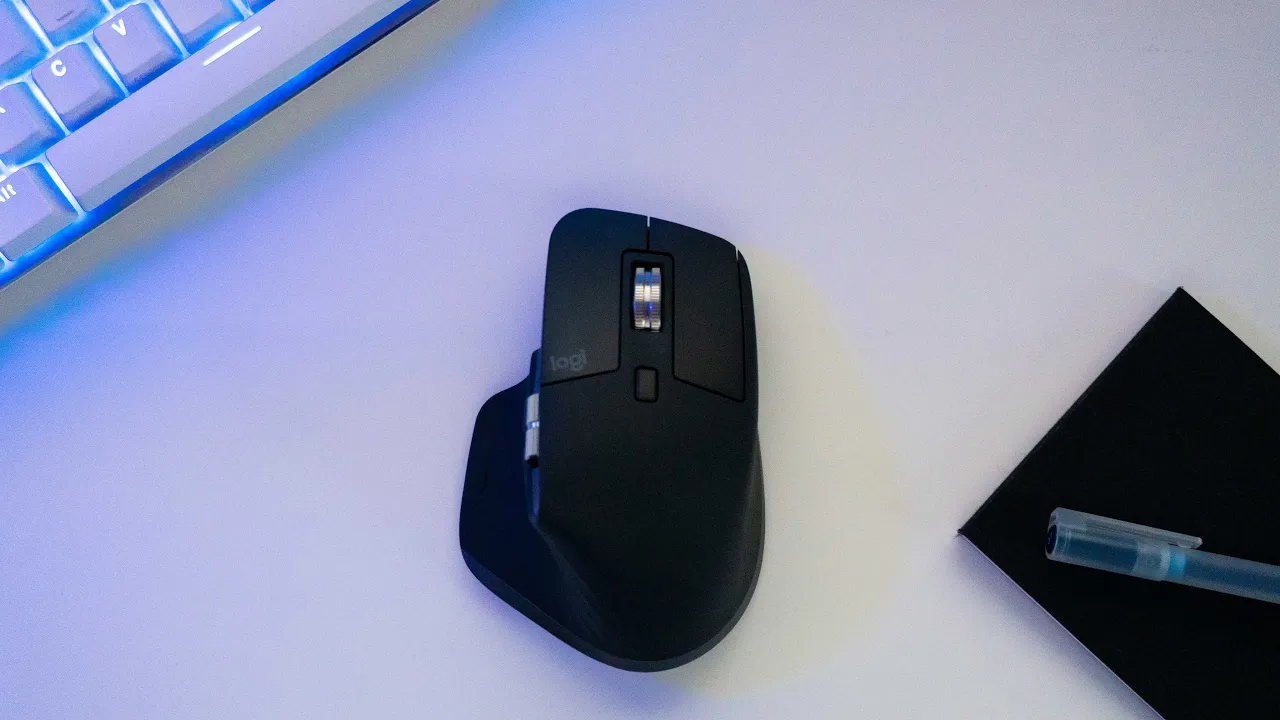
today i want to talk about a piece of tech that has helped me improve my productivity while working and editing my videos this is the logitech mx master 3. if you've been thinking about buying a wireless mouse but aren't sure if the logic deck mx master is the right choice for you in this video we'll have a look at what makes this mouse so so special and i will give you my honest opinion on whether you should buy it or not depending on your situation as i really value your time i'm going to start by
giving you my upfront conclusion i will recommend this mouse to any creator like video editors photographers architects illustrators software engineers and basically any creator that uses the mouse more than eight hours per day if you're a student or on a tight budget then probably this mouse is a bit of an overkill for you and any other cheaper alternatives will do the job now that you know the upfront conclusion let's have a look at what makes this mouse so special if i had to pick the star of this mouse it would be the scroll wheel it
can scroll a thousand lines in one second or if you want you can also scroll pixel by pixel so it's super precise the scroll wheel has two modes that you can change using this button the ratchet mode helps you fill every pixel while you're scrolling and the free spin removes any kind of friction while scrolling i think the horizontal scroll is a game changer especially for video editors because it will help you scroll the timeline much easily and to be honest even for general browsing i found myself using it way more than expected i think
this is pretty standard nowadays but it has back and forth buttons that can be customized depending on the app that you're using this mouse comes with a hidden gesture button that you can use to perform the usual gestures of the trackpad like switching between desktops one of the best things of this mouse is how much you can customize it to fit your needs it comes with a software from logitech that you can install on your laptop and lets you customize everything on this device from the scrolling speed and precision to app specific customization you can
configure every action in apps like photoshop premiere pro final cut pro chrome safari zoom war excel and so on this mouse is compatible with windows macos and linux operating systems you can connect this mouse up to three devices simultaneously this could be your phone tablet or laptop this mouse works up to 70 days on a full charge and you get three hours of use from a one minute charge which is honestly crazy to be honest i rarely charge this guy but if i have to i can still use the mouse while it's charging and by
the way the charger is usbc this is perhaps a less obvious feature but the ergonomics of this mouse are great and for someone that spends so many hours in front of the computer this is super important as you can see it's slightly rotated to the right which puts less pressure on your wrist and makes it really comfortable to hold this mouse has 4000 dpi precision which means this mouse works on virtually any surface even glass overall this is a very premium mouse and i can confidently say that this is probably the best mouse that you
can get for maximum productivity but let's have a look at who exactly is this mouse for if you're a professional and spend most of your day in front of a computer then go for it i think this mouse will give you a great return on investment once you customize it to fit your workflow because it will help you be more productive if you don't spend many hours in front of a computer then you probably won't benefit as much of all the feature that this mouse has to offer but hey if you have the money to
spare then sure go for it you'll absolutely love this mouse now if you're on a tight budget then i would say this mouse is probably not for you this mouse currently retails at around 100 and even though you can find it cheaper on platforms like amazon it's still quite of a big investment for most people and to be honest you really don't need to spend that much money on a mouse there are plenty of affordable options that even have the back and forward buttons now if you're considering buying this mouse i'll leave an affiliate link
in the description down below which basically means that i get a small commission if you buy the product using that link so you can help support my channel so i can make more videos like this one if you found this video useful here you'll find a playlist with all my tech reviews thank you for watching and see in the next one [Music]