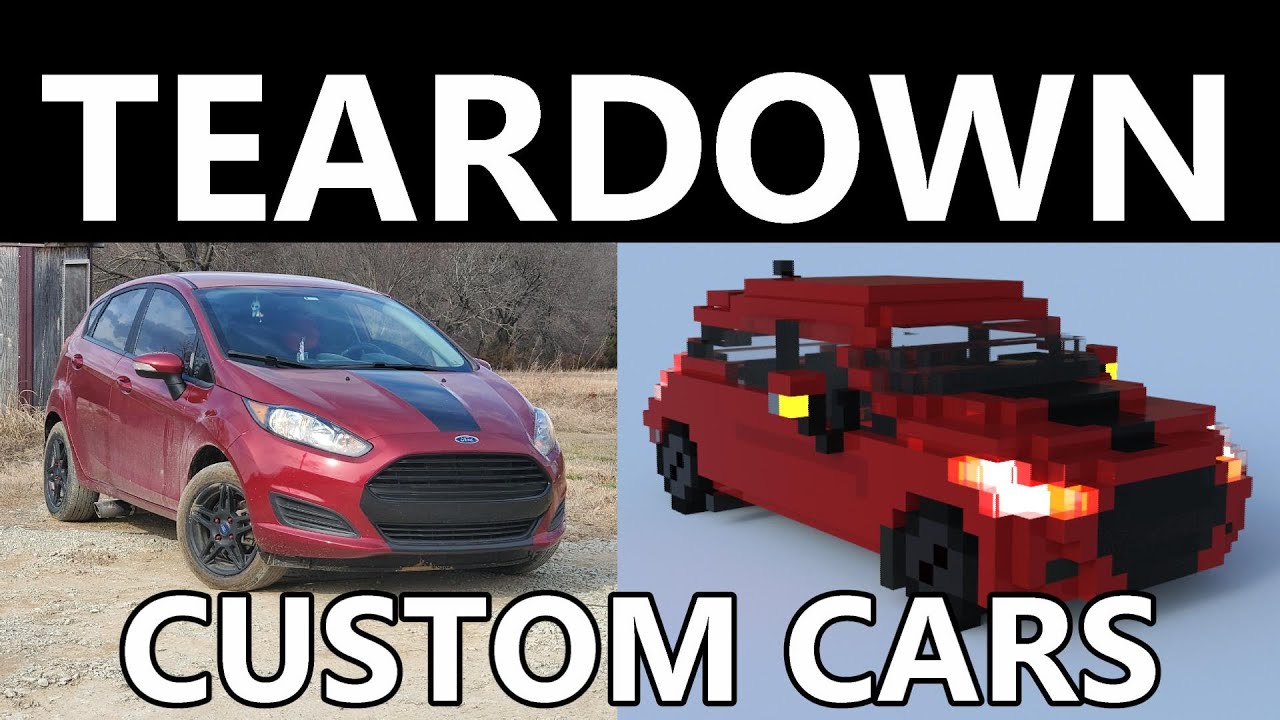
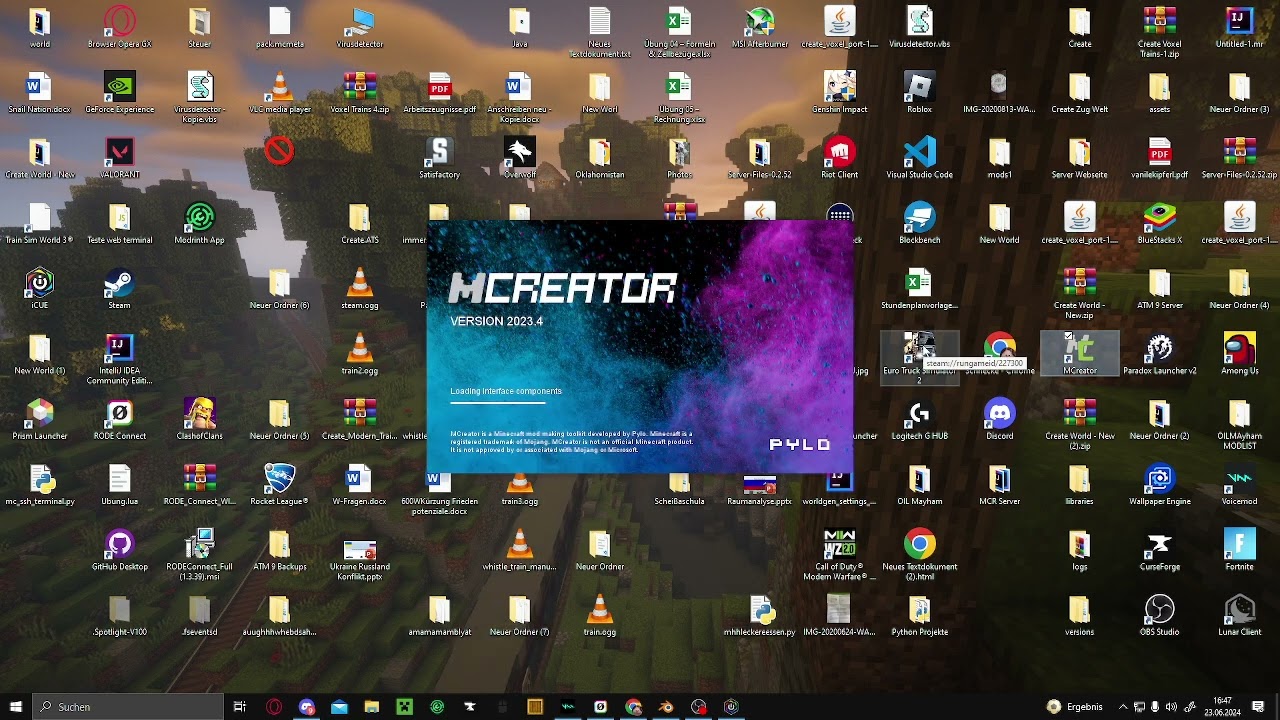
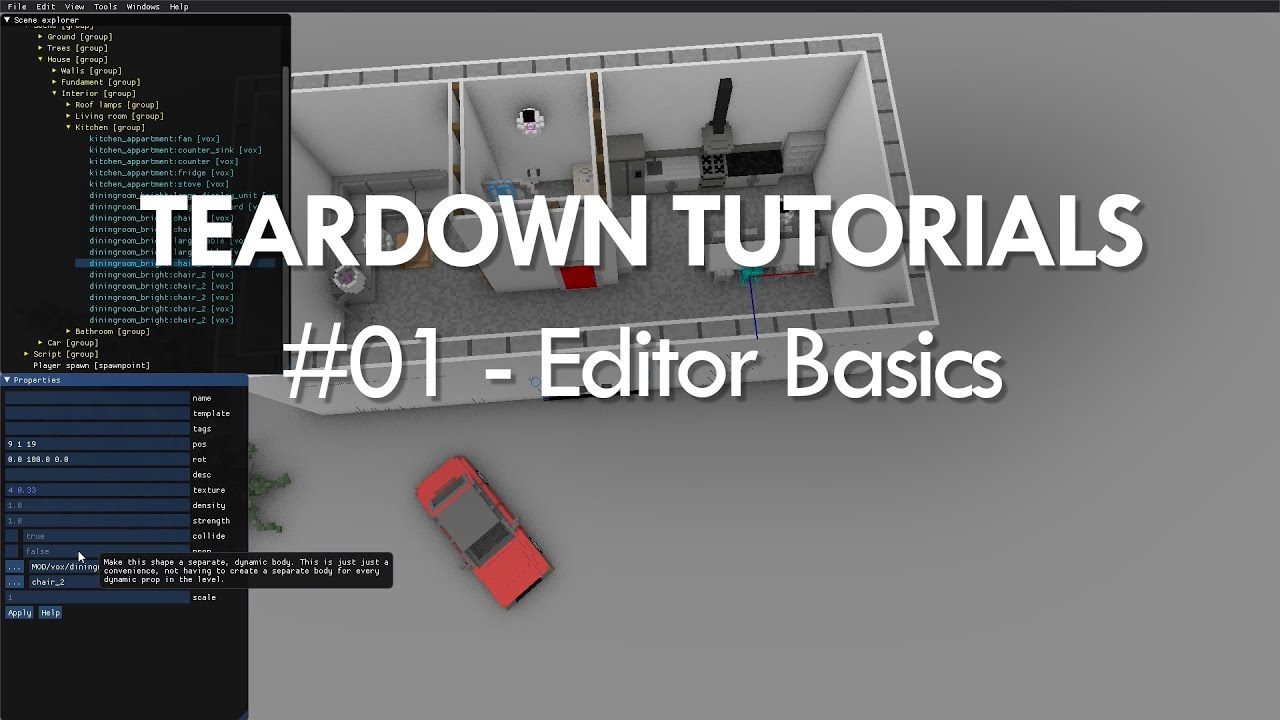
so hello guys today i wanted to show you guys how to install or make your own mods for for teardown so this is what you're gonna need to do you're gonna need to install this game on it's called magic vessel a voxel and you're gonna have to need this this is basically where you can create all your stuff so you can download this one it'll take you to this side and you'll have to download this one and just wait for this one to download and then you open it and you wait for it to open
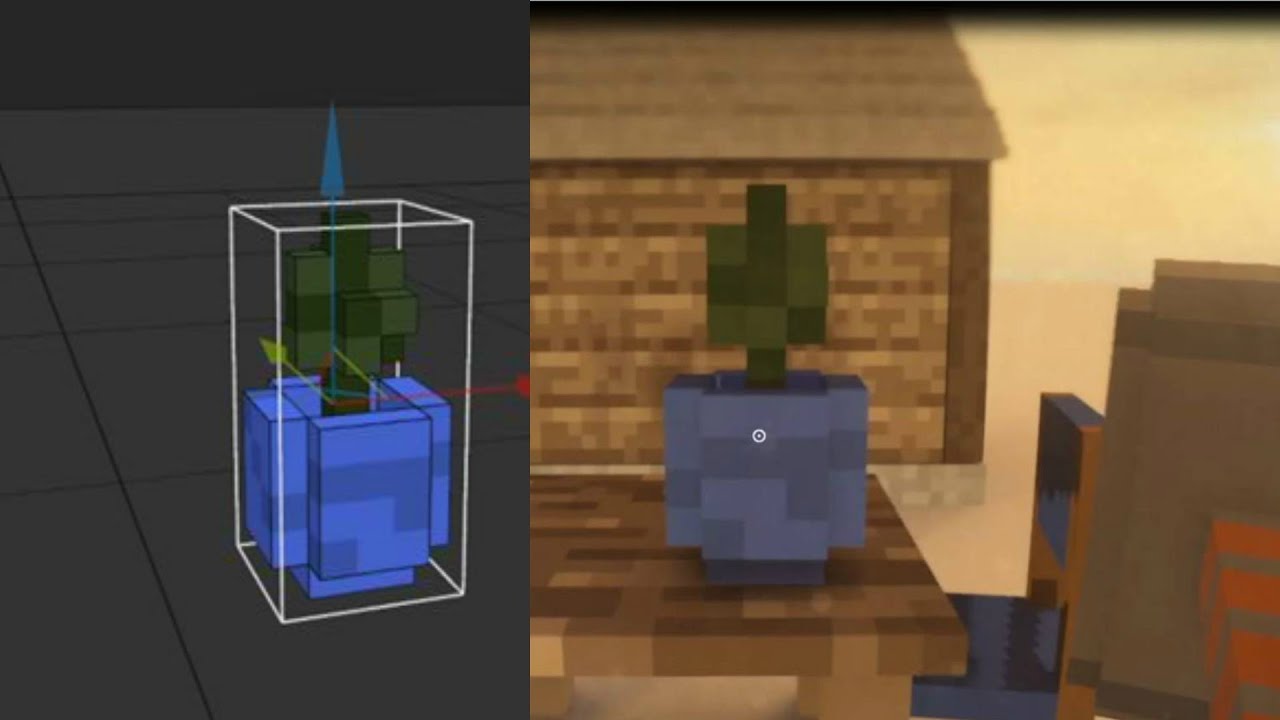
and get this one here so yeah and it looks like it will look like this for you and you'll go in here and this this is the thing you're gonna need to use obviously i've already got mine installed but you double click this and it will take you to this one you'll probably have a cube here so you just you just have to appear this control a and delete your cube will be deleted but take for example here you want to make i don't know you can make everything here you can make guns and stuff
so you take the attach and here you've got your colors and then this one is you can hold a left click and you can make this and yeah if you holding right click you can go around and this is where you'll have your weapons and stuff or whatever you want to make so this here you can press this one if you want to take it the thing forward and use the press here and take this one and it will go like this and you can make it bigger and stuff but you can also take it
like that and if the thing is the wrong way you just have to go in here and take press here and you can just do this until it's like this and say for example i will not put this in my teardown game when you're done with everything you'll press this download button up here and you just name it for example i want to change this with the for example let's say i don't know the the peace doll and the mlm pistol and then i save it and then i can see it here and here i
have more things you just you can add these things to the game if you want to this will come for everyone and it will just be like this and this i made this ak for for example let's let's add this ak to the game i'll do like this and i'll name it gun obviously i've already got it here but let's say i don't have it and you press this button here and you'll get to this site but right now you know take this window down and this one that's winrar and then you'll go to your
steam library to your teardown and right click on it and press manage and browse local files and you'll you'll be get to this site and you press data on the box and then tool then you get here and then you go back to your magic thing and you press here and this is my gun so we go in here but let's say you add this and you have to get the the replace file in the target obviously i have mine in swedish but when you do that because it has to be the same name as
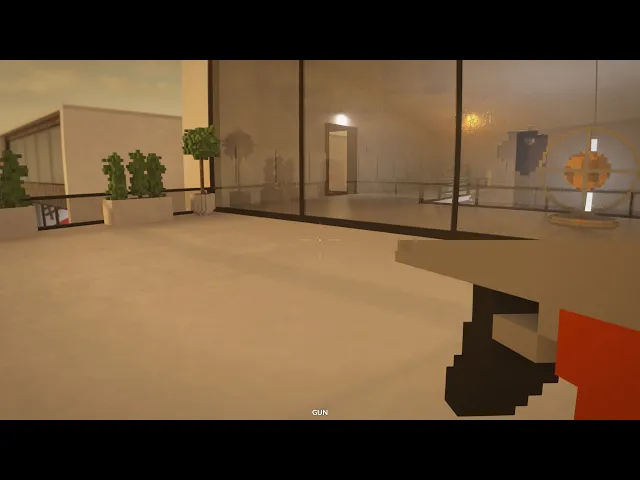
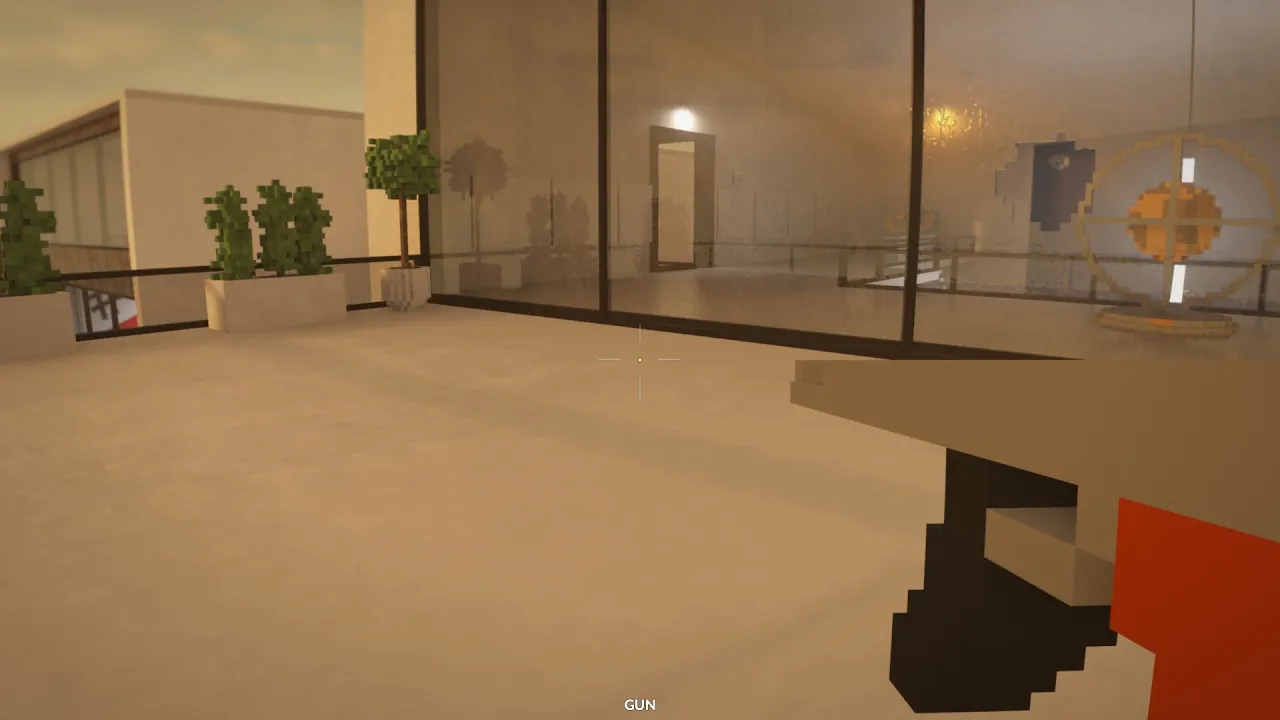
the thing you replace it with otherwise it won't work in the game so now i have by this gun in the game so let's go ahead and start up teardown yeah i'm swedish so all my things are in swedish that was loud let me turn that down a little bit let's go here so yeah that's my teardown so here is my teardown so so my teardown here for example go to the marina we go here and this is it guys and then you have your gun here and this is the gun you can take it
further down if you want to but yeah this is it guys this is the gun it's basically the same as i've replaced how it looks you can still do everything as it's intended and stuff it's nothing weird yeah he left something spam i don't know how to make it automatic or anything but yeah that's it guys for this video so i hope you learned how to do stuff and yeah you're welcome