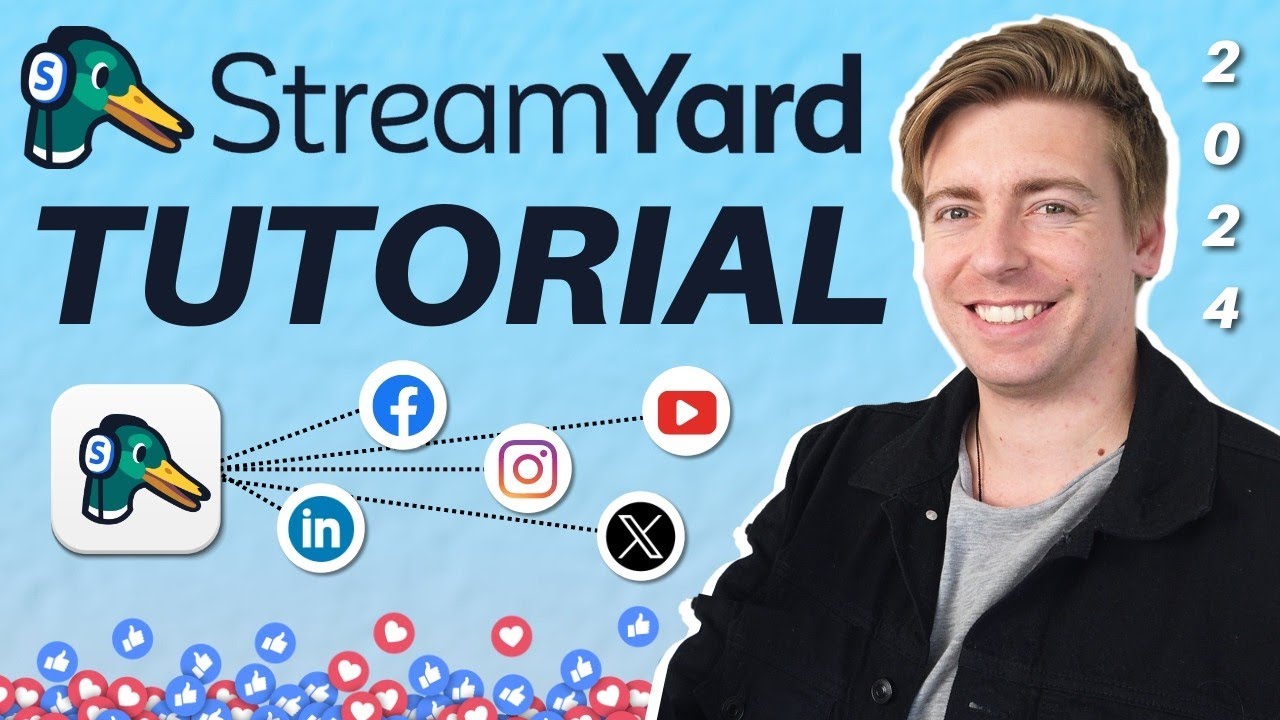
are you sick of having issues with your webinars spending tons of time troubleshooting with attendees if so you need streamyard on air hey it's Dana from streamyard streamyard on air is a live webinar platform we made it easy for you to create your own on a webinar I'll show you how from streamyard click create then click on air webinar most people click Studio but if you've already recorded a video you can select that recording or upload it to play as if it were live for this demo I'll choose Studio then choose to stream to multiple
destinations or just on air you can multi-stream to Major social media platforms like Facebook YouTube or LinkedIn if you don't want this content to be on social media as well feel free to skip this step next enter your title and description of the webinar this will show up on the registration page the reminder emails if registration is enabled and the webinar watch page we recommend enabling registration if you want to get valuable insights from your viewers then select the date and time streamer will automatically convert the time to your audience memb local time zone so
your viewers don't have to do any time zone calculating next choose to upload a thumbnail this graphic will show on the watch page then click create awesome now our webinar is scheduled we can preview the watch Page by clicking here or we can head to the onair settings page to customize it even further here I can choose my brand color and upload my custom logo the preview panel on the right will show you exactly how it's going to look for viewers click the watch page to find additional settings click registration to add your own custom
Fields as people start to register for your webinar you'll be able to manage those registrant here click the share button to copy the link and share it with your viewers this is also where you'll find the embed code for your website now we're ready to go live I'll head into the studio and when I'm ready I'll click go live during the live stream if you have live chat enabled all of those chat messages will filter into the streamyard studio and you can choose to show them on screen chat reactions are another amazing way for your
attendees to engage with each other and you here's what the viewer experience looks like if you embed the webinar on your website once you finished your live webinar click the end stream button you just hosted your first streamyard on air webinar it's as easy as that after the show you can head to the manage registrant page to see who came to the live stream and who only watched the on demand portion registration has to be enabled for this data you can also download a full log of all the onair live chats this feature is so
useful if there's anyone you need to follow up with if registration and On Demand was enabled all registrants will get a copy of the recording sent to their email you can turn this off at any time and that's everything you need to know to host your first on a webinar you can test it out for yourself today at streamyard tocom if you liked this video and want to learn more about streamyard check out these videos thanks for watching and have a great show





![7 Best Webinar Software Platforms in 2024 [Full Software Demo]](https://img.youtube.com/vi/lzyh9Ng9Cps/maxresdefault.jpg)